Keep Track of Orders App helps sellers and service teams monitor orders from the moment they’re created through completion. Use it to record new orders fast, review an all-orders list, and open individual order records to check key details as work progresses. It’s a practical fit for online shops, pop-up vendors, small manufacturers, and any team that needs a clear view of what’s new, what’s pending, and what’s already finished without relying on scattered notes or multiple spreadsheets.
With Jotform, you can turn order tracking into a shareable, self-service app experience using a no-code app builder and a drag-and-drop interface. Connect buttons to your order form for quick data collection, organize records in lists for daily follow-up, and keep your workflow consistent as volume grows. Customize pages to match your process, publish with a simple link, and give staff a reliable place to add, review, and manage order information.
Related templates

Order Ahead App
Wondering how to let customers order ahead online? Giving customers the freedom to order ahead makes everything easier for both parties. With this Order Ahead App, you can collect orders for pick-up or delivery, and take payments with debit or credit cards, or even with PayPal. Customers can open your app from any device, contact your restaurant or leave reviews, and download your app to their smartphone, tablet, or computer.Want to customize your Order Ahead App to match your restaurant’s branding? Our drag-and-drop interface makes it easy to add or change forms, choose fonts and colors, upload your logo or menu thumbnail images, update the app name or text, and more — all with zero coding. After that, simply share the link on your website or social media, and you’re off and running! Make ordering ahead a breeze and sell orders online with your own personal Order Ahead App.
Go to Category:Restaurant Apps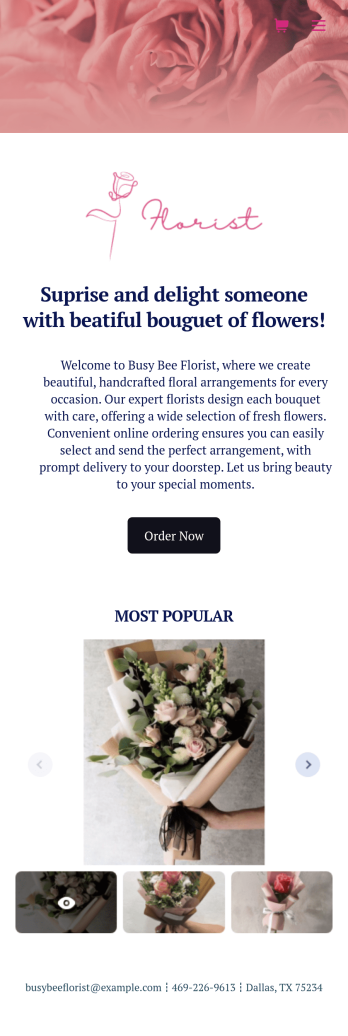
Flower Ordering App
As a florist, you’re a pro at making beautiful bouquets and flower arrangements — but are you wondering how to sell flowers online? With our free Flower Order App, you can easily make your flower shop’s very own app too! This ready-to-use app template includes an order form and feedback form, so you can easily store and share all your forms in one place. Customers can open your app from any device, place orders or leave reviews, and even download your app to their smartphone, tablet, or computer for future use.You’re already familiar with custom orders, so why not customize your Flower Ordering App too? No coding necessary — simply drag and drop to add more forms, change the background or splash screen, upload images or a new icon, update the app name or text, and more. When you’re satisfied with your app’s design, just share the link on your website or social media to start collecting orders from customers. Watch your business bloom with a custom Flower Ordering App that makes it easy to manage your forms, sell flowers online, track orders, and promote your shop all in one place.
Go to Category:E-commerce Apps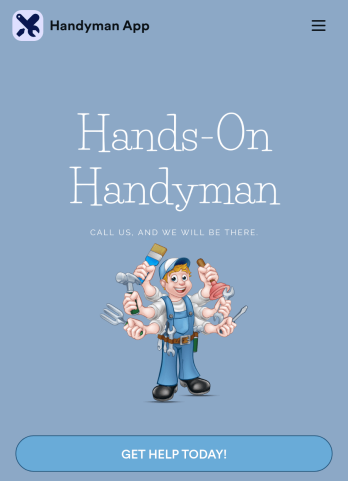
Custom Handyman App
Let clients book your handyman services or request quotes from any device with Jotform’s free downloadable Handyman App. Once you’ve customized the app to match your service offerings and branding, you can share the app to be saved onto any iOS or Android device or accessed instantly in a web browser via your site. You’ll be notified of each response instantly, so you can respond to service requests fast!Make this app match your business with our drag-and-drop builder. No coding required — quickly add your logo, choose your favorite colors and fonts, personalize the app background and icon, and make other changes in seconds. You can even integrate with 25+ payment processors to receive payments while paying no extra transaction fees to Jotform. Switch from time-consuming phone calls and emails to a powerful mobile Handyman App.
Go to Category:Online Service Apps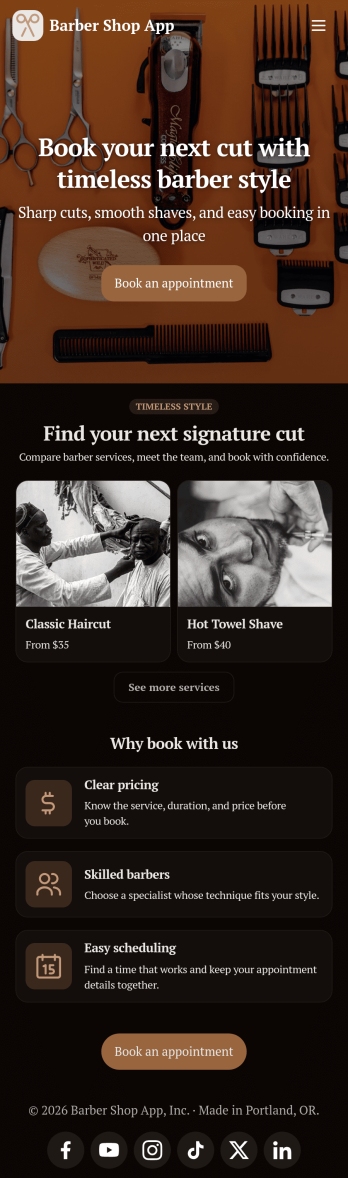
Barber Shop App
As a barber, you want to focus on your clients’ hair, not on booking appointments — so simplify the process for everyone with this Barbershop App! This free app template is ready to use and includes forms so you can schedule appointments and sell barber shop products online directly from your store. Customers can also fill out and update their profile, as well as write testimonials that you can display on your splash page. Your app can be easily accessed and downloaded to any smartphone, tablet, or computer for future use.This Barbershop App can be fully customized to match the branding of your barbershop. Our drag-and-drop interface allows you to add forms, upload logos and images, change fonts and colors, and more — no coding required. Jotform’s List Element feature lets you connect Tables and add actions, making it easy to organize data and manage your app’s flow. Once you’re satisfied with the look and have set the app up to sell your barbershop products online, simply share the link to your website or social media and start booking hair appointments today with this free and fully customizable Barbershop App!
Go to Category:Appointment & Booking Apps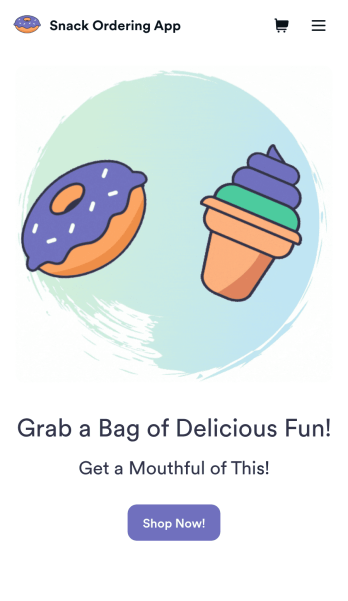
Snack Ordering App
Want to discover how to sell snacks online? Try Jotform’s easily customizable Snack Ordering App today. Customers can download your app from any iOS or Android device and purchase it immediately. All data will be stored in your Jotform account so you’ll never lose track of an order again.Add a little seasoning to your app and customize it with our easy-to-use app builder. Our no-code builder makes app design simple and to the point – no prior design experience is needed. You can add your company logo, list all the types of snacks you offer and integrate with 25+ payment integrations to receive online payments — while paying no extra transaction fees to Jotform. Share your app with your customers directly or embed a link on your website for easy access. Take your Snack Ordering App to the next level and sell snacks online with Jotform.
Go to Category:Delivery Apps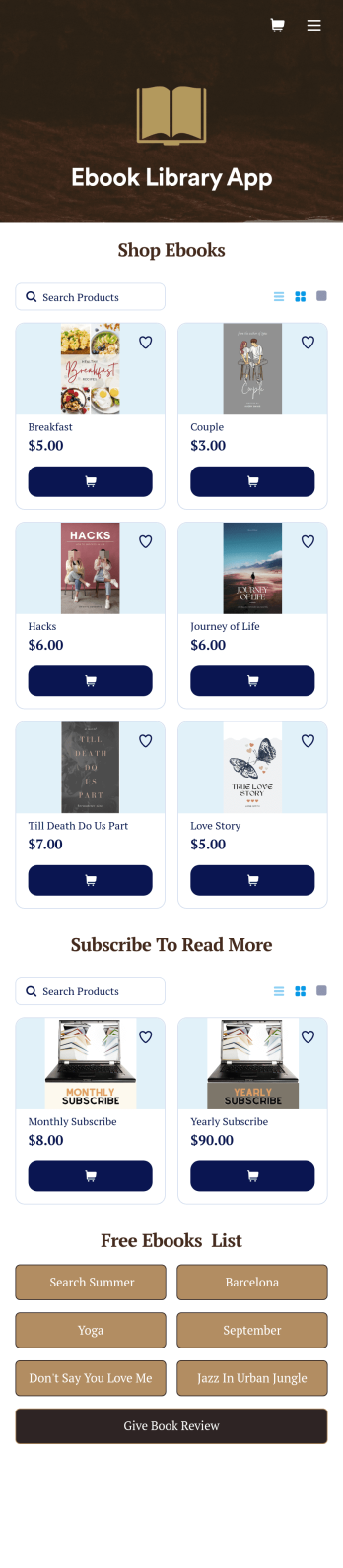
Ebook Library App
An e-book library app is used by teachers, schools, and small libraries for sharing free e-books with others. Need to know how to sell e-books online? With Jotform’s E-book Library App, you can upload multiple e-books as PDF documents to the app, and display them in a list of available titles on the main page. Users can browse and read e-books directly through the app’s interface, or download them onto their device with the tap of a button. This app template can also be used by individuals who wish to create a private library for storing their e-books in one convenient location.Want to make changes to this app template? Jotform's intuitive app builder makes it easy for anyone to customize the look and feel of their app with just a few clicks. No coding required — just drag and drop to add or change form elements, choose custom color schemes and backgrounds, add widgets, upload images, and more. Once you’re satisfied, share your app with others by sending email invites or the app link, and they can then access and download your app on any smartphone, tablet, or computer right away. Create a digital library of downloadable e-books with Jotform’s E-book Library App that works anywhere.
Go to Category:Education Apps