Math Learning Support App gives students a simple place to explore math lessons, practice key topics like fractions and algebra, and ask for help when they get stuck. Use it in classrooms, tutoring programs, after-school centers, or homeschooling to guide learners from choosing a lesson to reviewing worked examples and trying practice prompts. It’s also useful for teachers and tutors who want one shareable hub where learners can browse lesson content and submit questions tied to a specific topic.
Built with Jotform, this app template fits into your workflow without coding. Customize pages and navigation with a drag-and-drop interface, connect lessons to a structured list, and collect math questions through a linked form for consistent data collection. Share the app with a link or QR code, update content anytime, and keep learning resources and support requests organized in one self-service experience.
Related templates

Puzzle Learning App
Puzzle Learning App gives educators, tutors, training teams, and independent learners an interactive space for practicing reasoning and problem-solving skills. Learners can browse available puzzles, open helpful clues, submit attempts, and review their responses, reflections, confidence levels, and progress. It works well for classroom enrichment, tutoring sessions, remote learning, skills workshops, and self-paced study. By bringing puzzle content and learner activity into one accessible experience, the app reduces scattered materials, encourages thoughtful reflection, and helps instructors understand how participants approach each challenge.Jotform makes this app template easy to adapt with a no-code app builder and a flexible drag-and-drop interface. Add or rearrange pages, update puzzle resources, connect forms for data collection, and organize learning workflows without writing code. Jotform App Templates can also support notifications and connected records, helping instructors monitor new attempts and manage learning activity. Once customized, the Puzzle Learning App can be published for mobile-friendly access and shared through a direct link, QR code, or embedded experience, giving learners a convenient self-service resource wherever they study.
Go to Category:Quiz Apps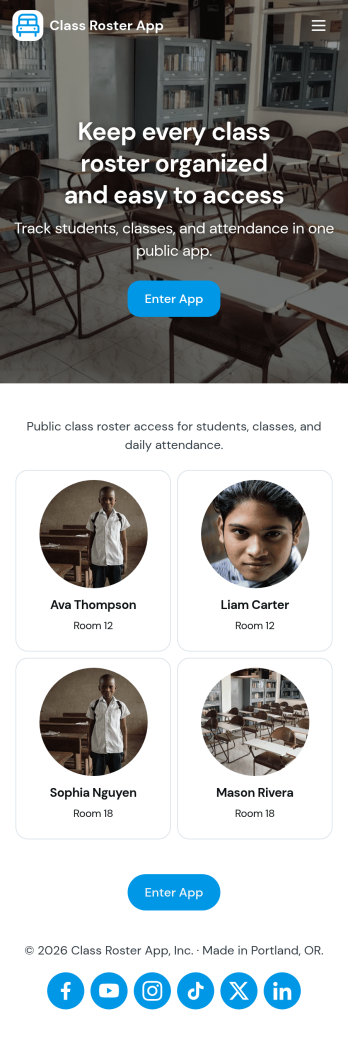
Class Roster App
Class Roster App helps teachers and academic staff keep a clear, up-to-date view of who is in each class and what is happening day to day. Use it to browse a student list, open individual student details, add new students as enrollment changes, and record attendance without jumping between scattered spreadsheets or paper notes. It’s a practical fit for K–12 classrooms, tutoring centers, after-school programs, and small training groups where rosters shift and quick access matters.With Jotform, you can turn this class roster app template into a mobile-friendly hub that supports self-service data collection and simple workflows. Customize pages with a drag-and-drop interface, connect buttons to forms for adding students or attendance, and keep records organized in one place. Share the app by link or QR code, collaborate with other instructors, and update the layout and branding anytime using Jotform’s no-code app builder.
Go to Category:Classroom Management Apps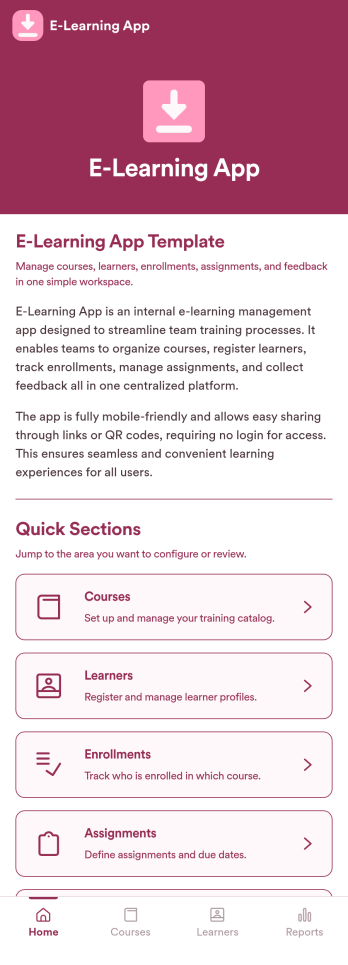
E-Learning App
E-Learning App is an app template designed to foster the creation and management of online learning experiences, specifically tailored for educators, training providers, schools, and organizations. It provides a structured platform for the seamless delivery of educational content and training programs, creating a centralized hub for learning materials, assignments, quizzes, and discussions. The integrated data collection feature ensures the capture of vital learner data, such as enrollment details, progress tracking, and feedback, making it a comprehensive solution for educational and training workflows. It is commonly used for distance learning, corporate training, and continual professional development programs, and is best suited for those needing a ready-to-use, robust platform for delivering a streamlined e-learning experience.Jotform’s intuitive, no-code app builder makes customizing your E-Learning App a breeze. Personalize the app to align with your organizational branding: swap out forms, choose fonts and colors, and upload your logo without a single line of code. Its cross-platform compatibility allows your learners to access the app on any smartphone, tablet, or desktop, ensuring a consistent learning experience across different devices. With the added convenience of electronic signature collection, authentication of important documents such as consent forms and agreements becomes effortless. Take advantage of Jotform's seamless integration with Sheets for easy management and visualization of collected data, and generate comprehensive reports to track learner progress and course effectiveness. With Jotform, managing your online learning program becomes an easy, efficient, and rewarding process.
Go to Category:Activity Tracking Apps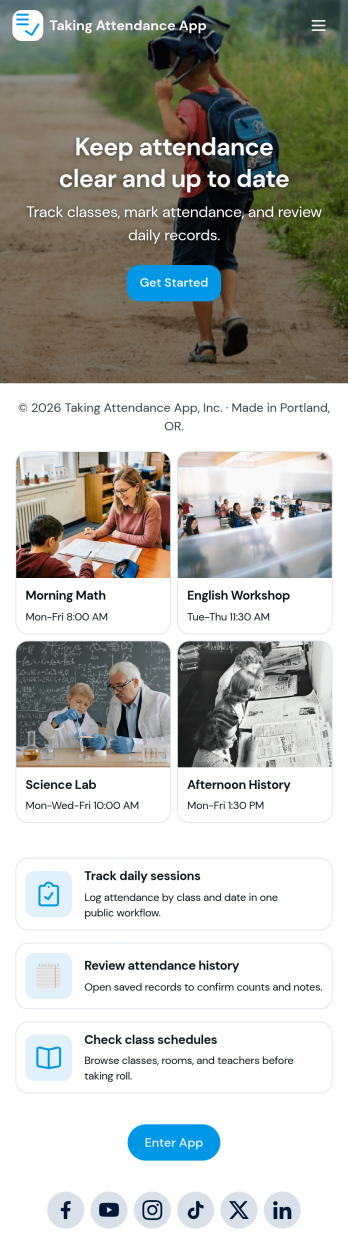
Taking Attendance App
Taking Attendance App helps teachers and staff capture daily attendance without juggling paper sheets or scattered messages. Use it to open a roster, add students as they enroll, and quickly record who’s present, absent, or late during homeroom, club meetings, tutoring sessions, or training days. A daily attendance snapshot makes it easy to spot patterns at a glance, while student profiles keep key context like class and guardian details close by when you need it.Built with Jotform, this app template combines self-service navigation with connected forms and records so attendance stays organized over time. Customize pages, buttons, and lists with a drag-and-drop interface, then share the app with your team for consistent data collection. As your workflow grows, you can route updates through approvals, centralize records in tables, and keep everyone aligned with a single link they can access on any device.
Go to Category:Education Apps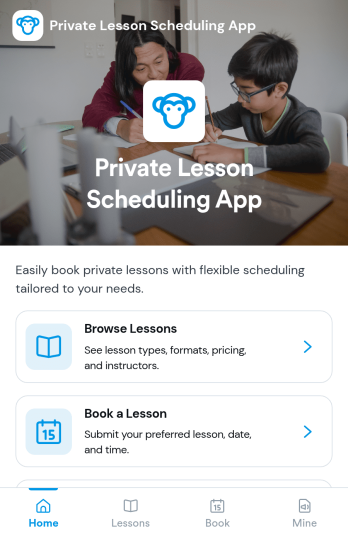
Private Lesson Scheduling App
Private Lesson Scheduling App helps instructors and tutoring businesses organize one-on-one sessions in a clear, client-friendly flow. Learners can browse lesson options, open a lesson page for details, and book a time without lengthy emails or phone calls. It’s a practical fit for music teachers, academic tutors, language coaches, art instructors, and personal skill trainers who want a single place to present offerings and capture bookings.Built with Jotform App Templates, this app template can be tailored with a no-code app builder and a drag-and-drop interface so you can match your brand and scheduling style. Connect the booking button to a form for fast data collection, keep records centralized, and share the app with a link or QR code for easy self-service on any device. As your workflow grows, you can update lesson listings and booking steps without rebuilding from scratch.
Go to Category:Appointment & Booking Apps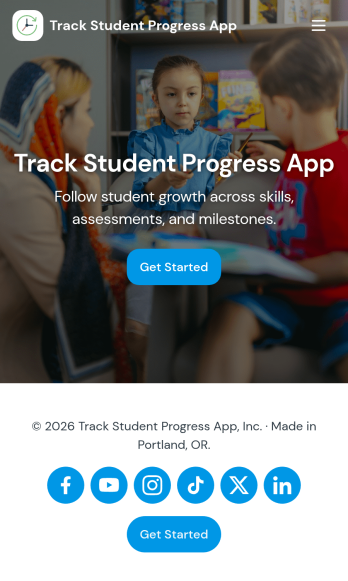
Track Student Progress App
Track Student Progress App helps educators and academic teams monitor learner growth in one place, using a roster view for quick navigation and progress logs to capture updates over time. It works well for classroom teachers, tutors, special education staff, and program coordinators who need a reliable way to review student profiles, record subject-level notes, and quickly see who is on track versus who needs support.With Jotform, you can turn this workflow into a shareable self-service app experience without coding. Use a no-code app builder with a drag-and-drop interface to connect forms for data collection, keep records organized, and support a consistent workflow for adding students and logging progress. Publish the app as a simple link for staff access, then refine the layout, branding, and pages as your tracking process evolves.
Go to Category:Classroom Management Apps