
Monthly Department Review App gives department heads, operations leaders, and management teams a central place to document and assess recurring departmental results. Teams can submit a monthly review, browse prior reviews, and capture a focused performance summary with key risks and follow-up actions. It supports monthly business reviews, leadership check-ins, cross-functional reporting, and accountability meetings without scattering updates across emails and separate files. Small and midsize organizations can use this app template to establish a consistent reporting rhythm, identify emerging concerns earlier, preserve context from month to month, and keep agreed actions visible.
Jotform offers App Templates that help teams turn routine processes into accessible digital experiences. Customize Monthly Department Review App with the no-code app builder and its drag-and-drop interface, then connect forms, tables, approvals, and notifications to support data collection and workflow automation. Pages, navigation, visual styling, and branding can be adjusted to match internal processes. Once published, the app can be shared by direct link or QR code, giving authorized team members convenient mobile access to review resources and self-service reporting tools.
Related templates
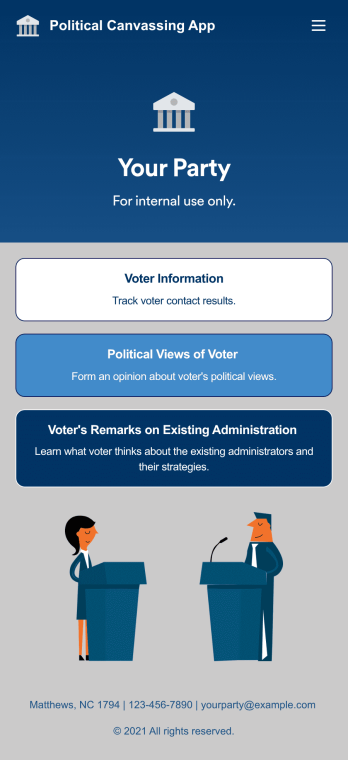
Custom Political Canvassing App
A political canvassing app is used by political parties and candidates for collecting voter information during elections. This free Political Canvassing App from Jotform includes three forms: a Political Canvassing Debriefing Form for tracking voter information, a Political Survey for gauging voters’ political views, and a Political Poll to to learn where voters stand on the current administration and their strategies. Results are instantly synced and compiled in your secure Jotform account.This app template is ready-made and requires no coding, but customizing is easy with our drag-and-drop form builder. You can add or swap out form elements, change poll and survey questions, choose fonts and colors, upload your campaign’s logo, and more. You can also personalize your app’s splash screen by adding images, contact information, and any other relevant campaign information. When you’re finished, share a link to your app on your website or social media, or attach it to a newsletter or mailing list, where it can be accessed and downloaded on any device. Empower your campaign with voter surveys and polls using this fully-customizable Political Canvassing App.
Go to Category:Report Apps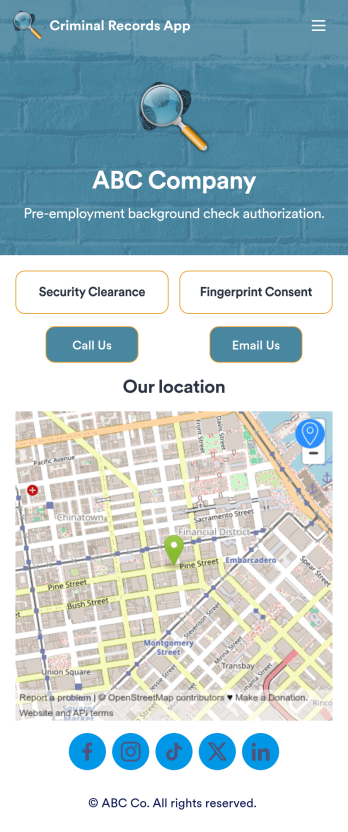
Criminal Records App
A criminal records app is used by companies and HR departments to perform background checks on new job applicants. This free Criminal Records App by Jotform includes both a fingerprint and security clearance consent form. Job applicants can fill out general contact information, answer criminal background questions, upload photos of their IDs, and provide a consent and authorization signature. There is also a place for parents and guardians to sign if the applicant is under 18.Need to customize this Criminal Records App? With our drag-and-drop form builder, you can easily swap out forms, change fonts and colors, upload images, and more — no coding required. Afterwards, just send job applicants a link to your app and have them access or download it on any smartphone, tablet, or desktop. Streamline background checks for new hires with this customizable Criminal Records App.
Go to Category:Report Apps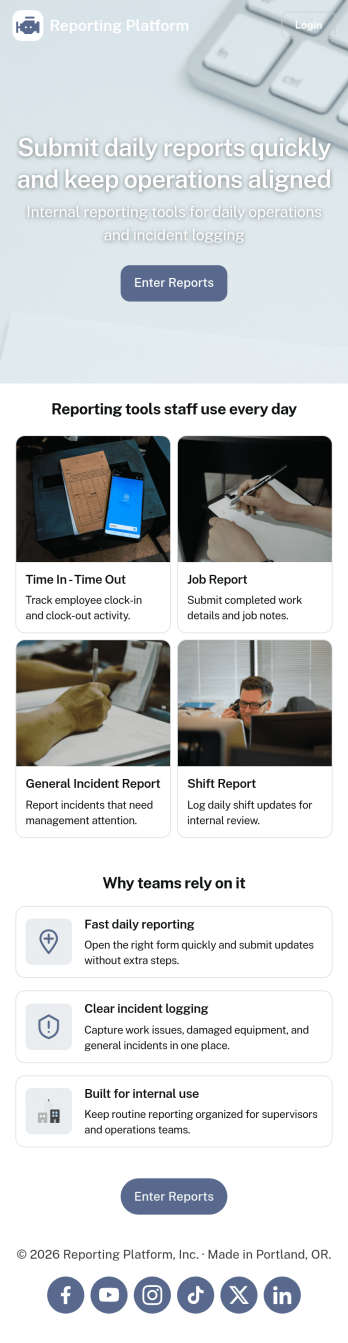
Daily Report App
A daily report app is used by employers to track shift reports, hours worked, and other types of job reports. If you need a more efficient way to collect and manage reports, do it with this ready-made Daily Report App. Simply customize the app if you need to and share it with your employees to download onto their smartphone, tablet, or computer.Customizing this Daily Report App is easy. Jotform’s drag-and-drop app builder lets you add your logo, update forms, change the app background and icon, and make other design changes with no coding required. And if you want to send reports to other platforms, you can do it automatically with 100+ form integrations.
Go to Category:Human Resources Apps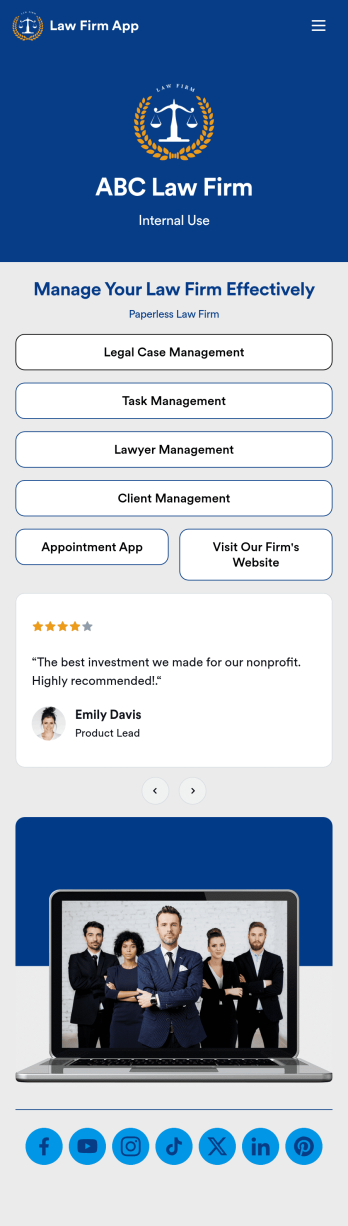
Law Firm App
Need an efficient way to manage your law firm? Keep track of your associates and fellows, manage your case documents, review client forms, and more with our Law Firm App – free from Jotform. With your custom app, you’ll be able to receive and manage all types of internal information. All your data will be stored on your Jotform account in one accessible place – go paperless and manage your firm in a centralized place.Want to give your Law Firm App a professional, polished touch? Jotform’s no-code drag-and-drop app builder allows you to customize your app just the way you want. Use your logo or pick an app icon and background image that represents your firm the best. Your lawyers can access the app through direct messaging, email, or via a scannable QR code. Relieve some of your daily stress and try Jotform’s free Law Firm App today.
Go to Category:Legal Apps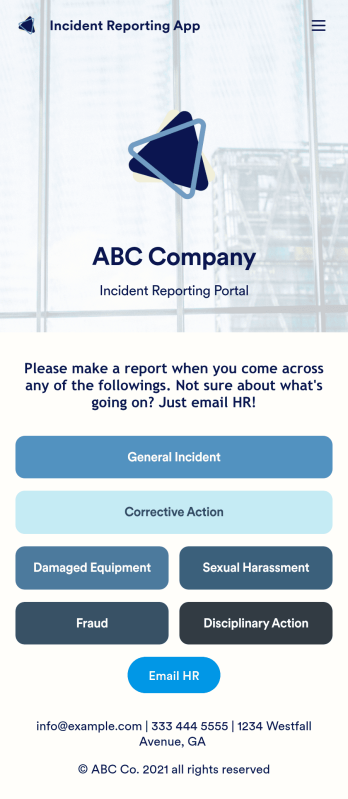
Incident Reporting App
Reporting workplace incidents helps address safety hazards and prevent future accidents. Create a custom Incident Reporting App for your company with our free readymade template. This app features report forms for general incidents, fraud, and corrective and disciplinary actions. You’ll be able to customize and share your form with other managers or supervisors, who can then access, download, and interact with your app from any device. This Incident Reporting App is ready to use as if — but feel free to make modifications using our drag-and-drop interface. Without coding, you can add new report forms, update text, upload images, and change the name, icon, and splash page of your app. When it’s ready, you can access your app from any smartphone, tablet, or computer and share it with others via link. Make it easier to record, report, and respond to incidents at your workplace with a custom Incident Reporting App!
Go to Category:Report Apps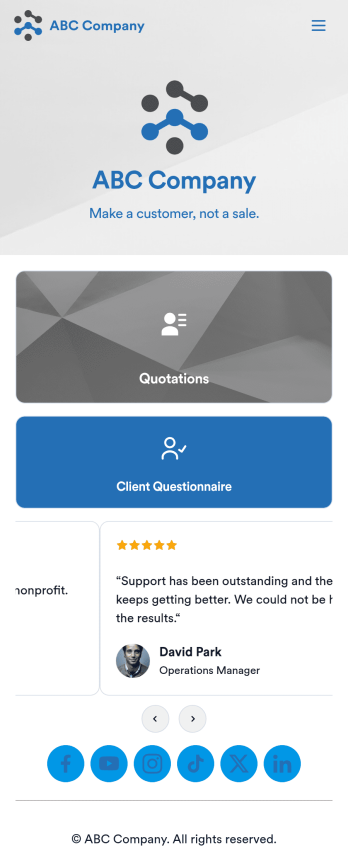
Customizable Quotation Management App
Create and manage quotes for your customers using Jotform’s free Quotation Management App for sales teams. This fully customizable mobile app includes a client questionnaire and a quotation log that syncs to our Simple CRM template. You and other members of your sales team can download and use the app on any computer, tablet, or smartphone to fill out the attached forms or view data in the tables.Customize this Quotation Management App for your business in just a couple of clicks. No coding is necessary — just drag and drop to customize the look and feel of your app. You can easily add forms, tables, links, documents, images, logos, and much more. Then share your mobile with others via the app link or by sending email invites. Make it easier to generate and track customer quotes with a custom Quotation Management App for your sales team.
Go to Category:Management Apps