
Outbound Picking Tracker App is an app template for warehouse teams that need a clear way to record and monitor items leaving inventory for order fulfillment. Pickers, supervisors, inventory coordinators, and logistics managers can record new picks, review active and completed work, and check key fulfillment details from one organized location. It supports distribution centers, stockrooms, retail warehouses, and e-commerce operations where teams must maintain visibility into outbound activity. By replacing scattered notes and disconnected updates, the app helps reduce missed tasks, clarify picking status, support staff accountability, and keep daily fulfillment work moving.
With Jotform Apps, teams can adapt this App Template through a no-code app builder and an intuitive drag-and-drop interface. Pages, navigation, forms, connected data, and branding can be updated to match an existing warehouse workflow without programming. Organizations can link data collection to tables, notifications, approvals, and other processes while giving employees mobile-friendly self-service access. Once ready, the app can be shared by a direct link or QR code, making it easier to introduce a consistent picking experience across shifts and locations.
Related templates
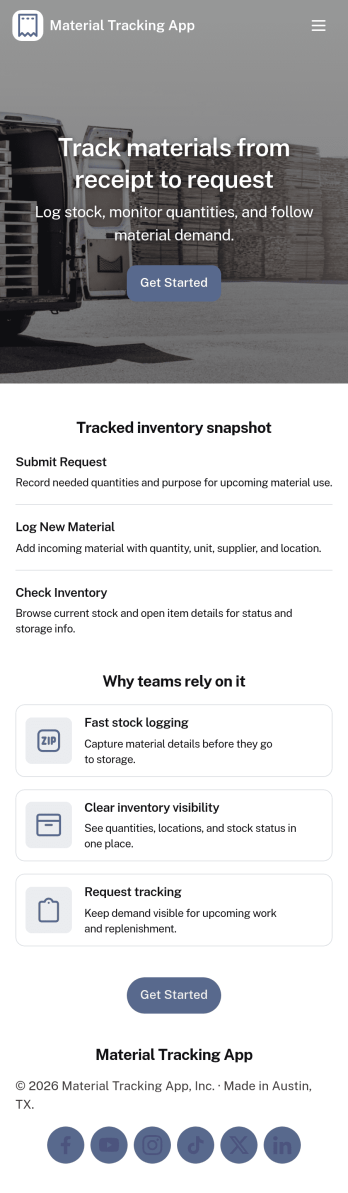
Material Tracking App
Material Tracking App helps teams record materials as they come in and go out, keep a clear view of current stock, and review activity over time. It’s a practical fit for construction crews, facilities teams, makerspaces, warehouses, and any operation that needs a simple way to log material usage and avoid surprises when supplies run low. With quick actions for logging material and adding new materials, plus dedicated areas for inventory and history, the app supports consistent updates across shifts and job sites.Built with Jotform, this app template makes it easy to launch a mobile-friendly self-service experience without coding. Use the drag-and-drop app builder to tailor pages, buttons, and navigation to your workflow, then connect your material log and inventory records to your existing data collection process. Share the app by link or QR code so staff can update stock in the moment, while managers get a clearer workflow for tracking materials and keeping inventory organized.
Go to Category:Inventory Apps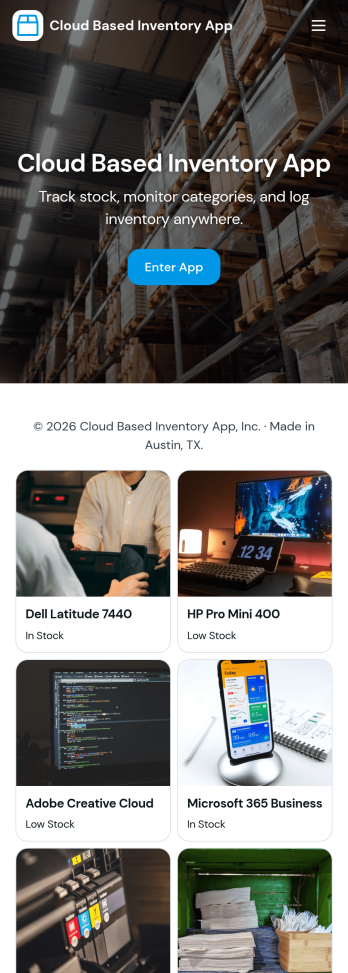
Cloud Based Inventory App
Cloud Based Inventory App helps teams track products, stock levels, and item activity from one central place, making it easier to keep shelves, storage rooms, and remote locations in sync. Use it to maintain a clear catalog, review current stock, and capture incoming items through guided intake so updates don’t get lost in messages or spreadsheets. It works well for retail operations, warehouses, field teams, growing e-commerce brands, and multi-location businesses that need a practical way to add items and adjust quantities as inventory changes.Built with Jotform, this app template can be tailored with a no-code app builder and a drag-and-drop interface so you can match your workflow without development time. Connect the app to forms for data collection, route updates through the right workflow, and keep inventory actions consistent across your team. Share a single link for self-service updates, standardize how item records are created, and keep information organized as your inventory grows.
Go to Category:Inventory Apps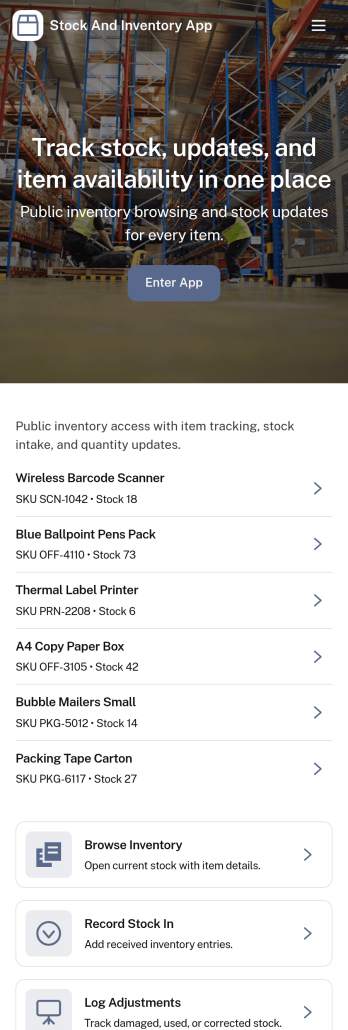
Stock and Inventory App
Stock and Inventory App helps teams track items, monitor stock levels, and document inventory movement in one place. Use it to browse item lists, open item details, add new items, and keep a clear history of stock changes over time. It’s a practical fit for retail shops, warehouses, field operations, studios, and small manufacturers that need a shared source of truth for what’s on hand, what’s running low, and what has recently moved.Built with Jotform App Templates, this app template can be tailored to match your workflow without code. With Jotform’s no-code app builder and drag-and-drop interface, you can connect forms and tables to support data collection, create a self-service experience for staff, and keep inventory workflows organized across pages. Share the app with a link so teammates can review items, record stock in, and check movement history from desktop or mobile.
Go to Category:Inventory Apps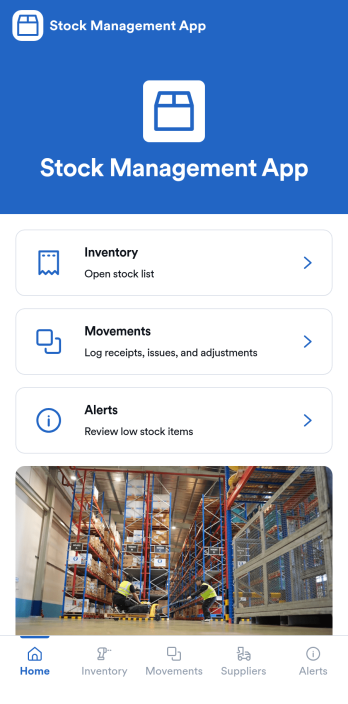
Stock Management App
Stock Management App helps teams track inventory levels, record stock movements, and follow up on low-stock alerts without juggling spreadsheets. It’s a practical fit for retailers, warehouses, small manufacturers, clinics with supply rooms, and field service businesses that need quick visibility into what’s on hand and what’s running out. With dedicated areas for inventory, movements, and alerts, staff can log updates as items are received, used, returned, or adjusted, so everyone works from the same source of truth.Built with Jotform, this app template pairs a mobile-friendly interface with organized navigation and connected data collection. You can add new items, record movements through linked forms, and keep supplier information alongside your inventory records, then share the app as a self-service tool for your team. Using Jotform’s no-code app builder and drag-and-drop interface, it’s easy to adapt the layout, fields, and workflow to match your stock process across one location or multiple sites.
Go to Category:Inventory Apps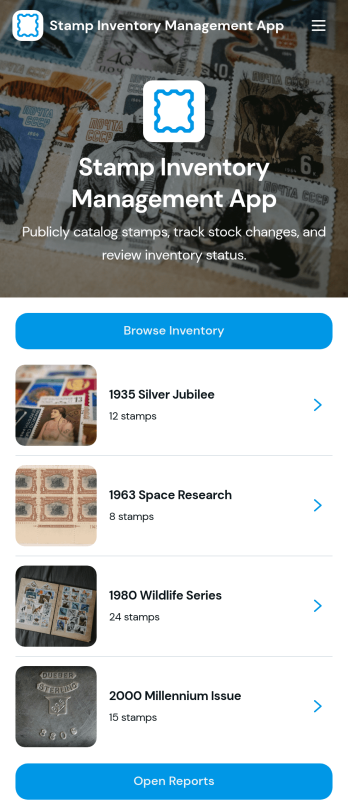
Stamp Inventory Management App
Stamp Inventory Management App helps collectors, dealers, museum archives, and hobby clubs keep a clear record of stamp holdings across storage locations. Use it to browse inventory by stamp name, open a stamp record to review quantity and condition, and quickly navigate to location-based views when you need to find items fast. With an easy way to add new stamp records and adjust stock, this app supports day-to-day catalog upkeep, trades, show prep, insurance documentation, and periodic collection audits without relying on scattered notes or spreadsheets.Jotform makes it simple to turn your process into a mobile-friendly self-service experience using app templates and a no-code app builder. With a drag-and-drop interface, you can tailor pages, navigation, and visuals to match how you organize your collection, then connect the app to your data collection workflows and reporting needs. Share the app with collaborators, keep information centralized, and maintain an up-to-date stamp inventory that’s easy to review and manage from anywhere.
Go to Category:Inventory Management Apps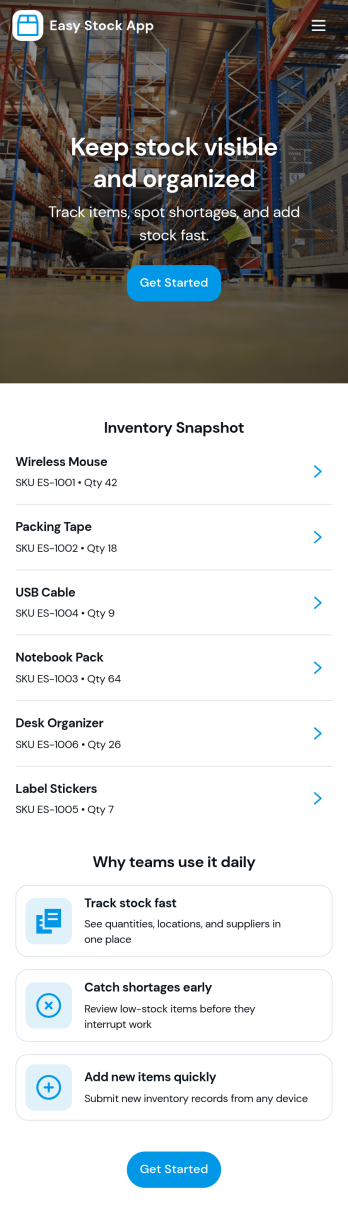
Easy Stock App
Easy Stock App helps teams keep a clear, up-to-date view of stock in one place without complicated systems. Use it to browse inventory records, add new items as they arrive, and give staff a simple way to review what’s on hand from a central hub. It’s a practical fit for retail shops, storerooms, small warehouses, pop-up sellers, school departments, and nonprofits managing supplies where quick updates matter and missing items create delays.With Jotform’s app templates, you can publish a mobile-friendly inventory experience powered by a no-code app builder and a drag-and-drop interface. Connect the app to your inventory form and table to support consistent data collection, keep records organized, and reduce manual follow-ups. Share the app as a self-service link for your team, then adjust pages, buttons, and branding as your workflow evolves.
Go to Category:Inventory Apps