
Painting and Drywall Services App gives painting contractors, drywall specialists, home service businesses, and field crews one organized place to manage customer requests and active jobs. This ready-to-use app template supports service request intake, project record keeping, and material readiness checks without scattering information across paper notes or separate channels. Teams can review customer contact details, addresses, project scope, reference photos, surfaces, materials, job status, work notes, and completion photos as work progresses. It is well suited to residential repaints, commercial painting, drywall installation, patching, finishing, and repair projects. Clear records help office staff and field teams coordinate assignments, prepare supplies, document results, and respond to customers with better context.
Jotform makes it easy to adapt this app to the way your business operates. Its no-code app builder and drag-and-drop interface let you update pages, navigation, colors, fonts, buttons, and branding without programming. Connect forms, tables, notifications, approvals, and other workflow steps to support data collection and keep job information accessible. You can publish the app through a direct link or QR code, giving employees and customers a mobile-friendly experience for self-service requests and field updates. Start with one of Jotform’s App Templates, customize the content, and create a practical resource for daily service operations.
Related templates
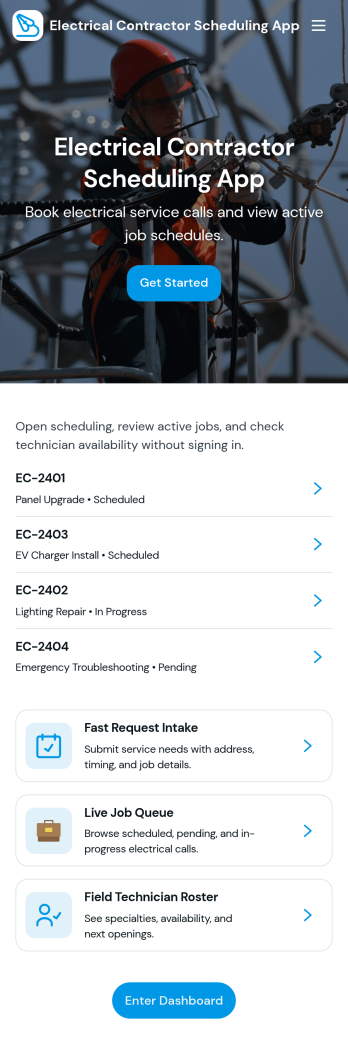
Electrical Contractor Scheduling App
Electrical Contractor Scheduling App helps electrical service businesses capture new job requests, organize a job queue, and keep dispatch decisions clear as the day changes. Use it to route incoming work into a central place, review job details by customer and work order, and quickly move from request intake to scheduling. It’s a practical fit for electrical contractors, dispatchers, office managers, and field supervisors who manage multiple crews, urgent calls, and tight appointment windows.Built with Jotform, this app template pairs a mobile-friendly experience with the flexibility of a no-code app builder. With a drag-and-drop interface, you can tailor pages for your dispatch board and crew directory, link buttons to scheduling forms for fast data collection, and keep your workflow moving from request to scheduled job. Share the app with your team using a link or QR code so everyone stays aligned without juggling spreadsheets.
Go to Category:Construction Apps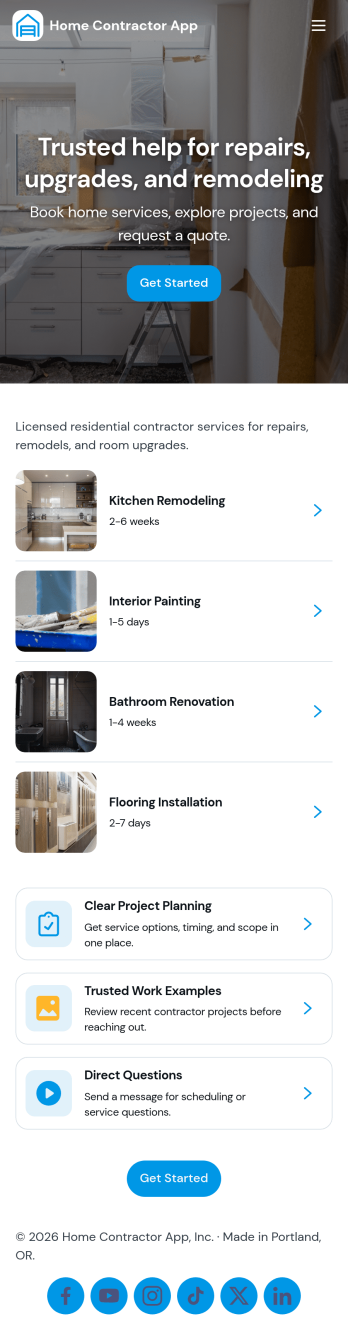
Home Contractor App
Home Contractor App gives homeowners and property managers a simple way to explore a contractor’s services, review past work, and request pricing in one place. Use it to route new inquiries to the right team faster by letting people browse services, view project examples, and send quote requests tied to specific services or similar past projects. It’s a practical fit for remodelers, general contractors, handymen, and specialty trades who want a consistent intake experience without relying on phone calls or scattered email threads.Jotform makes it easy to publish and customize app templates like this with a no-code app builder and a drag-and-drop interface. Connect your app to Jotform forms for data collection, automate follow-ups with workflow steps, and keep requests organized for your team. Share your app with a link or QR code, update services and project lists as you grow, and create a polished self-service experience that works smoothly on any device.
Go to Category:Construction Apps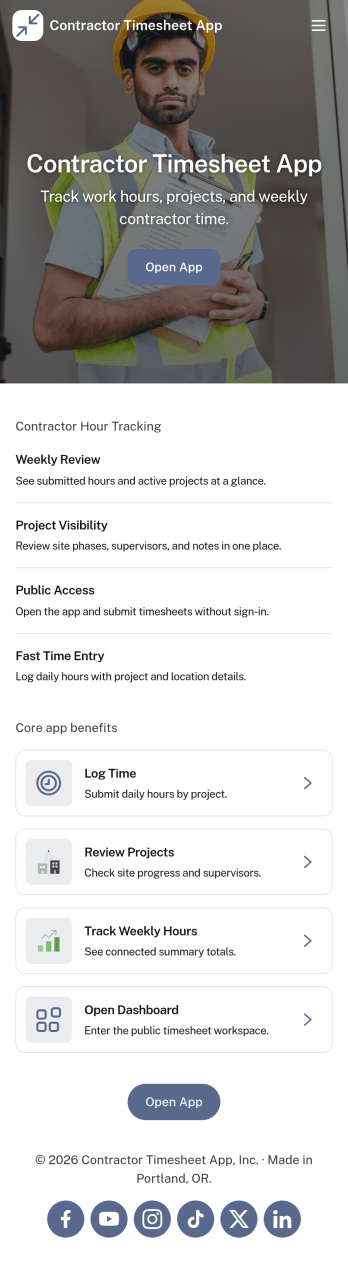
Contractor Timesheet App
Contractor Timesheet App helps contractors and field teams log hours against specific jobs and gives managers a clear place to review work time before it moves forward. With quick time entry, a jobs list for selecting the right project, and an approval review step, it supports day-to-day tracking for construction crews, home service providers, agencies using freelancers, and any business coordinating multiple workers across multiple assignments.Jotform makes it simple to turn this process into a shareable, self-service experience using App Templates and a no-code app builder with a drag-and-drop interface. Connect your app to forms and tables for reliable data collection, keep records organized in one place, and update pages, buttons, and branding as your workflow changes so teams can submit, review, and reference timesheets from anywhere.
Go to Category:Activity Tracking Apps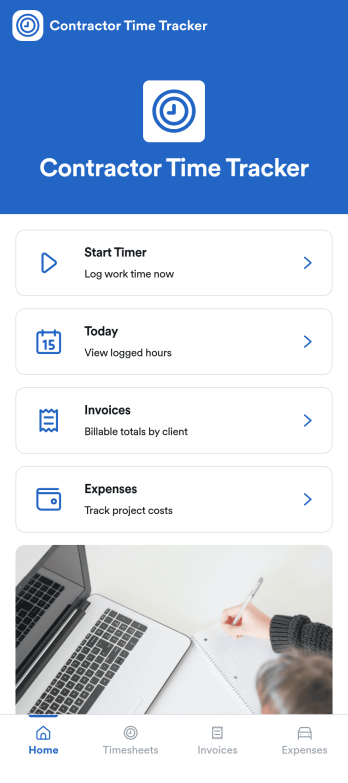
Independent Contractor Time Tracking App
Independent Contractor Time Tracking App helps freelancers and independent contractors record hours worked in a simple, focused place when they need a quick way to document time for clients, projects, or daily tasks. With a single page and clear on-screen guidance, it fits service providers who want a lightweight option for capturing work time during the day and keeping personal records consistent, whether they’re on-site, traveling, or working from home.Jotform makes it easy to turn this use case into a shareable, branded experience using its no-code app builder and drag-and-drop interface. Start with Jotform App Templates, adjust the page content to match how you track time, and connect the app to your broader workflow for data collection and self-service when you’re ready to expand beyond a basic layout.
Go to Category:Activity Tracking Apps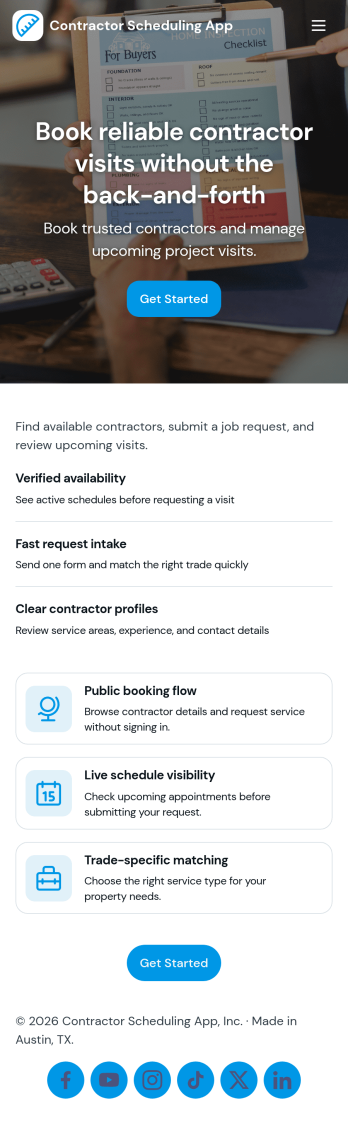
Contractor Scheduling App
Contractor Scheduling App helps teams coordinate contractors, projects, and day-to-day assignments in one organized place. Use it to keep a clear roster of who you work with, capture project details as they come in, and connect each job to the right people and dates. It’s a practical fit for construction companies, home service businesses, property managers, and operations teams that need quick visibility into upcoming work without relying on scattered messages or spreadsheets.With Jotform’s app templates, you can turn your scheduling process into a mobile-friendly experience powered by a no-code app builder and a drag-and-drop interface. Connect forms for adding contractors and projects, display assignment lists for easy self-service access, and keep data collection consistent across your workflow. Customize pages, branding, and navigation so everyone knows where to go to view schedules, update job information, and stay aligned.
Go to Category:Construction Apps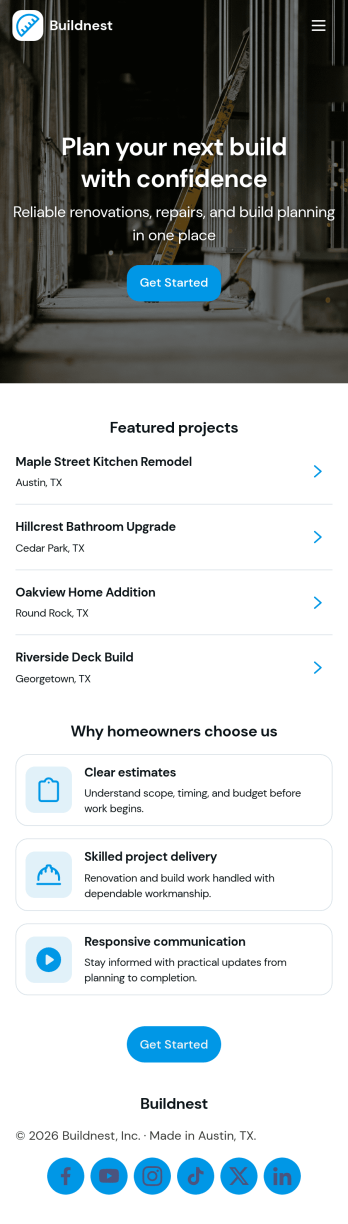
Building Contractor App
Building Contractor App gives contractors and home service teams a simple, client-friendly way to showcase past work, highlight available services, and capture new quote requests in one place. Use it to let homeowners browse projects, request a quote for similar work, and book a quote visit without phone tag. It also supports quick access to office contact details and keeps quote activity easy to reference, which helps small crews and growing contractors stay responsive while jobs are moving.Built with Jotform, this app template can be tailored with a no-code app builder and a drag-and-drop interface, so you can match your brand and process in minutes. Connect the app to your forms to support data collection for estimate requests and site visit booking, then share it with a link or QR code for fast self-service from any device. As your workflow evolves, you can update pages, refine what clients see, and route incoming requests to the right person without rebuilding from scratch.
Go to Category:Construction Apps