
The Personal Task Manager App is an app template for individuals who want one organized place to capture responsibilities, review upcoming work, and stay focused on deadlines. It supports quick task creation, priority and due date visibility, and access to task records without relying on scattered notes. Professionals, freelancers, students, household organizers, and anyone managing a busy routine can use it to clarify what needs attention and reduce the chance of forgetting important commitments. It works well for daily planning, personal projects, study goals, errands, and recurring administrative duties.
Jotform makes this Personal Task Manager App easy to adapt with a no-code app builder and a flexible drag-and-drop interface. Users can adjust the layout, update the visual style, and connect forms or tables that support data collection and workflow organization. Jotform app templates can also be shared through a direct link or quick response code for convenient mobile access. By bringing task entry, record review, and self-service navigation into one app, the app builder helps users create a practical planning experience that reflects their routines without writing code.
Related templates
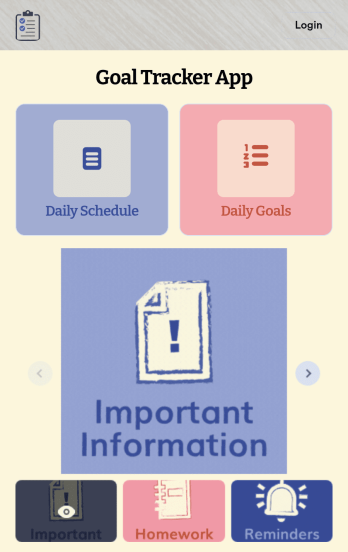
Customizable Goal Tracker App
Need an easier way for your clients to track their goals? With Jotform’s Goal Tracker App, you can build an online goal tracking app in minutes. Start creating your app from scratch or choose one of our ready-made app templates to get your creativity flowing. Add a contact form, let your customers create a schedule that works for them, showcase past client reviews, and more. Once you’ve customized your app to your liking, share with clients — downloadable onto any computer or iOS or Android device.Personalize your Goal Tracker App with Jotform’s easy-to-use app builder. Just drag and drop to change the look and feel of your app, add powerful app elements, install helpful app widgets, and integrate with one of our 25+ payment processors, including Stripe and Square. Share your customized app via email or embed it directly into your own website for easy access. Help your clients reach their goals with your very own Goal Tracker App — free on Jotform.
Go to Category:Activity Tracking Apps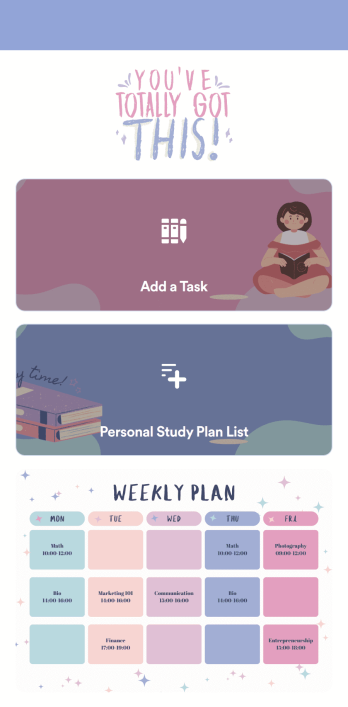
Customizable Study Planning App
A study planning app lets students create a student plan and track it on their mobile device. With this ready-made Study Planning App from Jotform, you can quickly and efficiently start tracking tasks, schedules, and study plans no matter where you are. Just customize the app to meet your study needs and download it for iOS, Android, or onto your computer for easy access.Need to make changes to this Study Planning App template? No problem — just drag and drop to get the design you want. Split your app into multiple pages, add more forms or tables, and make other changes in seconds with no coding knowledge required. You can even connect your app to 250+ other platforms like Trello, Asana, and more to monitor your study plans in your other accounts!
Go to Category:Organization Apps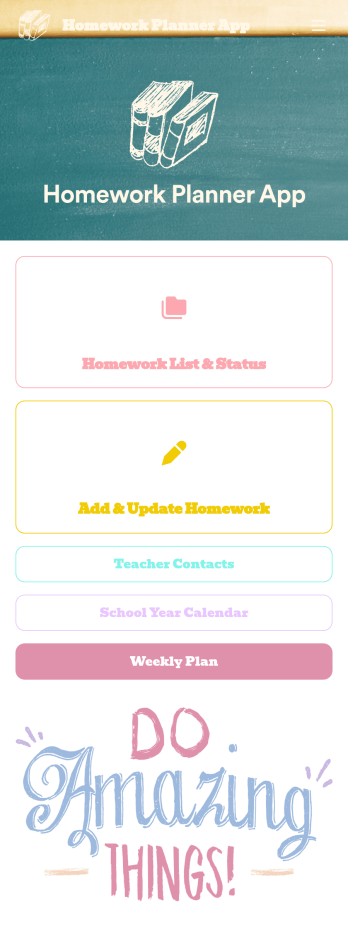
Homework Planner App
A homework planning app is a mobile application created by teachers and educators to help their students keep track of assignments and due dates. Use this ready-made Homework Planner App template from Jotform Apps to create your own in just a few easy clicks. Keep students updated on upcoming assignments, collect homework, list your office hours, and more.Want to make changes to how this Homework Planner App looks? No problem. With Jotform’s drag-and drop builder, you can add or remove forms, pick a background image, change font types, upload images and videos, select a unique app icon, and more. After you’re done customizing your app, simply embed it in your website or online portal for students to download.
Go to Category:Planner Apps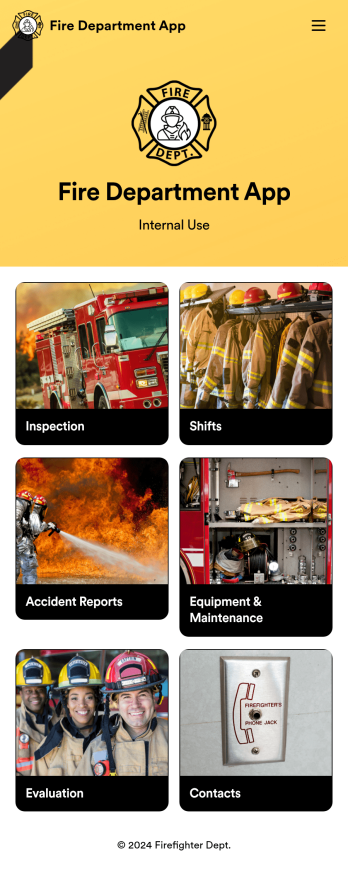
Custom Fire Department App
A fire department app is used by fire departments to track and manage important tasks and activities. This type of app can be used for fire truck inspections, new firefighter applications, shift tracking, equipment logging, performance reviews, and more. To create a custom Fire Department App for your station, use this ready-made template.Personalizing the design of this Fire Department App Template is easy and quick with Jotform’s no-code app builder. Simply drag and drop to make any design or content changes you need. Pick a unique icon for your app, add or remove forms, change colors and fonts, integrate with useful platforms and widgets, and more. Keep your fire department running smoothly with Jotform Apps.
Go to Category:Company Portal Apps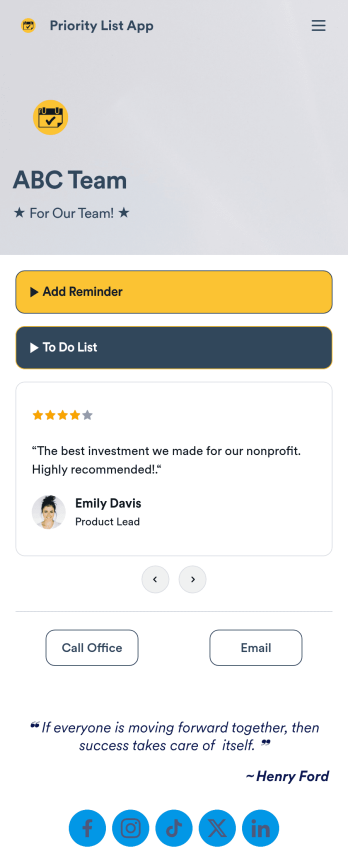
Priority List App
A priority list app is used by employees who work in a team to prioritize tasks. With Jotform’s free Priority List App, team members can easily add tasks with priority levels and deadlines, as well as set reminders. Tasks are compiled in a searchable and easy-to-understand task list table, which can be accessed by team members on any device.Customizing this Priority List App is easy. With our drag-and-drop form builder, you can add new forms, upload images, change fonts and colors, and more — all with no coding. After you’re done, you can share your app with other team members via link, or even embed it in an internal website. Your app can be downloaded on any smartphone, tablet, or desktop for future use. Keep your team on track with this fully customizable Priority List App!
Go to Category:Management Apps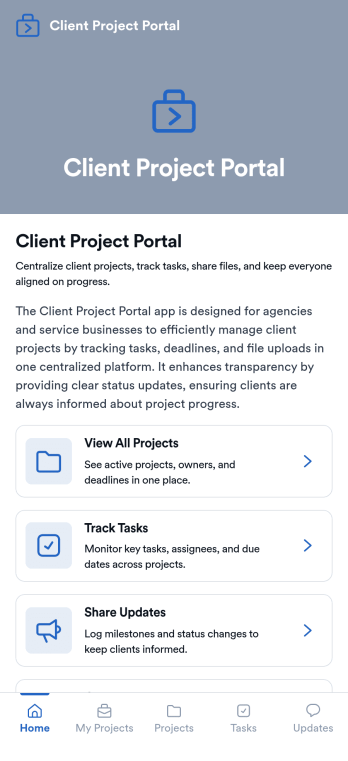
Client Project Portal
Client Project Portal is an app template designed to streamline project management and improve transparency between agencies, freelancers, service-based businesses, and their clients. This all-in-one platform brings together tasks, timelines, files, and updates, providing teams with a centralized system for managing ongoing client work. Users can seamlessly share progress, upload deliverables, and keep clients informed with status updates. The easy-to-read table view allows both teams and clients to quickly see project milestones, deadlines, and current status, while the dashboard provides a high-level overview of progress and next steps. This app is particularly beneficial for designers, developers, marketers, and consultants, but small teams also find value in the improved transparency and simplicity compared to complex project management systems.Jotform's Client Project Portal template provides a no-code, user-friendly solution to improve project transparency and streamline client communications. With its drag-and-drop interface, users can easily customize the portal to align with their brand identity, choose fonts and colors, and upload their logo without any coding. The cross-platform compatibility ensures that clients can access the portal on any smartphone, tablet, or desktop. Plus, with the added advantage of Progressive Web Apps (PWA), clients can download the app directly onto their home screen for easy access. Embrace a seamless project management experience and improve client relationships with Jotform's Client Project Portal.
Go to Category:Service & Support Portal Apps