
The Photocopy Order Management App is a ready-to-use app template for copy shops, print service counters, schools, offices, libraries, and other organizations that process photocopy requests. Customers can place new orders, choose black-and-white, color, or double-sided copies, and specify pickup or delivery. Staff can review customer orders, access fulfillment notes, and contact customers by email when clarification or an update is needed. By keeping requests and order details in one accessible location, the app reduces misplaced instructions, supports faster handoffs, and gives teams a clearer view of work waiting to be completed.
Jotform Apps makes it easy to adapt this App Template with a no-code app builder and an intuitive drag-and-drop interface. Add branded pages, update navigation, connect order forms to tables, and support data collection without writing code. Teams can also link notifications, approval steps, payments, and other workflow actions as their service grows. Once published, the app can be shared through a direct link or QR code, giving customers convenient self-service access from phones, tablets, or computers while staff manage incoming requests through a consistent process.
Related templates

Flower Ordering App
As a florist, you’re a pro at making beautiful bouquets and flower arrangements — but are you wondering how to sell flowers online? With our free Flower Order App, you can easily make your flower shop’s very own app too! This ready-to-use app template includes an order form and feedback form, so you can easily store and share all your forms in one place. Customers can open your app from any device, place orders or leave reviews, and even download your app to their smartphone, tablet, or computer for future use.You’re already familiar with custom orders, so why not customize your Flower Ordering App too? No coding necessary — simply drag and drop to add more forms, change the background or splash screen, upload images or a new icon, update the app name or text, and more. When you’re satisfied with your app’s design, just share the link on your website or social media to start collecting orders from customers. Watch your business bloom with a custom Flower Ordering App that makes it easy to manage your forms, sell flowers online, track orders, and promote your shop all in one place.
Go to Category:E-commerce Apps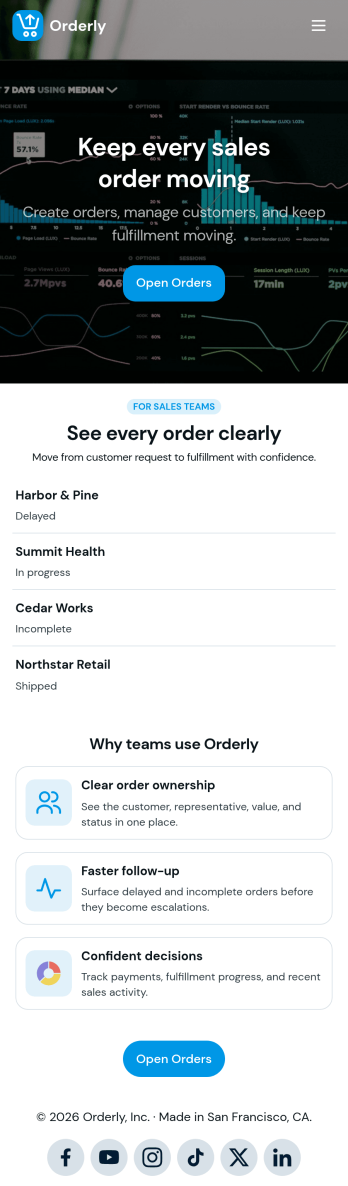
Sales Order App
This Sales Order App provides one convenient location for your customers to place and cancel sales orders. From this readymade app, customers can fill out account and shipping information, choose item and quantity numbers, and pay for their orders by card or PayPal. There is also a separate form for leaving feedback, and you can share testimonials on your splash page. Customers can access and download your app to their smartphone, tablet, or desktop computer for future use.Want to change the look of your Sales Order App? Our drag-and-drop interface makes customization a snap! With a few clicks, you can add forms, choose fonts and colors, upload your own logo, update the app icon and splash page, and more—no coding necessary. With Jotform’s Require Login feature, you can secure your app pages by requiring users to sign in before accessing certain content or features. Once you’re satisfied with your app’s design, simply share a link with your customers and they can start making orders from any device. Simplify your ordering process with this free Sales Order App!
Go to Category:Customer Portal Apps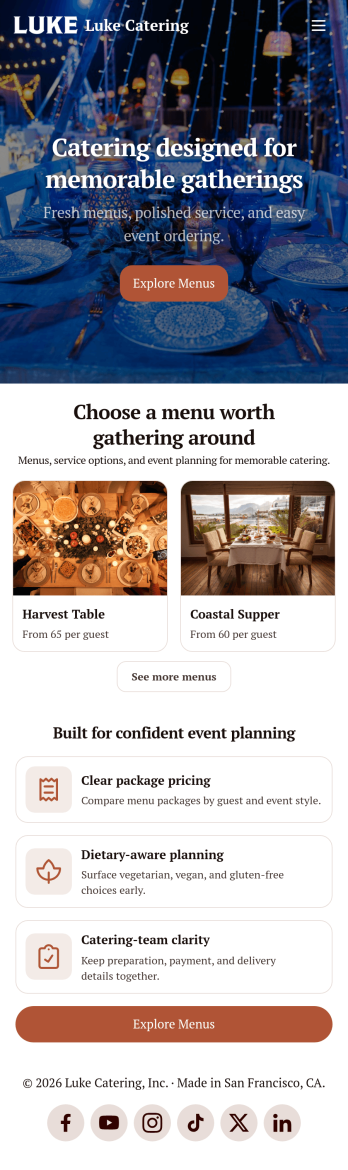
Catering App
Need to find out how to sell catering items online? A catering app allows customers to quickly and easily hire caterers and order food for their events. Get a head start creating an app for your own catering company with our free Catering App. This pre-made template includes a menu and order form for customers to access from their smartphone, tablet, or computer. Customers can easily place their orders from any device, and you’ll receive submissions instantly in your secure Jotform account.Customize your Catering App in just a couple of clicks with our no-code app builder. Simply drag and drop to add more forms, update text, upload images, embed links, and change app settings. When it’s ready, embed the app link in your website or share it on social media to start receiving orders from customers. Take your catering business to the next level and sell catering items online with a professional Catering App.
Go to Category:Delivery Apps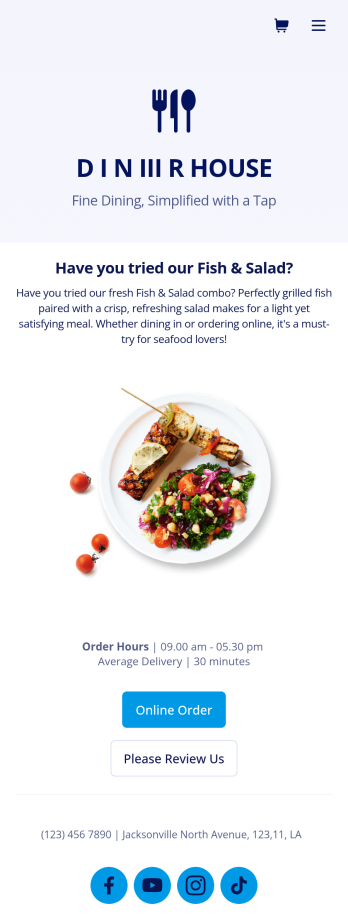
Food Delivery App
A food delivery app is used by food delivery services to communicate with customers, and drivers, while also providing an enhanced customer experience. This template is ideal for restaurants, food trucks, or anyone who may deliver the food ordered by their customers. Wondering how to sell food deliveries online? Whether you've got a restaurant, diner, or small cafe, our Food Delivery App is the perfect way to take online delivery orders and payments. This app template comes readymade with a product list where customers can view your menu and input their delivery address and payment information. You can even showcase signature and seasonal dishes, run promotional campaigns, and gather feedback. Customers can open and download your app on any smartphone, tablet, or computer.Want to make this Food Delivery App your own? Our drag-and-drop interface allows you to add forms, change fonts and colors, upload your logo and thumbnail images for menu items, and completely customize the look of your app icon — with no coding necessary. After that, simply share the link on your website or social media and you’re off and running. Start taking online delivery orders today to sell food deliveries online with this free Food Delivery App!Please refer to our article for further tips on creating a food ordering and delivery app.
Go to Category:Delivery Apps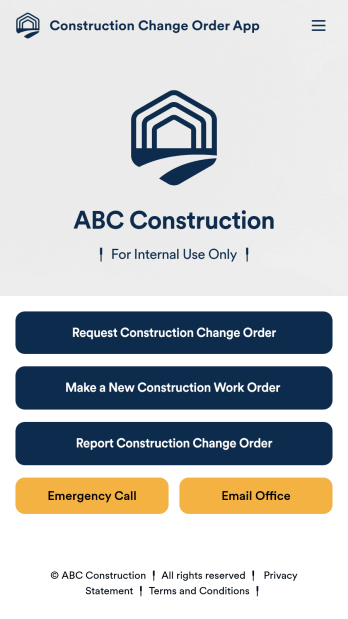
Construction Change Order App
A change order is an amendment to a construction contract that modifies the original project plans, such as adding work, altering the design, or updating the schedule. Keep track of change orders for your construction company with our free Construction Change Order App! This ready-to-use app keeps all your construction forms in one place, so you can receive new work orders, change order requests, and reports with ease. You can even use the attached Change Request Approval Process Template to streamline your approval flow for requests.Need to modify this Construction Change Order App? No coding or heavy lifting required — our drag-and-drop builder makes it easy to customize this app template for your construction company. You can easily build new forms, embed links, update text, upload images, and even change the app name, icon, and splash page. When it’s ready to be used, share your app with teammates by sending them the link to open and download onto their smartphone, tablet, or computer. Stay on top of change orders by receiving them instantly with a custom Construction Change Order App!
Go to Category:Construction Apps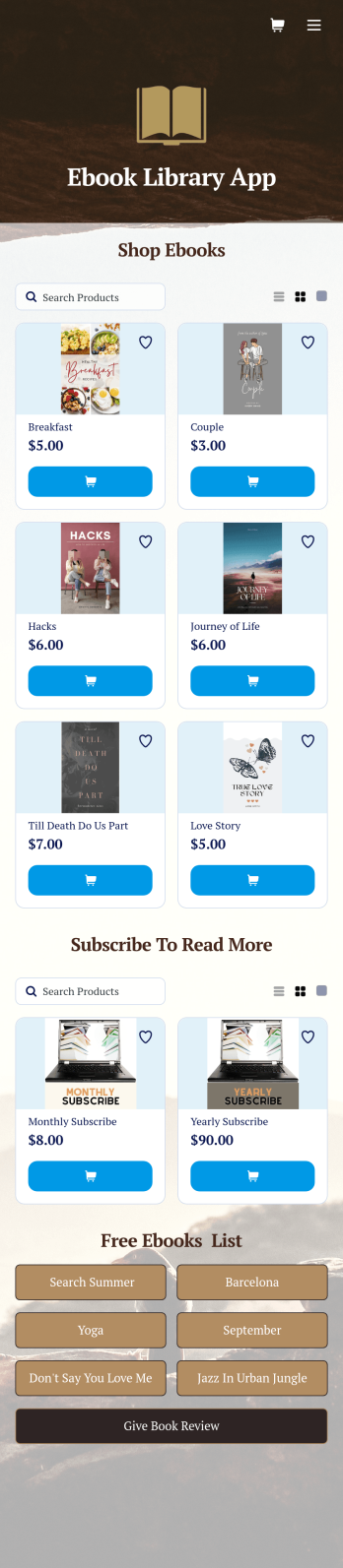
Ebook Library App
An e-book library app is used by teachers, schools, and small libraries for sharing free e-books with others. Need to know how to sell e-books online? With Jotform’s E-book Library App, you can upload multiple e-books as PDF documents to the app, and display them in a list of available titles on the main page. Users can browse and read e-books directly through the app’s interface, or download them onto their device with the tap of a button. This app template can also be used by individuals who wish to create a private library for storing their e-books in one convenient location.Want to make changes to this app template? Jotform's intuitive app builder makes it easy for anyone to customize the look and feel of their app with just a few clicks. No coding required — just drag and drop to add or change form elements, choose custom color schemes and backgrounds, add widgets, upload images, and more. Once you’re satisfied, share your app with others by sending email invites or the app link, and they can then access and download your app on any smartphone, tablet, or computer right away. Create a digital library of downloadable e-books with Jotform’s E-book Library App that works anywhere.
Go to Category:Education Apps