
The Photography Client Workflow App is a ready-to-use app template for independent photographers, studio teams, and creative service providers managing clients from first contact through final gallery delivery. It brings client inquiries, booking records, session details, and delivery updates into one organized experience. Teams can review client contact information and locations, keep session notes accessible, monitor booking status, and open delivered galleries without searching across scattered messages or files. This clearer workflow helps photographers respond consistently, prepare for sessions, track active projects, and confirm that each client receives their completed work.
Jotform Apps makes it easy to adapt this Photography Client Workflow App with a no-code app builder and intuitive drag-and-drop interface. Add or rearrange pages, update branding, connect forms to data collection workflows, and organize client records for convenient self-service access. The app can be shared through a direct link or QR code and opened on phones, tablets, or computers, giving solo photographers and growing teams a practical way to manage work wherever sessions take place. Start with one of Jotform’s App Templates, tailor the layout to your process, and publish a professional resource without writing code.
Related templates
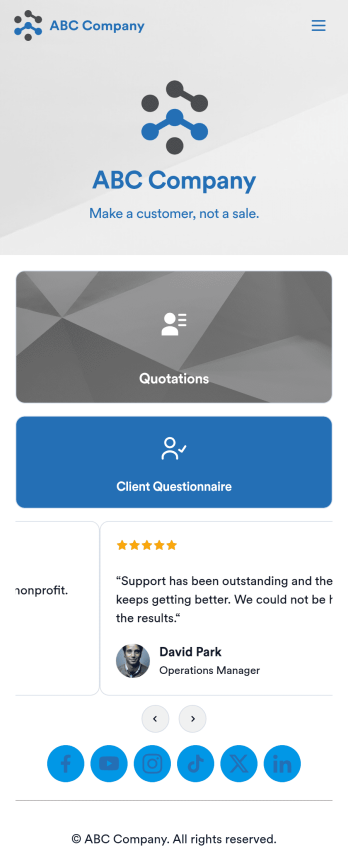
Customizable Quotation Management App
Create and manage quotes for your customers using Jotform’s free Quotation Management App for sales teams. This fully customizable mobile app includes a client questionnaire and a quotation log that syncs to our Simple CRM template. You and other members of your sales team can download and use the app on any computer, tablet, or smartphone to fill out the attached forms or view data in the tables.Customize this Quotation Management App for your business in just a couple of clicks. No coding is necessary — just drag and drop to customize the look and feel of your app. You can easily add forms, tables, links, documents, images, logos, and much more. Then share your mobile with others via the app link or by sending email invites. Make it easier to generate and track customer quotes with a custom Quotation Management App for your sales team.
Go to Category:Management Apps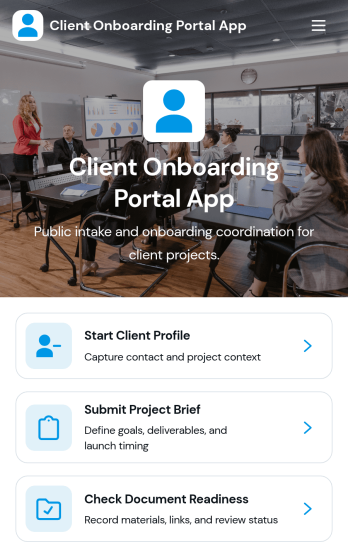
Client Onboarding Portal App
The Client Onboarding Portal App is a centralized onboarding experience for agencies, consultants, professional service providers, and account teams welcoming new clients. It gives customers one place to create a client profile, submit a project brief, and confirm document readiness. Organized client and project records help teams reduce scattered communication, identify missing information, and prepare for kickoff with greater clarity. Use this app template when starting consulting engagements, creative projects, managed services, or other client relationships that require accurate contact details, project requirements, and supporting documents.Jotform Apps makes it easy to adapt this Client Onboarding Portal App to your process using a no-code app builder and an intuitive drag-and-drop interface. Customize pages, branding, navigation, and connected forms without writing code. You can bring data collection, resource access, and workflow steps into a mobile-friendly self-service experience, then share it through a direct link or QR code. Jotform App Templates provide a ready-made starting point while giving your team the flexibility to update content, organize records, and connect approvals or other processes as onboarding needs evolve.
Go to Category:Customer Portal Apps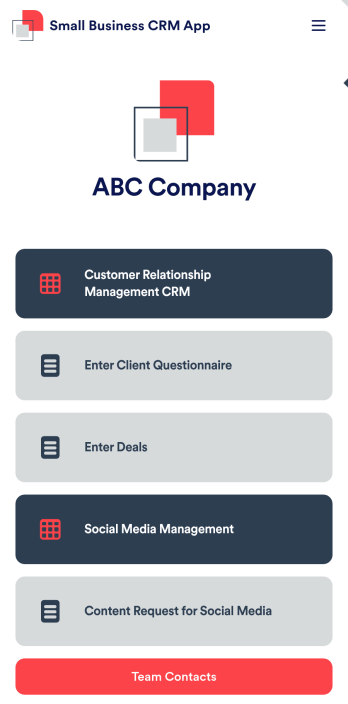
Small Business CRM App
A small business CRM app is used by small businesses for customer relationship management (CRM). This Small Business CRM App lets you receive client questionnaires, track and manage deals, submit content requests for social media, and more. Simply customize the app to perfectly match your needs with no coding required, then share the app to start collecting form submissions.Need to customize this free app template? Drag and drop to get the design you want. Add your company logo and branding, update the included forms, split your app into multiple pages, and make other changes in seconds. You can even integrate the app with 200+ other platforms to automatically sync submissions to your other accounts! Streamline your business’ workflow with a ready-made Small Business CRM App from Jotform.
Go to Category:Company Portal Apps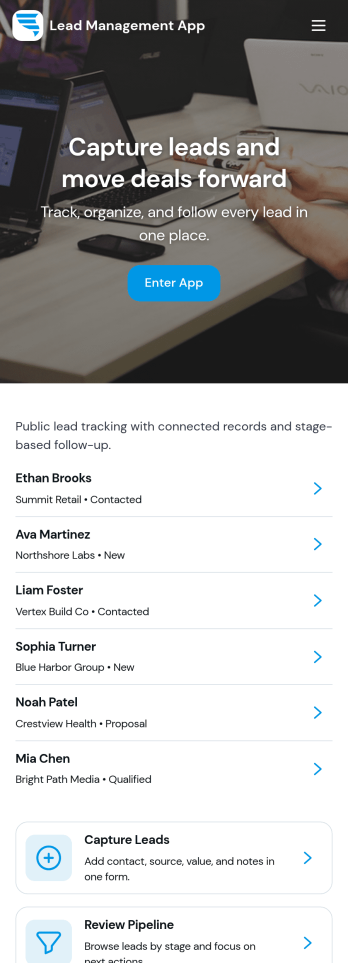
Lead Management App
Lead Management App helps sales and marketing teams capture new leads, keep contact details organized, and move prospects through a simple pipeline from first touch to follow-up. Use it to centralize lead intake from events, inbound interest, referrals, or outbound outreach, then quickly review lead records, flag high-priority opportunities, and keep your pipeline from going stale. With guided navigation for capturing a lead, opening the pipeline, and viewing insights, it’s a practical fit for agencies, consultants, real estate teams, startups, and any growing business that needs visibility into what’s coming in and what needs attention.Jotform makes it easy to turn this lead workflow into a branded, shareable app experience using a no-code app builder and a drag-and-drop interface. Connect your lead form to the app for fast data collection, keep records consistent as your team updates lead details, and create a self-service experience you can share by link for internal use or with partners. As your process evolves, you can adjust pages, layout, and connected workflows in minutes without rebuilding from scratch.
Go to Category:Customer Portal Apps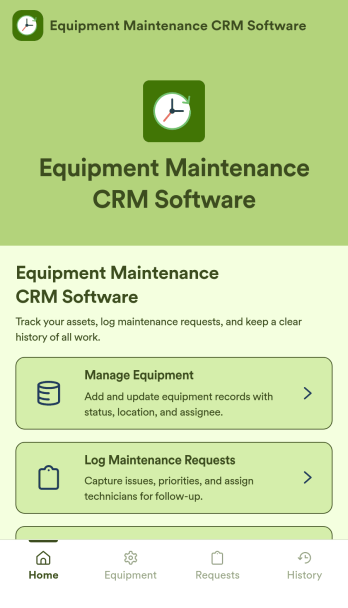
Equipment Maintenance CRM Software
Equipment Maintenance CRM Software is an app template designed to streamline the management of customer data, service histories, and maintenance activities. This robust template is intended for maintenance service companies, field service teams, asset managers, and operations departments who are keen on enhancing their service delivery. It centralizes customer data and service history, significantly reducing downtime and boosting operational efficiency. This template is particularly beneficial in scenarios of regular equipment maintenance checks, enabling a smoother scheduling process and better coordination of service delivery. What's more, it's ready to use right out of the box, making data collection a breeze for teams, whether they're in the field or at the office. This template is best suited for organizations seeking to maintain a comprehensive record of equipment maintenance activities in one accessible system.With Jotform, the Equipment Maintenance CRM Software template becomes an operational powerhouse. Jotform's ease of use and customization abilities allow you to tailor the template to your specific needs without requiring any technical skills. The ability to collect electronic signatures simplifies the verification process of maintenance activities, making it an extremely convenient feature for field service teams. Furthermore, you can generate easily digestible reports and sheets from collected data for an overview of maintenance activities. With Jotform, keeping up with maintenance schedules and coordinating service delivery has never been easier. Collect, track, and manage your maintenance data with precision using the Equipment Maintenance CRM Software from Jotform.
Go to Category:CRM Apps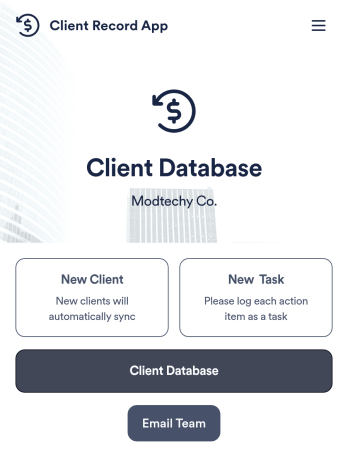
Client Record App
A client record app is used by companies to keep track of clients in a Jotform Tables database. With our Client Record App, you can add general contact information for new clients and view a list of existing clients. There is also a separate task form for employees to log projects. Submissions are stored securely in your online account and can be accessed directly through your app from any smartphone, tablet or computer.This Client Record App can be easily customized without any coding. Our drag-and-drop builder allows you to add and change forms, upload your logo, choose fonts and colors, create a custom app icon and splash screen, and more. When you’re finished, your team can access and download your app on any device with a share link. Keep all your business contacts in one convenient location with this Client Record App!
Go to Category:Freelancer Apps