Picture Inventory App helps you capture, organize, and review photo-based inventory records in one place. It’s a practical option for teams that need visual proof of items on hand, such as retail stockrooms, equipment rooms, warehouses, property managers, field services, and small businesses tracking assets across multiple locations. With quick navigation to add new photos and a gallery for browsing what’s already been recorded, the app supports consistent documentation without relying on scattered camera rolls or long email threads.
Built with Jotform, this app template pairs a simple front-end experience with connected record keeping so your team can submit photos, view an organized gallery, and open a detailed view for each item when needed. Use Jotform’s no-code app builder and drag-and-drop interface to tailor pages, control what information is collected with each image, and keep inventory data collection and workflows easy to manage as your needs grow.
Related templates
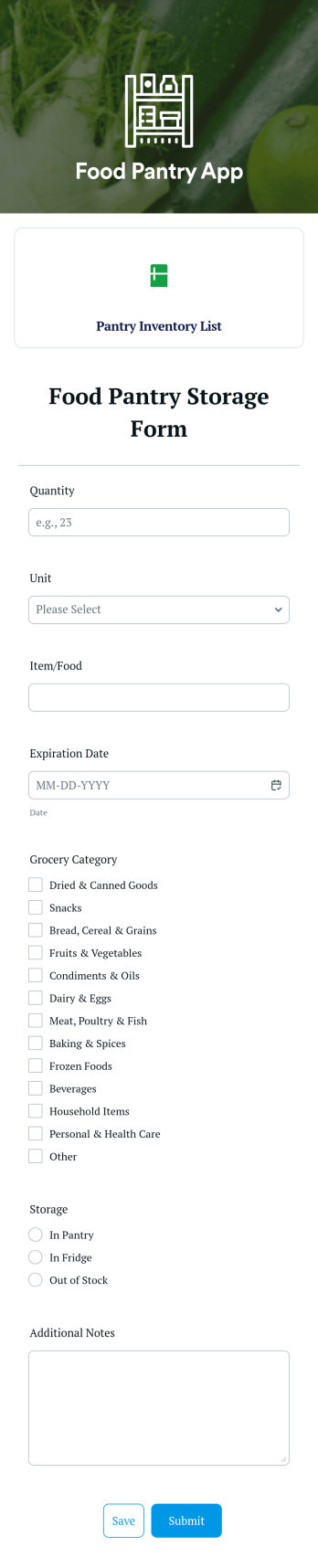
Food Pantry App
A food pantry app is a type of mobile application used by food pantries to track items and communicate to their audience what is currently available at the pantry. Use this ready-made Food Pantry App template to build your ideal app in just a few minutes. Track and manage inventory, add a contact page, collect donations, and so much more.Make any necessary design changes to your Food Pantry App that you see fit with our drag-and-drop builder. Choose a new color scheme, upload images and videos of community events, select an app icon, and more. Once you’re happy with the look and feel of your app, all you need to do is share it with your community!
Go to Category:Food & Beverage Apps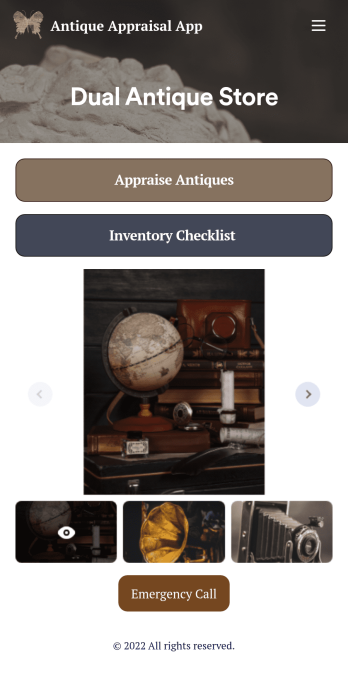
Antique Appraisal App
An antique appraisal app allows antique dealers and appraisers to record antique information from any device. If you’re an antique expert, Jotform’s free Antique Appraisal App will improve the way you conduct and track appraisals. This readymade template includes an antique appraisal form and inventory checklist that can be viewed and filled out using any iOS or Android device. Entries will be stored in your secure Jotform account, where they can be downloaded, printed, and shared with others in just one click.Make your Antique Appraisal App look exactly how you want in just a few clicks. With our drag-and-drop builder, you won’t have to do any coding to add forms, images, links, documents, text, and other app elements, as well as your branding. When you’re happy with your app, download it onto your favorite device or share it with others via link or email invite. Streamline appraisals for your antique store or upcoming auction with a fully-custom Antique Appraisal App that works anywhere.
Go to Category:Inventory Apps
Home Inventory App
Keep track of items in your home with a free Home Inventory App from Jotform. If you’re tracking items for insurance purposes, the app includes a Home Inventory Information Record Form you can use to record details like item name, type, description, year, and more — you can even upload images of items in your home! All submissions through your app are stored securely in your Jotform account, ready to view and access at any time.Need to make changes to this app template? Add more forms, update the app background or icon, and make other design changes with no coding — just drag and drop to get the look you want. Once your app is good to go, download it onto your computer, tablet, or smartphone for quick and easy access. Stop tracking items in your home on paper and enjoy a more efficient way to get it done with this free Home Inventory App.
Go to Category:Inventory Apps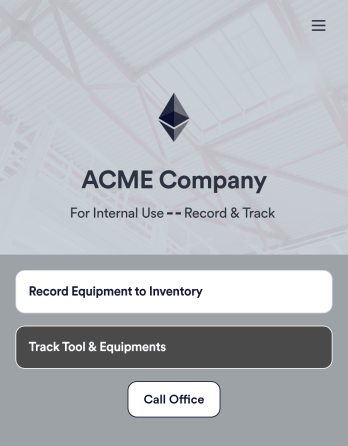
Tool Inventory App
A tool inventory app is used by companies that need to keep track of loaned out tools and equipment. This customizable Tool Inventory App allows you and your employees to record equipment name and type, date of purchase, vendor name, location, number of items, and unit cost. There is also an upload form for attaching pictures and receipts to individual entries. Submissions are stored securely in an easy-to-read database, which you can access directly from your app from any smartphone, tablet, or computer.Looking to personalize this Tool Inventory App? Using our drag-and-drop interface, you can add or change forms, choose fonts and colors, upload your company logo, update the app name, text and splash page, and more — all with zero coding. After you’re done customizing your app can be shared internally via link and then accessed and downloaded on any device. Never lose track of a tool rental again with this Tool Inventory App!
Go to Category:Inventory Apps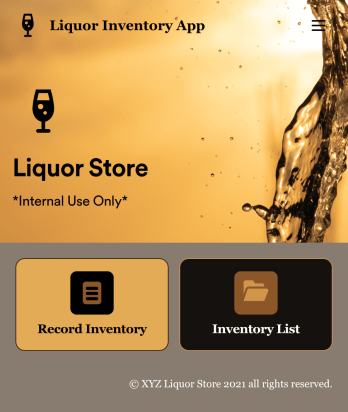
Liquor Inventory App
Whether you own a bar, restaurant, grocery store, or liquor store, keeping an accurate count of your inventory is essential. With this free Liquor Inventory App, you and your employees can easily record and track liquor supplies by type, quantity, price, and proof. Your inventory is then stored in an easy-to-read Liquor Inventory Spreadsheet in your Jotform account.Want to customize your Liquor Inventory App? No problem! Our drag-and-drop interface makes it simple to add or change forms, choose fonts and colors, upload your company’s logo, update the app name or text, and more — no coding necessary. Afterwards, simply download the app onto your device or share the link with your employees and you’re ready to go. Keep every bottle accounted for with this free and fully customizable Liquor Inventory App!
Go to Category:Inventory Apps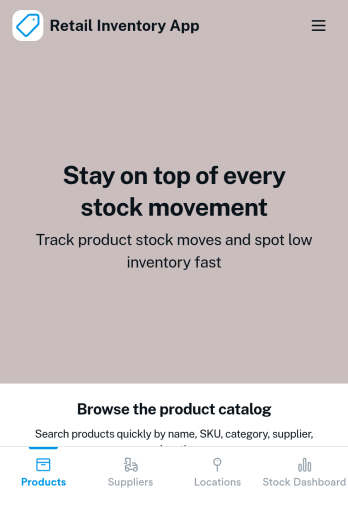
Retail Inventory App
A retail inventory app is used by retail store managers and employees for keeping records of product inventory. This free Retail Inventory App allows you to easily keep track of inventory by recording product name, inventory ID, stock location, unit price, quantity, and more through a Product Inventory Information Record Form. Product entries are stored securely in a Product Inventory Table in your account, which you can sort, filter, and search from any device. You can also share and export an inventory list with just a few clicks.If you’d like to personalize your app, just use our drag-and-drop form builder to add or change form elements, choose fonts and colors, and customize your icon and splash page—no coding required. With Jotform’s Role-based feature, you can control access so tutors, admins, and other users see only the parts of the app relevant to them. Afterwards, you can share your app with managers and employees using a link or embed it in an internal website. Start keeping detailed product inventory records with this customizable Retail Inventory app from Jotform.
Go to Category:Company Portal Apps