
Prefect Duty Swap App is an app template for schools that need a clear process for exchanging student leadership duties when schedules change. Prefects can submit a swap request, browse offered duties, identify the requested replacement, and review confirmation status from one organized location. It is useful for school administrators, prefect coordinators, teachers, and student leadership teams that currently rely on scattered messages or verbal agreements. By keeping requests and updates visible, the app helps prevent missed assignments, duplicate coverage, and uncertainty over who is responsible for a duty.
Jotform App Templates make it easy to adapt this experience to a school’s procedures without coding. Using the no-code app builder and drag-and-drop interface, administrators can update pages, adjust branding, connect forms to data collection workflows, and organize information for convenient self-service access. The finished app can be shared through a direct link or QR code and accessed on phones, tablets, or computers. Jotform also supports connected tables, notifications, and approval steps, helping coordinators manage duty changes while maintaining an accessible record of requests and decisions.
Related templates
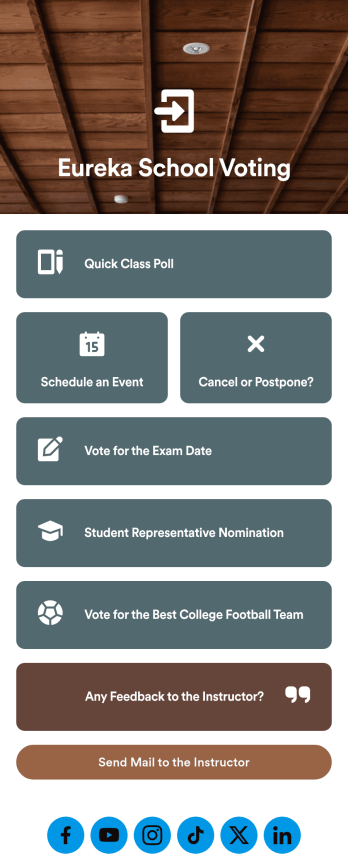
Customizable Voting App
Looking for an easier way to manage your classroom? Try organizing your students by using our intuitive, easy to set up Voting App. With this app you’ll be able to assign daily tasks, keep track of events and exams, and conduct quick polls with your students. This app can be downloaded on any Android or iOS smartphone or tablet — accessible anywhere, anytime. Every form submission from your students will be stored in your Jotform account for on-the-go access — great for at school and on fieldtrips.Let your creative side shine and customize your app the way you want it. Try using our drag-and-drop customizing tools to change your app’s design — no coding required. Upload your classroom’s school year, update student forms, pick a fresh app icon and background image, and make other changes you need. After you’re finished, you can instantly share your app with your students by sending a direct link, emailing them, or setting up scannable QR codes in your classroom. Go paperless and try out Jotform’s free Voting App.
Go to Category:Education Apps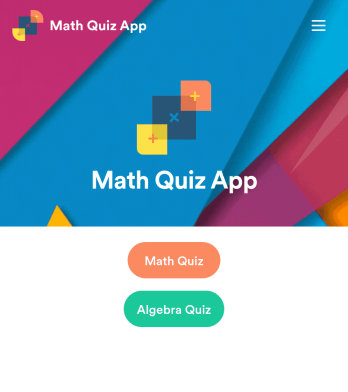
Math Quiz App
Create math quizzes for your students and share them in a free, downloadable app with Jotform. Whether you’re a math teacher or tutor, make quizzes that can be filled out seamlessly on any device — including computers, tablets, or smartphones — to gather responses instantly online. This ready-to-use app provides you with premade quizzes that calculate the submitter's results automatically. You can add your own quizzes or change the existing ones to get started. Once you are done, share the app with your quizzers. Submissions are stored in your secure account and ready to view in Jotform Tables or turn into reports using Jotform Report Builder.Customize this Math Quiz App template with our drag-and-drop builder. Change the app icon or splash screen, add new quizzes or update existing ones, and include as many links, documents, and images as you like. You can even set up calculations to calculate each student’s grade automatically! Save time and paper with a free Math Quiz App from Jotform.
Go to Category:Education Apps
Summer Camp App
A summer camp app is used to collect summer camp registrations, medical information, waivers, and bus registrations. Camp attendants can access and download Jotform’s all-in-one Summer Camp App onto their preferred device and fill out registration forms from anywhere. There’s also a separate form where people can sign up to be camp volunteers! All submissions are instantly synced and stored in your secure Jotform account, which you can easily access and manage from any device.You don’t need to have any coding knowledge to fully customize this app template to your liking. Using Jotform’s intuitive app builder, simply drag and drop to add form elements, create new pages, edit text fields and checklist items, choose fonts and colors, upload your camp’s unique logo, and much more. Share your custom app by sending email invites, embedding it in a website, or linking to it in a social media bio. Go paperless and streamline your camping registration process with Jotform’s free Summer Camp App.
Go to Category:Course & Training Registration Apps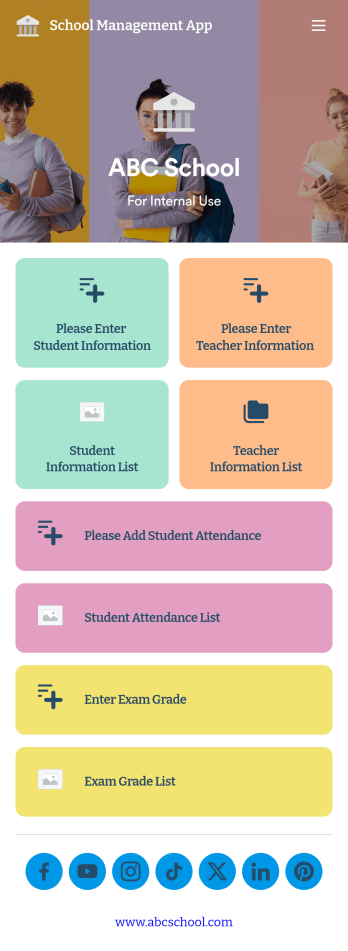
School Management App
A school management app is used by schools and educational institutions to record and compile student information. Our School Management App bundles together four useful forms, allowing school administrators and teachers to easily add school and teacher contact information, log attendance, and record exam scores from any device. Each form automatically feeds data into an easy-to-understand companion spreadsheet, which you can sort, filter, and search from your secure Jotform account.Make this School Management App template your own in seconds with Jotform’s no-code app builder. Just drag and drop to add or change form elements, edit form text and fields, change the color scheme to match your school’s colors, upload your ensignia, attach documents and external links, and more. When you’re finished customizing, you can share your app by sending the app link, attaching it to an email invitation, or embedding it in an internal-use school website. Teachers and staff can then download it onto any smartphone, tablet, or desktop and begin using it right away. Create an all-in-one app for managing student data with just a few clicks with this free School Management App from Jotform.
Go to Category:Education Apps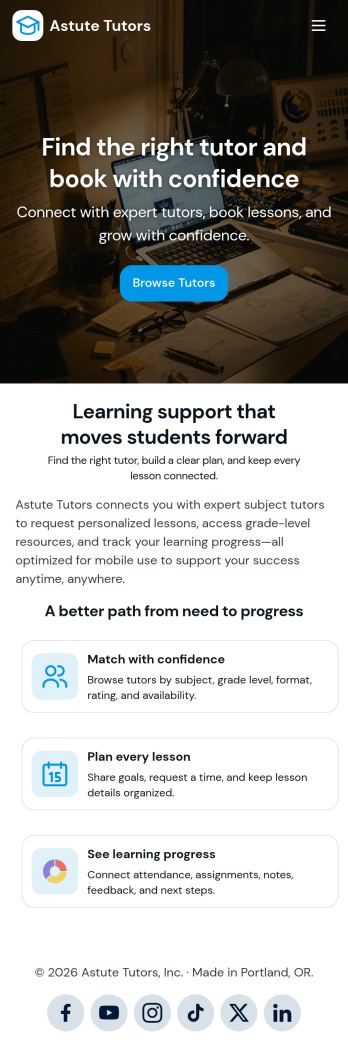
Tutoring App
Tutoring App is an app template designed to streamline the process of finding and connecting with suitable tutors. This app aids in the submission of tutoring requests, providing a platform for students, parents, and educational institutions to specify their learning goals and subject needs. This app is ideal for anyone in need of personalized academic support and learning assistance, providing a central hub for one-on-one or group instruction. The template collects information such as subject areas, desired tutoring schedules, and specific learning objectives, bringing clarity and consistency to the tutor-student matching process. It is a perfect fit for those desiring an efficient and systematic approach to locating the right tutoring support.Jotform's Tutoring App brings additional benefits to the tutoring process by offering cross-platform compatibility enabling usage across smartphones, tablets, and desktops. With its no-code app builder, customization of the app is straightforward, allowing users to tailor the app to their specific needs without writing any code. Adding forms or customizing layouts is made possible with its drag-and-drop interface. The app also provides options for sharing directly via email, social media, or QR codes, thereby making it convenient for users to distribute their tutoring requests widely. Jotform's Tutoring App, with its focus on creating a seamless experience for its users, is the go-to solution for efficient and effective tutoring coordination.
Go to Category:Course & Training Registration Apps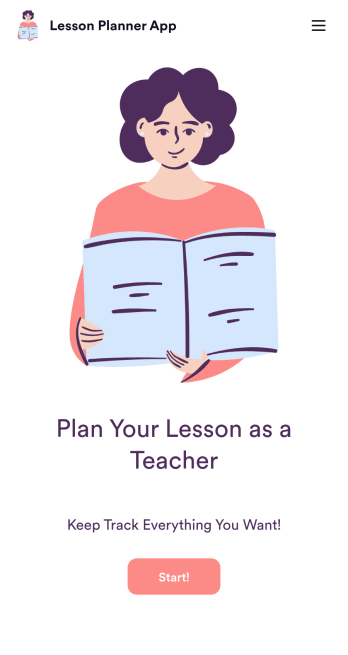
Lesson Planner App
Create and manage your classroom lesson plan with this free Lesson Planner app from Jotform. Download this app onto any device and start adding courses, start and end dates, lesson titles and objectives, tasks, resources, and more. There are also separate forms for entering student information and creating daily assignment checklists. Submissions are aggregated and stored in a color-coded and easy-to-understand spreadsheet using Jotform Tables.Want to make changes to this Lesson Planner App? No problem! With Jotform’s no-code app builder, you can build a custom app that meets your classroom’s needs in seconds. Simply drag and drop to add or change form elements, edit text fields and checklist items, install integrations and widgets, change fonts and colors, and more. When you’re done, you can access and download your app onto any smartphone, tablet, or desktop and start using it right away. Manage all your lesson plans and assignments from a single location with this mobile-friendly Lesson Planner App.
Go to Category:Daily Planner Apps