
Pregnancy Test Results App provides individuals, healthcare teams, wellness professionals, and support organizations with a convenient place to record and review pregnancy test information. Users can enter a test result, note the test date and type, and return to a chronological results history when they need to check previous entries. This app template can support personal tracking, patient intake, follow-up conversations, or organized recordkeeping across care settings. Keeping key details together reduces reliance on scattered notes and makes it easier to share accurate information with an appropriate healthcare professional. The app supports recordkeeping and does not replace professional medical advice, clinical testing, or diagnosis.
With Jotform Apps, this App Template can be adapted without writing code. Use the drag-and-drop app builder to adjust pages, update visual branding, add guidance, and connect forms or tables to the data collection workflow. Organizations can publish the customized experience through a direct link or scannable code, while individuals can open it from a mobile device for convenient self-service access. Jotform also helps teams connect notifications, approvals, and other workflows when follow-up is needed, creating a focused experience that fits personal wellness tracking or healthcare operations.
Related templates
Diabetic Log Book App
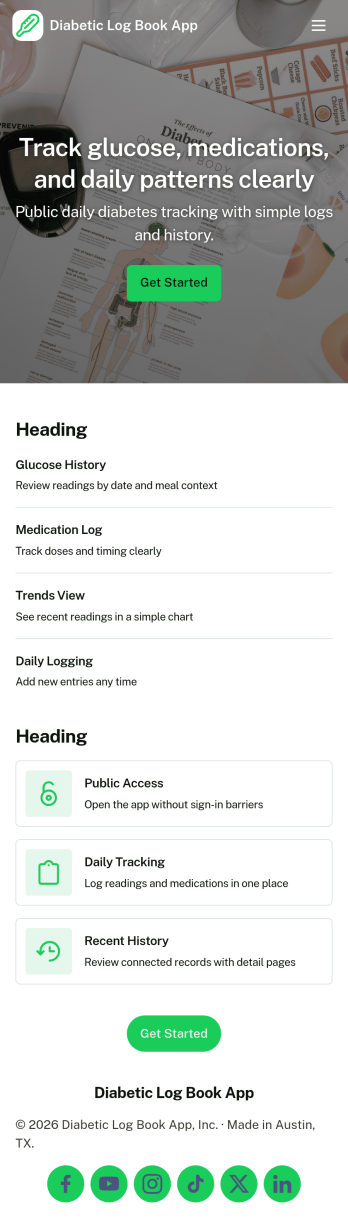
Diabetic Log Book App helps people living with diabetes record daily glucose readings and meal details in one place, making it easier to build consistent routines and spot patterns over time. Use it at home, at school, while traveling, or during caregiving to capture readings as they happen, review past entries, and keep meal records tied to day-to-day changes. It’s a practical fit for individuals managing diabetes, parents tracking for a child, caregivers supporting a family member, or coaches and wellness programs that want participants to keep organized logs they can reference before check-ins.With Jotform, you can turn this app template into a mobile-friendly self-service experience without writing code. Customize pages with a drag-and-drop interface, connect the app to forms for quick data collection, and keep entries organized so history and insights are easy to browse. Share the app with a simple link, update the workflow as needs change, and centralize tracking so logging and reviewing information stays straightforward.
Go to Category:Healthcare Apps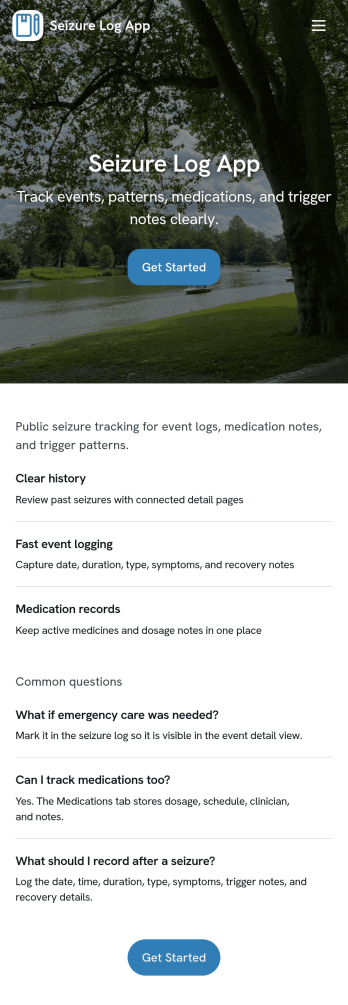
Seizure Log App
Seizure Log App helps people track seizure events over time in a simple, repeatable way so patterns are easier to notice and details are less likely to be forgotten. It works well for individuals managing epilepsy, caregivers logging events for a loved one, and support staff who need a clear record of what happened on a specific date. With a history-style view and a dedicated event page, you can quickly review past entries, open a specific record by date, and capture key context such as event details and recovery notes.Built with Jotform, this app template pairs a no-code app builder with connected forms to support reliable data collection and everyday self-service logging. Customize pages with a drag-and-drop interface, update the wording to match your tracking needs, and publish a mobile-friendly experience you can share privately with family members or care teams. As your workflow evolves, you can keep everything organized by linking the app to your form and using the app as a consistent front end for ongoing records.
Go to Category:Healthcare Apps
Weight Gain Tracker App
Weight Gain Tracker App helps individuals and wellness professionals record weight changes and related habits in one place, so progress toward a target can be monitored over time. It’s a practical choice for anyone following a structured bulking plan, recovering from illness, or supporting healthy weight gain with consistent routines. With dedicated areas for a weight log, a nutrition log, and a recent progress view, the app keeps daily check-ins simple and makes it easier to spot patterns without relying on scattered notes or multiple tools.Built with Jotform, this app template can be tailored in a no-code app builder using a drag-and-drop interface to match your exact tracking method. Connect the experience to forms for ongoing data collection, organize entries into a clear workflow, and share the app as a self-service tool for personal use or with clients who need an easy way to submit updates. Jotform makes it easy to adjust pages, visuals, and navigation as your goals evolve.
Go to Category:Activity Tracking Apps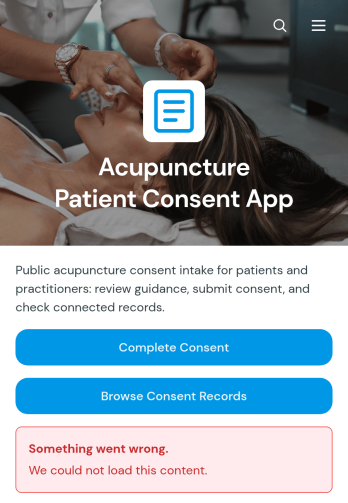
Acupuncture Patient Consent App
Acupuncture Patient Consent App is an app template for acupuncture clinics, independent practitioners, wellness centers, and reception teams that need a clear way to collect and review patient consent information before treatment. Patients can open the consent form, share relevant health details, and raise questions before providing consent. Practitioners can browse consent records and review key information such as consent status, previous acupuncture experience, health conditions, current medications, and allergies. This organized process helps clinics prepare for appointments, reduce missing information, and keep patient intake details accessible to authorized team members.With Jotform Apps, you can adapt this Acupuncture Patient Consent App through a no-code app builder and an intuitive drag-and-drop interface. Customize pages, colors, fonts, buttons, and guidance to match your clinic, then connect forms, tables, notifications, approvals, or other workflow steps as needed. Jotform app templates make it easier to create a mobile-friendly self-service experience without programming. Publish the app with a shareable link or QR code so patients can provide information before arrival, while staff use the connected records to support consistent preparation and data collection.
Go to Category:Healthcare Apps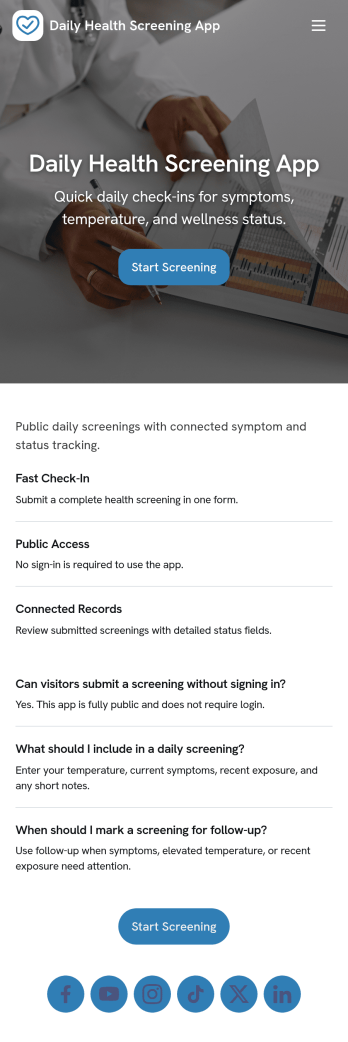
Daily Health Screening App
Daily Health Screening App helps organizations collect quick, consistent wellness check-ins from employees, students, visitors, or contractors before they arrive on-site. With a prominent Start Screening entry point and simple guidance like Stay Home If Unwell, it supports daily routines where people need a clear place to complete a check and review what they have already submitted. It also fits teams running multiple locations, rotating shifts, or recurring programs that need a reliable way to capture the same screening information each day without confusion.Jotform makes it easy to publish this type of self-service experience using ready-to-use app templates and a no-code app builder. Customize pages with a drag-and-drop interface, connect the screening form to a table for organized recordkeeping, and let users open the screening flow or view My Checks from any device. You can share the app with a link or QR code, update messaging as policies change, and keep the workflow consistent while your team focuses on follow-up and day-to-day operations.
Go to Category:Healthcare Apps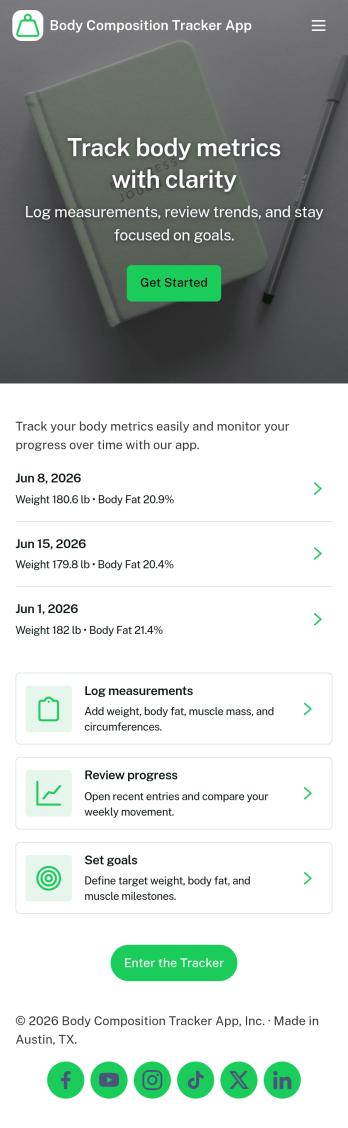
Body Composition Tracker App
A body composition tracker app gives individuals, personal trainers, and wellness-focused teams a simple way to record measurements over time and turn check-ins into consistent progress. Use it to log new entries in seconds, create an easy routine for weekly or monthly assessments, and keep a clear timeline of changes without hunting through notes or spreadsheets. It works well for fitness coaching programs, gym members who want more accountability, and anyone who prefers a structured place to track body metrics alongside their training and nutrition habits.With Jotform, you can publish this kind of experience using App Templates and a no-code app builder that’s easy to adjust as your tracking needs evolve. Update the layout with a drag-and-drop interface, connect the measurement form to your workflow, and make self-service data collection feel effortless for clients or for your own routine. Share the app with a link so logging a measurement and reviewing measurement history stays accessible from anywhere.
Go to Category:Personal Training Apps