
The Production Job Management App gives manufacturing teams, workshop supervisors, operations coordinators, and production managers a central place to submit and monitor production jobs. Team members can create a job request, browse active job records, and review essential details such as the work area, target date, and current status. It is well suited to fabrication shops, assembly operations, print facilities, maintenance departments, and other production environments where work must move from request to completion with clear visibility. By keeping job information accessible in one organized experience, the app reduces scattered requests, improves accountability, and helps teams identify priorities and delays.
Built with Jotform Apps, this app template can be adapted to match an existing production workflow without coding. Use the drag-and-drop app builder to update pages, navigation, buttons, colors, and branding, then connect forms, tables, approvals, or notifications as operational needs change. Managers can organize data collection and give employees convenient self-service access from phones, tablets, or computers. The finished app can be shared through a direct link or QR code, making it easy to introduce a consistent job management process across production areas.
Related templates
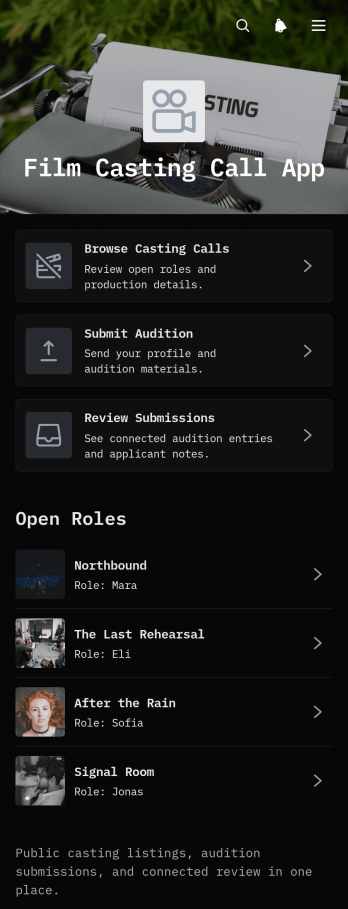
Film Casting Call App
The Film Casting Call App is a ready-to-use app template that brings role discovery, audition intake, and submission review into one accessible place. Built for casting directors, producers, filmmakers, production coordinators, and performers, it supports feature films, short films, commercials, student productions, and independent projects. Talent can browse casting calls, review role briefs and production details, and submit auditions, while casting teams can review entries through a connected submissions table. This central resource reduces scattered emails, makes opportunities easier to discover, and creates a clearer path from publishing roles to evaluating talent. It also offers performers self-service access to project, format, location, and shoot date information before they apply.Jotform Apps helps teams turn this template into a branded casting experience without writing code. Use the no-code app builder and drag-and-drop interface to adjust pages, cards, buttons, images, and navigation for each production. Connected forms and tables support organized data collection and a smoother workflow, while links and mobile-friendly pages keep important casting information within easy reach. Start with this Film Casting Call App from Jotform App Templates, customize its content and visual style, then publish and share it through a direct link, scannable code, or embedded experience.
Go to Category:Entertainment Apps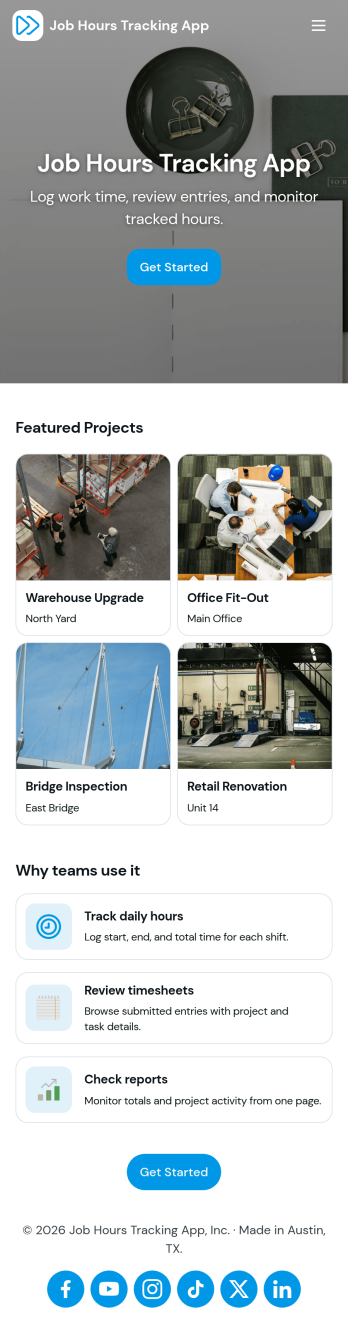
Job Hours Tracking App
Job Hours Tracking App helps teams record shift time in one place, so payroll prep and time reviews don’t depend on scattered notes or messages. Employees can quickly log a shift, add another shift when they’re done, and review My Entries to confirm what they’ve submitted. It’s a practical fit for small businesses, agencies, field service crews, and hourly teams that need a clear timesheet view by employee and a consistent way to capture work hours across roles.Jotform makes it easy to turn this app template into a polished, self-service experience without coding. With a drag-and-drop interface, you can adjust pages, buttons, and the connected form that collects shift details, then share the app as a simple link for your staff. As entries come in, you can keep your workflow organized for approvals, reporting, and ongoing operations while maintaining a single source of truth for job hours tracking.
Go to Category:Activity Tracking Apps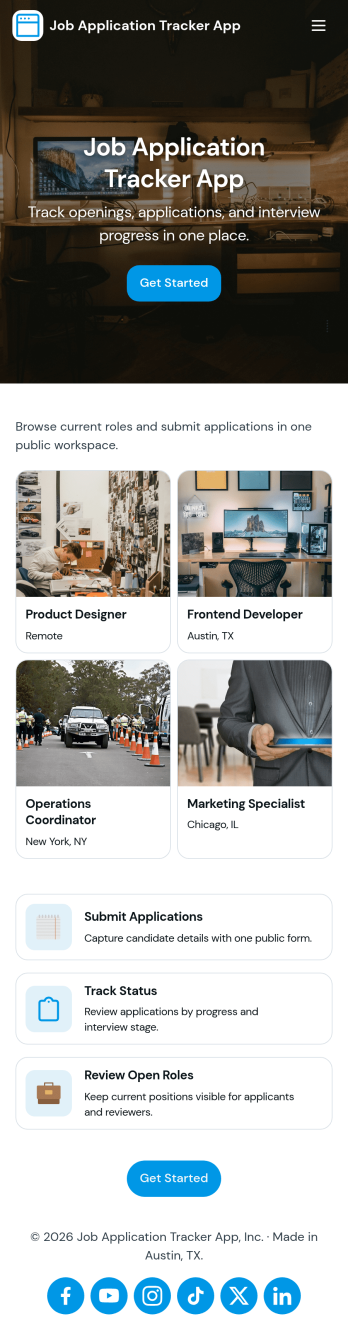
Job Application Tracker App
Job Application Tracker App helps job seekers stay organized while applying to multiple roles by keeping key details in one place and making it easy to add new applications as they happen. Use it to log where you applied, jump back into your list of applications when you need to follow up, and open an individual application record from a browsable list for quick review. It’s a practical fit for students, recent grads, career changers, and anyone managing a busy search who wants a clearer view of what’s in progress and what needs attention.Built with Jotform, this app template combines a friendly self-service experience with connected data collection so you can capture new application info through a form and keep everything organized in a central table-driven view. Customize pages with a drag-and-drop interface, adjust the navigation cards, and tailor the insights area to match your workflow. When you’re ready, share a single link so you can update your tracker from anywhere and keep your job search moving without digging through spreadsheets.
Go to Category:Human Resources Apps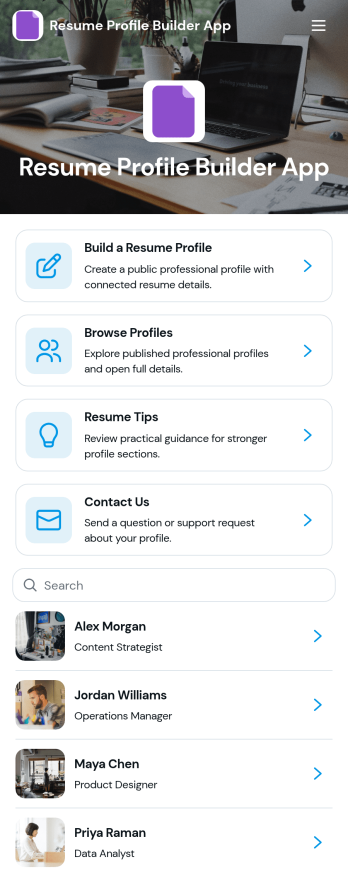
Resume Profile Builder App
Resume Profile Builder App is a ready-to-use app template for job seekers, freelancers, recruiters, career coaches, staffing teams, and educational institutions that need a convenient way to create and present professional profiles. Users can submit career details through a connected form, browse published profiles, and open individual pages featuring key resume information. The app also provides resume guidance and a contact path for questions. It can support candidate directories, student career showcases, freelancer networks, talent pools, and internal mobility programs while keeping profile creation and discovery in one accessible location.Jotform Apps helps organizations turn this Resume Profile Builder App into a branded, mobile-friendly experience without writing code. Its no-code app builder and drag-and-drop interface make it easy to adjust pages, navigation, colors, fonts, and visual elements. Teams can connect forms and tables to support data collection and workflow needs, then share the finished app through a direct link or QR code. Starting with Jotform App Templates reduces setup time while leaving room to create a polished self-service resource for candidates, employers, students, or professional communities.
Go to Category:Job Apps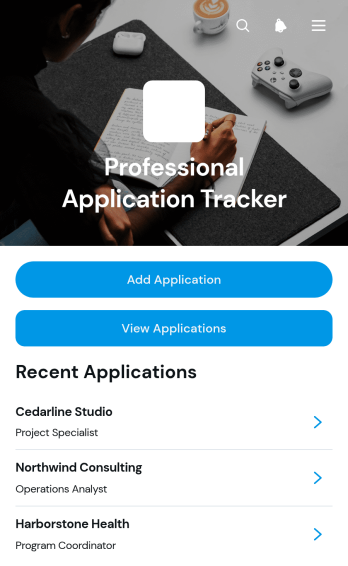
Professional Application Tracker App
Professional Application Tracker App gives job seekers, career changers, students, freelancers, and career advisers a central place to organize professional applications. Users can add an application, browse existing records, and review essential details such as the company, role, status, application date, follow-up date, notes, and outcome. This app template replaces scattered documents and reminders with a clear tracking experience, helping users monitor progress, plan timely follow-ups, compare opportunities, and maintain an accurate history throughout an active search. It is equally useful for individuals managing their own applications and advisers supporting multiple candidates.With Jotform Apps, this Professional Application Tracker App can be adapted through a no-code app builder and an intuitive drag-and-drop interface. Customize its pages, visual style, navigation, and connected data collection workflow without writing code. Jotform App Templates also make it easy to connect forms and tables, organize records for self-service access, and share the finished app through a direct link or QR code. The mobile-friendly experience keeps application information accessible wherever users prepare for interviews, contact prospective employers, or update an opportunity’s outcome.
Go to Category:Job Apps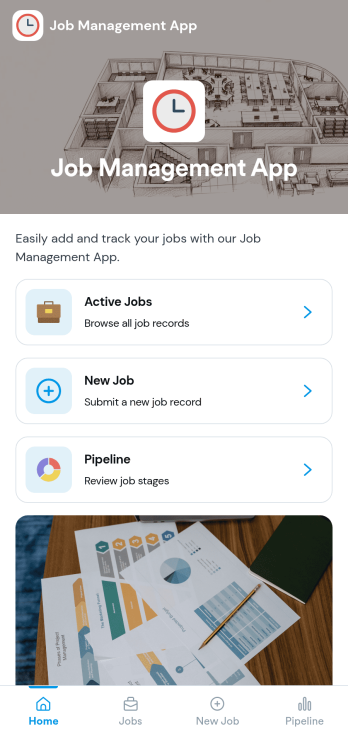
Job Management App
Job Management App brings your hiring workflow into one place so teams can post open roles, route candidates to the right listings, and keep applications organized as they come in. Use it to share a clear set of Open Jobs, publish role details, and guide candidates to Apply Now with a simple in-app application form. It’s a practical fit for growing businesses, HR departments, and operations leaders who need an easy way to keep recruiting moving without losing track of who applied to what.With Jotform, you can build and tailor app templates like this using a no-code app builder and a drag-and-drop interface, then connect your app experience to forms and tables for reliable data collection. Keep your workflow consistent by linking job listings to an application form, giving internal users a view of all applications, and offering candidates a self-service way to review their own applications. Share the app through a link or QR code, update content as roles change, and collaborate across teams as hiring needs evolve.
Go to Category:HR Portal Apps