
The Production Resource Scheduling App gives production coordinators, operations managers, plant supervisors, and scheduling teams one place to organize resource availability and assignments across dates, shifts, and locations. Users can browse available resources, submit scheduling requests, and review schedules or assignment statuses without relying on scattered messages and spreadsheets. This app template supports manufacturing facilities, studios, workshops, warehouses, and other production environments that need to coordinate equipment, workspaces, crews, or other shared resources. It improves schedule visibility, reduces resource conflicts, and helps requesters and coordinators stay informed as production needs change.
With Jotform, teams can adapt this Production Resource Scheduling App through a no-code app builder and an intuitive drag-and-drop interface. Customize pages, navigation, colors, fonts, and branded visual elements, then connect forms, tables, approvals, and notifications to support data collection and workflow management. Jotform App Templates make it easier to create a mobile-friendly self-service experience without programming. Once the app is ready, publish it through a direct link or QR code so employees and authorized partners can access current scheduling information from nearly any device.
Related templates
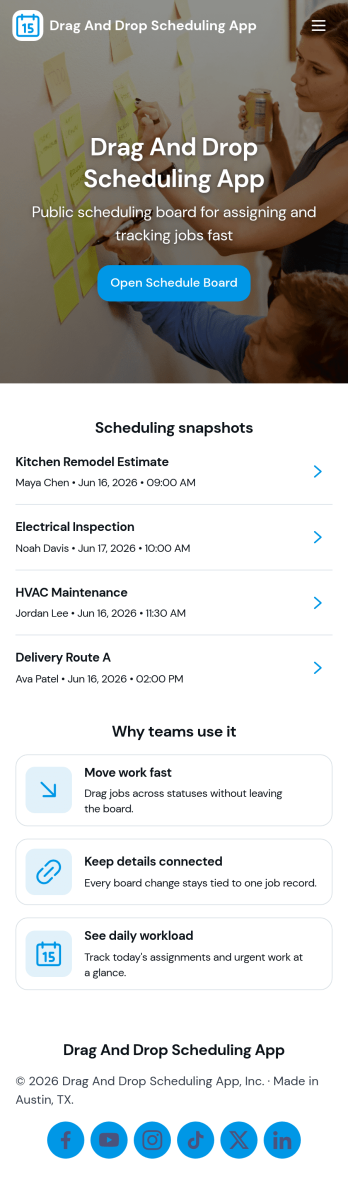
Drag and Drop Scheduling App
Drag and Drop Scheduling App helps teams build and manage shift schedules in a simple, visual way. Use it to create shifts, view the schedule, open a full schedule view, and quickly move between employee-specific pages so managers can confirm coverage and spot gaps. It’s a practical fit for restaurants, retail stores, clinics, field teams, and any operation that needs recurring shift planning, last-minute updates, or clear day-to-day visibility for staff.With Jotform, you can turn scheduling workflows into a shareable self-service app experience using App Templates and a no-code app builder with a drag-and-drop interface. Connect your schedule to forms for fast data collection when adding shifts or capturing requests, keep information organized, and publish updates instantly so everyone works from the same source of truth.
Go to Category:HR Portal Apps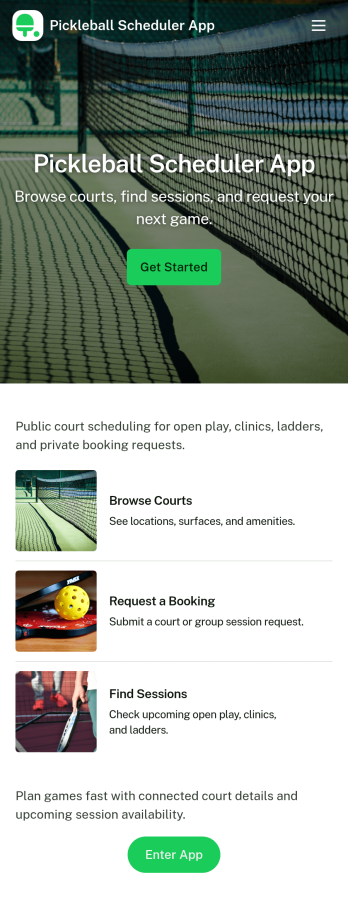
Pickleball Scheduler App
Pickleball Scheduler App helps clubs, recreation centers, and community groups organize court time and keep reservations easy to find. Use it to route players to Court 1, Court 2, or Court 3, collect booking details through a simple reservation form, and give everyone a clear place to review upcoming sessions. With dedicated actions like Make a Booking and My Reservations, the experience stays focused on reducing double-booking, missed time slots, and confusion around who reserved which court.Jotform makes it simple to turn scheduling into a polished self-service experience using App Templates and a no-code app builder. Customize pages with a drag-and-drop interface, connect your booking and member forms, and keep data collection organized behind the scenes so staff can spend less time coordinating and more time running great play sessions.
Go to Category:Booking Apps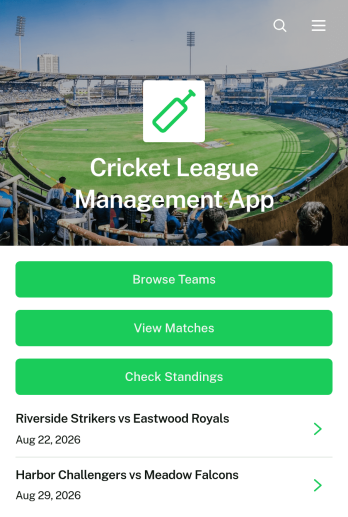
Cricket League Management App
The Cricket League Management App gives league organizers, cricket clubs, tournament committees, and community sports associations one accessible place to manage a competition. Teams can register through a connected form, participants can browse team profiles and match information, and authorized users can submit results while supporters check current standings. By bringing essential league details together, this app template reduces scattered messages and makes it easier to keep captains, players, officials, and followers informed throughout a season or tournament.Jotform Apps helps organizations turn these activities into a branded, mobile-friendly experience without coding. Start with this Cricket League Management App, then use the drag-and-drop app builder to adjust pages, navigation, colors, fonts, and visual elements. Connected forms and tables support data collection and organized workflows, while direct links and QR codes make the app easy to distribute. Jotform App Templates can also connect with approvals and notifications, giving organizers practical options for team self-service and ongoing league administration.
Go to Category:Sports Apps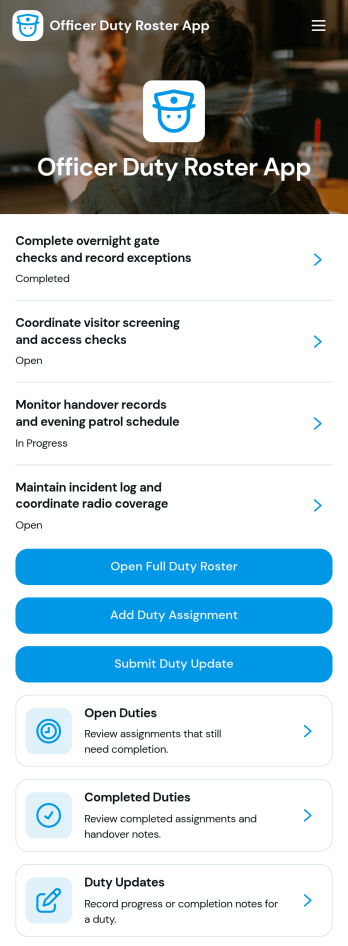
Officer Duty Roster App
The Officer Duty Roster App gives police departments, security teams, public safety units, and other officer-based organizations a central place to coordinate duty assignments. Supervisors can publish roster entries, add new assignments, review open and completed duties, and receive duty updates from personnel. Each assignment can present the responsible officer, shift, station, current status, briefing notes, and completion notes, helping teams understand who is working, where they are assigned, and what requires attention. It is especially useful for daily deployment planning, shift handovers, station coverage, event security, patrol coordination, and other operations where timely roster information supports accountability and continuity.Jotform makes this app template easy to adapt with a no-code app builder and a drag-and-drop interface. Teams can update pages, navigation, colors, fonts, images, and buttons to reflect their procedures and branding, then connect forms and tables to support data collection and workflow management. The finished app can be shared by direct link or QR code for convenient mobile access, giving officers and supervisors a practical self-service resource wherever duties are performed. Jotform App Templates also help organizations launch faster while retaining the flexibility to revise assignments, resources, and connected processes as operational needs change.
Go to Category:Scheduling and Planning Apps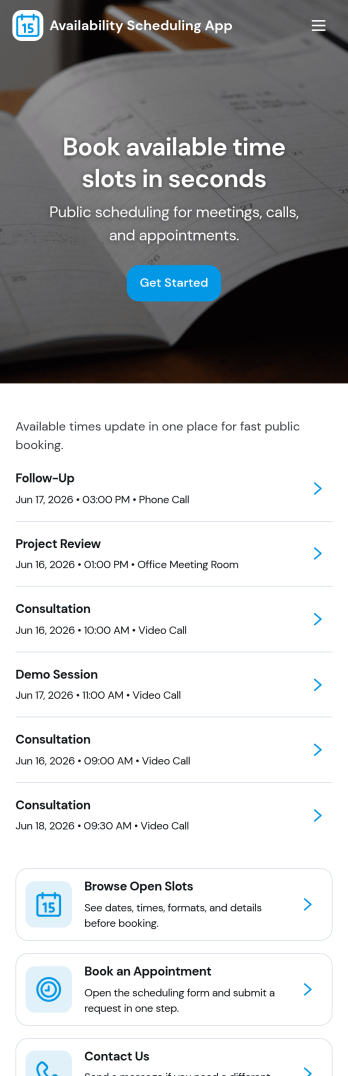
Availability Scheduling App
Availability Scheduling App helps teams collect availability, review open time blocks, and turn day-to-day entries into a clear schedule everyone can reference. It’s a practical fit for managers coordinating shift-based staff, clinics assigning rotating coverage, schools organizing office hours, and service businesses matching team members to time windows. With quick navigation to submit availability and view schedules, the app keeps availability requests in one place so coordinators can reduce missed messages and make faster staffing decisions.Built with Jotform, this app template combines self-service data collection with an organized schedule view that’s easy to share. Use Jotform’s no-code app builder and drag-and-drop interface to tailor pages, add your own instructions, and connect the app to a central table for ongoing updates. As availability changes, Jotform helps you maintain a dependable workflow for collecting entries, reviewing records, and keeping your schedule current across teams and locations.
Go to Category:Appointment & Booking Apps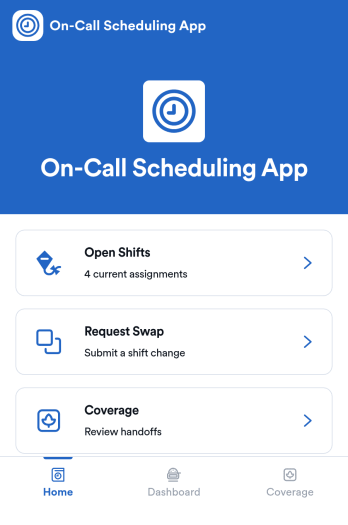
On-Call Scheduling App
On-Call Scheduling App helps teams coordinate after-hours coverage by giving staff one place to check open shifts, request a swap, and track coverage activity. It’s a practical fit for IT and operations groups, healthcare teams, maintenance crews, and any organization that runs rotating on-call duty and needs fewer missed handoffs. With dedicated areas for open shifts, swap requests, and coverage updates, the app keeps expectations clear and reduces confusion when schedules change at the last minute.Built with Jotform App Templates, this app template can be tailored in a no-code app builder using a drag-and-drop interface, so you can match your workflow without relying on developers. Connect pages to forms for fast data collection, route requests to the right people, and keep a simple coverage log that’s easy to review. When it’s time to roll it out, share the app in seconds for self-service access, and keep support handy with quick buttons for email or phone contact.
Go to Category:Information Technology Apps