
The Project Task Proof App gives project managers, contractors, field teams, and reviewers a central place to document completed work and verify task outcomes. Users can browse assigned tasks, open task details, submit supporting proof with evidence notes, and monitor review progress without relying on scattered messages or files. Review notes remain connected to the relevant task, helping teams clarify results and address follow-up work. This app template is useful for construction projects, client deliverables, maintenance work, inspections, remote assignments, and other projects where completion must be documented before work moves forward.
Jotform Apps makes it easy to adapt this experience with a no-code app builder and a flexible drag-and-drop interface. Teams can customize pages, cards, buttons, navigation, and visual styling while connecting the app to forms and organized records. The Project Task Proof App can support data collection, self-service task updates, and a more consistent review workflow from one mobile-friendly location. Start with one of Jotform’s ready-made App Templates, apply your branding, adjust the content to match your process, and share the finished app through a direct link or scannable code.
Related templates
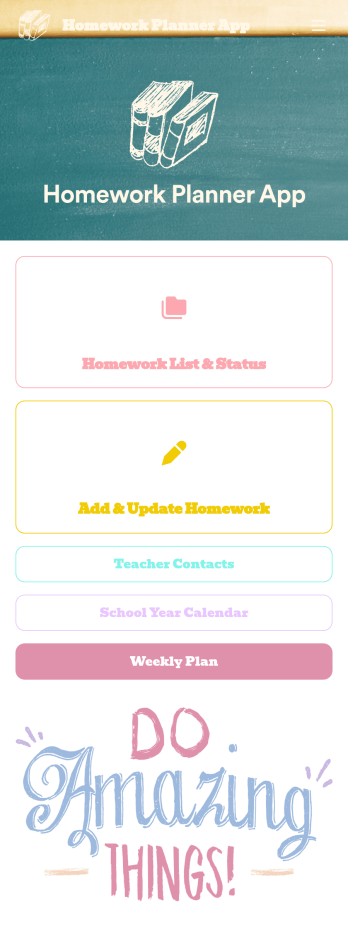
Homework Planner App
A homework planning app is a mobile application created by teachers and educators to help their students keep track of assignments and due dates. Use this ready-made Homework Planner App template from Jotform Apps to create your own in just a few easy clicks. Keep students updated on upcoming assignments, collect homework, list your office hours, and more.Want to make changes to how this Homework Planner App looks? No problem. With Jotform’s drag-and drop builder, you can add or remove forms, pick a background image, change font types, upload images and videos, select a unique app icon, and more. After you’re done customizing your app, simply embed it in your website or online portal for students to download.
Go to Category:Planner Apps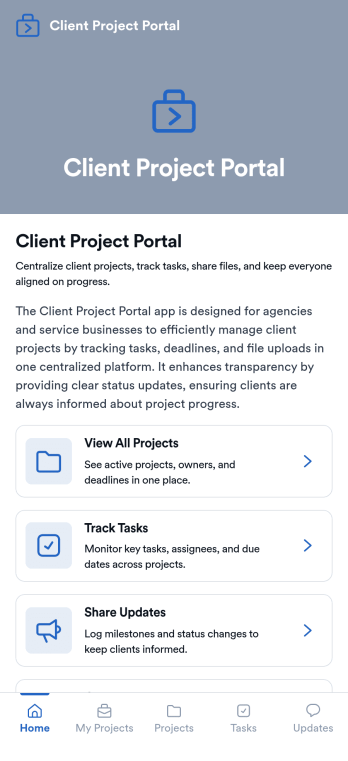
Client Project Portal
Client Project Portal is an app template designed to streamline project management and improve transparency between agencies, freelancers, service-based businesses, and their clients. This all-in-one platform brings together tasks, timelines, files, and updates, providing teams with a centralized system for managing ongoing client work. Users can seamlessly share progress, upload deliverables, and keep clients informed with status updates. The easy-to-read table view allows both teams and clients to quickly see project milestones, deadlines, and current status, while the dashboard provides a high-level overview of progress and next steps. This app is particularly beneficial for designers, developers, marketers, and consultants, but small teams also find value in the improved transparency and simplicity compared to complex project management systems.Jotform's Client Project Portal template provides a no-code, user-friendly solution to improve project transparency and streamline client communications. With its drag-and-drop interface, users can easily customize the portal to align with their brand identity, choose fonts and colors, and upload their logo without any coding. The cross-platform compatibility ensures that clients can access the portal on any smartphone, tablet, or desktop. Plus, with the added advantage of Progressive Web Apps (PWA), clients can download the app directly onto their home screen for easy access. Embrace a seamless project management experience and improve client relationships with Jotform's Client Project Portal.
Go to Category:Service & Support Portal Apps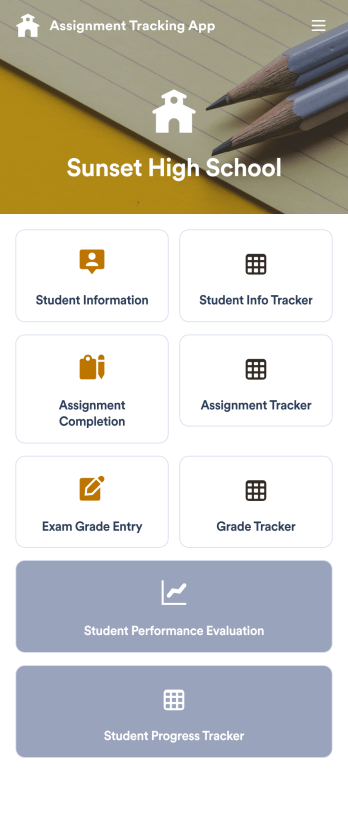
Assignment Tracking App
An assignment tracking app is used by teachers as an all-in-one classroom app for keeping track of students’ assignments and assessments. With Jotform’s Assignment Tracking App, teachers can record student information, completed assignments, test scores, and performance evaluations. Form submissions are automatically compiled in a companion spreadsheet, where teachers can sort, filter, and search through grades and test scores in an easy-to-understand format from any device.This app template works right out of the box, but you can easily customize it to meet your classroom’s needs with our intuitive app builder. No coding necessary — just drag and drop to add or swap out form elements, edit individual forms, upload images and documents, choose a custom app icon and splash screen, and more. When you’re done, you can access and download your very own app on any smartphone, tablet, or desktop for ease of use. Ditch the paperwork and manage your classroom from a single app with this fully-customizable Assignment Tracking App from Jotform!
Go to Category:Education Apps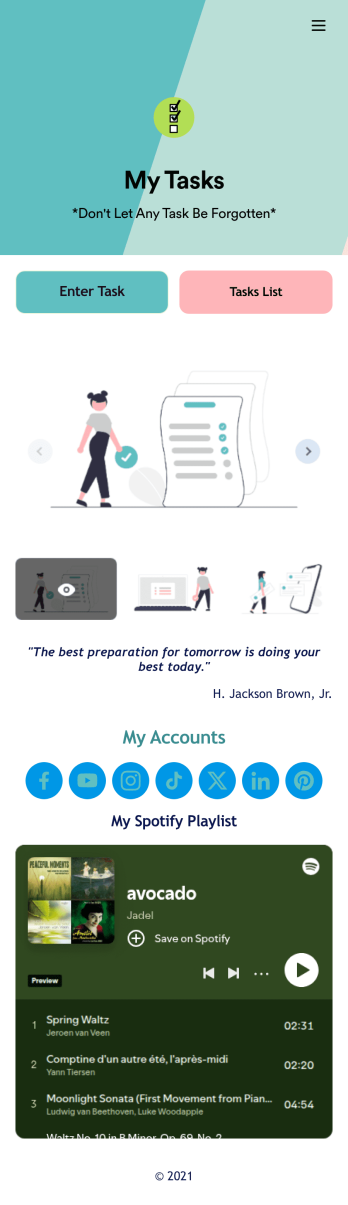
Recurring Tasks App
A recurring tasks app is used to track and manage daily tasks. Whether you’re organizing tasks for school, work, or at home, do it directly from your desktop or mobile device with a free Recurring Tasks App from Jotform! All tasks are stored securely in your Jotform account and easily accessible on any device — including as a spreadsheet, calendar, or individual cards with Jotform Tables’ Daily Task List!Feel free to update the design by adding other forms, changing colors, uploading your logo, and making other changes for a personalized touch with our no-code builder. You can even copy and paste the app link to send it to members of your team, so they can download it onto their devices too! Organize your tasks more efficiently with this Recurring Tasks App.
Go to Category:Management Apps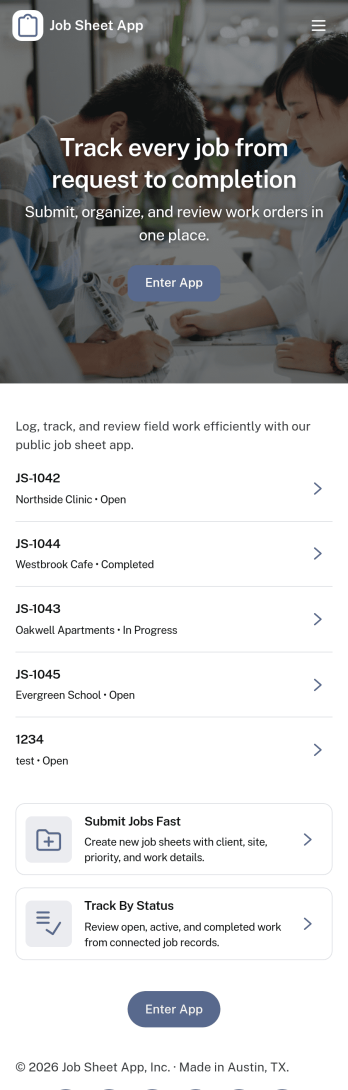
Job Sheet App
A Job Sheet App gives field teams and service businesses a clear place to view open jobs, capture progress updates, and keep work details consistent from start to finish. Use it to reduce missed steps on site visits, standardize job notes across technicians, and keep everyone aligned on what’s next. With quick navigation to Open Jobs and a simple Submit Update path, it works well for contractors, maintenance crews, home services teams, and operations managers who need job information to stay current while work is happening.Jotform makes it easy to publish this kind of job tracking experience without coding using its no-code app builder and drag-and-drop interface. Connect the app to a form for fast data collection, organize job records in a connected workflow, and share a self-service link with your team so updates can be submitted from anywhere. As your process grows, you can adjust pages, add new steps, and keep insights accessible in one mobile-friendly place with Jotform App Templates.
Go to Category:Operations & Logistics Portal Apps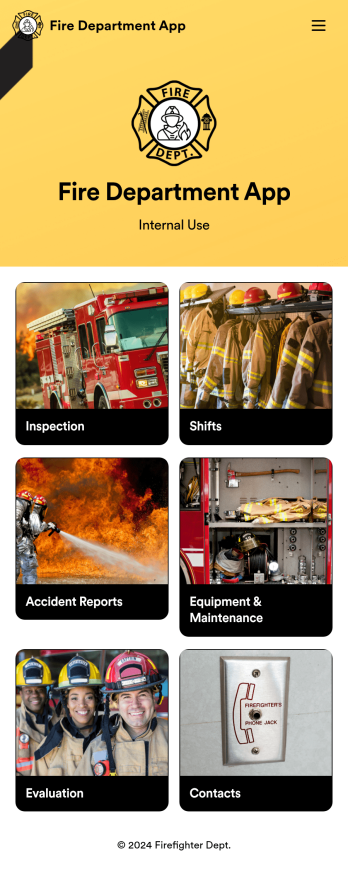
Custom Fire Department App
A fire department app is used by fire departments to track and manage important tasks and activities. This type of app can be used for fire truck inspections, new firefighter applications, shift tracking, equipment logging, performance reviews, and more. To create a custom Fire Department App for your station, use this ready-made template.Personalizing the design of this Fire Department App Template is easy and quick with Jotform’s no-code app builder. Simply drag and drop to make any design or content changes you need. Pick a unique icon for your app, add or remove forms, change colors and fonts, integrate with useful platforms and widgets, and more. Keep your fire department running smoothly with Jotform Apps.
Go to Category:Company Portal Apps