
The Research Observation Collection App helps researchers, field teams, educators, students, and program evaluators capture and organize observations in a consistent digital workspace. Users can record field findings, browse previous observations, and review patterns without relying on scattered notes or disconnected files. It is well suited to academic studies, behavioral research, environmental fieldwork, classroom inquiries, community assessments, and product or service research. Centralized records make it easier for teams to preserve context, compare findings across locations or observation types, and prepare information for later analysis.
Jotform makes this app template easy to adapt with a no-code app builder and a flexible drag-and-drop interface. Teams can modify pages, navigation, visual styling, and connected data collection processes to reflect their research methods. The app can connect with forms, tables, approvals, and automated workflows, giving collaborators a convenient way to contribute and access information from mobile or desktop devices. Once customized, it can be shared through a direct link, QR code, or embedded experience to support coordinated research in the field or office.
Related templates

Daily Log App
A daily log app is used by business owners and human resource departments for tracking employee leave requests and daily reports. Jotform’s free Daily Log App allows employees to fill out a leave request form with general contact information, position, manager, and start and end dates for the requested time off. A separate End of Day Form is for employees to provide a daily report summary and write down any questions and comments they may have. Submissions are synced instantly and stored securely in your Jotform account.If you’d like to customize this app template to match your company’s branding, simply use our drag-and-drop interface to add or change forms, upload your logo, change fonts and colors, and more — no coding required. You can even use your splash screen to post announcements and upcoming company holidays. Once you’re done, employees can download your app on any smartphone, tablet, or desktop with a shareable link. Keep track of employee leave requests and daily reports with this Daily Log App.
Go to Category:Daily Planner Apps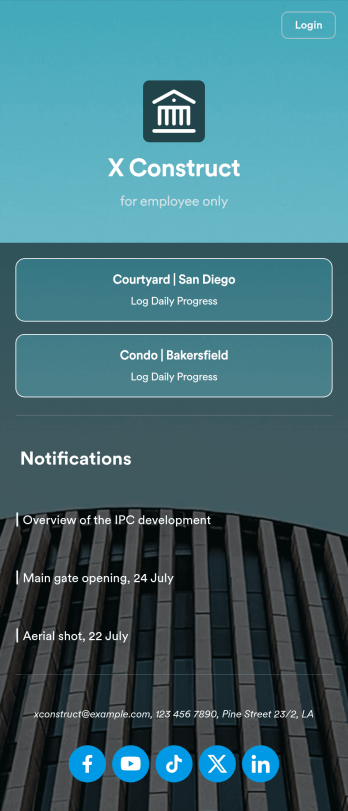
Custom Construction Daily Log App
A construction daily log app is used by construction companies to log their daily progress on construction sites. With Jotform’s free Construction Daily Log App, your company’s employees can complete daily work logs directly from their smartphone or tablet. Just customize the app template, share it with your employees to download onto any device, and view responses in your secure Jotform account.Update the app template to include your branding, add more forms, and make other design changes using our drag-and-drop app builder. No coding knowledge required! Once your app is fully customized to match your needs, share it with a link or invite company members to download it via email so they can readily access it from their mobile device. Save time and paper by completing work logs online with this free Construction Daily Log App.
Go to Category:Construction Apps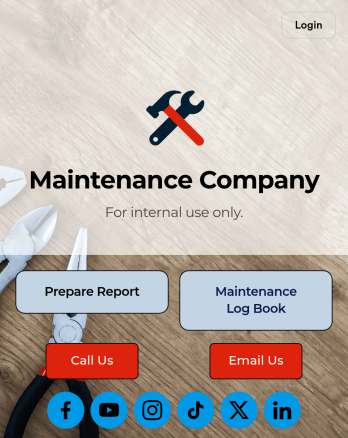
Maintenance Log App
A maintenance log app is used by companies to record and keep track of maintenance records. With our free Maintenance Log App, you can use a Maintenance Report Form to track general personnel information, equipment and building issues, and any repairs performed. There is a digital signature box at the bottom of the form to be signed upon completion. Reports are instantly compiled and stored in an Equipment Maintenance Log, which is accessible from your Jotform account.You can easily customize this app to suit your needs by adding or changing forms, uploading your logo, choosing fonts and colors, and more — no coding required. Share your app with a link or embed it in an internal website, and maintenance staff can begin using it right away on any device. Say goodbye to paperwork and start keeping all your maintenance records online with this free Maintenance Log App.
Go to Category:Engineering Apps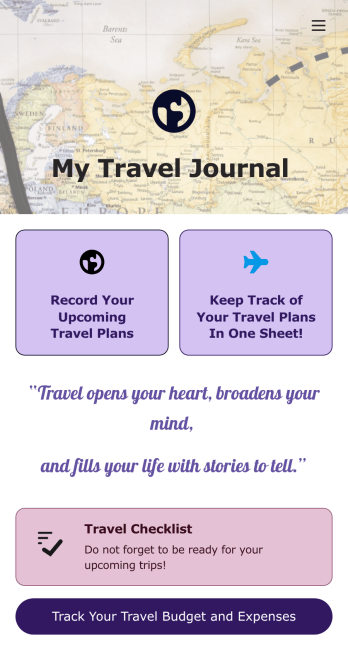
Travel Journal App
A travel journal is used by travel agencies or individual travelers to plan and track vacation itineraries and other important trip details. Build your own Travel Journal App for your traveling needs with Jotform’s app builder. Include a preparation checklist, list of possible destinations, transportations tickets, payment plans, and other important documents.Change the look and feel of your Travel Journal App up with our easy-to-use online app builder. Drag and drop to add personal touches like uploading branding assets, changing colors and fonts, picking an app icon, and much more. Then simply share your app with your clients or other travelers via link, QR code, or by embedding a link in your online portal or website.
Go to Category:Log Apps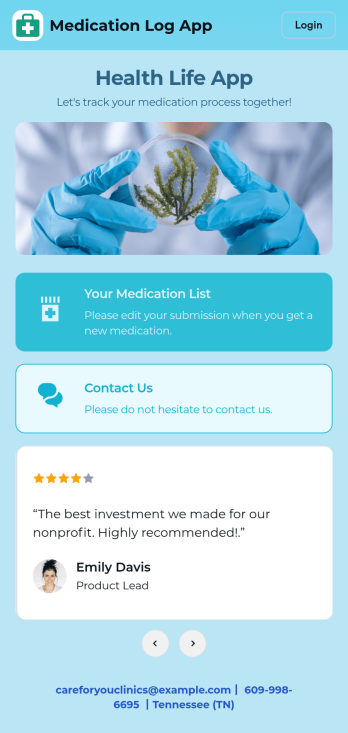
Medication Log App
For patients and clinics alike, keeping track of your patients' medications can be daunting — so streamline the process for everyone with our Medication Log App! This readymade app provides your patients with a single online portal to log and update their medical history, medication regimen, and general contact information. Patients can then access and download your app on any smartphone, tablet, or desktop computer.This Medication Log App is ready to use and doesn't require any coding, but you can easily customize this app template to better suit your needs. With our drag-and-drop interface, you can add forms, choose fonts and colors, and customize your app name, icon, and splash screen. Make it easier for your patients to keep track of their medications with a custom Medication Log App they can use from any device!
Go to Category:Healthcare Apps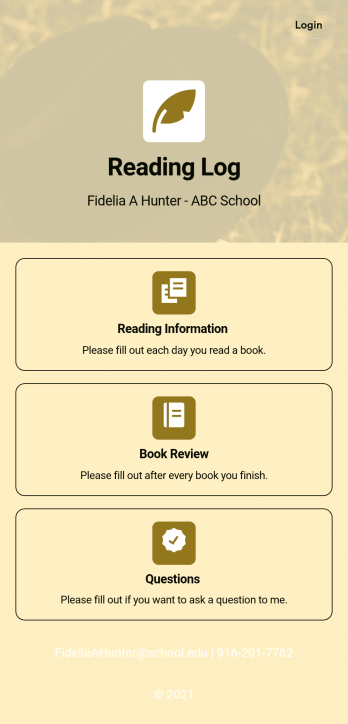
Reading Log App
As a teacher, staying on top of your students’ reading habits can be a headache. So why not create one central place to keep track of it all? With this Reading Log App, teachers can easily track, monitor, and review students’ assigned reading progress. This ready-to-use template also comes with a place for your students to send questions, and a digital signature form for parents to sign off on readings. This app works in tandem with our Reading Log Template, which allows you to easily sort through entries in a searchable spreadsheet.Want to customize this Reading Log App and make it your own? With our simple drag-and-drop interface, you can add or change forms, choose fonts and colors, update the app name or text, and more — all with zero coding. Once you’re satisfied with the look and feel of your app, simply share the link through email and have your students start filling out their assigned readings from any smartphone, tablet, or desktop. Make your job outside of the classroom easier with this customizable Reading Log App!
Go to Category:Classroom Management Apps