A restaurant management app for internal use makes it easier to track inventory, manage staff, and keep your restaurant running smoothly. No matter what type of cuisine your restaurant serves, build your own app with our free Restaurant Management App template. This pre-made template keeps opening and closing checklists and manager review forms in one place. Members of your staff will be able to open and download the app onto any smartphone, tablet, or computer.
Customize this Restaurant Management App for your restaurant in just a few clicks. No coding necessary — simply drag and drop to add or delete forms, text, images, links, and much more. When it’s ready, you can download the app onto any device or share it with members of your staff to save onto their own devices. You’ll receive form entries instantly in your secure Jotform account. Manage all restaurant operations from one place with a fully-custom Restaurant Management App.
Related templates
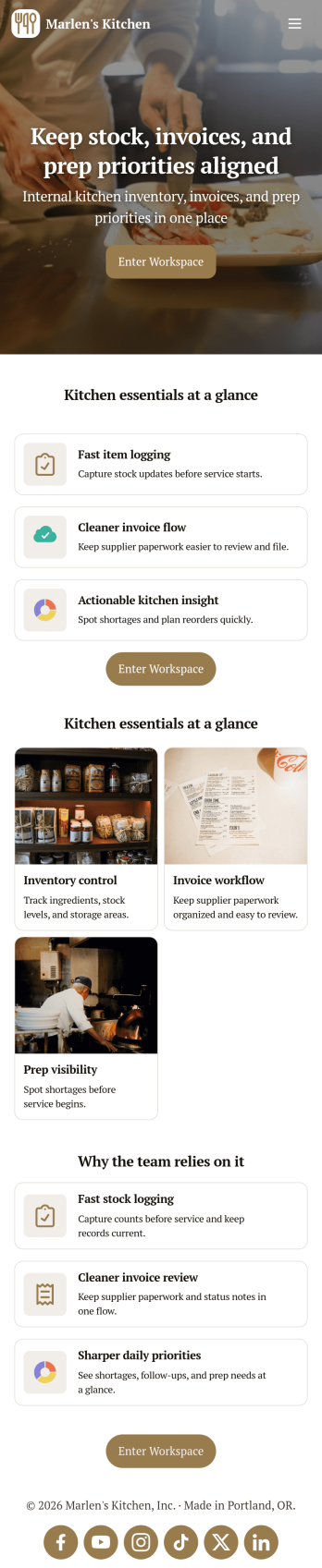
Restaurant Food Inventory App
Restaurant Food Inventory App is an app template designed to optimize the operational workflow of restaurants. It serves as a one-stop solution for restaurant owners, chefs, and kitchen managers to monitor ingredient inventory levels, track usage and expiry dates, manage supplier orders, and optimize food costs through real-time stock visibility. With this app, keeping an eye on food stocks and minimizing waste becomes a hassle-free process. By offering a comprehensive overview of all culinary inventory in one place, it replaces ad-hoc record-keeping practices, leading to more consistent and complete data collection. This app is best suited for those in the food industry who prioritize efficiency, accuracy, and waste reduction in their inventory management.With Jotform's no-code app builder, customizing the Restaurant Food Inventory App to fit your unique requirements is a breeze. The intuitive drag-and-drop interface allows for effortless modifications such as form swapping, font selection, color adjustment, and logo uploading. The result is a tailor-made app that aligns with your restaurant’s branding, without requiring any coding skills. Your app can then be accessed and downloaded onto any smartphone, tablet, or desktop via a shareable link, offering convenient cross-platform compatibility. Furthermore, Jotform Apps provide several publishing options, allowing you to control the accessibility of your app. With Restaurant Food Inventory App from Jotform, streamline your food inventory management and focus on what truly matters: delivering exceptional culinary experiences.
Go to Category:Company Portal Apps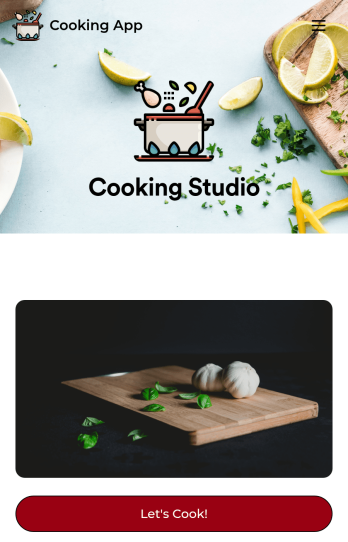
Cooking App
Whether you run a recipe blog or teach online cooking classes, share your recipes with the world using Jotform’s free Cooking App! This readymade app template includes a recipe submission form, recipe log, and feedback form. Users can download your app onto their favorite device and fill out the bundled forms with ease. All entries will be synced to your secure Jotform account. Customize this Cooking App in just a few clicks using Jotform’s drag-and-drop interface. No coding necessary — you can easily add new forms and app pages, upload links and images, display your logo, and include other elements as well. When it’s ready to share, post the app link in your website or social accounts. Users can then open and save your Cooking App on any computer, smartphone, or tablet for easy access to your recipes.
Go to Category:Entertainment Apps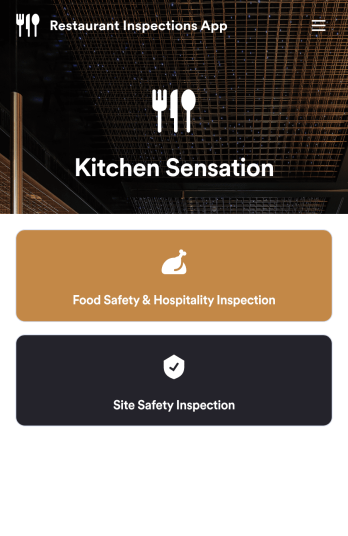
Restaurant Checklist App
A restaurant checklist app is used by restaurant owners and managers to document the condition of a restaurant by filling out inspection forms. This Restaurant Checklist App includes two forms: a food safety and hospitality inspection checklist for recording the cleanliness of the restaurant interior, and a site inspection checklist for recording the safety and cleanliness of the kitchen and service areas. Both checklists allow restaurant inspectors to date and sign inspections using an e-signature field. Reports are instantly synced and stored in your secure Jotform account for ease of access.Customize this app template to match your restaurant’s branding with Jotform’s no-code app builder. Simply drag and drop to add form elements, edit checklist items, personalize your app icon and splash screen, and more. After you’re done, you can share your app by sending a link in an email invite, and employees can then download it onto any smartphone, tablet, or computer. Ensure your restaurant is compliant with health and safety standards by creating your own fully-customizable Restaurant Checklist App.
Go to Category:Checklist Apps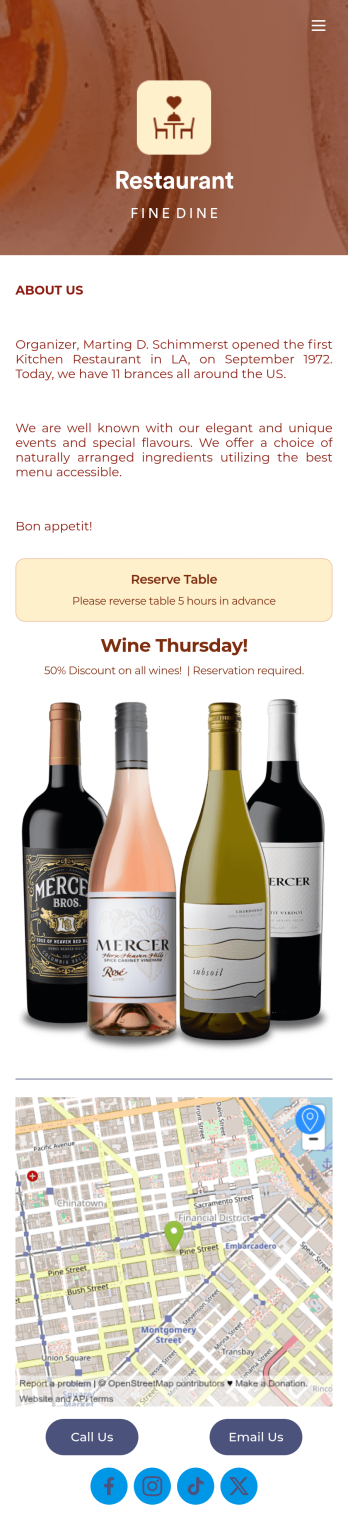
Restaurant Reservation Mobile App
Ditch the pen and paper and keep all your table reservations in one convenient location with our Restaurant Reservation Mobile App. This readymade app template allows guests to easily reserve a table online using their name, email, and phone number. Tapping on the embedded calendar displays all available reservation slots for a particular day. Your reservations are then compiled and stored securely in your account, and viewable in an easy-to-read database from any device.Want to customize this Restaurant Reservation Mobile App to match your restaurant’s branding? Our drag-and-drop interface makes it easy to add or change forms, choose fonts and colors, upload your logo, update the app name or text, and more — all with zero coding. You can even display signature dishes and inform customers of discounts or happy hours on your splash page. Just share a link to your app on your website or social media, and customers can access and download it on any smartphone, tablet, or computer. Start taking online table reservations today with this Restaurant Reservation Mobile App!
Go to Category:Booking Apps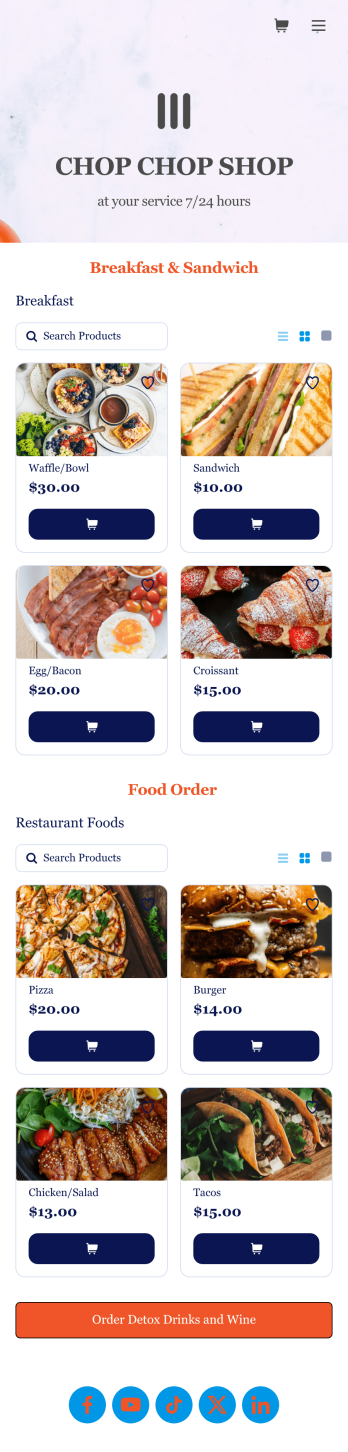
Food Order App
Discover how to sell food orders online with Jotform. No matter what type of cuisine you serve, make online ordering easy for your customers and sell food orders online with Jotform’s free Food Order App! This customizable mobile app bundles together multiple order forms and contact forms. Once they’ve downloaded your app onto their favorite device, customers can easily place their orders and submit payments all in one go. You’ll receive form submissions instantly, so you can begin fulfilling orders without delay.Customize this Food Order App for your business in just a few clicks. Jotform’s drag-and-drop interface makes it easy to create and attach forms, upload logos, add links, and include other elements in your mobile app. When you’re done customizing, share your app with customers by posting the link on your website, social accounts, or in newsletter emails. Customers can save your Food Order App onto their computer or any iOS or Android device, so they can order your food no matter where they are!
Go to Category:Delivery Apps
QR Code Menu App
Want to learn how to sell menu items online? A QR menu app is used by restaurants, cafes, and diners who wish to replace a traditional menu with a QR code menu. With this app template, customers can scan a QR code with their smartphones to access your online menu. Once scanned, diners will be presented with your app’s splash screen, where they can navigate between drink and food menus and place no-contact orders for dine-in, pick-up, or delivery. Orders received through your app are automatically synced to your online account, which can be accessed by servers and kitchen staff from any device.Customize this app template to fit your needs using Jotform’s intuitive form builder. No coding required — simply drag and drop to add or change form elements, upload your logo, choose fonts and colors, attach thumbnail images to menu items, and more. You can even create a custom splash screen to run promotions or showcase popular dishes. Once you’re finished, connect your app to a unique QR code, and customers can then scan and access your menu from any smartphone or tablet. Build a custom no-contact online menu in minutes and sell item items online with this free QR Menu App from Jotform.
Go to Category:Food & Beverage Apps