Retail Scheduling App brings daily store staffing into one place so managers and associates can stay aligned on who is working, when, and where coverage is needed. Use it to publish today’s schedule, keep a clear shift board, maintain a team roster, and collect swap requests without relying on scattered messages. It’s a practical fit for retail shops, pop-up locations, multi-location stores, and seasonal teams that need fast updates and fewer missed handoffs across opening, peak hours, and closing shifts.
Built with Jotform, this app template helps you turn scheduling tasks into a simple self-service experience employees can access from a single link. With Jotform’s drag-and-drop no-code app builder, you can tailor pages, buttons, and lists to match your store’s workflow, then connect shift request forms to the app for consistent data collection. Share updates instantly, centralize requests, and keep scheduling information organized as your team grows.
Related templates
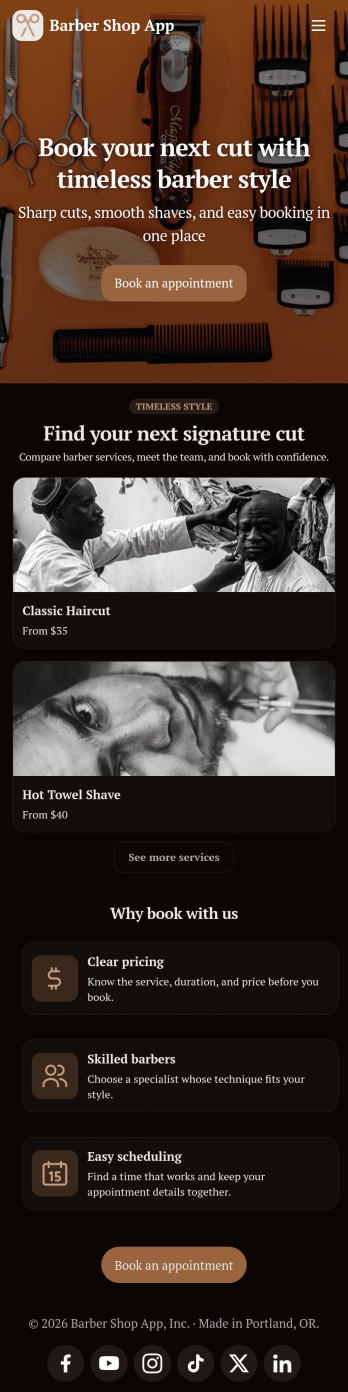
Barber Shop App
As a barber, you want to focus on your clients’ hair, not on booking appointments — so simplify the process for everyone with this Barbershop App! This free app template is ready to use and includes forms so you can schedule appointments and sell barber shop products online directly from your store. Customers can also fill out and update their profile, as well as write testimonials that you can display on your splash page. Your app can be easily accessed and downloaded to any smartphone, tablet, or computer for future use.This Barbershop App can be fully customized to match the branding of your barbershop. Our drag-and-drop interface allows you to add forms, upload logos and images, change fonts and colors, and more — no coding required. Jotform’s List Element feature lets you connect Tables and add actions, making it easy to organize data and manage your app’s flow. Once you’re satisfied with the look and have set the app up to sell your barbershop products online, simply share the link to your website or social media and start booking hair appointments today with this free and fully customizable Barbershop App!
Go to Category:Appointment & Booking Apps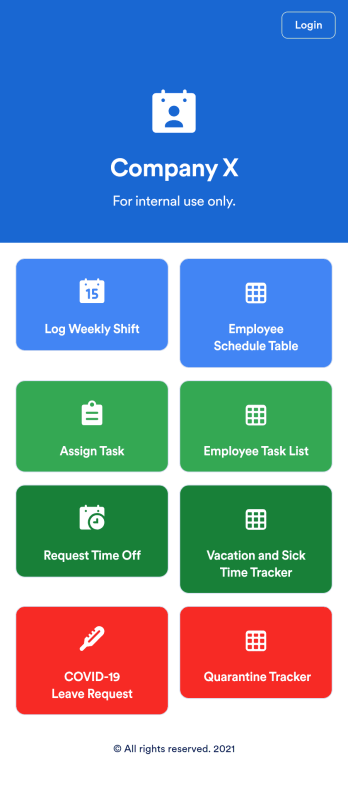
Employee Scheduling App
An employee scheduling app is used by company HR, department managers, and employees for keeping track of employee data. This Employee Scheduling App from Jotform comes bundled with four useful forms, allowing employees to log weekly shifts, view assigned tasks, manage leave requests easily with Leave Request Form, and take time off to quarantine from COVID-19 exposures. Each form includes a companion spreadsheet where employee data is stored — allowing managers to easily sort, filter, and search through entries from any smartphone, tablet, or desktop.Make this app template your own with Jotform’s intuitive app builder. Just drag and drop to add or change form elements, edit the content of individual forms, upload your company’s logo, and more — all without any coding. You can also use your app’s splash screen for things like company-wide announcements or listing HR contact information. Once you’re finished, share your app with employees by attaching a link to an onboarding email or embedding it in an employee portal. Streamline scheduling and time-off requests with this fully-customizable Employee Scheduling app that can be downloaded on any device.
Go to Category:Human Resources Apps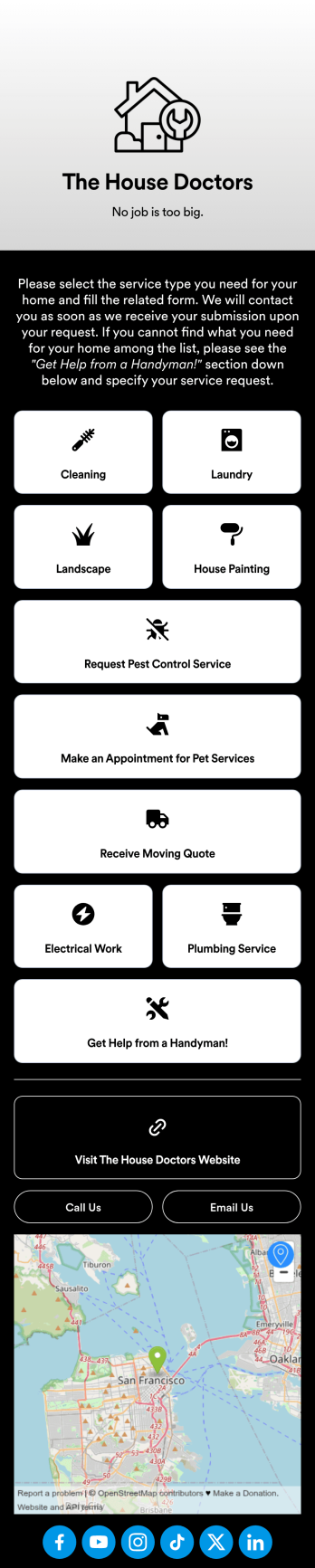
Custom Home Services App
No matter what home services you offer, create a mobile app for your customers with this ready-made Home Services App from Jotform. Clients can download the app to their smartphone or tablet to request cleaning, laundry, landscaping, painting, and other types of services on the go. All form submissions are stored in your Jotform account, so you can respond quickly and easily from anywhere.Want to make changes to this Home Services App? Drag and drop to update the design to match your branding and the services you offer. You can add your logo, change the app background, and more — all with no coding! Once your custom On-Demand Home Services App is ready to go, you can add it to your social media bio or share it with a link for customers to download onto any iOS or Android device.
Go to Category:Booking Apps
Consultation App
A consultation app is used by clients to request consultation services from a consulting firm. With this free Consultation App from Jotform, your agency can create its own custom app in minutes! Just add photos and descriptions of your consultants, include links to your portfolio, and input location and contact details. Your clients can then download the app onto their mobile device to request a consultation fast.Want to make changes to this app template? Update the design by choosing a new background or app icon, including specific information about your services, splitting the app into different pages, and making other changes with our drag-and-drop app builder. No coding needed! You can then share the app with a link or send it to clients via email. All submissions through your custom Consultation App are ready to view instantly, so you can schedule consultations and respond to clients with ease.
Go to Category:Management Apps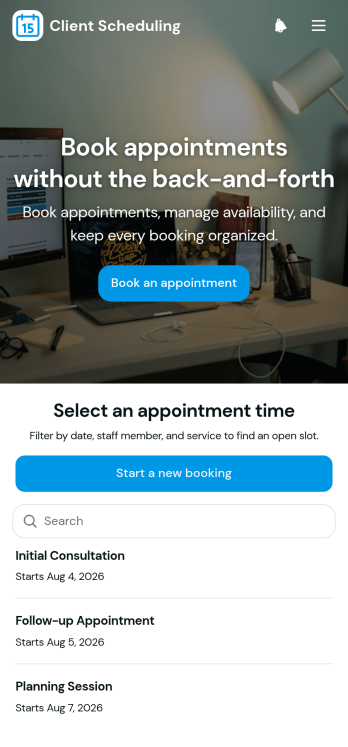
Scheduling App
You’re busy running a business — so why not make scheduling appointments as quick and convenient as possible? With Jotform’s free Scheduling App, customers can request an appointment by filling out their general contact information and choosing an appointment time from a list of available openings. There is also a separate contact form should a customer need to reach out to you directly. Appointments are stored securely in your online account, and can be accessed from any device.Want this Scheduling App to match your branding? No problem — our drag-and-drop form builder makes it easy to swap out forms, choose fonts and colors, upload your logo, and more with no coding. Jotform’s List Element feature lets you connect Tables and add actions to organize your app’s data, while the easily trainable AI Chatbot helps guide users and answer questions in real time. Your customers can then access and download your app onto any smartphone, tablet, or desktop via a shareable link. Start taking appointments from your own customizable app with this Scheduling App from Jotform!
Go to Category:Scheduling Apps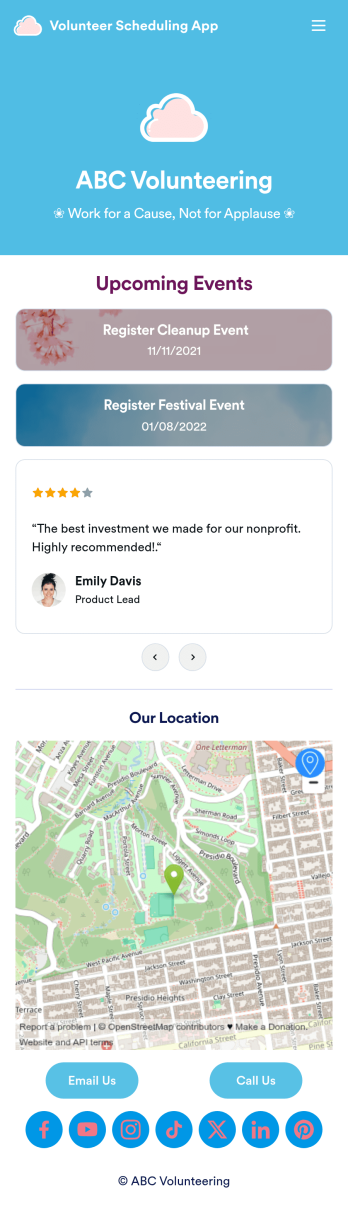
Custom Volunteer Scheduling App
A volunteer scheduling app is used by communities and organizations for recruiting volunteers. Our Volunteer Scheduling App allows individuals to volunteer for upcoming activities and events by filling out a form with their general contact information, availability, areas of interest, and any helpful talents they may have. This app template also includes an interactive event calendar and an event request form. Volunteer registrations are organized in an easy-to-read spreadsheet in your secure Jotform account, where you can sort and filter volunteers by name and availability.Jotform’s drag-and-drop app builder makes it easy to customize this app template to suit your needs. You can add and swap out form elements, choose fonts and colors, upload your organization’s logo, use your splash screen to include testimonials and photo slideshows of past events, and more — all without any coding. When you’re done, share your app by attaching it to an email newsletter, or include a link in your website or social media bio, and volunteers can download your app on any device. Start making real change in your community with this fully-customizable Volunteer Scheduling App.
Go to Category:Nonprofit Apps