
The Role-Based Task Portal App is an app template for organizing assigned work around the responsibilities of employees, managers, contractors, and cross-functional teams. It gives users a focused place to review task details, assignees, and current statuses while enabling authorized team members to review and update shared task records. A visual summary of tasks by status helps supervisors understand progress and identify work that may need attention. Organizations can use this portal for internal operations, project coordination, service delivery, recurring assignments, and departmental workflows without relying on scattered messages or disconnected spreadsheets.
Jotform Apps helps teams turn task processes into accessible, interactive experiences with a no-code app builder. Customize this Role-Based Task Portal App through a drag-and-drop interface, connect forms and tables for data collection, and arrange content to support role-specific navigation and self-service. Teams can adapt the layout, colors, pages, and task workflow to match their operating needs, then publish the finished app through a direct link, custom app URL, QR code, or embedded experience. Jotform App Templates provide a practical starting point that can be updated as responsibilities, teams, and processes evolve.
Related templates
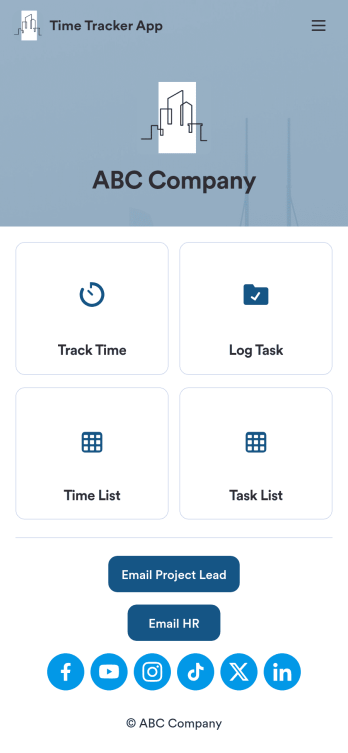
Custom Time Tracker App
A time tracker app is used to keep track of employees’ hours and tasks. With Jotform’s free Time Tracker App, managers can keep a complete record of the times employees punch in or out, task details and the amount of time employees spend on them, and view all the information in a professional spreadsheet. All submissions are stored securely in your Jotform account and ready to access on any device.Need to make changes to this app template? Be sure to add your logo, change the background image, and choose new fonts and colors for a personalized touch. You can also customize the spreadsheet layouts and make changes to the app’s forms to collect other types of information — then share the app for your employees to download onto their devices. Better manage employee information with a free Time Tracker App from Jotform.
Go to Category:Management Apps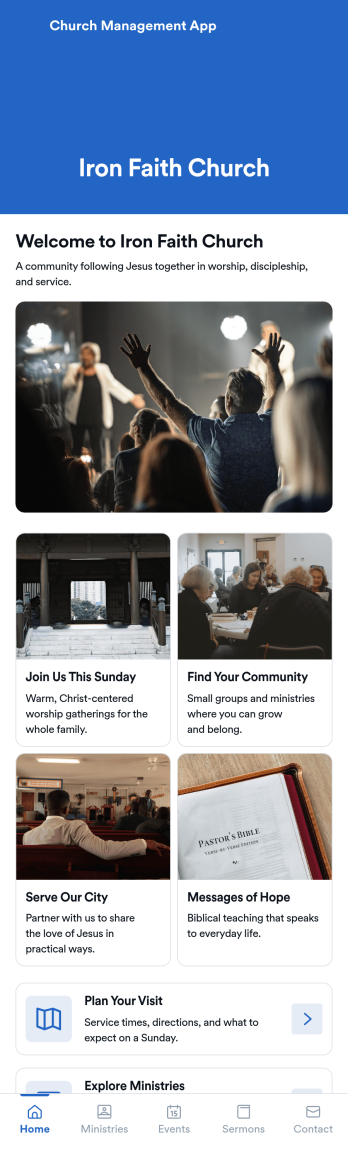
Church Management App
Church Management App is an app template designed to streamline the logistical aspects of managing a religious community. This ready-to-use solution facilitates the coordination of activities, enhances member engagement, and centrally manages administrative tasks. The app is invaluable for church administrators, ministry leaders, and community coordinators looking to simplify their operations. The Church Management App collects a variety of data, from member details to event registrations, ensuring a complete, accurate view of your church's activities. It provides a unified platform for managing services and community programs, making it ideal for religious organizations aiming to upgrade their administrative workflows.Jotform’s Church Management App template offers unparalleled ease of use and ease of customization. The no-code app-building interface lets you tailor the app to your organization’s needs without writing a single line of code. You can adjust the design, add or remove fields, and even incorporate features like electronic signature collection for agreements and waivers. This is a Progressive Web App (PWA), meaning that it can be accessed on any device - from smartphones to desktops - as long as there's an internet connection. You can even set the app to capture data offline, so you can collect information at events or meetings without worrying about connectivity. With Jotform, managing your church community has never been simpler or more efficient.
Go to Category:Task Management Apps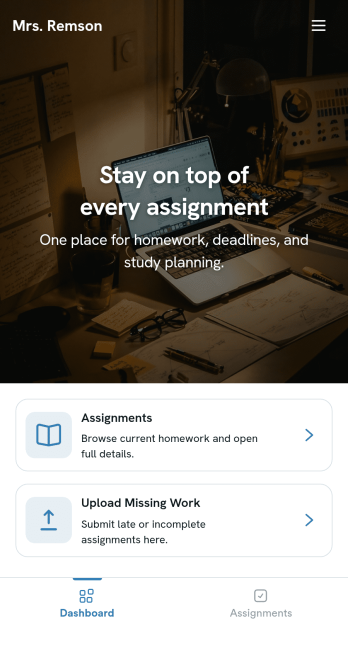
Homework Management App
A homework management app is used by teachers to collect homework assignments from their students. Give your students an easier way to submit homework for your remote or in-person classroom with a free Homework Management App from Jotform. Students can upload documents through the app’s homework or missing assignment forms, which you can view easily on any device from your secure online account.Need to make changes to this app template? Add or remove forms, update the app icon or background, include important information for your classroom, or add helpful links with no coding required. You can then copy and paste the app link to share your custom Homework Management App with your students, who can download it onto their computer, tablet, or smartphone to submit their homework instantly.
Go to Category:Classroom Management Apps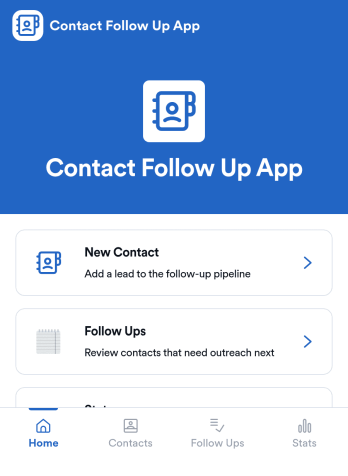
Contact Follow Up App
Contact Follow Up App helps you capture new leads and keep every conversation moving forward without losing track of who needs a reply. It’s built for sales reps, small business owners, agencies, and client-facing teams who juggle outreach across events, referrals, inbound inquiries, and repeat customers. With a simple New Contact entry point and a dedicated Follow Ups area, you can quickly log contact details, review people who need attention, and open an individual contact view when it’s time to act.Jotform makes it easy to turn this kind of follow-up workflow into a shareable, branded experience using a no-code app builder and a drag-and-drop interface. Connect your app to forms and tables for consistent data collection, keep information organized in one place, and publish updates fast as your workflow evolves. Whether you’re tracking lead status, prioritizing outreach, or reviewing simple stats, Jotform app templates help you deliver reliable self-service and internal processes without extra tools.
Go to Category:Customer Engagement Apps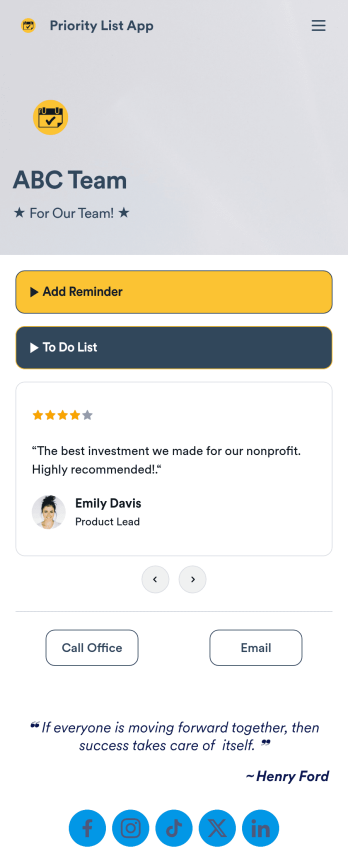
Priority List App
A priority list app is used by employees who work in a team to prioritize tasks. With Jotform’s free Priority List App, team members can easily add tasks with priority levels and deadlines, as well as set reminders. Tasks are compiled in a searchable and easy-to-understand task list table, which can be accessed by team members on any device.Customizing this Priority List App is easy. With our drag-and-drop form builder, you can add new forms, upload images, change fonts and colors, and more — all with no coding. After you’re done, you can share your app with other team members via link, or even embed it in an internal website. Your app can be downloaded on any smartphone, tablet, or desktop for future use. Keep your team on track with this fully customizable Priority List App!
Go to Category:Management Apps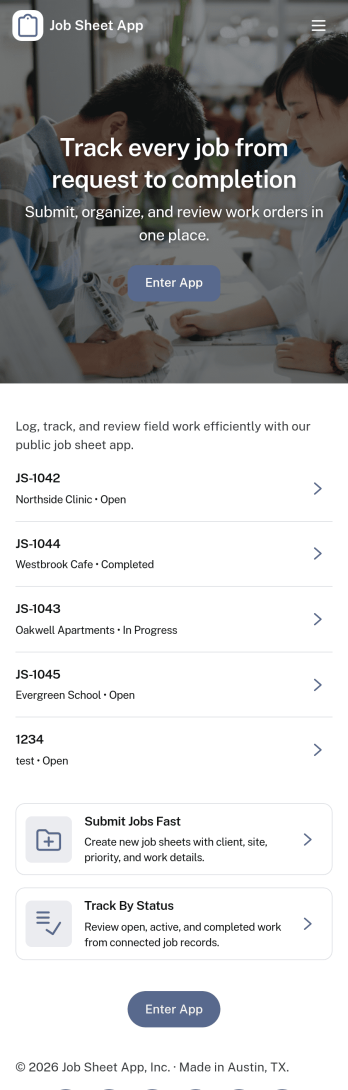
Job Sheet App
A Job Sheet App gives field teams and service businesses a clear place to view open jobs, capture progress updates, and keep work details consistent from start to finish. Use it to reduce missed steps on site visits, standardize job notes across technicians, and keep everyone aligned on what’s next. With quick navigation to Open Jobs and a simple Submit Update path, it works well for contractors, maintenance crews, home services teams, and operations managers who need job information to stay current while work is happening.Jotform makes it easy to publish this kind of job tracking experience without coding using its no-code app builder and drag-and-drop interface. Connect the app to a form for fast data collection, organize job records in a connected workflow, and share a self-service link with your team so updates can be submitted from anywhere. As your process grows, you can adjust pages, add new steps, and keep insights accessible in one mobile-friendly place with Jotform App Templates.
Go to Category:Operations & Logistics Portal Apps