
Romantic Letter Journal App is a personal journaling template for writing, organizing, and revisiting meaningful letters about love, relationships, and shared memories. Individuals and couples can use it to record heartfelt messages, mark each entry with a date and mood, browse past letters, and explore writing by emotion. It offers a focused space for regular reflection, anniversary notes, long-distance messages, gratitude letters, or words someone may want to preserve before sharing. By keeping entries together in an easy-to-browse journal, the template helps writers build a lasting record of thoughts and moments that might otherwise be scattered across notebooks or files.
Jotform makes this app template easy to adapt with a no-code app builder and a flexible drag-and-drop interface. Change colors, typography, pages, cards, and navigation to create a journal that reflects your preferred style. Connected forms support data collection for new letters, while organized pages make each saved entry easier to find. You can publish the finished app for mobile-friendly access, share it through a direct link or QR code, and update the workflow whenever your journaling needs change. Jotform App Templates provide a ready-made starting point, so you can create a polished self-service experience without writing code.
Related templates
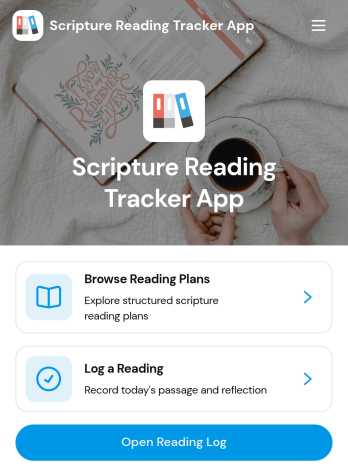
Scripture Reading Tracker App
The Scripture Reading Tracker App is an app template for individuals, faith communities, ministry groups, and educators who want to encourage consistent scripture reading. Users can browse reading plans, record completed readings, and review their progress from one organized location. Each entry can preserve useful context such as the passage, reading date, time spent, selected plan, and a personal reflection. This makes it easier to maintain a meaningful reading habit, revisit previous thoughts, and monitor participation over time. Group leaders can also use the app to support reading challenges, guided studies, classes, or community programs without relying on scattered notes and spreadsheets.Jotform App Templates help organizations and individuals create polished digital experiences without coding. Using Jotform’s no-code app builder and drag-and-drop interface, you can customize the Scripture Reading Tracker App with your own colors, typography, pages, and navigation. Connect forms and tables to simplify data collection, organize reading records, and support a dependable workflow. You can also add resources, create self-service access, and share the finished app through a direct link or QR code. The mobile-friendly layout lets participants log readings and view relevant information wherever their routine takes them.
Go to Category:Activity Tracking Apps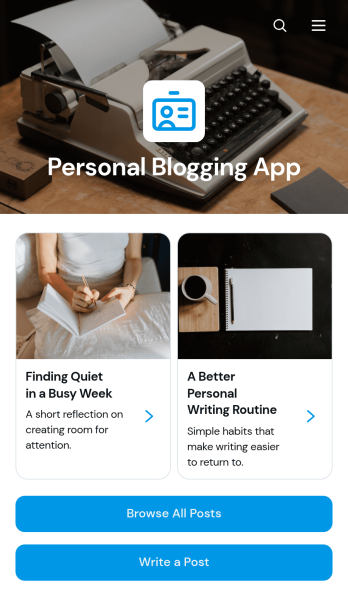
Personal Blogging App
Personal Blogging App is an app template for writers, creators, hobbyists, and independent professionals who want to publish personal stories, creative work, and reflections in an inviting mobile-friendly space. Readers can browse posts, filter articles by category, view publication details, and contact the author by email. A connected form also provides a convenient way to draft or submit a new post. This format helps authors organize a growing body of work, give each article a dedicated reading experience, and make archived content easier to discover without maintaining a complex website.Jotform App Templates make it simple to turn content and data collection into an interactive experience without coding. Customize the Personal Blogging App with the no-code app builder, arrange pages and navigation through a drag-and-drop interface, and apply fonts, colors, images, and branding that reflect your voice. You can connect forms and other workflow resources, update content as your blog develops, and share the finished app using a direct link or QR code. Jotform provides a flexible foundation for managing posts while offering readers convenient self-service access from phones, tablets, or computers.
Go to Category:Journal Apps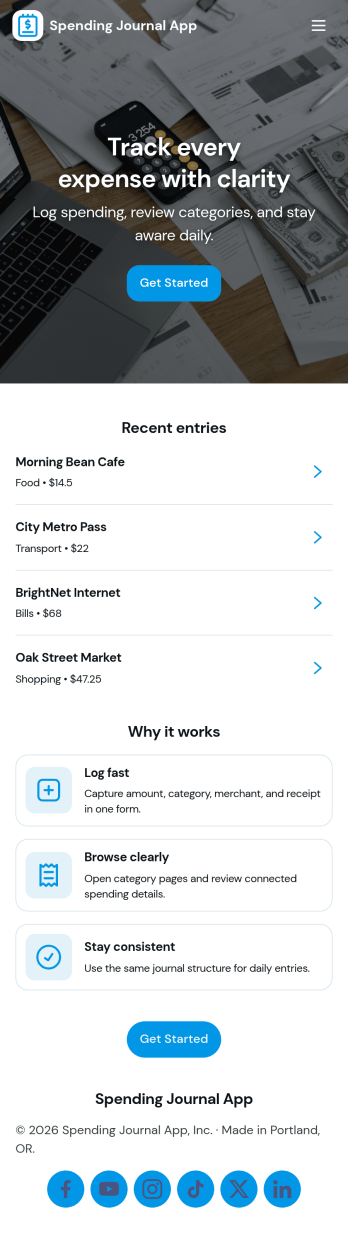
Spending Journal App
A Spending Journal App gives individuals and households a simple place to record everyday purchases and keep a running view of where money is going. With a quick way to log a spend, a list of recent entries, and an easy-to-scan spending summary, it helps you build better awareness of habits across categories and merchants without turning budgeting into a complex project. Use it to capture cash purchases, track discretionary spending, document business reimbursements, or spot patterns like frequent small buys that add up over time.Jotform makes it easy to turn this use case into a polished self-service experience with App Templates you can publish in minutes. Using Jotform’s no-code app builder and drag-and-drop interface, you can adjust pages, wording, and branding, then connect the app to the linked form for consistent data collection. As entries come in, your workflow stays organized for personal tracking or sharing with a partner, while keeping the journal experience mobile-friendly and simple to revisit.
Go to Category:Expense Tracking Apps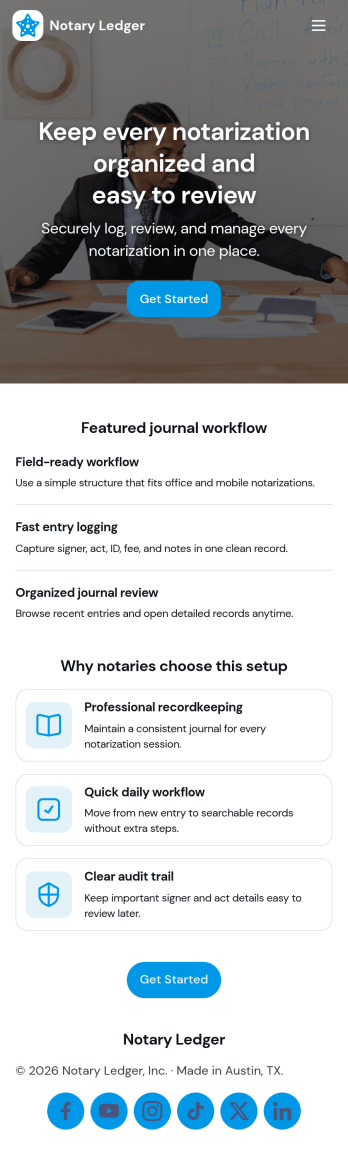
Notary Journal App
Notary Journal App helps notaries record, review, and organize notarization details in one place so day-to-day logging stays consistent. Use it to add new entries right after each appointment, browse a journal list to find past records fast, and open a review area that summarizes key activity for quick oversight. It fits mobile notaries, office-based notaries, and teams handling frequent signings who want a clear routine for capturing signer information, dates, and related notes without hunting through paper logs.With Jotform, you can turn this Notary Journal App app template into a branded self-service experience using a no-code app builder and a drag-and-drop interface. Connect the app to a form for data collection, route information into a workflow you control, and keep entries organized for easy access over time. Share the app by link or QR code, customize pages and navigation, and manage ongoing updates from a single Jotform workspace.
Go to Category:Log Apps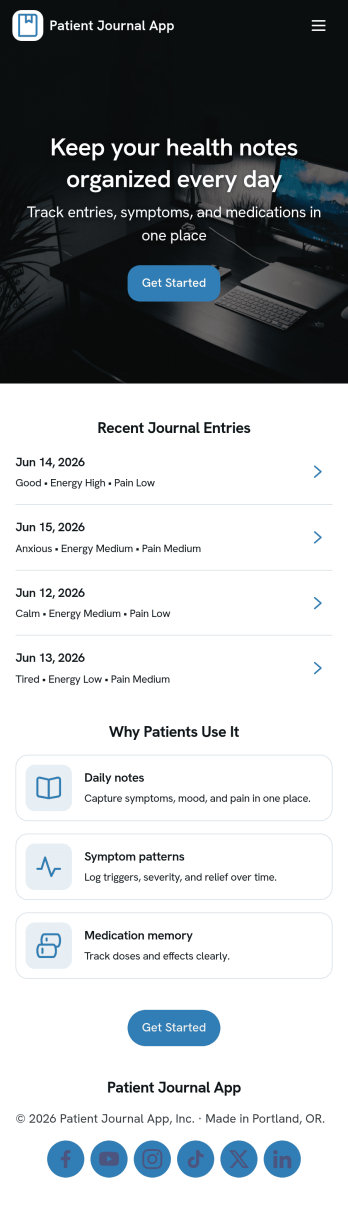
Patient Journal App
A patient journal app helps individuals record day-to-day health notes in one place, including symptoms, mood changes, medications, questions to bring up at appointments, and personal observations. This template supports quick journaling with a New Entry flow, an easy way to view past entries as a record, and a dedicated Reminders area for time-based notes you don’t want to forget. It works well for patients managing ongoing conditions, caregivers tracking changes for a loved one, and clinics that want to offer a simple self-service journaling experience patients can use between visits.Jotform makes it easy to turn this idea into a polished experience using app templates and a no-code app builder. With a drag-and-drop interface, you can adjust pages, update the layout, and connect your app to forms and workflows that capture data consistently over time. Share your Patient Journal App as a link or QR code, keep information organized for repeat use, and refine the experience as your journaling process evolves.
Go to Category:Healthcare Apps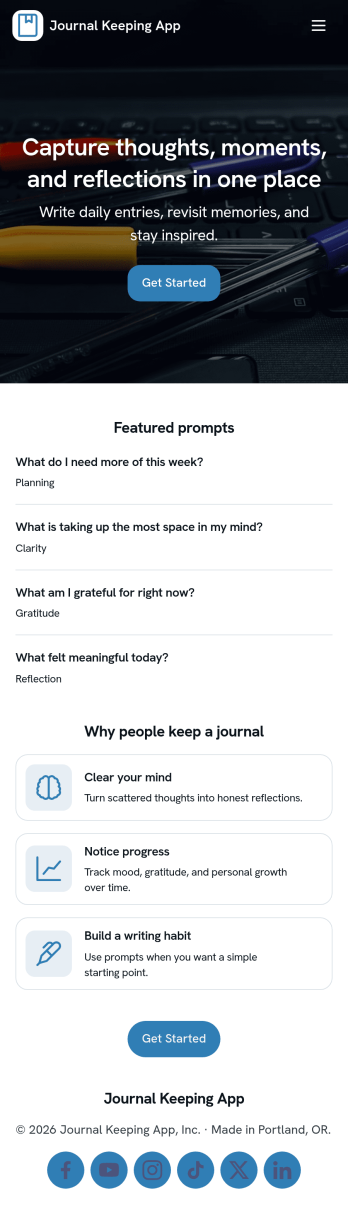
Journal Keeping App
Journal Keeping App helps you capture thoughts, routines, and personal milestones in one place, whether you’re writing a quick note on a busy day or reflecting in depth at night. Use it to create new entries as they happen, review your journal over time, and keep a consistent writing habit without hunting for notebooks or scattered files. It’s a great fit for individuals building a daily reflection practice, students tracking learning and goals, and wellness-focused teams running journaling challenges or self-guided prompts.With Jotform, you can turn this app template into a focused self-service experience that’s easy to update and share. Use the no-code app builder and drag-and-drop interface to adjust pages, add prompts, and connect the entry form to your workflow so writing a new entry feels effortless. As entries come in, Jotform supports reliable data collection and organization, helping you maintain a clear record you can revisit anytime.
Go to Category:Self Care Apps