Sales Job Application App provides a dedicated recruitment experience where candidates can browse available sales jobs, review individual role information, and submit an application for the position that suits them. It is useful for sales departments, recruiters, hiring managers, staffing agencies, and growing businesses that need a clear path from job discovery to candidate intake. Centralizing vacancies, application access, and common applicant questions helps reduce repetitive inquiries while giving prospective hires a convenient self-service resource. Organizations can use it for ongoing sales recruitment, seasonal hiring, regional expansion, or campaigns focused on specific sales roles.
Jotform Apps makes it easy to adapt this app template without writing code. Using the drag-and-drop app builder, teams can update the layout, add branded content, revise job resources, and connect forms to their recruitment workflow. The app can be shared through a direct link or QR code, giving candidates mobile-friendly access wherever they discover the opportunity. Jotform App Templates also help hiring teams organize data collection in one interactive experience, publish updates quickly, and create a polished candidate journey that reflects their employer brand.
Related templates
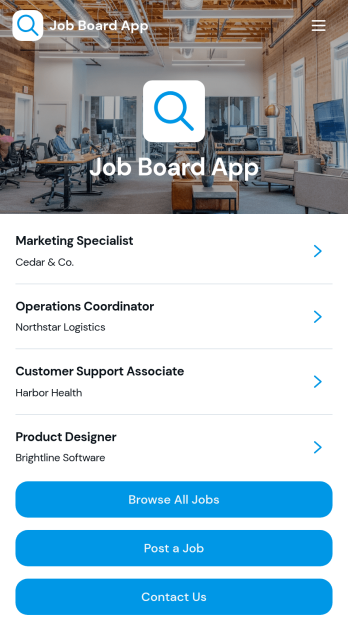
Job Board App
The Job Board App gives employers, staffing agencies, HR teams, professional associations, and educational institutions a central place to publish and promote employment opportunities. Job seekers can browse available roles, review essential details such as company, location, employment type, deadline, responsibilities, and requirements, then access the appropriate next step. Employers can post openings and visitors can send inquiries through connected forms. This app template reduces scattered vacancy announcements, makes roles easier to discover, and supports an organized hiring experience for both recruiters and candidates.With Jotform Apps, teams can customize this Job Board App through a no-code app builder and an intuitive drag-and-drop interface. Update pages, branding, navigation, and content without programming, then connect forms, tables, notifications, approvals, or other workflow steps as hiring needs evolve. Jotform App Templates offer a practical starting point for data collection and candidate self-service while leaving room for a tailored experience. Publish the finished app with a direct link, share it through a QR code, or embed it so people can explore opportunities on any device.
Go to Category:Job Apps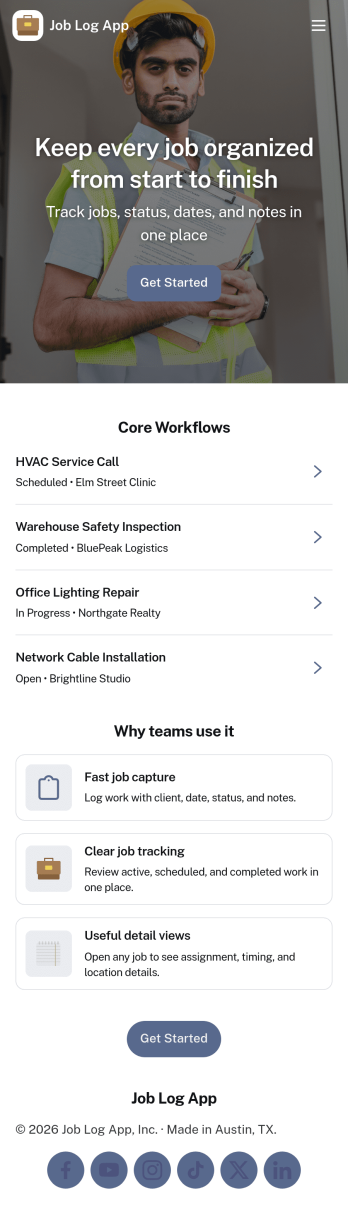
Job Log App
Job Log App helps teams and independent professionals capture work details as they happen and keep a clear record of jobs over time. Use it to add a new entry in seconds, review log history when questions come up, and pull up a client-specific view for context before the next visit. It fits field service businesses, contractors, consultants, and operations teams that need consistent job documentation for handoffs, billing support, or internal reporting without relying on scattered notes.Built with Jotform, this app template works as a practical self-service log hub that connects a simple form to organized, easy-to-browse pages. Customize the layout with a drag-and-drop interface, publish updates fast with a no-code app builder, and keep work information centralized so your workflow stays clear from first entry to quick stats and follow-ups.
Go to Category:Log Apps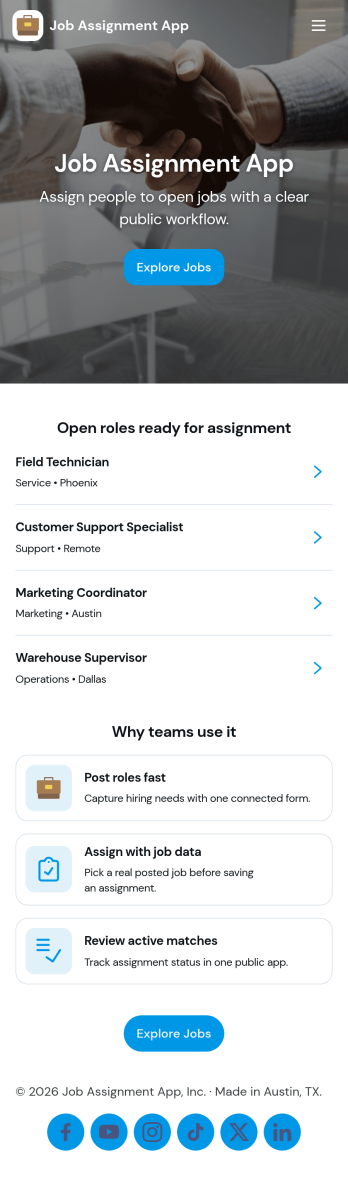
Job Assignment App
Job Assignment App helps teams create, distribute, and monitor work assignments from one central place. It’s a practical fit for operations managers, supervisors, dispatchers, and team leads who need a clear way to open new jobs, route people to the right task, and keep everyone aligned on what’s in progress. With quick actions to create a new assignment, browse open assignments, and review status, the app reduces missed requests and keeps day-to-day execution organized across shifts, sites, or service areas.Jotform makes it easy to turn your job assignment workflow into a mobile-friendly self-service experience using a no-code app builder and drag-and-drop interface. Connect your app to Jotform forms and tables for data collection, real-time updates, and simple tracking, then share it with your team through a link or QR code. As your process evolves, you can adjust pages, buttons, and navigation in minutes while keeping all assignment details and records in one place.
Go to Category:Operations & Logistics Portal Apps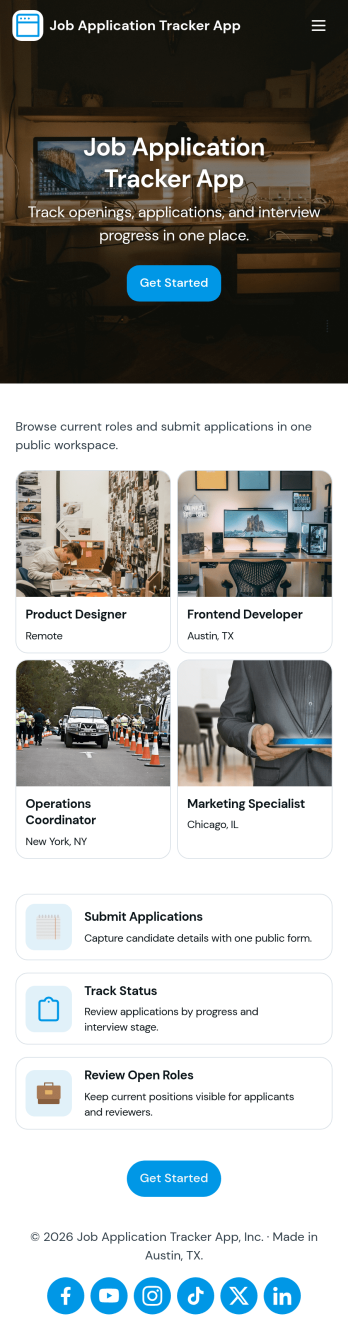
Job Application Tracker App
Job Application Tracker App helps job seekers stay organized while applying to multiple roles by keeping key details in one place and making it easy to add new applications as they happen. Use it to log where you applied, jump back into your list of applications when you need to follow up, and open an individual application record from a browsable list for quick review. It’s a practical fit for students, recent grads, career changers, and anyone managing a busy search who wants a clearer view of what’s in progress and what needs attention.Built with Jotform, this app template combines a friendly self-service experience with connected data collection so you can capture new application info through a form and keep everything organized in a central table-driven view. Customize pages with a drag-and-drop interface, adjust the navigation cards, and tailor the insights area to match your workflow. When you’re ready, share a single link so you can update your tracker from anywhere and keep your job search moving without digging through spreadsheets.
Go to Category:Human Resources Apps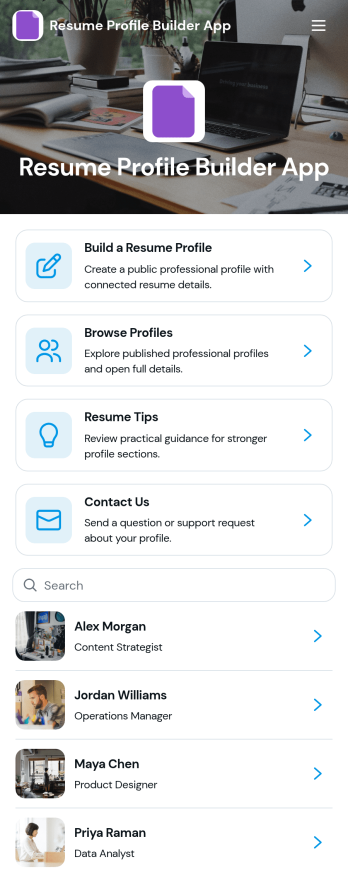
Resume Profile Builder App
Resume Profile Builder App is a ready-to-use app template for job seekers, freelancers, recruiters, career coaches, staffing teams, and educational institutions that need a convenient way to create and present professional profiles. Users can submit career details through a connected form, browse published profiles, and open individual pages featuring key resume information. The app also provides resume guidance and a contact path for questions. It can support candidate directories, student career showcases, freelancer networks, talent pools, and internal mobility programs while keeping profile creation and discovery in one accessible location.Jotform Apps helps organizations turn this Resume Profile Builder App into a branded, mobile-friendly experience without writing code. Its no-code app builder and drag-and-drop interface make it easy to adjust pages, navigation, colors, fonts, and visual elements. Teams can connect forms and tables to support data collection and workflow needs, then share the finished app through a direct link or QR code. Starting with Jotform App Templates reduces setup time while leaving room to create a polished self-service resource for candidates, employers, students, or professional communities.
Go to Category:Job Apps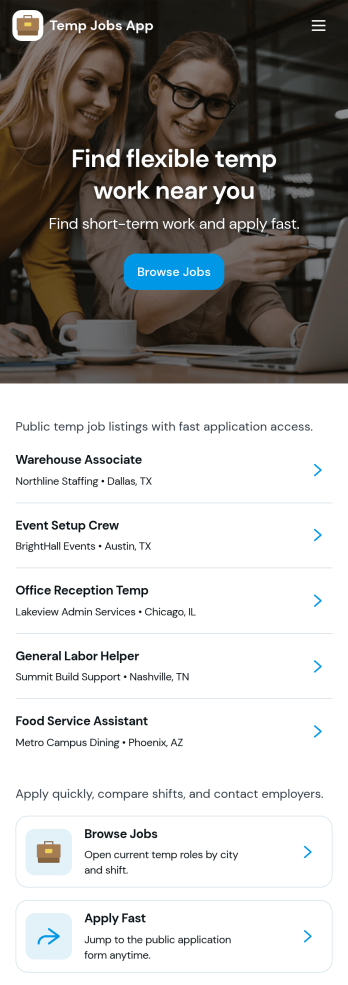
Temp Jobs App
Temp Jobs App helps staffing teams publish temporary roles and gives job seekers a simple way to find openings, apply, and keep tabs on where they stand. Use it to share job listings by role, highlight popular opportunities, and guide candidates from browsing to an application form in just a few taps. It’s a practical fit for staffing agencies, recruiters, HR teams, and businesses that hire seasonal or contract workers and need a consistent place to direct applicants.Jotform makes it easy to turn this use case into a branded self-service experience with customizable app templates and a no-code app builder. With a drag-and-drop interface, you can organize pages for job browsing and applications, connect forms for data collection, and keep everything in one workflow so candidates can apply and review their past entries. Share the app via link or QR code and update listings anytime without rebuilding your process.
Go to Category:HR Portal Apps