Security Incident Management App provides security teams, information technology departments, facilities managers, operations leaders, and workplace safety personnel with a central place to report and manage security incidents. Employees or authorized users can submit an incident report, while responsible teams can review the current incident queue and open individual records for relevant details. Investigation updates and status information help teams maintain continuity as an incident moves from initial reporting through follow-up. This app template is useful for organizations that need clearer incident visibility, more consistent reporting, and an accessible reference point for active cases without relying on scattered messages or disconnected documents.
With Jotform, the Security Incident Management App can be adapted through a no-code app builder and an intuitive drag-and-drop interface. Teams can customize pages, branding, navigation, and content while connecting forms, tables, approvals, notifications, and other workflow steps. Jotform App Templates make it easier to create mobile-friendly self-service experiences that support organized data collection and timely internal action. Publish the app through a direct link, personalized URL, embedded experience, or QR code so employees and security personnel can reach reporting and investigation resources from their preferred devices.
Related templates
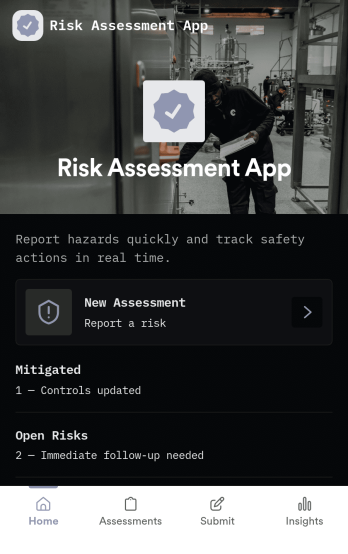
Risk Assessment App
Risk Assessment App helps teams capture new assessments and review open records in one place, so risk checks don’t get buried in email threads or scattered files. Use it to document hazards, rate likelihood and impact, and keep a clear log of what was assessed and when. It’s a practical fit for safety leads, operations managers, project teams, and supervisors who need a repeatable way to run assessments across sites, equipment, tasks, or events while keeping progress visible.Built with Jotform, this app template combines simple navigation with connected data collection to support day-to-day risk work. Create a new assessment through an embedded form, browse record lists for quick follow-up, and share the app as a self-service link for internal teams. With Jotform’s no-code app builder and drag-and-drop interface, you can tailor the layout, add your own fields, and evolve the workflow as your risk process changes.
Go to Category:Inspection Apps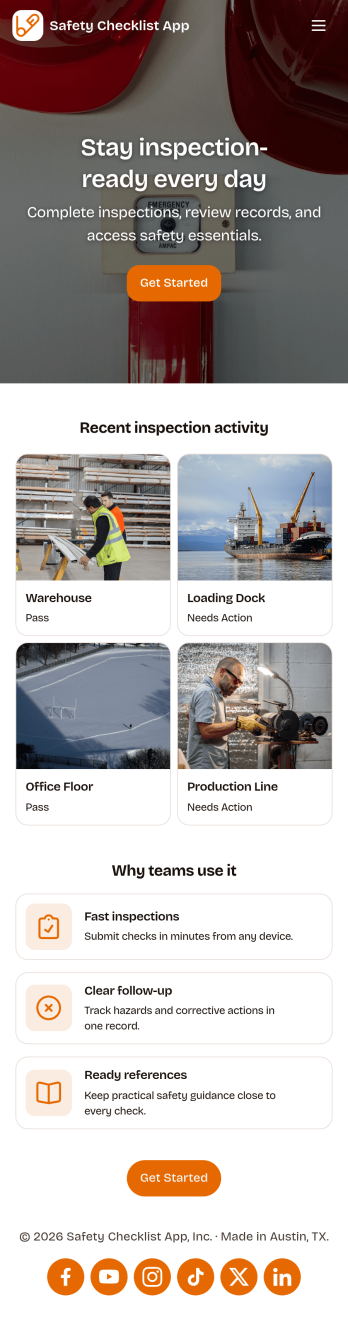
Safety Checklist App
Safety Checklist App helps teams run repeatable inspections, document checks by location, and surface problems before they become incidents. It fits day-to-day use in warehouses, construction sites, retail stores, schools, facilities, and field operations where staff need a clear path to start an inspection, review completed checks, and keep track of open issues. The app’s navigation cards guide users to begin an inspection, browse check records, and jump into open items, while a built-in issue reporting form makes it easy to flag hazards or concerns from the same place.Jotform lets you turn this Safety Checklist App into a branded, mobile-friendly experience without coding. Use the drag-and-drop no-code app builder to tailor pages for your locations and inspection routine, connect your check data to tables for organized tracking, and share the app with a link or QR code for quick self-service access. As your workflow evolves, you can update the layout, adjust the reporting form, and keep everyone aligned with a single source for safety checks and issue follow-up.
Go to Category:Checklist Apps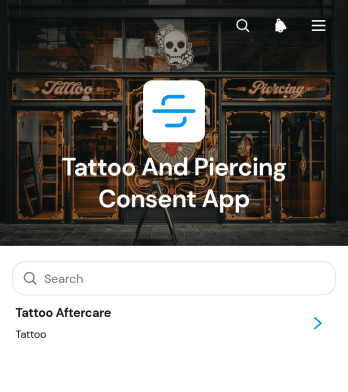
Tattoo And Piercing Consent App
The Tattoo And Piercing Consent App is a ready-to-use digital space for studios that need to collect client consent before tattoo and piercing appointments. Tattoo artists, piercers, reception teams, and studio managers can use it to guide clients through consent completion, review submitted records, and provide relevant aftercare information. Health disclosures, appointment details, contact information, and aftercare acknowledgments stay connected in one organized experience. This helps studios replace scattered paperwork, prepare staff before each service, maintain clearer records, and give clients convenient access to care guidance after their appointment.Jotform makes this app template easy to adapt with a no-code app builder and a flexible drag-and-drop interface. Studios can update pages, adjust branding, organize resource navigation, and connect forms or tables to support their preferred workflow. The app can be shared through a direct link or QR code, giving clients a mobile-friendly self-service option while helping staff manage data collection from one location. Jotform App Templates also make it simple to publish updates as procedures, consent questions, or aftercare resources change, without rebuilding the experience from the beginning.
Go to Category:Salon Apps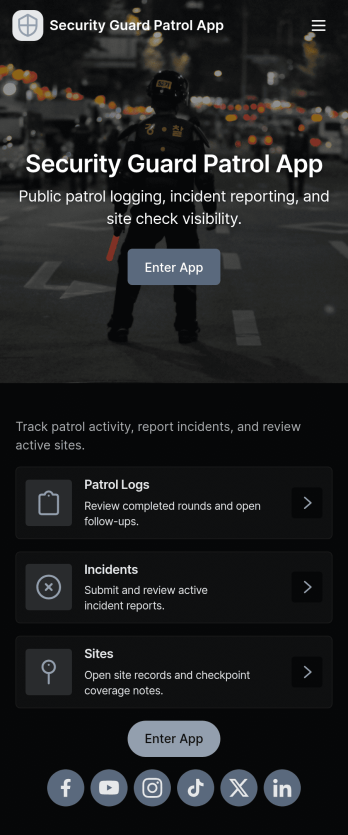
Security Guard Patrol App
Security Guard Patrol App keeps patrol teams organized during every shift by bringing check-ins, incident reporting, and patrol history into one easy place. It’s a practical fit for security companies, property managers, HOAs, warehouses, campuses, and event venues that need guards to start shifts consistently, log patrol activity, and document issues as they happen without relying on paper notes or scattered messages.With Jotform, you can turn this app template into a tailored self-service experience using a no-code app builder and a drag-and-drop interface. Connect the app to your forms for shift activity and incident reports, route information to the right people, and review records in a central workflow for faster follow-ups and clearer visibility across sites and teams.
Go to Category:Log Apps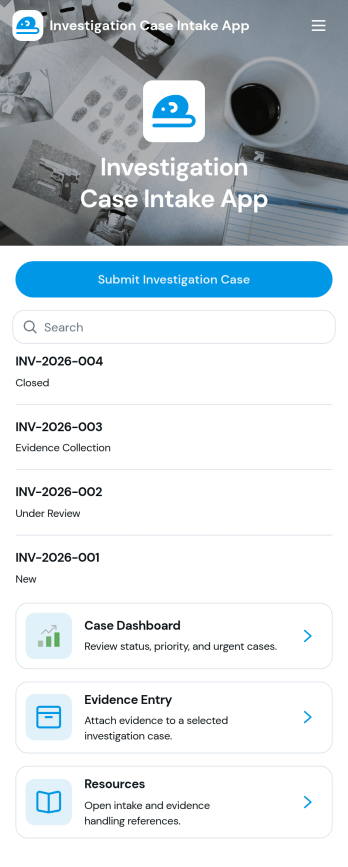
Investigation Case Intake App
Investigation Case Intake App helps teams capture new investigation reports and keep case information organized from the first intake through ongoing follow-ups. It’s a practical fit for HR teams, internal audit groups, compliance and risk teams, security operations, and legal departments that need a consistent way to log incidents, assign urgency, and reference cases without losing critical details. With quick access to case records and a guided path to submit follow-ups, the app supports clearer handoffs, better documentation, and faster internal response when multiple stakeholders are involved.Built with Jotform, this app template can be customized in a no-code app builder using a drag-and-drop interface, so you can match your internal workflow and terminology. Connect intake and follow-up forms to keep data collection consistent, centralize records for easy review, and share the app with the right people through a link or QR code for secure self-service reporting. As your process evolves, you can update pages, add steps, and keep your investigation workflow running smoothly without writing code.
Go to Category:Legal Apps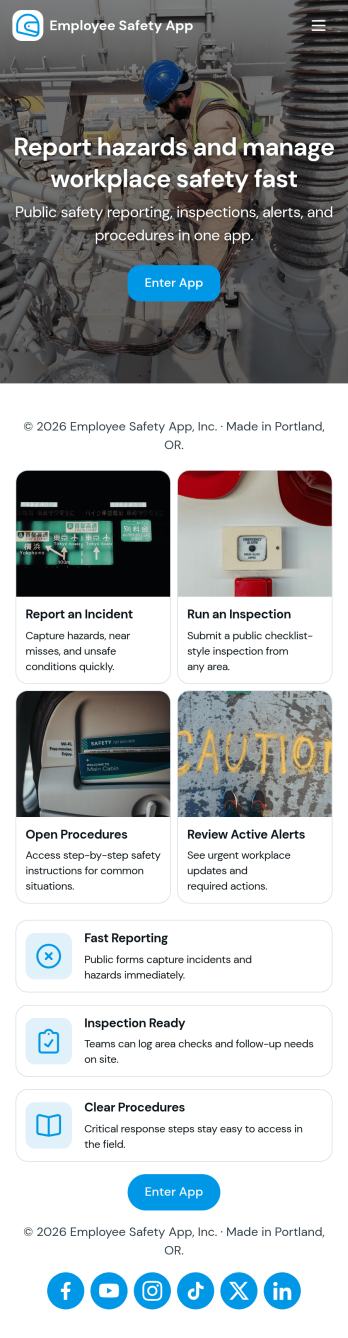
Employee Safety App
Employee Safety App brings key workplace safety actions into one place so teams can report incidents, run safety checks, and review logged issues without hunting for the right link or paper form. It fits companies with distributed crews, warehouses, job sites, clinics, or offices that want a consistent way to capture what happened, where it happened, and what immediate action was taken. Built-in navigation makes it easy to jump from reporting to an incident list, and the app can also surface quick emergency and safety lead contact options when time matters.With Jotform, you can turn this employee safety app template into a branded self-service experience using a no-code app builder and a drag-and-drop interface. Connect the app to your incident and safety check forms for reliable data collection, route updates through the right workflow, and keep records organized in one system for follow-up, training, and continuous improvement. Share the app by link or QR code so employees can access it on the go, then refine pages and content as your safety processes evolve.
Go to Category:HR Portal Apps