
The Silent Auction Inventory App gives nonprofit teams, fundraising committees, event planners, and volunteers one organized place to record and review items prepared for a silent auction. Contributors can submit an item, while authorized team members can browse the catalog and view key information such as estimated value, catalog status, donor details, and the winning bid. This app template helps replace scattered spreadsheets and messages with a consistent inventory process, making it easier to prepare auction catalogs, monitor item readiness, acknowledge donors, and maintain accurate records after an event.
Jotform Apps helps organizations turn this ready-made layout into a branded, mobile-friendly experience without writing code. Using the no-code app builder and drag-and-drop interface, teams can adjust pages, content, navigation, and visual styling to match their event. The app can connect data collection forms with tables and related workflows, giving collaborators a practical way to manage updates from one location. Publish it through a direct link or QR code to support convenient item submission and resource access before, during, and after the auction.
Related templates
Key Sign Out App
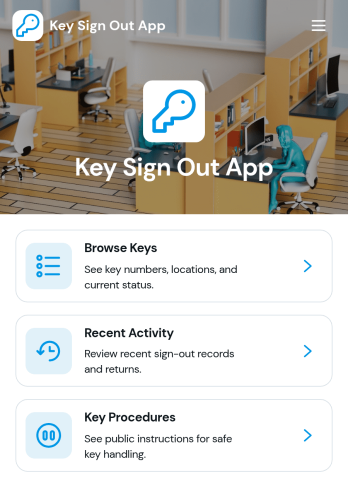
The Key Sign Out App is an app template for recording who has borrowed a key, when it was checked out, and when it was returned. It gives facilities teams, office administrators, property managers, schools, hospitality businesses, warehouses, and service departments a central place to oversee shared keys. Users can browse available keys and review their locations and current status before signing one out. They can also record returns and check recent activity, helping teams maintain clear custody records, resolve questions about missing keys, and replace paper logs or scattered messages. Built-in procedure access can reinforce consistent handoff practices for employees, contractors, and other authorized borrowers.Jotform makes this Key Sign Out App easy to adapt without writing code. Use the no-code app builder and drag-and-drop interface to adjust pages, navigation, colors, fonts, and branding for your organization. You can connect forms and tables to support data collection, organize key records, and create a workflow that fits daily operations. As one of Jotform’s customizable App Templates, it can be shared through a direct link or QR code for convenient mobile access. Teams can publish a polished self-service experience that keeps sign-outs, returns, status checks, procedures, and activity records accessible from one location.
Go to Category:Logbook Apps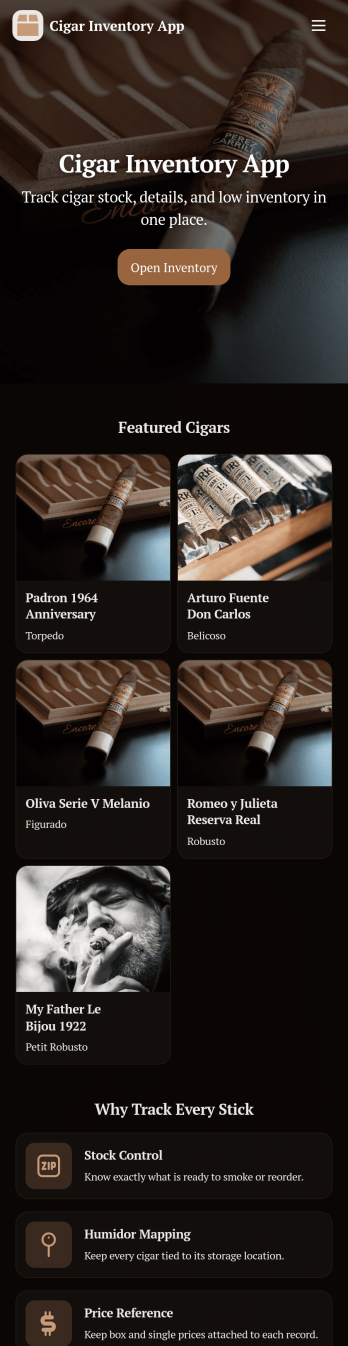
Cigar Inventory App
Cigar Inventory App keeps your humidor or retail stock organized by giving you a simple place to browse what’s on hand, log incoming boxes, and document adjustments when counts change. It’s a practical fit for cigar shops, lounges, distributors, and serious collectors who want clearer visibility across brands and lines without relying on scattered notes or spreadsheets. With an Inventory view for quick lookups, a Receive Stock area for adding new product, and an Adjustments section for corrections, teams can keep day-to-day stock records consistent and easier to trust.Jotform makes it easy to publish and manage app templates like this with a no-code app builder and a drag-and-drop interface. Connect buttons in your app to forms and tables for fast data collection, keep inventory workflows moving with shared access for staff, and make self-service navigation simple on any device. When you’re ready, you can customize pages, branding, and the way inventory information is displayed so the app matches how you track cigars in real life.
Go to Category:Food & Beverage Apps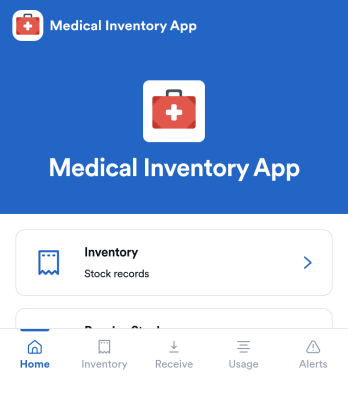
Medical Inventory App
Medical Inventory App helps clinics, private practices, labs, and school health offices keep essential supplies organized so staff can find what they need quickly and record movement as items are received and used. Use it to browse current inventory, capture receiving details when new stock arrives, and maintain a usage log for day-to-day consumption across rooms, carts, or departments. With dedicated areas for low-stock visibility and item-level navigation, teams can reduce guesswork, avoid running out of critical items, and keep purchasing and restocking conversations grounded in up-to-date records.Jotform makes it easy to turn this workflow into a shareable, mobile-friendly experience using App Templates and a no-code app builder. Customize pages with a drag-and-drop interface, connect forms for data collection like stock receiving and usage logging, and keep information organized for simple self-service access. As needs change, you can adjust fields, add steps to your workflow, and publish updates without relying on developers.
Go to Category:Healthcare Apps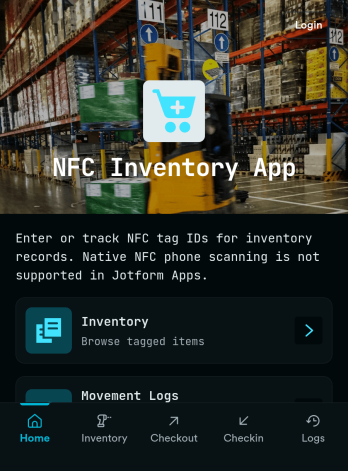
Nfc Inventory App
Nfc Inventory App helps teams track assets by scanning tagged items, logging movement, and reviewing inventory history in one place. It works well for IT closets, equipment rooms, warehouses, school departments, studios, and field teams that need a quick way to identify items, confirm where they are, and keep a consistent record of changes without relying on spreadsheets. With simple navigation for scanning items, recording movement entries, and browsing an asset list, this app supports day-to-day inventory checks, handoffs, and audits while keeping everyone aligned on the latest status.Jotform makes it easy to publish this kind of self-service inventory experience using a no-code app builder and a drag-and-drop interface. Connect your app to a form to collect data consistently, route updates through a workflow your team follows, and keep records organized for fast lookup. You can customize pages, buttons, and branding to match your process, then share the app link with staff so inventory updates happen right when work happens.
Go to Category:Inventory Apps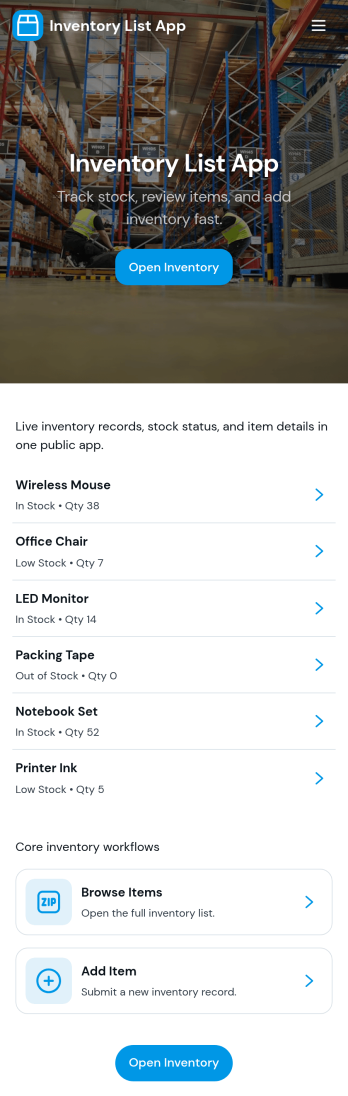
Inventory List App
Inventory List App gives teams a simple way to view what’s in stock, add new items as they come in, and keep a running record of stock movements in one place. It’s a practical fit for retail shops, warehouses, field teams, school departments, studios, and small businesses that need quick visibility into item status without juggling spreadsheets. With an easy Browse Inventory experience and a dedicated Add Item path, staff can keep product records up to date while managers get a clearer picture of what’s available and what needs attention.Built with Jotform App Templates, this app template can be customized in minutes using Jotform’s no-code app builder and drag-and-drop interface. Connect the app to your Jotform form for consistent data collection, then share it as a self-service inventory reference for employees or collaborators. As your workflow evolves, you can adjust pages, navigation, and connected data so inventory updates and stock tracking stay organized across locations and teams.
Go to Category:Inventory Apps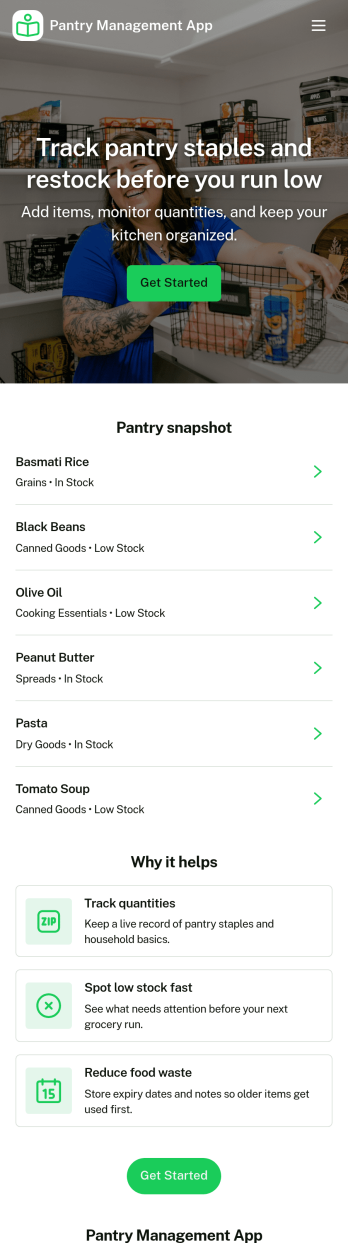
Pantry Management App
Pantry Management App helps households, shared kitchens, and small teams keep track of what’s on hand so restocking is timely and waste is reduced. Use it to review pantry stock at a glance, add new items as they come in, and open a simple review area to double-check what needs attention before the next grocery run. It’s a practical fit for families, roommates, meal-prep enthusiasts, and community kitchens that want one place to browse items and maintain consistency.With Jotform, you can publish this app template and tailor it to your routine using a no-code app builder and a drag-and-drop interface. Connect the app to a form for reliable data collection, keep records organized for quick self-service browsing, and adjust pages and navigation so everyone knows where to view stock, add items, and review updates. Share the app with a link or QR code to make pantry upkeep easier for everyone involved.
Go to Category:Inventory Apps