Spare Parts App gives customers, technicians, and internal teams a simple way to find parts and request what they need without phone calls or scattered emails. Use it to let users browse a parts list, open a part detail view, and take action right away with requests for availability, part orders, or quote inquiries. It’s a strong fit for auto shops, equipment repair teams, dealers, distributors, and service departments that want one place to handle common parts questions and keep requests organized.
With Jotform, you can turn this spare parts workflow into a branded self-service experience using a no-code app builder and a drag-and-drop interface. Connect the app to your existing forms and data collection, route requests through the right workflow, and keep everything consistent across teams. Share the app through a link or QR code so customers and staff can submit part requests, ask for quotes, and check order status from any device.
Related templates
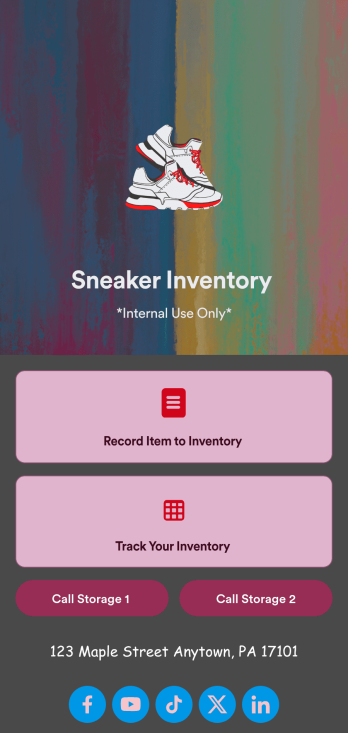
Sneaker Inventory App
Need an organized way to keep track of your shoe store’s stock? Look no further than this customizable Sneaker Inventory App from Jotform. Create an internal app for your sneaker store and include an updated inventory log, supplier delivery information, useful contact information, and much more. Once you’re finished creating your app, send it off to your team members via direct link or embed it in your company’s online portal for easy access.Personalize this Sneaker Inventory App to fit your branding with Jotform’s easy-to-use online app builder. Drag and drop to make changes to letter text, upload item pictures, pick fonts and colors, integrate with helpful widgets, and more! Give your staff an organized way to find sneakers that are in stock with this app from Jotform.
Go to Category:Inventory Apps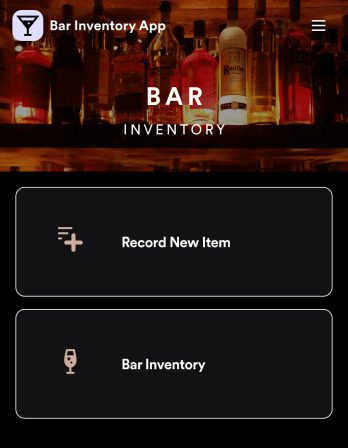
Bar Inventory App
A bar inventory app is used by bar staff to keep track of a bar’s equipment, ingredients, and other beverage information. Stop tracking inventory with pen and paper and enjoy an easier way to do it with a free Bar Inventory App from Jotform. Employees can download the app onto their iOS or Android device and fill it out as they go. All stock take submissions are stored securely in an inventory spreadsheet and viewable directly from the app.Customize this app template using our drag-and-drop app builder. With no coding required you can add your company logo, update forms or spreadsheets, change the background image, and make other design changes in seconds. Help your bar staff save time with a more efficient inventory process using this free Bar Inventory App that downloads onto any computer or mobile device.
Go to Category:Inventory Apps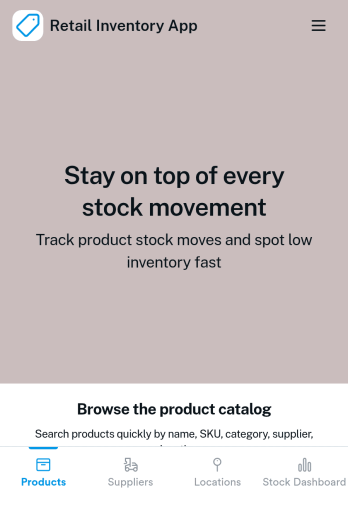
Retail Inventory App
A retail inventory app is used by retail store managers and employees for keeping records of product inventory. This free Retail Inventory App allows you to easily keep track of inventory by recording product name, inventory ID, stock location, unit price, quantity, and more through a Product Inventory Information Record Form. Product entries are stored securely in a Product Inventory Table in your account, which you can sort, filter, and search from any device. You can also share and export an inventory list with just a few clicks.If you’d like to personalize your app, just use our drag-and-drop form builder to add or change form elements, choose fonts and colors, and customize your icon and splash page—no coding required. With Jotform’s Role-based feature, you can control access so tutors, admins, and other users see only the parts of the app relevant to them. Afterwards, you can share your app with managers and employees using a link or embed it in an internal website. Start keeping detailed product inventory records with this customizable Retail Inventory app from Jotform.
Go to Category:Company Portal Apps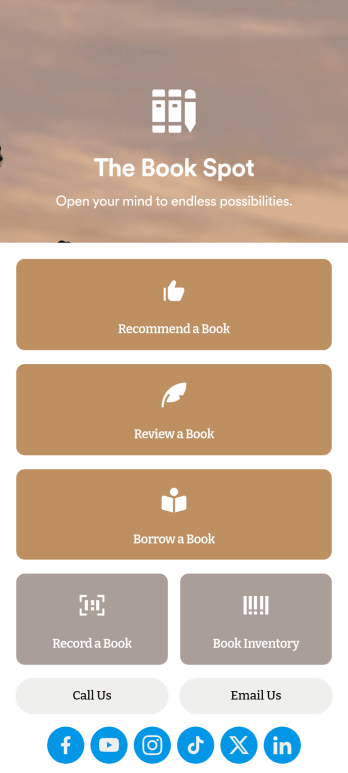
Book Recommendation App
Create an all-in-one app for your bookstore, library, or book club with Jotform’s Book Recommendation App. With this free app, you can accept submissions for book recommendations and reviews from any device. You can also record book sales and keep track of inventory and loaned books in an easy-to-understand spreadsheet with Jotform Tables.Want to make this Book Recommendation App your own? No coding required — simply drag and drop to create additional forms and pages, choose fonts and colors, link to your social media accounts, add a contact page, and anything else you want to include. Share your app with customers and readers by sending email invitations, generating scannable QR codes to place on placards or receipts, or by seamlessly embedding it in your website with a simple copy-paste code. Consolidate your forms in one convenient location with this fully customizable Book Recommendation App.
Go to Category:Inventory Apps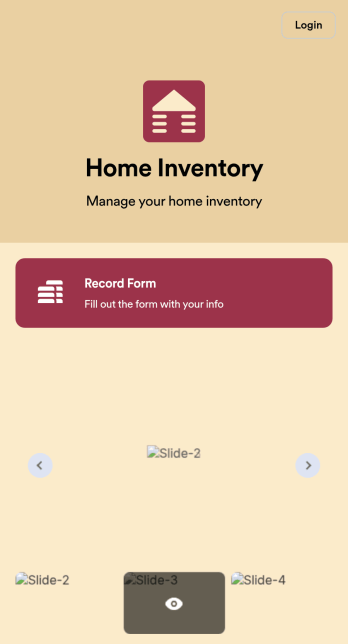
Home Inventory App
Keep track of items in your home with a free Home Inventory App from Jotform. If you’re tracking items for insurance purposes, the app includes a Home Inventory Information Record Form you can use to record details like item name, type, description, year, and more — you can even upload images of items in your home! All submissions through your app are stored securely in your Jotform account, ready to view and access at any time.Need to make changes to this app template? Add more forms, update the app background or icon, and make other design changes with no coding — just drag and drop to get the look you want. Once your app is good to go, download it onto your computer, tablet, or smartphone for quick and easy access. Stop tracking items in your home on paper and enjoy a more efficient way to get it done with this free Home Inventory App.
Go to Category:Inventory Apps
Parts Inventory App
A parts inventory app is used by businesses or individuals who need to record and manage product inventory. Jotform’s Parts Inventory App bundles several forms together, allowing you to record inventory information, vendors, and order history from one convenient app. Track your submissions directly from your app with an easy-to-understand Inventory Tracker spreadsheet, which you can sort, filter, and search from your secure Jotform account.Need to make changes to this app template? Jotform’s drag and drop app builder makes it easy to customize this Parts Inventory App in seconds. You can add form elements, choose fonts and colors, upload your own branding, install widgets and integrations with a single click, and much more — all without any coding. Share your app internally by sending email invites or the app link, and employees can then fill out forms from any device. Start keeping digital records of your company’s inventory, vendor, and order history with this readymade Parts Inventory App.
Go to Category:Inventory Apps