
The Storage Products Catalog App is a ready-to-use catalog for retailers, storage suppliers, warehouse teams, home organization consultants, and product managers who need to present storage products in one accessible location. Users can browse products by category, review essential specifications such as dimensions, materials, capacity, and price, and consult storage guidance before making a selection. Teams can also accept new product submissions and give contributors a convenient place to review what they have sent. This app template helps replace scattered product sheets and disconnected resources with a clear, mobile-friendly browsing experience for staff, customers, or business partners.
Jotform App Templates make it easy to turn product information and data collection processes into an interactive experience without coding. Customize the Storage Products Catalog App with the drag-and-drop app builder, update pages and navigation, connect forms or tables, and apply visual elements that suit your organization. The app can support self-service product research and a more organized submission workflow while keeping related resources together. Once it is ready, publish and share it through a direct link or QR code so users can access the latest catalog from phones, tablets, or computers.
Related templates
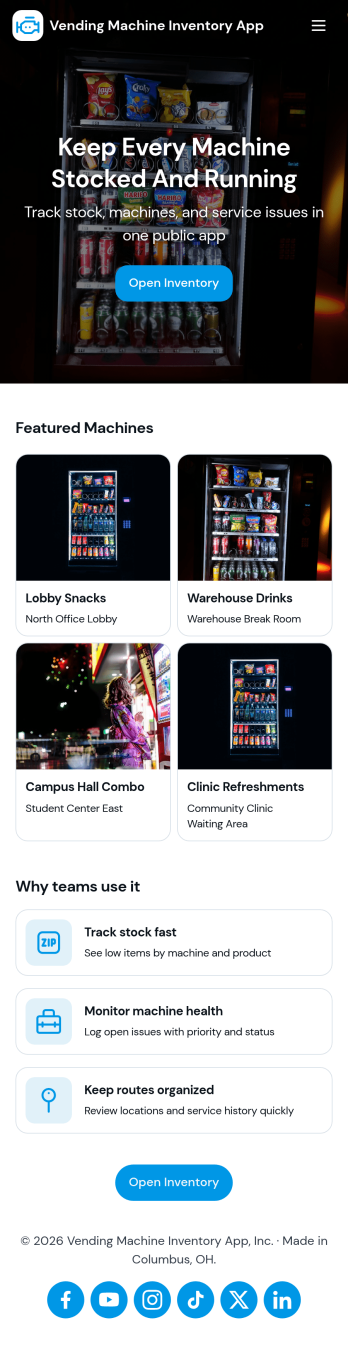
Vending Machine Inventory App
Vending Machine Inventory App helps vending operators and route drivers keep product levels organized across machines and locations while making day-to-day restocking easier to manage. Use the Inventory area to review what’s on hand per machine, then jump into Restock to log restock entries as you refill slots and track what was added on each visit. The Inspect section supports routine checks so teams can record machine condition and keep service notes consistent across the route.Jotform makes it simple to turn this kind of workflow into a shareable, mobile-friendly experience using App Templates and a no-code app builder. With a drag-and-drop interface, you can adjust pages, buttons, and navigation to match your routes, machine IDs, and products, then connect forms and tables to keep data collection and workflow steps in one place. Share the app with your team through a link or QR code so updates happen right at the machine, not back at the office.
Go to Category:Inventory Apps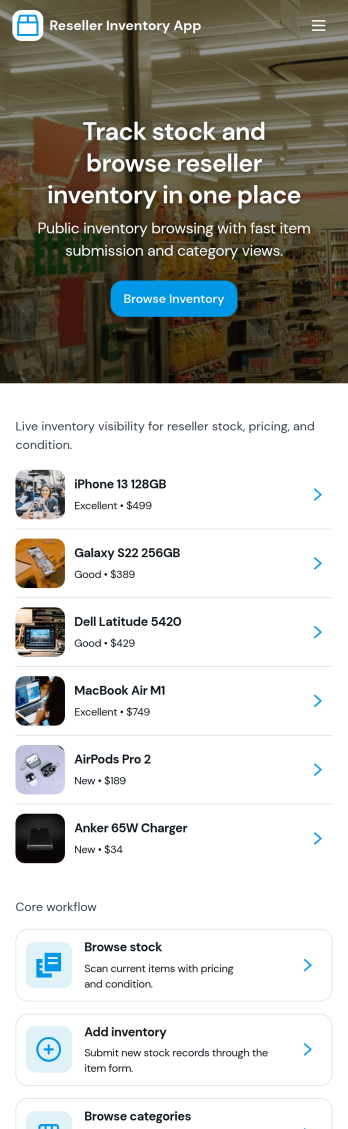
Reseller Inventory App
Reseller Inventory App helps resellers keep product stock organized in one place so you can add new stock, review what you have on hand, and quickly spot items that are running low. It fits common resale workflows like tracking inventory for online marketplaces, pop-up booths, local pickup sales, and small warehouse shelves where quantities change often and accuracy matters. Use it to reduce missed sales from stockouts, avoid overbuying, and keep your catalog up to date as you source new items.With Jotform, you can turn this app template into a branded, self-service inventory experience without coding. Use the drag-and-drop app builder to adjust pages, buttons, and navigation, then connect your inventory list to a form for consistent data collection when you add stock. As your workflow evolves, you can update fields, organize records in Jotform, and share the app with your team so inventory updates stay timely and reliable.
Go to Category:Inventory Apps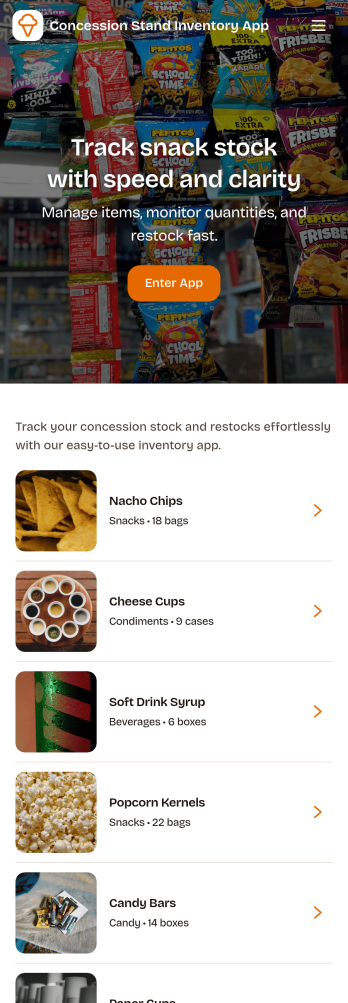
Concession Stand Inventory App
Concession Stand Inventory App helps you keep snack and drink stock under control for busy booths at games, tournaments, fairs, and school events. Use it to view current inventory, add new items as your menu changes, and log restocks so volunteers and staff know what’s available before the next rush. With a dedicated area for operational inventory insights, this app supports day-to-day decisions like which items are running low, what needs replenishing, and how stock levels shift across event days.Jotform makes it easy to turn this Concession Stand Inventory App into a mobile-friendly self-service experience using a no-code app builder with a drag-and-drop interface. Connect your app to Jotform forms and tables for reliable data collection, then share a single link or QR code with your team so updates happen in one place. As your workflow evolves, you can adjust navigation, add pages, and keep inventory records organized without relying on technical help.
Go to Category:Food & Beverage Apps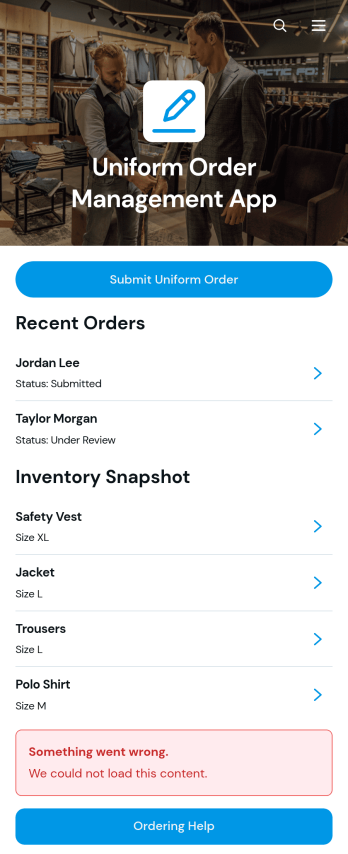
Uniform Order Management App
Uniform Order Management App gives employers a central place to collect employee uniform requests, review order details, monitor fulfillment status, and keep stock information visible. It is well suited to human resources teams, operations managers, warehouse staff, facilities coordinators, and organizations that issue apparel across departments or locations. Employees can submit uniform orders through a guided form, while authorized teams can review requests by employee or uniform type and check available quantities and reorder levels. This reduces scattered requests, improves inventory planning, and helps staff answer delivery and ordering questions with consistent information.Jotform makes this app template easy to adapt without coding. Using the drag-and-drop app builder, teams can update pages, navigation, colors, fonts, buttons, and branding to match their ordering workflow. Connected forms and tables support data collection, inventory organization, and ongoing order management in one mobile-friendly experience. Publish the app through a direct link or QR code to offer convenient self-service access, then refine the layout and connected processes as uniform needs change.
Go to Category:Order & Shipping Portal Apps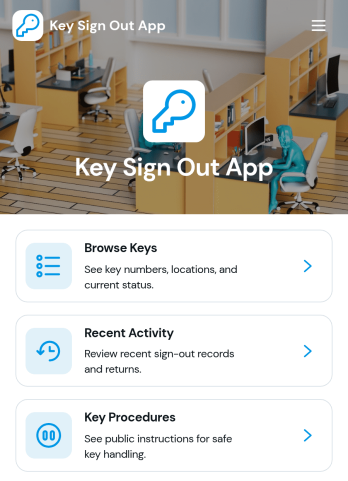
Key Sign Out App
The Key Sign Out App is an app template for recording who has borrowed a key, when it was checked out, and when it was returned. It gives facilities teams, office administrators, property managers, schools, hospitality businesses, warehouses, and service departments a central place to oversee shared keys. Users can browse available keys and review their locations and current status before signing one out. They can also record returns and check recent activity, helping teams maintain clear custody records, resolve questions about missing keys, and replace paper logs or scattered messages. Built-in procedure access can reinforce consistent handoff practices for employees, contractors, and other authorized borrowers.Jotform makes this Key Sign Out App easy to adapt without writing code. Use the no-code app builder and drag-and-drop interface to adjust pages, navigation, colors, fonts, and branding for your organization. You can connect forms and tables to support data collection, organize key records, and create a workflow that fits daily operations. As one of Jotform’s customizable App Templates, it can be shared through a direct link or QR code for convenient mobile access. Teams can publish a polished self-service experience that keeps sign-outs, returns, status checks, procedures, and activity records accessible from one location.
Go to Category:Logbook Apps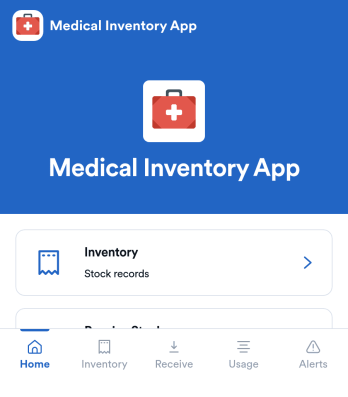
Medical Inventory App
Medical Inventory App helps clinics, private practices, labs, and school health offices keep essential supplies organized so staff can find what they need quickly and record movement as items are received and used. Use it to browse current inventory, capture receiving details when new stock arrives, and maintain a usage log for day-to-day consumption across rooms, carts, or departments. With dedicated areas for low-stock visibility and item-level navigation, teams can reduce guesswork, avoid running out of critical items, and keep purchasing and restocking conversations grounded in up-to-date records.Jotform makes it easy to turn this workflow into a shareable, mobile-friendly experience using App Templates and a no-code app builder. Customize pages with a drag-and-drop interface, connect forms for data collection like stock receiving and usage logging, and keep information organized for simple self-service access. As needs change, you can adjust fields, add steps to your workflow, and publish updates without relying on developers.
Go to Category:Healthcare Apps