TrackFlow Issues App

TrackFlow Issues App gives teams a clear way to capture, review, and organize project issues in one place, so nothing gets lost between chats, emails, and meetings. It’s built for engineering, IT, operations, and service teams that need a simple issue intake flow, an easy-to-browse issue list, and quick access to project context. Use it to log bugs, incidents, client-reported problems, or internal tasks, then keep everyone aligned as priorities shift. With dedicated areas to view all issues and manage projects, this app fits fast-moving teams that juggle multiple workstreams and want a reliable source of truth for what’s open, what’s urgent, and who reported it.
Jotform makes it easy to launch and tailor this app template with a no-code app builder and a drag-and-drop interface. Connect forms to collect issue details and project info, then publish a self-service experience teams can open on desktop or mobile. As your workflow evolves, you can adjust pages, navigation, and branding in minutes, helping Jotform app templates support consistent data collection and smoother day-to-day execution across projects.
Support Ticket App
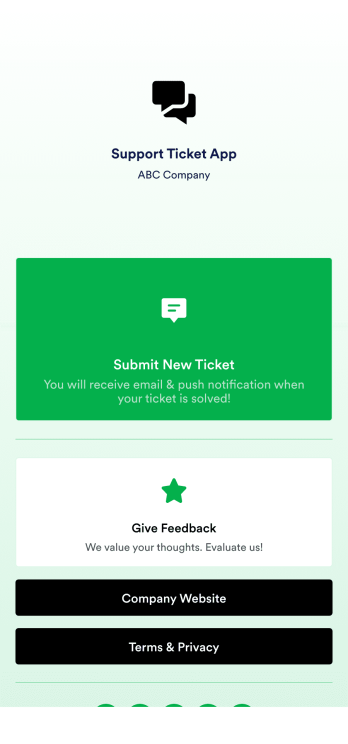
Jotform's Support Ticket App template allows customer support teams and IT departments to efficiently manage customer inquiries and issues without any coding. This free, no-code app builder enables users to create a fully customized app with forms, widgets, products, and branding that can be downloaded onto any device. With this template, support teams can collect tickets and feedback to streamline their ticketing system and provide timely assistance to customers.Are you looking for a way to simplify your customer support process? Jotform's Support Ticket App template is the solution you need. With features like a drag-and-drop builder, powerful app elements, and 70+ app widgets, you can create a seamless experience for your customers. Improve user engagement with push notifications and give users access to their submission history. Experience the ease of use and customization that Jotform Apps offer, making it the perfect choice for customer support teams and IT departments.
Go to Category:Customer Portal Apps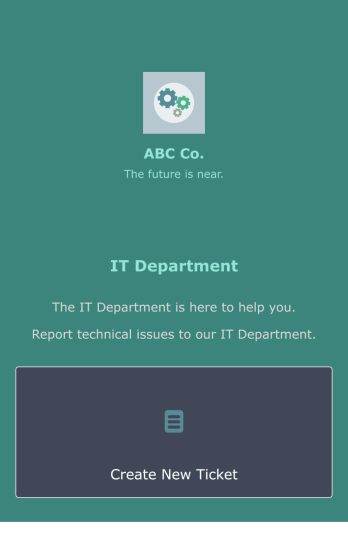
IT Ticketing App
An IT Ticketing App is used by companies to internally record IT issues using support tickets. This readymade app allows employees to specify their IT issue, browser, and operating system, add relevant URLs, assign priority level, and even attach screenshots using an included upload form. IT tickets are then stored securely in your account, where they are compiled into an easy-to-read spreadsheet in Jotform Tables.Our drag-and-drop interface makes customizing this IT Ticketing App a breeze. With just a few clicks, you can add or change forms and text, choose fonts and colors, upload your company logo, update the app name and icon, and more — no coding required. When you’re finished, just share a link with your employees, where they can access and download your app on any smartphone, tablet, or desktop. Start squashing bugs today with this fully customizable IT Ticketing App!
Go to Category:Tracker Apps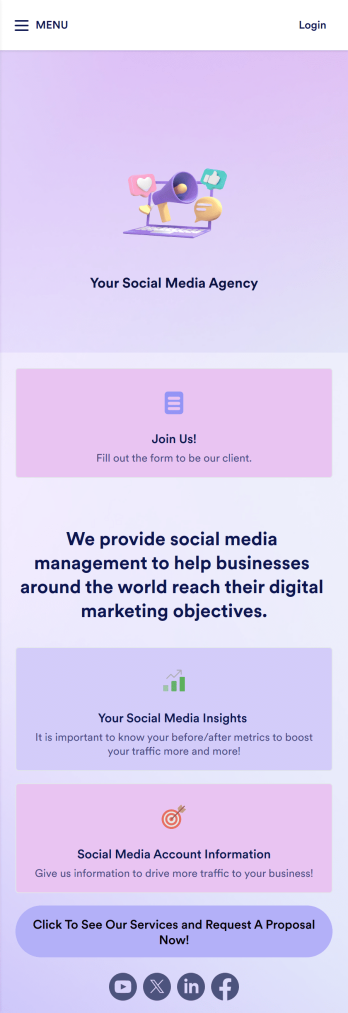
Social Media Marketing App
A social media marketing app is used by social media managers or marketing agencies to list their services, accept proposal requests, and list their contact information. With this ready-made Social Media Marketing App, your business can provide clients with a convenient mobile app — which they can instantly download onto their smartphone for easy access.Need to make design changes? Add your company logo and branding, update the listed services, and change the app background, colors, and icon for a personal touch. No coding knowledge is required with our drag-and-drop builder! Give your customers a quicker way to contact you and book your services with a custom Social Media Marketing App.
Go to Category:Consulting Apps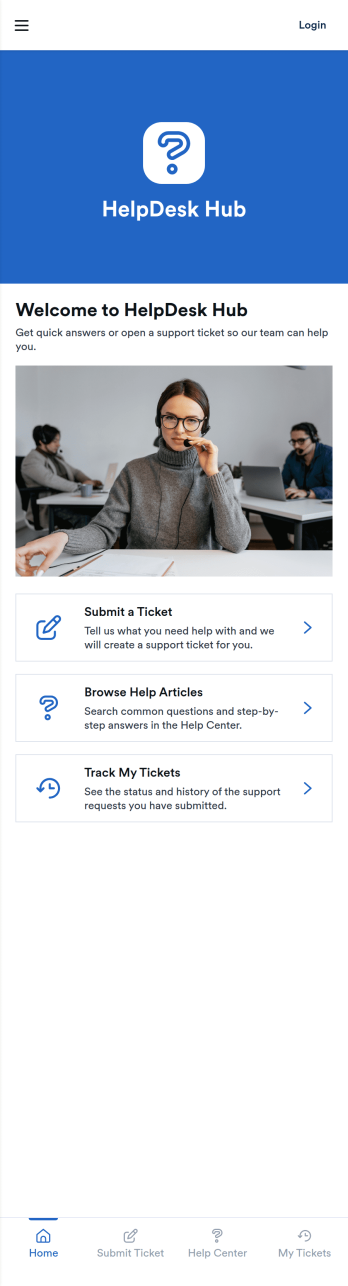
HelpDesk Hub App
HelpDesk Hub App gives teams a simple, organized way to handle support in one place, from submitting a ticket to browsing help articles and tracking requests over time. It’s a strong fit for IT teams, operations groups, internal service desks, and customer support teams that want an easy self-service experience without sending users across multiple tools. Use it to reduce repeat questions, capture consistent issue details through a ticket form, and help requesters stay informed by checking the status of their own tickets.Built with Jotform, this app template combines self-service navigation with connected data collection and workflow-friendly records. Customize the pages with a drag-and-drop interface, link your ticket form and help-article content, and share the app through a direct link or QR code. As your support process grows, you can keep everything current by updating the connected tables and resources so users always see the latest guidance and ticket history in a mobile-friendly app experience.
Go to Category:Service & Support Portal Apps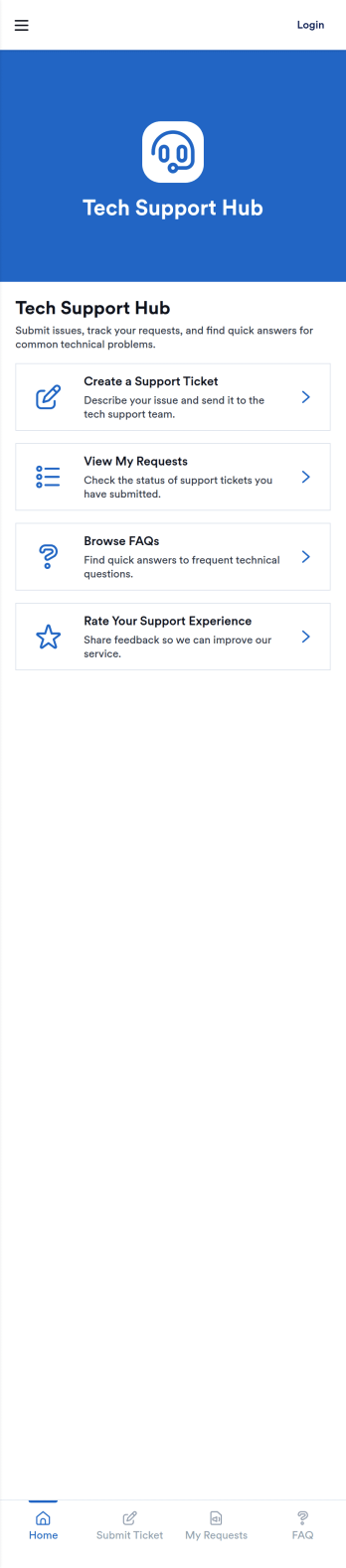
Tech Support Hub App
The Tech Support Hub App gives teams a simple way to centralize internal IT help, from reporting issues to finding answers fast. Employees can create a support ticket, check the status of their requests, and browse a shared FAQ page without hunting through emails or chat threads. It works well for growing companies, remote teams, schools, and nonprofits that need a dependable support intake flow and a clear place for troubleshooting guidance. Use it to reduce repeat questions, set expectations, and keep support work visible for both requesters and technicians.With Jotform, you can tailor this app template in a no-code app builder and publish a polished self-service experience in minutes. Use the drag-and-drop interface to adjust pages, update the FAQ content, and connect ticket data to tables for easier tracking and follow-up. As needs change, you can expand the workflow with additional forms, approval steps, and notifications so your support process stays organized while your team stays focused.
Go to Category:Information Technology Apps
Business Instagram Bio Link App
Create an app to add to your company’s Instagram bio with Jotform’s Business Instagram Bio Link App. With this app template, you can make company announcements, showcase webinars and events, create pre-order forms, and have your followers submit feedback — all accessible from a single app in your Instagram bio. Submissions made to your app are stored in your secure Jotform account, which you can view on any smartphone, tablet, or desktop.Make this Business Instagram Bio Link App your own by adding your own branding. Just use Jotform’s drag-and-drop form builder to upload your logo or a background image, choose a custom app icon, change fonts and colors, and more — no coding required. You can also fully customize your app’s splash screen by adding or changing form elements or installing widgets. After you’re finished, simply copy and paste a link to your app in your Instagram bio and you’re off and running. Create an all-in-one app that your followers can access on any device with this free Business Instagram Bio Link App.
Go to Category:Social Bio Link Apps