Trade Show Sales App helps booth teams capture leads, share product information, and keep selling activities organized while the event is happening. Use it on the show floor to collect new lead details through a quick form, guide prospects to the right product demo, and open a digital brochure link on the spot. It’s a practical fit for sales reps, channel partners, and marketers who need a consistent way to qualify conversations, avoid missing follow-ups, and keep everyone aligned across multiple booth shifts.
With Jotform, you can publish this app template in minutes using a no-code app builder and a drag-and-drop interface that’s easy to tailor for different events and product lines. Connect your lead capture and opportunity forms to the app, centralize data collection for the whole team, and keep the workflow moving with shareable access links that work on mobile devices. As your booth traffic changes throughout the day, you can update content fast and maintain a smooth self-service experience for your staff.
Related templates
Author Marketing App
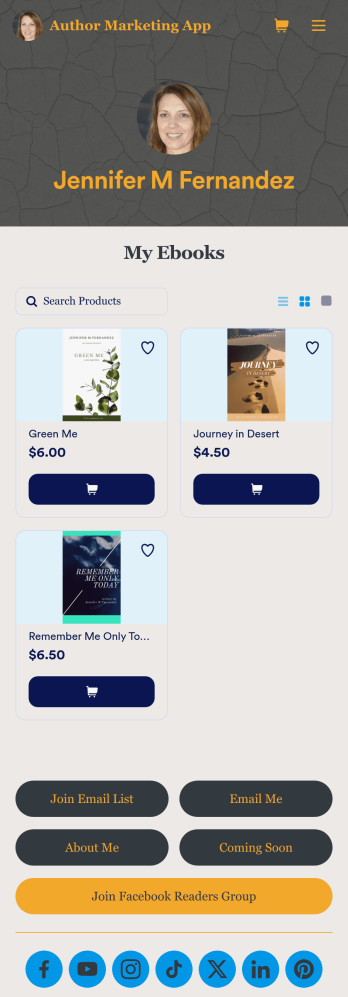
An author marketing app is used by authors and writers for sharing their work with their readers. Want to know how to sell books online? This Author Marketing App from Jotform allows authors to create a one-stop-shop for their readers to order books, message the author, follow the author’s social media accounts, or join an email list. Authors can also create a bio page, announce upcoming books, and showcase other titles on the app’s main page by uploading book covers to an image carousel.Personalize this app template with just a few clicks using Jotform’s no-code app builder. Simply drag and drop to add or change form elements, choose fonts and colors, upload a custom avatar and background image, add payment integrations, and much more. Once you’re satisfied, easily share your app with your readers by embedding it in your website or social media, or by sharing the app link in a newsletter email. Create a fully customizable app for marketing your writing and connecting with your readers with this Author Marketing App from Jotform.
Go to Category:Online Store Apps
Social Media Marketing App
A social media marketing app is used by social media managers or marketing agencies to list their services, accept proposal requests, and list their contact information. With this ready-made Social Media Marketing App, your business can provide clients with a convenient mobile app — which they can instantly download onto their smartphone for easy access.Need to make design changes? Add your company logo and branding, update the listed services, and change the app background, colors, and icon for a personal touch. No coding knowledge is required with our drag-and-drop builder! Give your customers a quicker way to contact you and book your services with a custom Social Media Marketing App.
Go to Category:Consulting Apps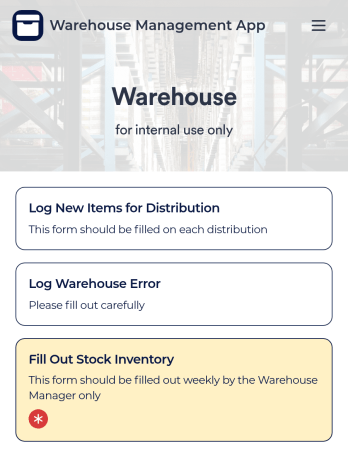
Warehouse Management App
A Warehouse Management App is used by businesses to keep track of new warehouse inventory. With this fully-customizable app, you can record item names, descriptions, quantities, model and serial numbers, as well as account and payment details from the distributor and receiving company. An easy-to-read stock inventory list is stored securely in your online account and can be accessed and downloaded on any device.Want to customize this Warehouse Management App to match your company’s branding? Our drag-and-drop interface makes it easy to add forms, upload your logo, change fonts and colors, create a custom app icon, and more — no coding necessary. When you’re done, employees can download your app on any smartphone, tablet, or desktop for future use. Keep a bird’s eye view on your warehouse inventory with this Warehouse Management App.
Go to Category:Management Apps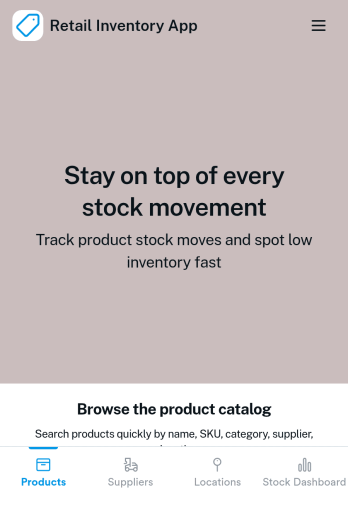
Retail Inventory App
A retail inventory app is used by retail store managers and employees for keeping records of product inventory. This free Retail Inventory App allows you to easily keep track of inventory by recording product name, inventory ID, stock location, unit price, quantity, and more through a Product Inventory Information Record Form. Product entries are stored securely in a Product Inventory Table in your account, which you can sort, filter, and search from any device. You can also share and export an inventory list with just a few clicks.If you’d like to personalize your app, just use our drag-and-drop form builder to add or change form elements, choose fonts and colors, and customize your icon and splash page—no coding required. With Jotform’s Role-based feature, you can control access so tutors, admins, and other users see only the parts of the app relevant to them. Afterwards, you can share your app with managers and employees using a link or embed it in an internal website. Start keeping detailed product inventory records with this customizable Retail Inventory app from Jotform.
Go to Category:Company Portal Apps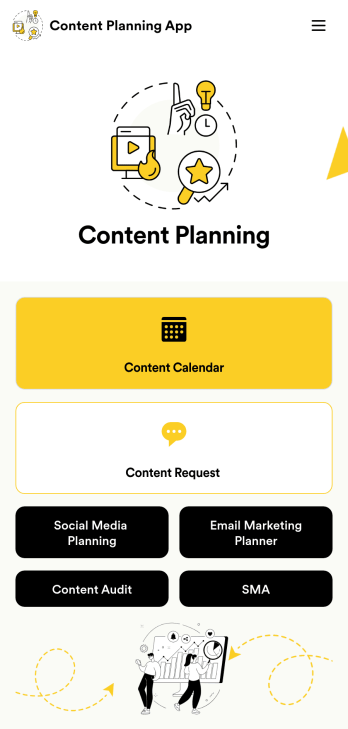
Content Planning App
A content planning app is commonly used by marketing teams to manage content calendars. With Jotform Apps, you can build your own Content Planning App for free. Add a content calendar, brainstorm notes, content audits, and so much more. You can even integrate your app with 250+ platforms to send data straight to your other marketing accounts — all with no coding required.Customizing your Content Planning App is easy and intuitive with Jotform’s drag-and-drop builder. Add or remove forms, switch up fonts and colors, choose a unique app icon, upload branding assets and images, and so much more. Once you’re happy with your app, all you need to do is share it with your team. Embed it in your online workspace or send it via link so your team members can download it to their mobile, tablet, or desktop device.
Go to Category:Company Portal Apps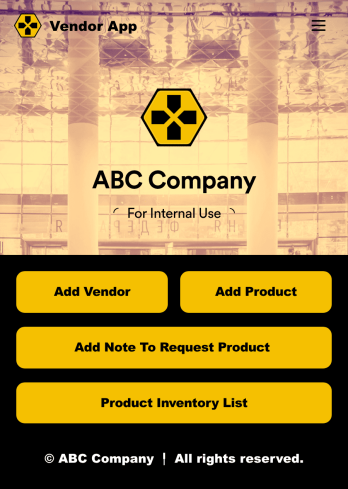
Vendor App
This ready-to-use app comes with a product inventory list via Jotform Tables, as well as forms for adding vendors or products and collecting product requests. You’ll be able to access, share, and download the app from any smartphone, tablet, or computer.Make modifications to your Vendor App in just a few clicks with our drag-and-drop interface. Feel free to create and add new forms, upload your company branding, and change the app icon, name, and splash page for a more personalized look and feel. When it’s ready, you can share your app with others by sending a link that can be opened on any device. Make vendor management a breeze!
Go to Category:Retail Apps