
The Trading Journal App is a central workspace for recording trades, documenting strategies, reviewing markets, and reflecting on performance. It suits individual traders, trading coaches, finance students, and small investment teams that want consistent records for stocks, currencies, commodities, or other instruments. Users can log trade setups, direction, market, entry price, and exit price, then revisit each record to identify recurring decisions and outcomes. Dedicated strategy planning and market review areas help connect entry criteria, exit criteria, risk rules, and upcoming reviews with daily trading activity. This structure reduces scattered notes and makes disciplined post-trade analysis easier.
Jotform turns this app template into a customizable experience without requiring code. Using the no-code app builder and drag-and-drop interface, creators can adjust pages, cards, buttons, colors, fonts, and navigation to fit their trading process. Connected forms support data collection, while tables and workflows can organize records and trigger notifications for follow-up actions. The finished Trading Journal App can be shared by link or QR code and accessed from phones, tablets, or computers, giving users a convenient self-service resource for maintaining their journal wherever they work.
Related templates
Personal Blogging App
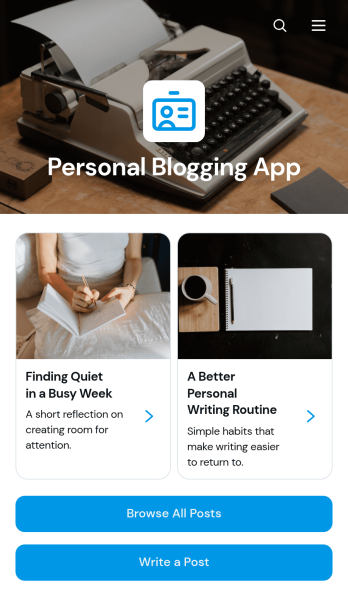
Personal Blogging App is an app template for writers, creators, hobbyists, and independent professionals who want to publish personal stories, creative work, and reflections in an inviting mobile-friendly space. Readers can browse posts, filter articles by category, view publication details, and contact the author by email. A connected form also provides a convenient way to draft or submit a new post. This format helps authors organize a growing body of work, give each article a dedicated reading experience, and make archived content easier to discover without maintaining a complex website.Jotform App Templates make it simple to turn content and data collection into an interactive experience without coding. Customize the Personal Blogging App with the no-code app builder, arrange pages and navigation through a drag-and-drop interface, and apply fonts, colors, images, and branding that reflect your voice. You can connect forms and other workflow resources, update content as your blog develops, and share the finished app using a direct link or QR code. Jotform provides a flexible foundation for managing posts while offering readers convenient self-service access from phones, tablets, or computers.
Go to Category:Journal Apps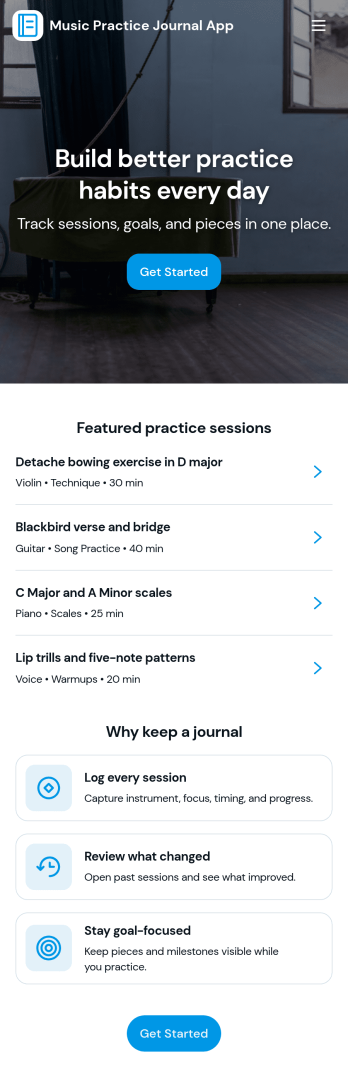
Music Practice Journal App
A music practice journal app gives musicians a simple way to record practice sessions, review past work, and stay motivated with clear goals. This template fits students, private teachers, bands, and self-taught players who want more consistency without relying on scattered notes. Use it to log each session, keep a running history of warmups and recent sessions, and check insights like weekly goals, strongest focus areas, and tempo notes for each instrument.With Jotform, you can turn this music practice journal app into a shareable, self-service experience that works on any device. Customize pages with a drag-and-drop interface, connect your session form to organized records, and keep your workflow moving with centralized data collection and easy navigation. Whether you’re tracking personal progress or managing a studio, Jotform makes it easy to tailor the app template to your routine and publish it with a link for quick access.
Go to Category:Activity Tracking Apps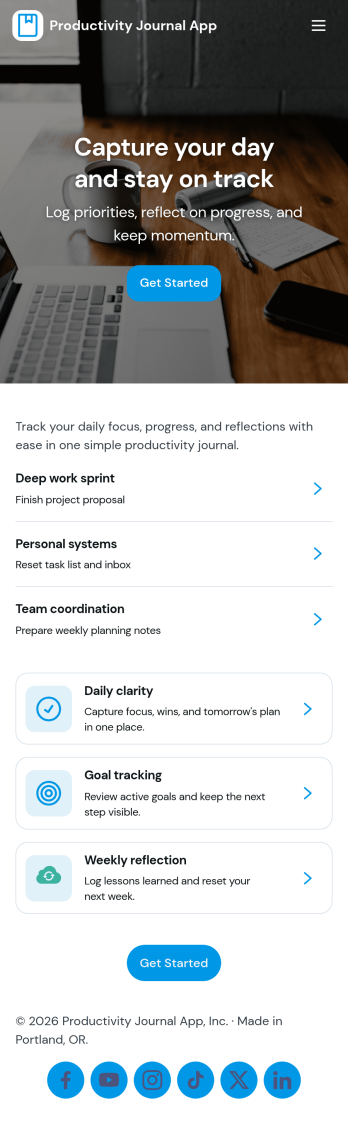
Productivity Journal App
Productivity Journal App helps individuals and teams build consistent routines by combining quick journaling with simple habit check-ins. Use it to capture a new journal entry in seconds, log daily habits, and review past entries when you need clarity on what’s working. It’s a strong fit for busy professionals, students, creators, and anyone who wants a lightweight system for staying focused without juggling multiple tools. Whether you’re reflecting on priorities at the start of the day or doing a weekly review, the app keeps your notes and check-ins organized so you can spot patterns and improve how you spend your time.Jotform makes it easy to customize this app template with a no-code app builder and a drag-and-drop interface. Connect the app to your existing Jotform forms for data collection, then publish a self-service experience people can use from anywhere. Update prompts, adjust the layout, and share a single link so journaling and habit tracking stay simple, consistent, and easy to maintain.
Go to Category:Daily Planner Apps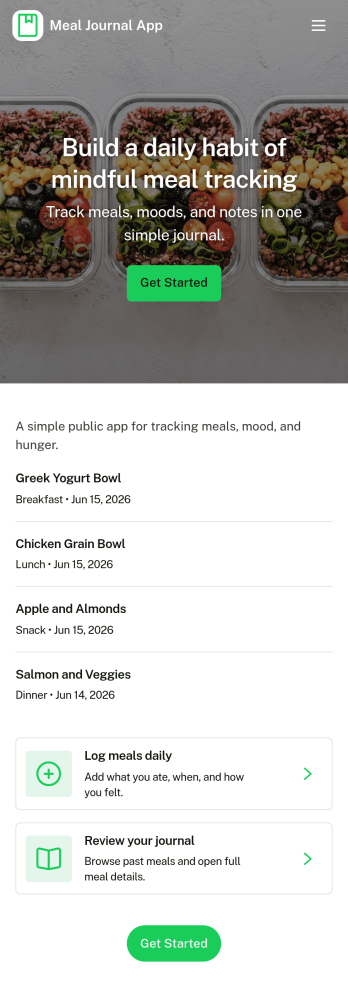
Meal Journal App
A meal journal app helps people record what they eat, review past meals, and spot patterns that support healthier everyday choices. This template is useful for individuals building consistent habits, personal trainers coaching clients, and wellness-focused teams who want a simple place to capture meals as they happen, browse a meal history, and review basic insights over time. With quick navigation to log a meal, explore meal history, and view insights, it’s easy to keep entries organized and make the journal practical enough to use daily.Jotform makes it simple to turn this meal journal app template into a branded self-service experience with a no-code app builder and a drag-and-drop interface. Connect the app to a form for fast data collection, store entries in a structured workflow, and share a single link so logging and browsing can happen from anywhere. You can tailor pages, buttons, and visuals to match your routine, then expand the experience as your tracking needs grow.
Go to Category:Food & Beverage Apps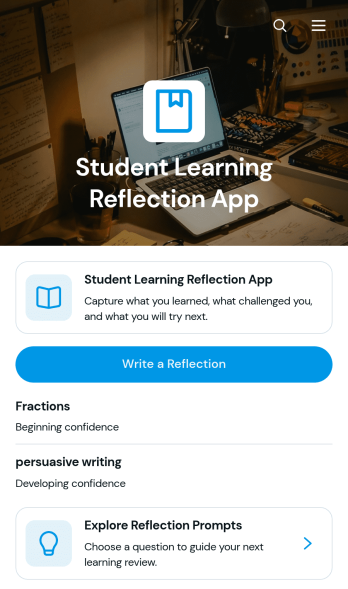
Student Learning Reflection App
The Student Learning Reflection App helps learners document what they studied, consider what challenged them, and identify a practical next step after a lesson or activity. It is useful for students, teachers, tutors, training providers, and educational programs that want to make reflection a consistent part of learning. Students can write reflections, explore prompts, and review entries organized by learning topic. Key details such as confidence and study format provide added context without making the process burdensome. The app works well for classroom lessons, independent study, tutoring sessions, project reviews, course checkpoints, and skill-development programs.Jotform makes this app template easy to adapt with a no-code app builder and an intuitive drag-and-drop interface. Educators can adjust pages, prompts, visual elements, and navigation to match a subject, grade level, or teaching approach. Connected forms and tables support data collection and keep reflection records organized within a practical workflow. Once customized, the app can be shared by direct link or QR code for convenient mobile access. Jotform App Templates also help schools and learning teams create branded self-service experiences that bring reflection activities and useful resources together in one accessible place.
Go to Category:Education Apps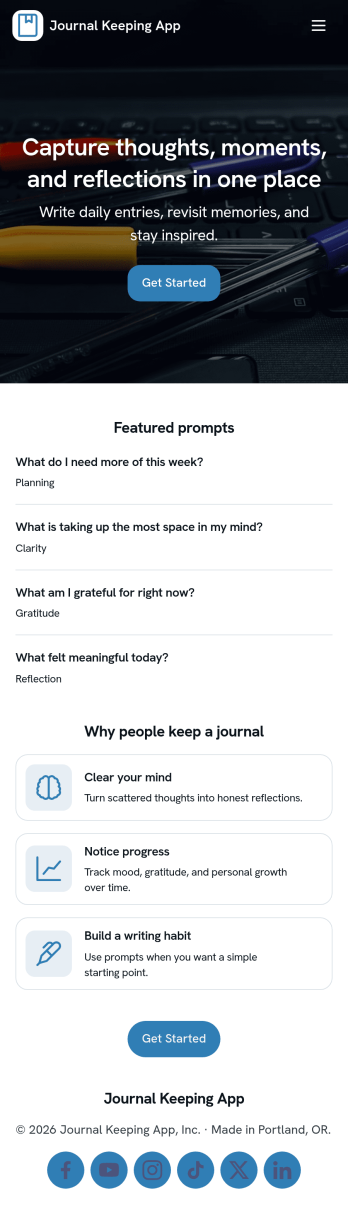
Journal Keeping App
Journal Keeping App helps you capture thoughts, routines, and personal milestones in one place, whether you’re writing a quick note on a busy day or reflecting in depth at night. Use it to create new entries as they happen, review your journal over time, and keep a consistent writing habit without hunting for notebooks or scattered files. It’s a great fit for individuals building a daily reflection practice, students tracking learning and goals, and wellness-focused teams running journaling challenges or self-guided prompts.With Jotform, you can turn this app template into a focused self-service experience that’s easy to update and share. Use the no-code app builder and drag-and-drop interface to adjust pages, add prompts, and connect the entry form to your workflow so writing a new entry feels effortless. As entries come in, Jotform supports reliable data collection and organization, helping you maintain a clear record you can revisit anytime.
Go to Category:Self Care Apps