
The Travel Money Request App gives employees and finance teams a central place to submit and review funding requests for upcoming business trips. Staff can enter a traveler name, destination, trip dates, and requested amount through a connected form, while authorized users can browse request summaries from one accessible workspace. It is useful for companies that issue travel advances, allocate trip funds, or need clearer records before employees depart. By replacing scattered emails and informal messages, the app helps finance, operations, and administrative teams prepare funds, check request details, and maintain consistent travel money records.
Jotform Apps makes it easy to adapt this app template with a no-code app builder and an intuitive drag-and-drop interface. Teams can adjust pages, branding, navigation, and content, then connect forms, tables, notifications, approvals, and other workflow steps as their process develops. The finished app can be shared through a direct link, embedded experience, or scannable code for convenient mobile access. Jotform app templates support organized data collection and employee self-service without requiring coding knowledge, helping businesses create a polished travel request experience in less time.
Related templates
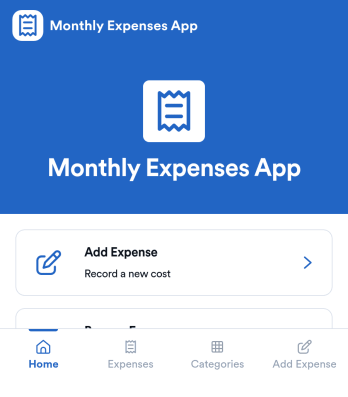
Monthly Expenses App
Monthly Expenses App helps you capture spending as it happens and keep a clear view of where your money goes each month. Use it to add expenses in seconds, browse past entries, and jump into a quick “This Month” view to spot patterns early. It’s a practical fit for individuals, families, roommates, freelancers, and small teams that need a simple way to record purchases like groceries, transport, and utilities without relying on messy notes or scattered receipts.With Jotform, you can turn this monthly tracking routine into a polished self-service experience using an app template built with a no-code app builder. Customize pages with a drag-and-drop interface, connect your expense form to organized records, and keep your workflow consistent as your needs change. Share your Jotform app through a link or QR code so it’s easy to log expenses from anywhere and keep monthly data collection on track.
Go to Category:Expense Tracking Apps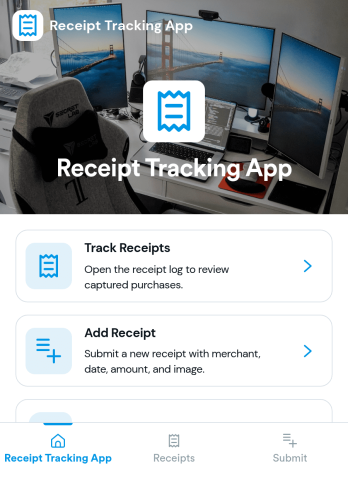
Reciept Tracking App
Reciept Tracking App helps individuals and teams capture, organize, and revisit purchase receipts in one place so expense records don’t get lost in email threads, wallets, or shared drives. Use it to add new receipts as they come in, review what’s been recorded in a simple receipts list, and keep older documents tidy in an archive for easy reference during budgeting, reimbursements, or tax-season prep. It fits freelancers tracking business purchases, office admins managing team spend, and anyone who wants a clearer view of everyday spending patterns without digging through piles of paper.Built with Jotform, this app template turns receipt collection into a guided self-service experience you can share by link or QR code. Customize pages and navigation with a drag-and-drop interface, connect the Add Receipt flow to your form for consistent data collection, and use the Insights area to spot trends at a glance. When you publish, everyone can submit and revisit entries from a mobile-friendly app experience while your workflow stays organized behind the scenes.
Go to Category:Finance Apps
Personal Expense Tracking App
Personal Expense Tracking App helps you log everyday purchases, keep your expenses organized, and spot patterns in your spending without juggling notebooks or scattered notes. Use it to record transactions as they happen, browse a clear list of expenses, and open individual entries to review details later. It works well for students, freelancers, families, and anyone budgeting for groceries, bills, travel, subscriptions, or shared household costs who wants a simple routine for staying aware of where money goes.With Jotform, you can turn this app template into a self-service money log that fits your habits using a no-code app builder and a drag-and-drop interface. Connect the app to your expense form and table, publish updates in minutes, and keep data collection consistent across devices. As your workflow evolves, you can adjust pages, labels, and navigation so tracking spending and reviewing trends stays quick and easy.
Go to Category:Daily Planner Apps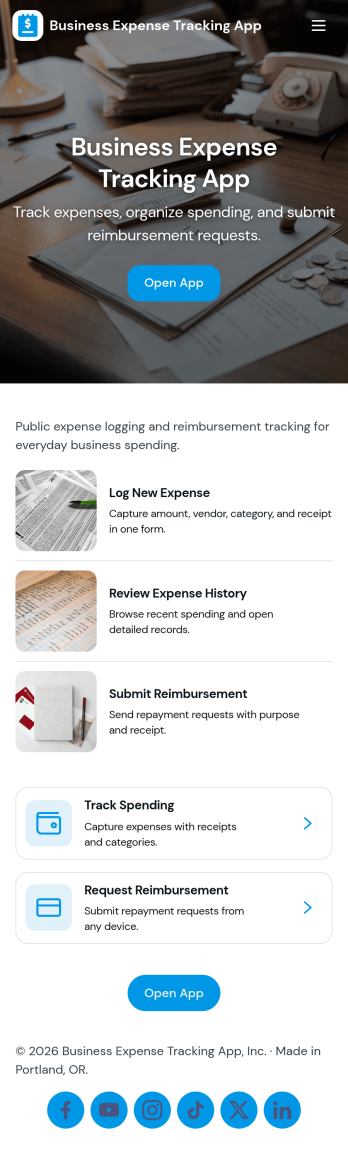
Business Expense Tracking App
Business Expense Tracking App helps teams capture, review, and organize day-to-day company spending in one place, from travel and meals to office supplies and recurring vendor charges. Employees can submit expenses through a dedicated Submit Expense page, while finance leads can monitor Expense History, open individual entries for review, and keep records consistent across departments. With built-in Insights and an Admin Review area that links to All Submissions, it’s easier to spot trends, validate reports, and keep reimbursement conversations moving without relying on scattered emails or spreadsheets.Jotform makes it simple to turn this workflow into a shareable self-service experience using App Templates and a no-code app builder. Customize pages with a drag-and-drop interface, connect the app to your existing data collection form and tables, and publish a mobile-friendly app your team can use anywhere. As expense volume grows, Jotform helps you centralize intake, maintain a reliable history, and support clearer workflows for tracking and review.
Go to Category:Expense Tracking Apps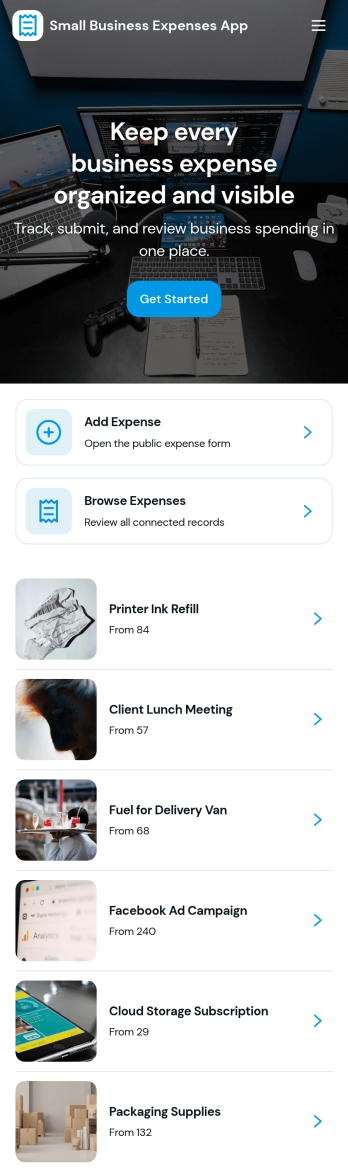
Small Business Expenses App
Small Business Expenses App helps teams capture, organize, and review day-to-day business spending in one place, so you can stay on top of receipts and keep expense records consistent. Use it to add a new expense as it happens, browse submitted expenses by merchant, and open a simple dashboard view to spot patterns in categories like office supplies and travel. It’s a practical fit for owners, office managers, and bookkeepers who need a clear trail of purchases without chasing paperwork across email threads, paper receipts, or scattered files.With Jotform, you can turn this expense tracking app template into a branded, self-service experience that works anywhere. Customize pages with a drag-and-drop interface, connect forms and tables for reliable data collection, and route the right actions to the right place such as adding receipts, viewing records, or exporting receipt information. Jotform’s no-code app builder makes it easy to publish and share an app your team will actually use, while keeping your workflow organized as spending volume grows.
Go to Category:Finance & Accounting Portal Apps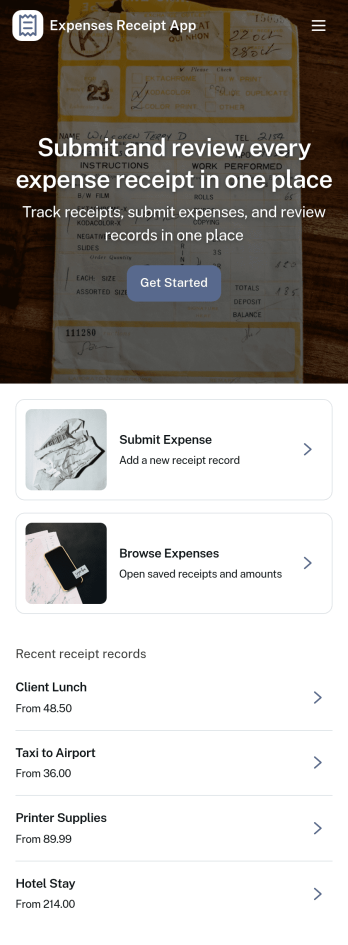
Expenses Receipt App
Expenses Receipt App helps teams and individuals capture receipts, organize expenses, and keep a clear record for reimbursements, budgeting, or bookkeeping. Use it to snap and submit receipts as they happen, review an expense log by category, and check a simple summary view when you need a quick snapshot of spending. It’s a practical fit for small businesses, field teams, frequent travelers, project managers, and anyone who wants fewer lost receipts and faster follow-ups.Jotform makes it easy to turn this use case into a polished self-service experience with customizable App Templates and a no-code app builder. With a drag-and-drop interface, you can tailor the pages, buttons, and navigation to match your process, then connect receipt intake to data collection in Jotform Forms and organize entries in connected tables. Share the app with a link or QR code so people can submit receipts on the go and keep your expense workflow moving without extra tools.
Go to Category:Finance & Accounting Portal Apps