Vending Machine Inventory App helps vending operators and route drivers keep product levels organized across machines and locations while making day-to-day restocking easier to manage. Use the Inventory area to review what’s on hand per machine, then jump into Restock to log restock entries as you refill slots and track what was added on each visit. The Inspect section supports routine checks so teams can record machine condition and keep service notes consistent across the route.
Jotform makes it simple to turn this kind of workflow into a shareable, mobile-friendly experience using App Templates and a no-code app builder. With a drag-and-drop interface, you can adjust pages, buttons, and navigation to match your routes, machine IDs, and products, then connect forms and tables to keep data collection and workflow steps in one place. Share the app with your team through a link or QR code so updates happen right at the machine, not back at the office.
Related templates
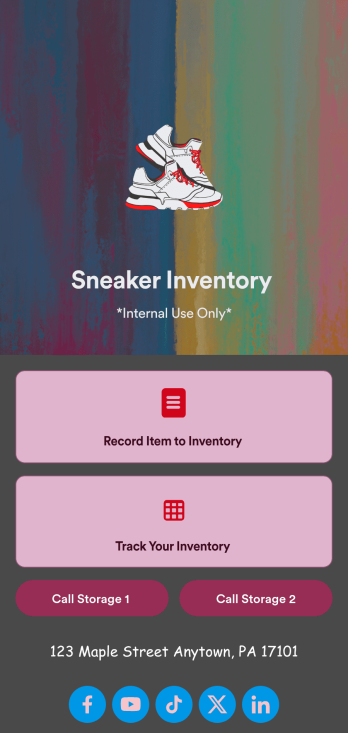
Sneaker Inventory App
Need an organized way to keep track of your shoe store’s stock? Look no further than this customizable Sneaker Inventory App from Jotform. Create an internal app for your sneaker store and include an updated inventory log, supplier delivery information, useful contact information, and much more. Once you’re finished creating your app, send it off to your team members via direct link or embed it in your company’s online portal for easy access.Personalize this Sneaker Inventory App to fit your branding with Jotform’s easy-to-use online app builder. Drag and drop to make changes to letter text, upload item pictures, pick fonts and colors, integrate with helpful widgets, and more! Give your staff an organized way to find sneakers that are in stock with this app from Jotform.
Go to Category:Inventory Apps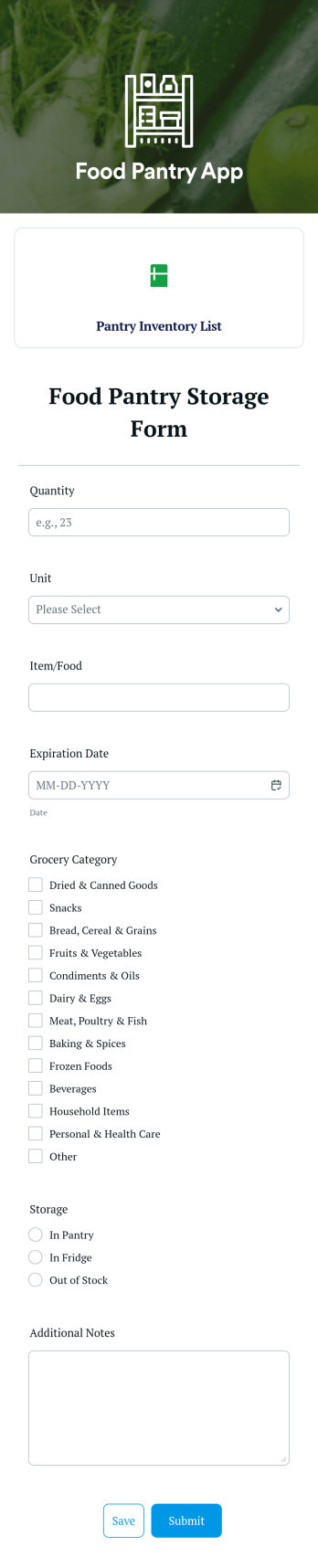
Food Pantry App
A food pantry app is a type of mobile application used by food pantries to track items and communicate to their audience what is currently available at the pantry. Use this ready-made Food Pantry App template to build your ideal app in just a few minutes. Track and manage inventory, add a contact page, collect donations, and so much more.Make any necessary design changes to your Food Pantry App that you see fit with our drag-and-drop builder. Choose a new color scheme, upload images and videos of community events, select an app icon, and more. Once you’re happy with the look and feel of your app, all you need to do is share it with your community!
Go to Category:Food & Beverage Apps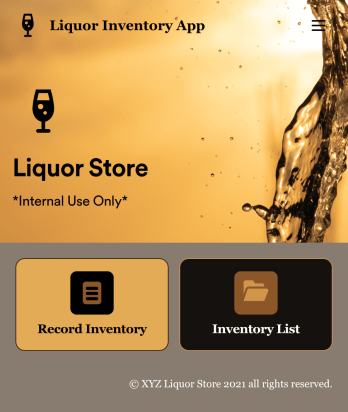
Liquor Inventory App
Whether you own a bar, restaurant, grocery store, or liquor store, keeping an accurate count of your inventory is essential. With this free Liquor Inventory App, you and your employees can easily record and track liquor supplies by type, quantity, price, and proof. Your inventory is then stored in an easy-to-read Liquor Inventory Spreadsheet in your Jotform account.Want to customize your Liquor Inventory App? No problem! Our drag-and-drop interface makes it simple to add or change forms, choose fonts and colors, upload your company’s logo, update the app name or text, and more — no coding necessary. Afterwards, simply download the app onto your device or share the link with your employees and you’re ready to go. Keep every bottle accounted for with this free and fully customizable Liquor Inventory App!
Go to Category:Inventory Apps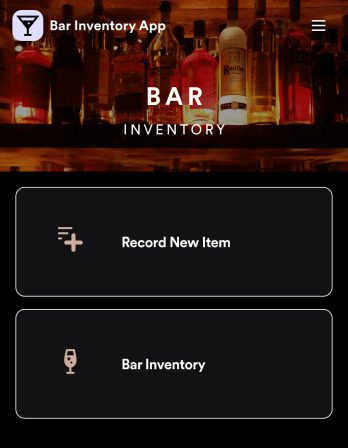
Bar Inventory App
A bar inventory app is used by bar staff to keep track of a bar’s equipment, ingredients, and other beverage information. Stop tracking inventory with pen and paper and enjoy an easier way to do it with a free Bar Inventory App from Jotform. Employees can download the app onto their iOS or Android device and fill it out as they go. All stock take submissions are stored securely in an inventory spreadsheet and viewable directly from the app.Customize this app template using our drag-and-drop app builder. With no coding required you can add your company logo, update forms or spreadsheets, change the background image, and make other design changes in seconds. Help your bar staff save time with a more efficient inventory process using this free Bar Inventory App that downloads onto any computer or mobile device.
Go to Category:Inventory Apps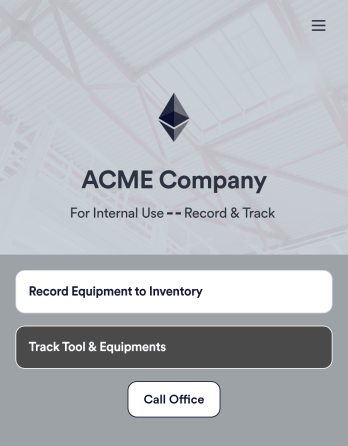
Tool Inventory App
A tool inventory app is used by companies that need to keep track of loaned out tools and equipment. This customizable Tool Inventory App allows you and your employees to record equipment name and type, date of purchase, vendor name, location, number of items, and unit cost. There is also an upload form for attaching pictures and receipts to individual entries. Submissions are stored securely in an easy-to-read database, which you can access directly from your app from any smartphone, tablet, or computer.Looking to personalize this Tool Inventory App? Using our drag-and-drop interface, you can add or change forms, choose fonts and colors, upload your company logo, update the app name, text and splash page, and more — all with zero coding. After you’re done customizing your app can be shared internally via link and then accessed and downloaded on any device. Never lose track of a tool rental again with this Tool Inventory App!
Go to Category:Inventory Apps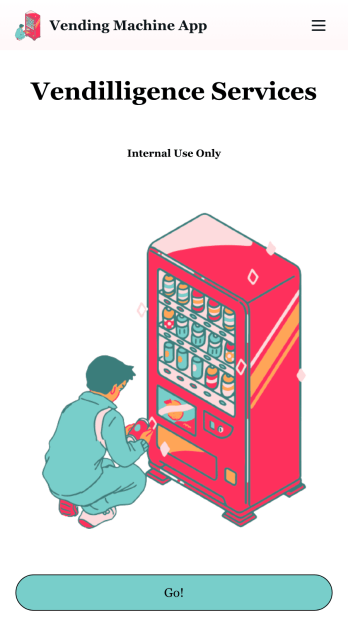
Vending Machine App
Do you have a vending machine business? Equip your employees with the tools they need to take on any request by using the free Vending Machine App from Jotform. In your custom app your employees will be able to request services and inspections, log inventory, and report any issues to the company. All employee data will be stored on your Jotform account in one easy to manage place – making work as seamless as possible for both you and your employees. Need to switch up the look and feel of your Vending Machine App? With Jotform’s no-code drag-and-drop app builder you’ll never have to worry about a tedious brand refresh. Upload your own logo or pick an app icon and background image that works for you. Send your app out to your employees via direct message, email, or even through a scannable QR code. Try Jotform’s free Vending Machine App and revolutionize your business’s workflow.
Go to Category:Inspection Apps