
Venue Emergency Response Guide App is a ready-to-use app template that helps event spaces, hospitality venues, community facilities, and their on-site teams provide clear emergency guidance from one accessible location. Staff, contractors, volunteers, and event coordinators can quickly review response information for situations such as medical emergencies, fire, or smoke. Topic-based guidance and applicability notes help users find relevant instructions, while a connected incident report supports consistent data collection after an event. This centralized resource reduces uncertainty, reinforces established venue procedures, and makes essential information easier to access during training, daily operations, and urgent situations.
Jotform App Templates make it easy to adapt this resource to a venue without writing code. Using Jotform’s no-code app builder and drag-and-drop interface, teams can update guidance, organize pages, apply their visual identity, and connect forms to a broader workflow. The app can be shared through a direct link or QR code for convenient mobile access and employee self-service. Venue managers can also connect submitted reports with tables, notifications, and approval steps, creating a more organized process for documenting incidents, coordinating follow-up work, and keeping emergency resources current.
Related templates
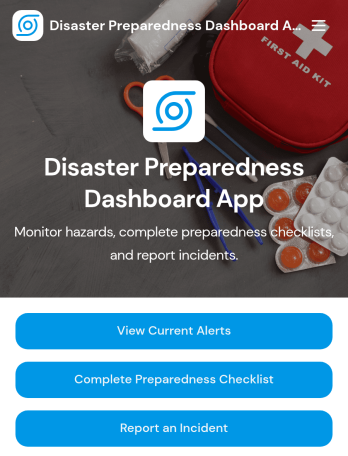
Disaster Preparedness Dashboard App
Disaster Preparedness Dashboard App brings current alerts, readiness tasks, and incident reporting into one place so people can act fast when conditions change. Use it to share timely updates, guide staff or residents through a preparedness checklist, and capture on-the-ground details through structured incident reports. It’s a practical fit for schools, nonprofits, property managers, community organizations, and operations teams that need a simple way to keep everyone informed and aligned before, during, and after an emergency.With Jotform, you can tailor this app template to match your procedures, branding, and communication needs without coding. Build pages with a drag-and-drop interface, connect buttons to forms for data collection, and keep information easy to navigate on any device. As your workflow evolves, update alerts, refine checklists, and route incident details to the right team so your preparedness plan stays organized and actionable.
Go to Category:Safety and Compliance Apps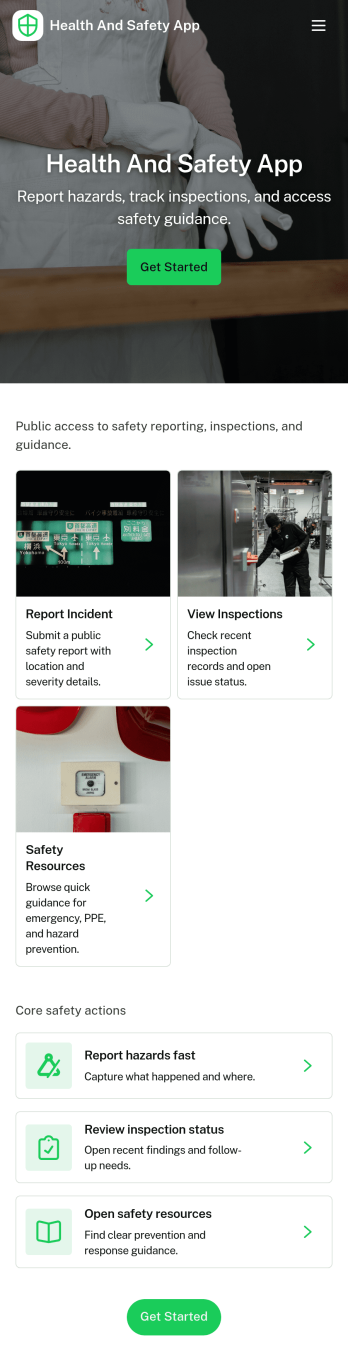
Health and Safety App
Health and Safety App helps teams centralize day-to-day workplace safety actions in one place, so employees know exactly where to go when something happens. Use it to capture incident details fast through a simple reporting flow, guide staff through routine safety checks, and keep everyone aligned on what’s been logged. It’s a practical fit for construction crews, warehouses, manufacturing floors, facilities teams, field service organizations, schools, and nonprofits that need a consistent way to document issues and reinforce safe habits across locations.With Jotform, you can turn this Health and Safety App into a mobile-friendly self-service experience using app templates and a no-code app builder with a drag-and-drop interface. Connect the app to forms and tables to support reliable data collection and clearer workflow handoffs, then share it by link or QR code so the right people can report, review, and act without hunting for the latest document or process.
Go to Category:Company Portal Apps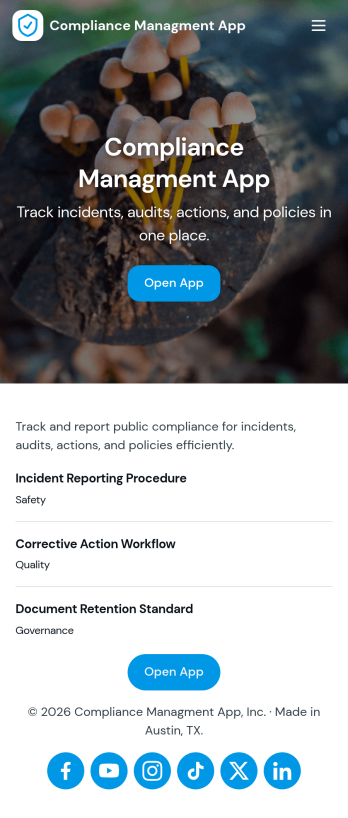
Compliance Managment App
Compliance Managment App brings your day-to-day compliance work into one place so teams can keep controls visible, document what happened, and stay ready for reviews. It’s built for operations leaders, IT and security teams, HR, and managers who need a practical way to organize controls, report incidents as they occur, log audits, and maintain supporting documents without hunting across folders or email threads.With Jotform you can turn this app template into a branded self-service workspace using a drag-and-drop interface and a no-code app builder. Connect the app to forms and tables to support ongoing data collection, route key steps through a workflow, and keep updates consistent across controls, incidents, audits, and documents. Share it with internal stakeholders through a link, tailor pages to your process, and keep information easy to access on any device.
Go to Category:Information Technology Apps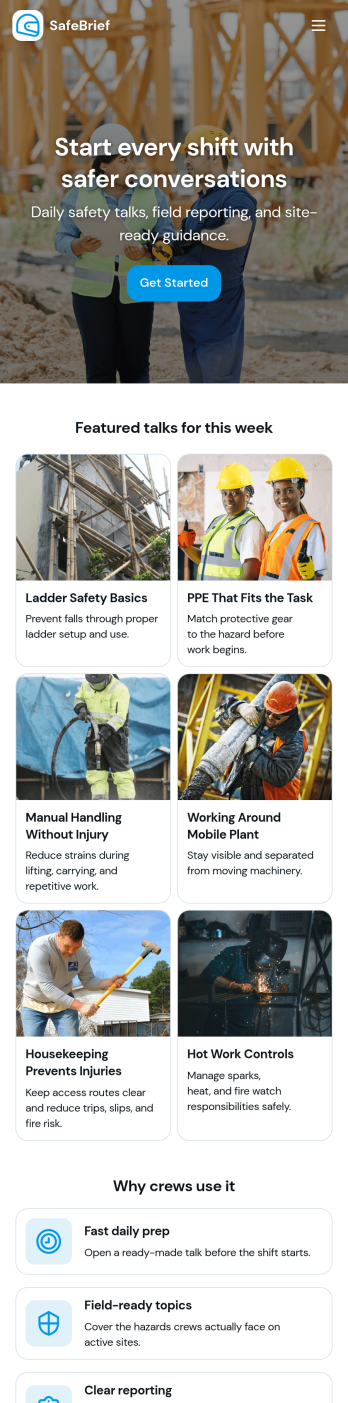
Toolbox Talks App
Toolbox Talks App helps safety leads and site supervisors run consistent pre-task briefings, keep a ready-to-use talk library, and gather participation details in one place. Use it to launch a talk for the day, guide crews through key points, and keep everyone aligned on hazards, procedures, and expectations before work begins. With dedicated areas for running a talk, tracking attendance, and collecting feedback, it fits construction crews, maintenance teams, field service groups, warehouses, and any operation that relies on frequent safety conversations.Built with Jotform, this app template gives you a practical way to support self-service access to talks and simple data collection without code. Customize pages and cards with a drag-and-drop interface, connect the app to your existing Jotform forms for attendance and feedback, and keep information organized for ongoing workflows. Share the app by link or QR code so teams can open it on the jobsite, record participation, and submit notes while the conversation is still fresh.
Go to Category:Checklist Apps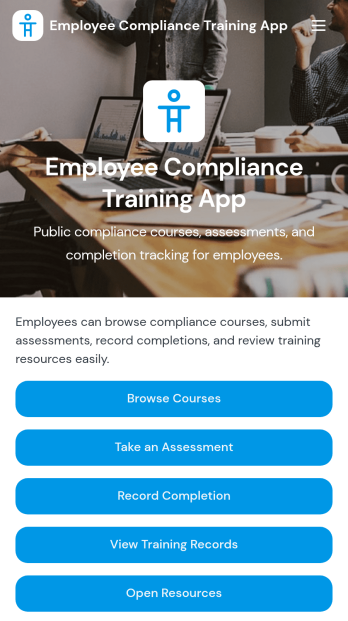
Employee Compliance Training App
Employee Compliance Training App gives HR teams, learning and development leaders, safety managers, and operations departments a central place to deliver and monitor required workplace education. Employees can browse available courses, review key learning materials, take assessments, and submit completion records without searching across disconnected systems. It is well suited to employee onboarding, annual refresher programs, information security awareness, workplace conduct education, and health and safety training. By bringing learning resources and training records into one accessible experience, the app helps organizations keep employees informed, reduce administrative work, and maintain clearer visibility into participation.Jotform makes this app template easy to adapt with a no-code app builder and an intuitive drag-and-drop interface. Teams can update pages, course links, buttons, visual elements, and branding to match their internal training program. Forms, tables, approvals, and automated workflows can be connected to support data collection, completion tracking, and timely follow-up. Once customized, the Employee Compliance Training App can be shared by direct link or QR code for convenient mobile self-service access. Explore Jotform App Templates to create a polished training experience without writing code.
Go to Category:Safety and Compliance Apps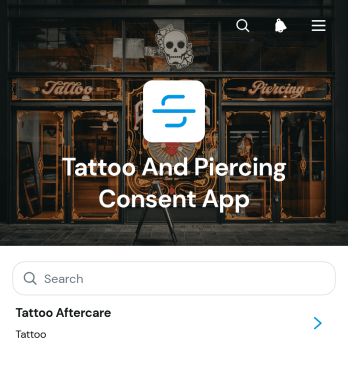
Tattoo And Piercing Consent App
The Tattoo And Piercing Consent App is a ready-to-use digital space for studios that need to collect client consent before tattoo and piercing appointments. Tattoo artists, piercers, reception teams, and studio managers can use it to guide clients through consent completion, review submitted records, and provide relevant aftercare information. Health disclosures, appointment details, contact information, and aftercare acknowledgments stay connected in one organized experience. This helps studios replace scattered paperwork, prepare staff before each service, maintain clearer records, and give clients convenient access to care guidance after their appointment.Jotform makes this app template easy to adapt with a no-code app builder and a flexible drag-and-drop interface. Studios can update pages, adjust branding, organize resource navigation, and connect forms or tables to support their preferred workflow. The app can be shared through a direct link or QR code, giving clients a mobile-friendly self-service option while helping staff manage data collection from one location. Jotform App Templates also make it simple to publish updates as procedures, consent questions, or aftercare resources change, without rebuilding the experience from the beginning.
Go to Category:Salon Apps