
The Video Reward Tracking App helps marketing teams, educators, membership coordinators, nonprofits, and community managers organize rewards associated with video viewing activities. Users can submit a reward record, browse available rewards, open linked videos, and review a summary from one convenient location. This app template is useful for recognition campaigns, learning incentives, audience engagement programs, and internal training initiatives where teams need a clear record of viewers and corresponding rewards. Centralizing these activities reduces scattered spreadsheets, makes reward information easier to find, and gives participants a simple self-service experience.
With Jotform Apps, teams can adapt this Video Reward Tracking App through a no-code app builder and an intuitive drag-and-drop interface. Pages, navigation, forms, and visual elements can be updated to reflect a program’s workflow and branding without writing code. Connected forms support consistent data collection, while shareable links make the finished app accessible to participants, employees, or program administrators on mobile and desktop devices. Start with one of Jotform’s App Templates, customize the experience, and publish a practical resource for managing video-based reward programs.
Related templates
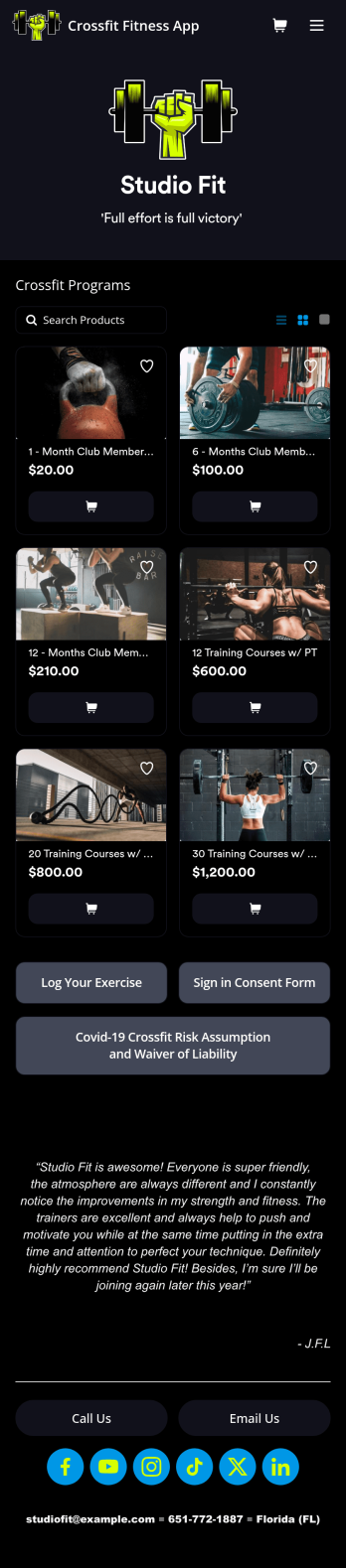
Crossfit Fitness App
CrossFit is a branded fitness regimen consisting of high intensity interval training. Need to know how to sell your gym memberships online? If you run a CrossFit gym, share all your forms in one place using our free CrossFit Fitness App! This ready-made app template comes with an exercise log, consent form, and COVID-19 waiver form. Members of your gym can download the app on any smartphone, tablet, or computer to log in their workouts and sign your agreements.Customize your CrossFit Fitness App in just a few clicks with our easy-to-use builder. No coding necessary — simply drag and drop to add new forms, embed links, update text, upload images, and change the app name and design to match your gym. When it’s ready, share your app with gym members by sending the link via email or adding it to your website. Get your gym management processes in shape with a custom CrossFitness App that works on the go!
Go to Category:Activity Tracking Apps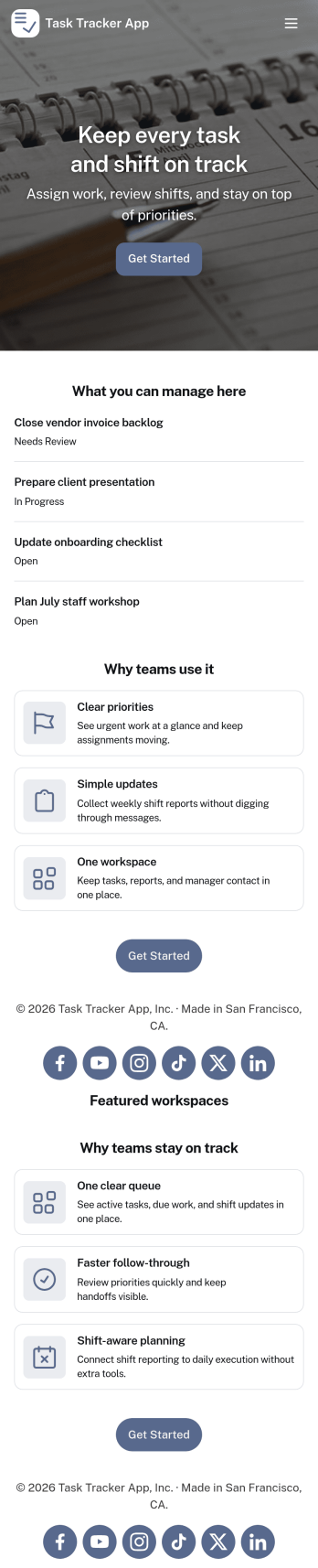
Task Tracker App
A task tracker app is used to keep track of tasks on any device. No matter which industry you work in, Jotform’s free Task Tracker App lets you log and manage task details and even assign tasks to employees or teammates! The app is downloadable onto any smartphone, tablet, or computer, and all submissions are stored securely in your Jotform account — ready to access whenever you need them.Want to make changes to this free app? Add or remove forms, include your company logo, change fonts and colors, and personalize other elements with our drag-and-drop builder. No coding is necessary! Once you’ve got your app looking perfect, share it with a link for others to download directly onto their devices. Track tasks more efficiently with the help of a free Task Tracker App from Jotform.
Go to Category:Organization Apps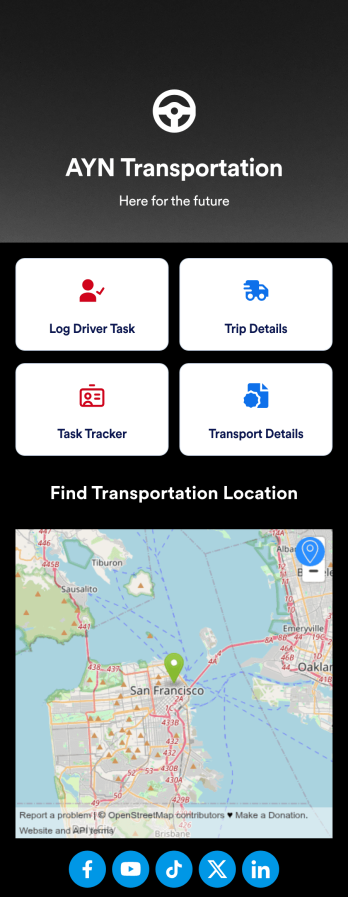
Customizable Driver Dispatch App
A driver dispatch app is used by taxi companies or other transportation services to keep track of trip details for their drivers. With this free Driver Dispatch App from Jotform, you can keep a complete record of trip details without the need for messy, disorganized paper forms. All form submissions through the app are stored in your secure Jotform account, ready to view in Jotform Tables as a spreadsheet or calendar.Customize this app template’s design without coding. Drag and drop to add or remove forms or change other design elements like app icon, logo, and background in a few easy clicks. Once your app is ready to go, download it onto your computer, tablet, or smartphone or copy-paste the app link so others can download it too! Upgrade the way you manage trip details with a powerful Driver Dispatch App.
Go to Category:Log Apps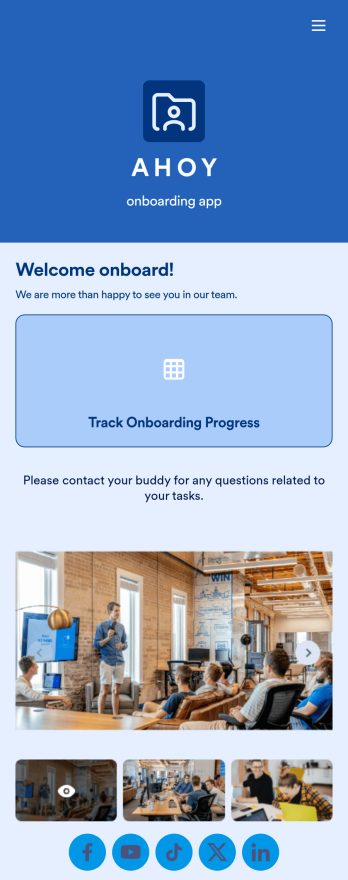
Custom Employee Onboarding App
An employee onboarding app makes it easier to integrate a new employee into your company by making important internal resources available on any device. Simplify the transitional period and successfully onboard new hires with a fully custom Employee Onboard App powered by Jotform. This ready-to-use mobile app includes a table for tracking onboarding progress, company photos and social links, and a separate page with team contact information. New hires can download the app onto their mobile device or computer for easy access at any time.Customize this Employee Onboarding App for your company in just a few clicks. Without coding, you can use our drag-and-drop builder to add forms and tables, embed links, upload documents and training videos, create new pages, update fonts and colors, and much more. When your app is ready to use, it can be sent directly to new hires via email invites or the app link. Successful employee onboarding can be the key to business success — so get started with an efficient, easy-to-use Employee Onboarding App tailored to your company.
Go to Category:Company Portal Apps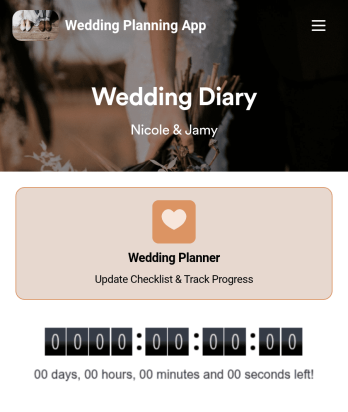
Wedding Planning App
Plan your wedding like a pro with a free Wedding Planning App from Jotform! Whether you’re a professional wedding planner or getting things ready for your own wedding, use this app to create a wedding checklist, track your progress, and view a countdown timer ticking off the seconds until the big day. You can also use the app to log expenses, manage your guestlist, and keep track of venue information.Make changes to this Wedding Planning App template in seconds with our drag-and-drop builder. Add new forms, pages, links, images, and personalize design elements like splash screen and app icon with no coding required. Your custom Wedding Planning App can then be downloaded instantly onto any device — including your computer or any iOS or Android device — so you can prepare for your event seamlessly on the go.
Go to Category:Checklist Apps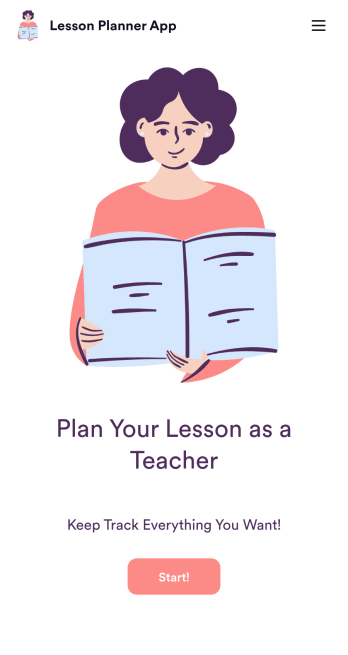
Lesson Planner App
Create and manage your classroom lesson plan with this free Lesson Planner app from Jotform. Download this app onto any device and start adding courses, start and end dates, lesson titles and objectives, tasks, resources, and more. There are also separate forms for entering student information and creating daily assignment checklists. Submissions are aggregated and stored in a color-coded and easy-to-understand spreadsheet using Jotform Tables.Want to make changes to this Lesson Planner App? No problem! With Jotform’s no-code app builder, you can build a custom app that meets your classroom’s needs in seconds. Simply drag and drop to add or change form elements, edit text fields and checklist items, install integrations and widgets, change fonts and colors, and more. When you’re done, you can access and download your app onto any smartphone, tablet, or desktop and start using it right away. Manage all your lesson plans and assignments from a single location with this mobile-friendly Lesson Planner App.
Go to Category:Daily Planner Apps