
The Virtual World Creator Portal App is an app template for creative studios, production teams, educators, community groups, and independent creators planning interactive digital environments. It brings project concept submissions, project browsing, and resource requests into one accessible portal. Contributors can propose new worlds, review project information, and ask for the people, tools, assets, or support needed to move an idea forward. By keeping concepts and related needs together, the portal helps coordinators evaluate proposals, understand demand, assign resources, and maintain visibility across multiple creative initiatives.
Jotform App Templates provide a practical starting point for turning collaborative processes into mobile-friendly experiences. With Jotform’s no-code app builder and drag-and-drop interface, teams can customize pages, navigation, colors, typography, and branding without programming. Forms and connected data collection workflows can be updated to suit review practices, production stages, or internal terminology. Once the app template is ready, it can be shared through a direct link or QR code, giving creators and decision-makers convenient self-service access from nearly any device.
Related templates
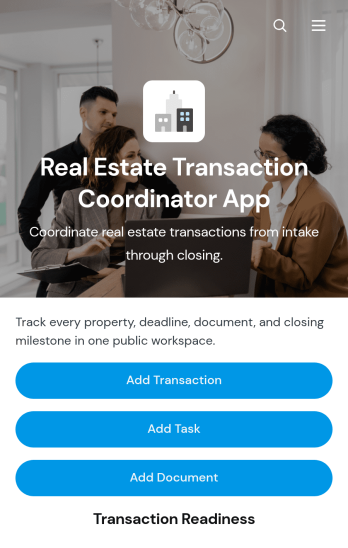
Real Estate Transaction Coordinator App
The Real Estate Transaction Coordinator App is an app template for coordinators, agents, brokerages, and real estate operations teams managing property transactions from intake through closing. It brings transaction records, task coordination, document tracking, contact details, readiness updates, and coordinator notes into one accessible workspace. Teams can add a transaction, assign property-specific tasks, and maintain supporting documents without relying on scattered spreadsheets or email threads. This organized approach helps coordinators monitor active deals, identify unfinished work, keep essential information close at hand, and support consistent service across multiple buyers, sellers, and properties.Jotform Apps makes it easy to adapt this template with a no-code app builder and an intuitive drag-and-drop interface. Add or rearrange pages, update branding, connect forms and tables, and shape the workflow around your brokerage or transaction coordination process. Linked data collection tools can capture new deals, tasks, documents, and contacts while keeping records available for daily follow-up. Once the app is ready, share it by direct link or QR code so authorized team members can access transaction resources from a phone, tablet, or computer. Jotform App Templates help real estate teams create a practical self-service workspace without writing code.
Go to Category:Real Estate Apps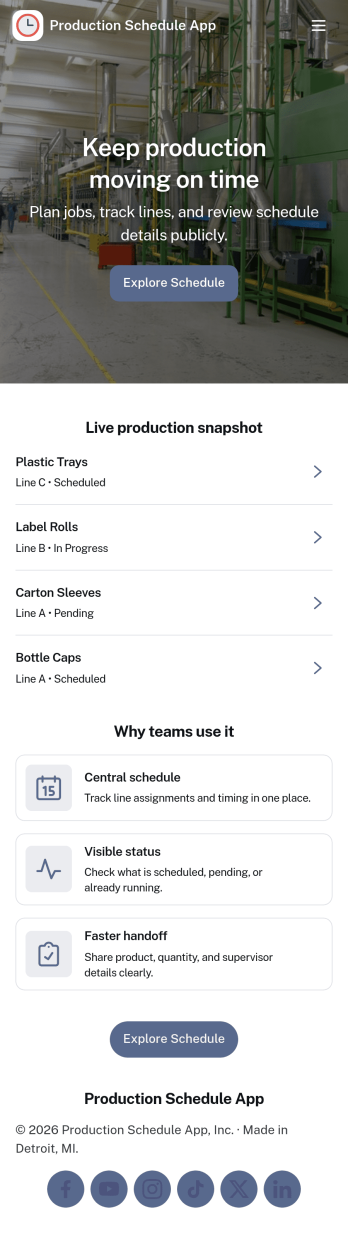
Production Schedule App
A production schedule app brings visibility to what’s planned, what’s in progress, and what’s coming next so teams can coordinate work without relying on scattered spreadsheets. Use it to review scheduled work orders, capture intake for new jobs, and keep a clear view of capacity needs across shifts or work centers. It’s especially helpful for production managers, schedulers, operations leads, and shop-floor supervisors who need a single place to spot bottlenecks, prioritize orders, and keep everyone aligned on job timing.With Jotform, you can turn your production schedule into a mobile-friendly, self-service experience that’s easy to share with the right stakeholders. Using Jotform App Templates and the no-code app builder, you can adjust pages and navigation with a drag-and-drop interface, connect the app to your data collection workflows, and keep scheduling information organized as operations change. Publish with a link so teams can check the schedule, add new work requests, and stay on top of production planning in real time.
Go to Category:Operations & Logistics Portal Apps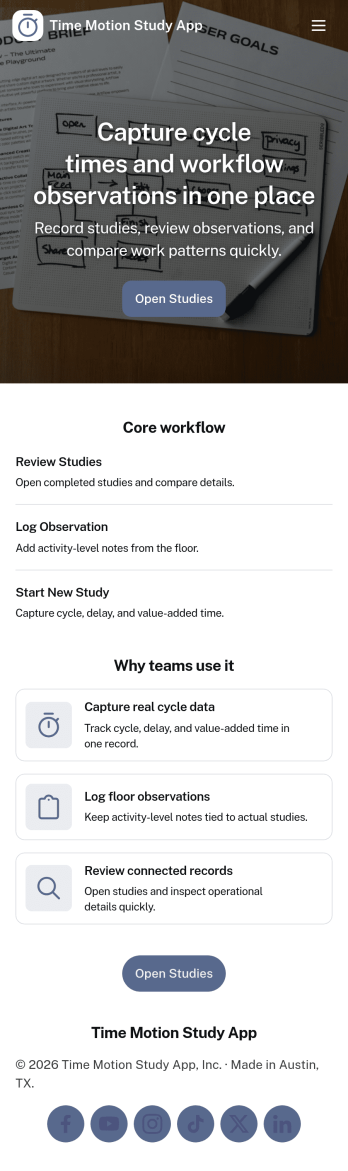
Time Motion Study App
Time Motion Study App helps teams capture how work is performed so they can understand cycle times, spot delays, and standardize repeatable processes. Use it on the floor, in the field, or in an office setting to log a study as it happens, keep a centralized list of studies, and review insight-ready records without relying on scattered notes. It’s a practical fit for operations leaders, industrial engineers, continuous improvement teams, supervisors, and analysts who need consistent time-and-motion documentation across shifts, sites, or job types.With Jotform, you can turn this app template into a branded, self-service experience that’s easy to share and update. Using Jotform’s no-code app builder and drag-and-drop interface, you can connect your study logs to forms and data collection workflows, organize studies into navigable lists, and give stakeholders a simple way to view recent studies and drill into details. As your process changes, you can adjust the app layout and connected workflow in minutes so the same hub keeps supporting ongoing improvement.
Go to Category:Engineering Apps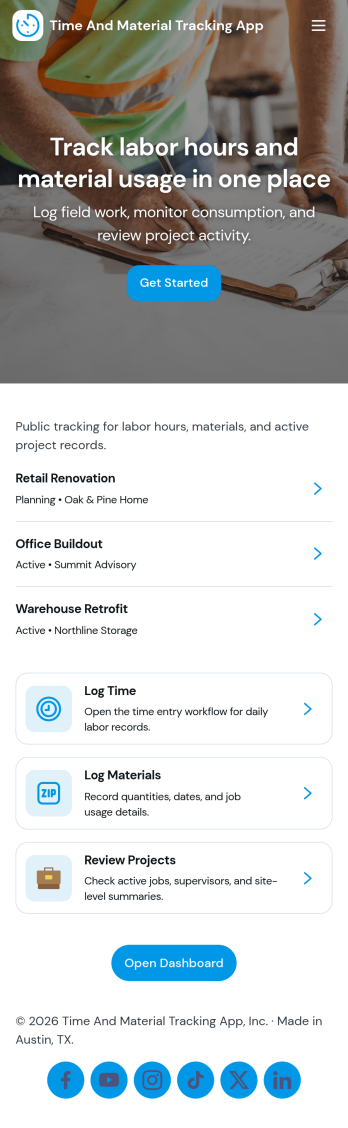
Time and Material Tracking App
Time and Material Tracking App helps teams record labor hours and material usage against specific jobs so job costs are easier to understand and review. It fits contractors, field service crews, repair teams, and small operations groups that need a simple way to log time and materials during the day, then look back at what was used on each job. With quick navigation to log time, log materials, and view personal entry history, the app supports consistent tracking without relying on scattered notes or end-of-week reconstruction.Built with Jotform, this app template can be adjusted to match how your jobs are organized and how your team works in the field. Use a no-code app builder with a drag-and-drop interface to update pages, labels, and navigation, then connect entries to your underlying records for easier reporting and follow-up. Share the app with a link so staff can submit updates from anywhere, and keep job activity centralized with connected forms and tables that support ongoing workflow and self-service access to records.
Go to Category:Activity Tracking Apps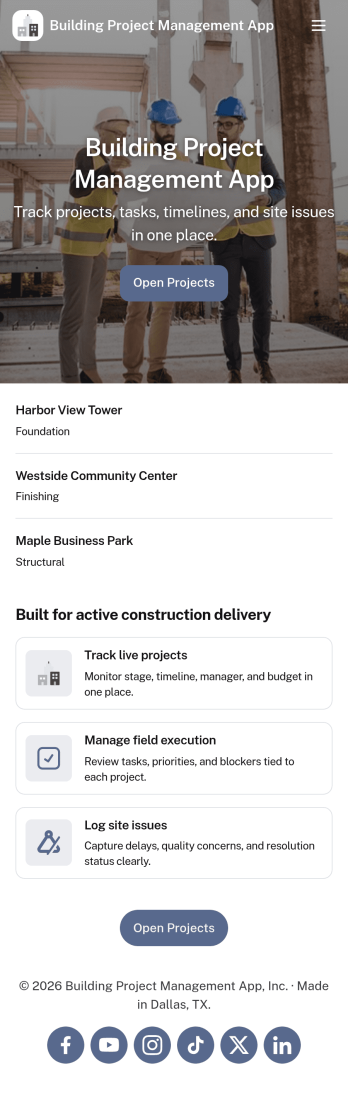
Building Project Management App
Building Project Management App helps teams organize active builds by keeping project records and day-to-day work in one place. It’s a practical fit for construction managers, general contractors, engineering teams, and operations leads who need a clear view of projects, open tasks, and what needs attention next. With dedicated areas to view projects, review open tasks, and add a task directly from a specific project, the app supports smoother handoffs and fewer missed action items as work moves from planning to execution.Jotform makes it simple to publish this kind of workflow as a polished, shareable experience using App Templates and a no-code app builder. Customize pages with a drag-and-drop interface, connect your app to forms and tables for reliable data collection, and keep work moving with a workflow that your team can access from a single link. Whether you’re coordinating multiple job sites or managing internal build initiatives, Jotform helps you turn project updates into a self-service hub your team will actually use.
Go to Category:Construction Apps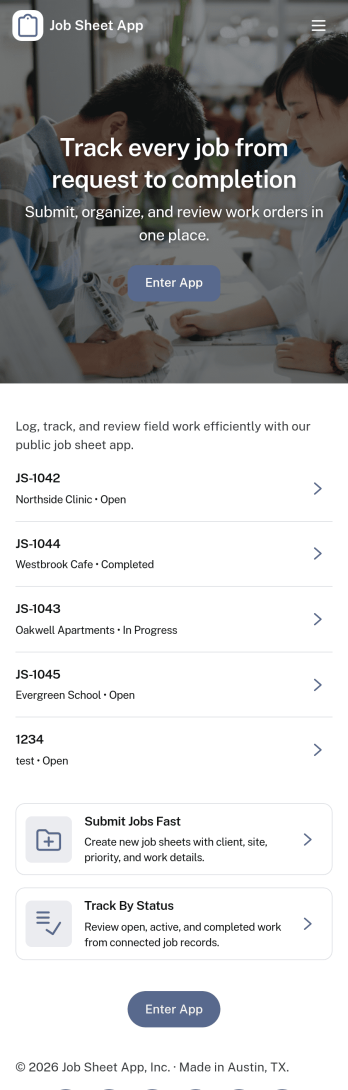
Job Sheet App
A Job Sheet App gives field teams and service businesses a clear place to view open jobs, capture progress updates, and keep work details consistent from start to finish. Use it to reduce missed steps on site visits, standardize job notes across technicians, and keep everyone aligned on what’s next. With quick navigation to Open Jobs and a simple Submit Update path, it works well for contractors, maintenance crews, home services teams, and operations managers who need job information to stay current while work is happening.Jotform makes it easy to publish this kind of job tracking experience without coding using its no-code app builder and drag-and-drop interface. Connect the app to a form for fast data collection, organize job records in a connected workflow, and share a self-service link with your team so updates can be submitted from anywhere. As your process grows, you can adjust pages, add new steps, and keep insights accessible in one mobile-friendly place with Jotform App Templates.
Go to Category:Operations & Logistics Portal Apps