
The Weekday Count App helps professionals, students, project teams, administrators, and service providers determine the number of weekdays within a selected date range. Users can access the weekday counter, consult a practical guide, and review counting rules before calculating workdays. It is useful for estimating project timelines, planning assignments, checking service periods, scheduling workplace activities, and setting realistic due dates. By keeping the calculation tool and supporting information together, this app template reduces manual calendar checks and gives users a consistent reference for date-based planning.
Jotform makes this Weekday Count App easy to adapt with a no-code app builder and an intuitive drag-and-drop interface. Add or rearrange pages, cards, buttons, instructions, and connected forms to match a personal or organizational workflow. You can apply your own visual style, create a clear self-service experience, and share the finished app through a direct link or QR code for convenient mobile access. Jotform App Templates also connect with forms, tables, approvals, and notifications, helping teams combine data collection, supporting resources, and routine planning tasks in one accessible app.
Related templates
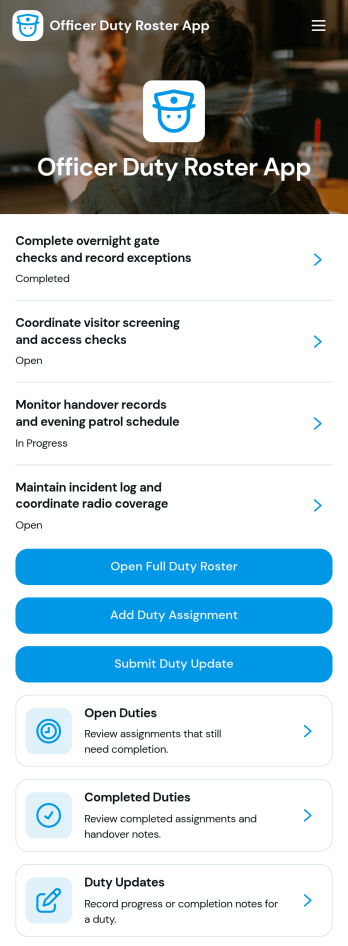
Officer Duty Roster App
The Officer Duty Roster App gives police departments, security teams, public safety units, and other officer-based organizations a central place to coordinate duty assignments. Supervisors can publish roster entries, add new assignments, review open and completed duties, and receive duty updates from personnel. Each assignment can present the responsible officer, shift, station, current status, briefing notes, and completion notes, helping teams understand who is working, where they are assigned, and what requires attention. It is especially useful for daily deployment planning, shift handovers, station coverage, event security, patrol coordination, and other operations where timely roster information supports accountability and continuity.Jotform makes this app template easy to adapt with a no-code app builder and a drag-and-drop interface. Teams can update pages, navigation, colors, fonts, images, and buttons to reflect their procedures and branding, then connect forms and tables to support data collection and workflow management. The finished app can be shared by direct link or QR code for convenient mobile access, giving officers and supervisors a practical self-service resource wherever duties are performed. Jotform App Templates also help organizations launch faster while retaining the flexibility to revise assignments, resources, and connected processes as operational needs change.
Go to Category:Scheduling and Planning Apps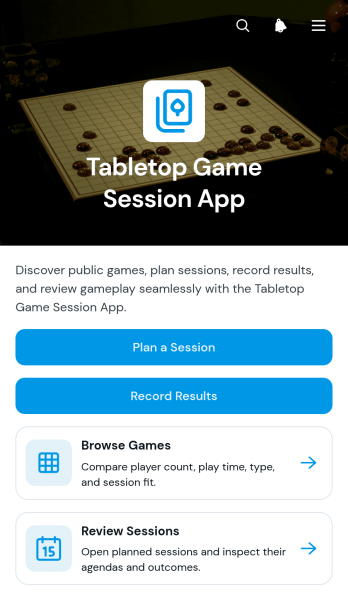
Tabletop Game Session App
The Tabletop Game Session App is an app template for groups, clubs, community organizers, and venue hosts who want one convenient place to coordinate tabletop gaming activities. Participants can browse a game collection, review player counts and expected play times, plan upcoming sessions, and record results after play. Session pages keep agendas, venues, and participant details easy to find, helping organizers reduce scattered messages and give players a reliable source for event information. It works well for recurring game nights, club meetups, casual gatherings, tournaments, and organized community events.Jotform App Templates help teams turn scheduling and recordkeeping tasks into accessible digital experiences without coding. Use Jotform’s no-code app builder and drag-and-drop interface to adjust pages, update branding, connect forms, and organize data collection around your workflow. You can add resources, change navigation, link supporting processes, and create a clearer self-service experience for players. Once customized, the Tabletop Game Session App can be published and shared through a direct link or QR code, giving participants mobile-friendly access wherever they plan or play.
Go to Category:Entertainment Apps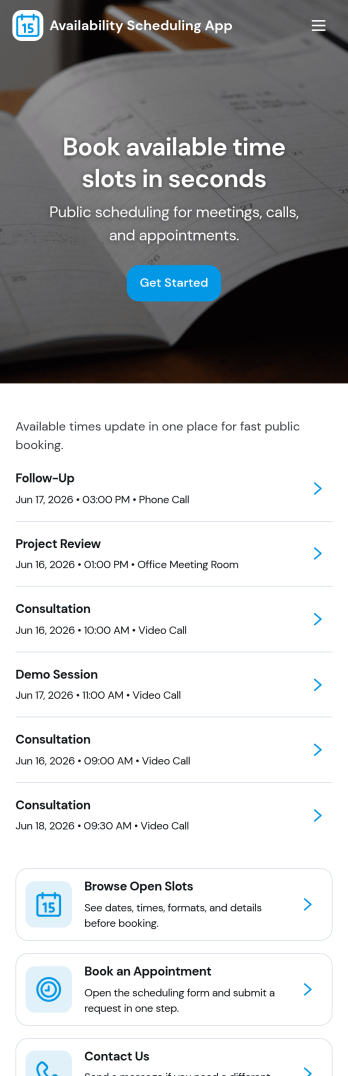
Availability Scheduling App
Availability Scheduling App helps teams collect availability, review open time blocks, and turn day-to-day entries into a clear schedule everyone can reference. It’s a practical fit for managers coordinating shift-based staff, clinics assigning rotating coverage, schools organizing office hours, and service businesses matching team members to time windows. With quick navigation to submit availability and view schedules, the app keeps availability requests in one place so coordinators can reduce missed messages and make faster staffing decisions.Built with Jotform, this app template combines self-service data collection with an organized schedule view that’s easy to share. Use Jotform’s no-code app builder and drag-and-drop interface to tailor pages, add your own instructions, and connect the app to a central table for ongoing updates. As availability changes, Jotform helps you maintain a dependable workflow for collecting entries, reviewing records, and keeping your schedule current across teams and locations.
Go to Category:Appointment & Booking Apps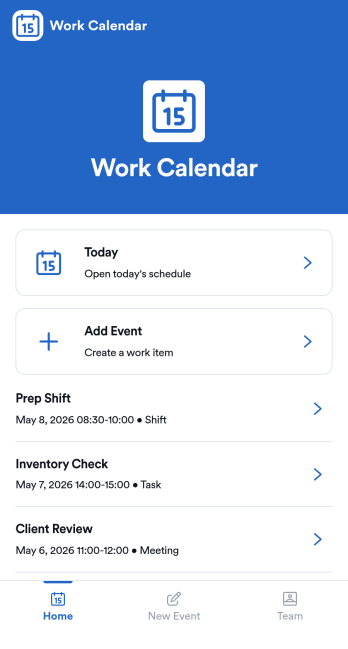
Work Calendar App
A work calendar app keeps schedules, shifts, and time-off needs in one place so teams know what’s happening today and what’s coming next. Use it to highlight today’s shift at a glance, view a weekly calendar for planning, and route upcoming requests to the right place, making it especially useful for managers coordinating coverage and employees checking their schedules. It fits retail, hospitality, clinics, field teams, and any workplace juggling rotating shifts, events, and schedule changes that need quick visibility without digging through messages.With Jotform, you can turn this work calendar app template into a branded self-service experience using a no-code app builder and a drag-and-drop interface. Connect buttons to forms for adding events and submitting requests, then organize updates in connected tables so your workflow stays consistent from request to review. Share the app through a link or QR code, collaborate on scheduling, and keep data collection and updates centralized as your team grows.
Go to Category:Daily Planner Apps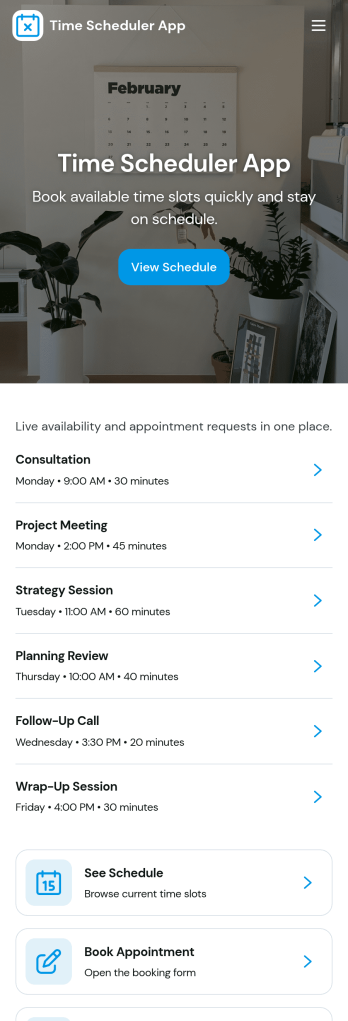
Time Scheduler App
Time Scheduler App helps individuals and teams publish available time slots and accept bookings in one simple place. It fits appointment-based businesses, shared resources, and anyone coordinating time-sensitive meetings, from consultants and tutors to clinics, salons, and small service teams. With clear actions like booking a slot, viewing open times, and checking availability, it reduces missed connections and keeps schedules organized without relying on scattered messages.Jotform makes it easy to turn this scheduling flow into a polished, shareable experience using its no-code app builder and drag-and-drop interface. Connect the app to your booking form for fast data collection, keep upcoming requests in one workflow, and share a link or QR code so people can self-service from any device. Customize pages, buttons, and branding to match how your schedule works, then update availability as your hours or capacity change.
Go to Category:Appointment & Booking Apps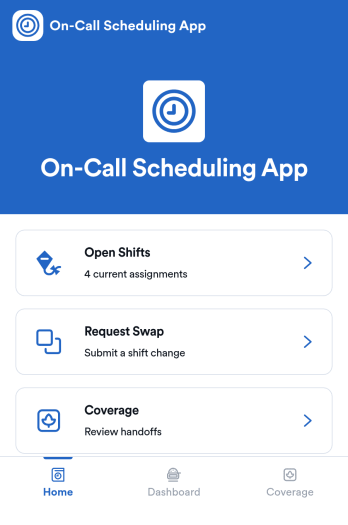
On-Call Scheduling App
On-Call Scheduling App helps teams coordinate after-hours coverage by giving staff one place to check open shifts, request a swap, and track coverage activity. It’s a practical fit for IT and operations groups, healthcare teams, maintenance crews, and any organization that runs rotating on-call duty and needs fewer missed handoffs. With dedicated areas for open shifts, swap requests, and coverage updates, the app keeps expectations clear and reduces confusion when schedules change at the last minute.Built with Jotform App Templates, this app template can be tailored in a no-code app builder using a drag-and-drop interface, so you can match your workflow without relying on developers. Connect pages to forms for fast data collection, route requests to the right people, and keep a simple coverage log that’s easy to review. When it’s time to roll it out, share the app in seconds for self-service access, and keep support handy with quick buttons for email or phone contact.
Go to Category:Information Technology Apps