
The Weekly Schedule Review App is an app template for reviewing planned work, documenting progress, and identifying blockers from one week to the next. Team leads, project managers, consultants, contractors, and operations teams can use it to browse scheduled items, add new work, submit weekly reviews, and view a concise status summary. Individual schedule records keep dates, planned time, notes, and related review details accessible without relying on scattered documents. It supports recurring check-ins, workload discussions, project updates, and personal planning while giving teams a consistent record of weekly activity and unresolved obstacles.
Jotform Apps helps organizations turn this weekly review process into a convenient, mobile-friendly experience without coding. Start with the Weekly Schedule Review App, then use the drag-and-drop interface to adjust pages, navigation, buttons, visual styling, and branding. The no-code app builder can connect forms and organized records to support data collection and a more coordinated workflow. Jotform App Templates can also be shared by link or QR code, making the finished app easy to access for employees, managers, clients, or project partners wherever weekly planning takes place.
Related templates
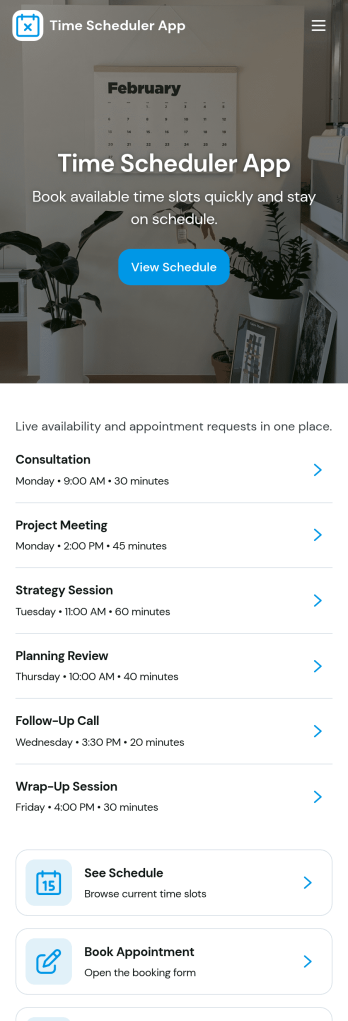
Time Scheduler App
Time Scheduler App helps individuals and teams publish available time slots and accept bookings in one simple place. It fits appointment-based businesses, shared resources, and anyone coordinating time-sensitive meetings, from consultants and tutors to clinics, salons, and small service teams. With clear actions like booking a slot, viewing open times, and checking availability, it reduces missed connections and keeps schedules organized without relying on scattered messages.Jotform makes it easy to turn this scheduling flow into a polished, shareable experience using its no-code app builder and drag-and-drop interface. Connect the app to your booking form for fast data collection, keep upcoming requests in one workflow, and share a link or QR code so people can self-service from any device. Customize pages, buttons, and branding to match how your schedule works, then update availability as your hours or capacity change.
Go to Category:Appointment & Booking Apps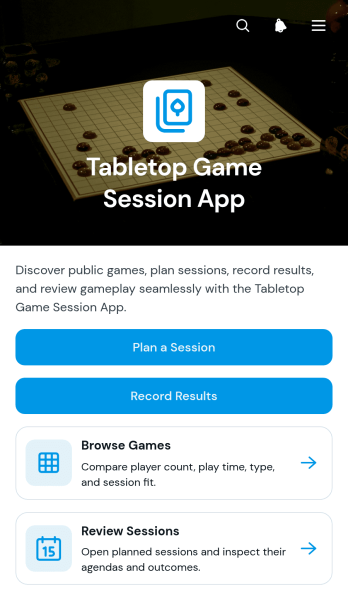
Tabletop Game Session App
The Tabletop Game Session App is an app template for groups, clubs, community organizers, and venue hosts who want one convenient place to coordinate tabletop gaming activities. Participants can browse a game collection, review player counts and expected play times, plan upcoming sessions, and record results after play. Session pages keep agendas, venues, and participant details easy to find, helping organizers reduce scattered messages and give players a reliable source for event information. It works well for recurring game nights, club meetups, casual gatherings, tournaments, and organized community events.Jotform App Templates help teams turn scheduling and recordkeeping tasks into accessible digital experiences without coding. Use Jotform’s no-code app builder and drag-and-drop interface to adjust pages, update branding, connect forms, and organize data collection around your workflow. You can add resources, change navigation, link supporting processes, and create a clearer self-service experience for players. Once customized, the Tabletop Game Session App can be published and shared through a direct link or QR code, giving participants mobile-friendly access wherever they plan or play.
Go to Category:Entertainment Apps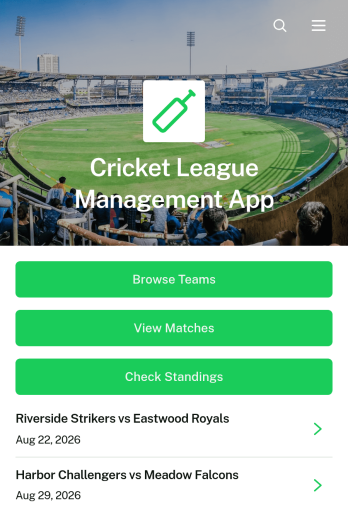
Cricket League Management App
The Cricket League Management App gives league organizers, cricket clubs, tournament committees, and community sports associations one accessible place to manage a competition. Teams can register through a connected form, participants can browse team profiles and match information, and authorized users can submit results while supporters check current standings. By bringing essential league details together, this app template reduces scattered messages and makes it easier to keep captains, players, officials, and followers informed throughout a season or tournament.Jotform Apps helps organizations turn these activities into a branded, mobile-friendly experience without coding. Start with this Cricket League Management App, then use the drag-and-drop app builder to adjust pages, navigation, colors, fonts, and visual elements. Connected forms and tables support data collection and organized workflows, while direct links and QR codes make the app easy to distribute. Jotform App Templates can also connect with approvals and notifications, giving organizers practical options for team self-service and ongoing league administration.
Go to Category:Sports Apps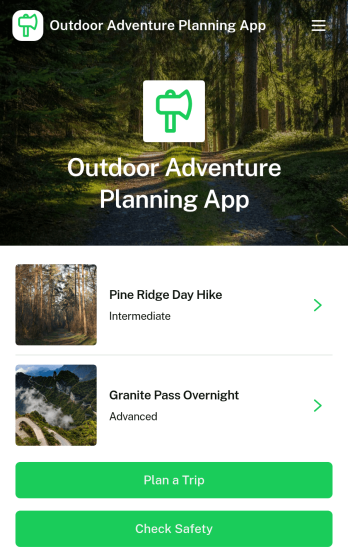
Outdoor Adventure Planning App
Outdoor Adventure Planning App helps individuals and groups organize trips in the outdoors, from choosing an adventure to building a ready-to-follow plan and double-checking safety prep. Use it to browse adventure options, review key route details like difficulty, duration, distance, and elevation, and guide people to actions such as planning a trip, creating a public trip plan, or checking safety before heading out. It’s a practical fit for hiking clubs, outdoor educators, tour leaders, campus recreation teams, and anyone coordinating weekend excursions who wants everyone aligned on the route and expectations.With Jotform App Templates, you can turn your trip planning process into a mobile-friendly self-service experience that’s easy to share. Customize pages with a drag-and-drop interface, connect forms for data collection such as public trip plans, and keep your workflow organized without a no-code app builder learning curve. Publish with a link or QR code so your group can view plans, prepare properly, and stay informed from one central Jotform app.
Go to Category:Trip Planner Apps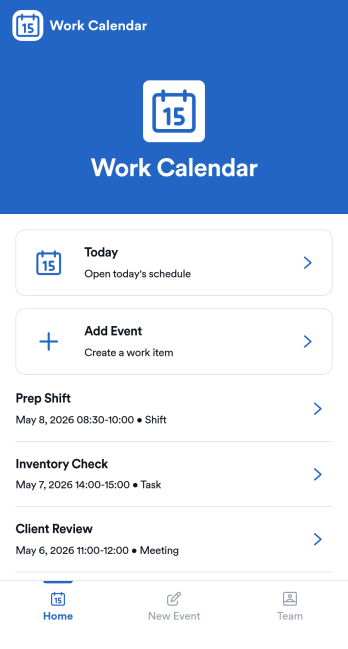
Work Calendar App
A work calendar app keeps schedules, shifts, and time-off needs in one place so teams know what’s happening today and what’s coming next. Use it to highlight today’s shift at a glance, view a weekly calendar for planning, and route upcoming requests to the right place, making it especially useful for managers coordinating coverage and employees checking their schedules. It fits retail, hospitality, clinics, field teams, and any workplace juggling rotating shifts, events, and schedule changes that need quick visibility without digging through messages.With Jotform, you can turn this work calendar app template into a branded self-service experience using a no-code app builder and a drag-and-drop interface. Connect buttons to forms for adding events and submitting requests, then organize updates in connected tables so your workflow stays consistent from request to review. Share the app through a link or QR code, collaborate on scheduling, and keep data collection and updates centralized as your team grows.
Go to Category:Daily Planner Apps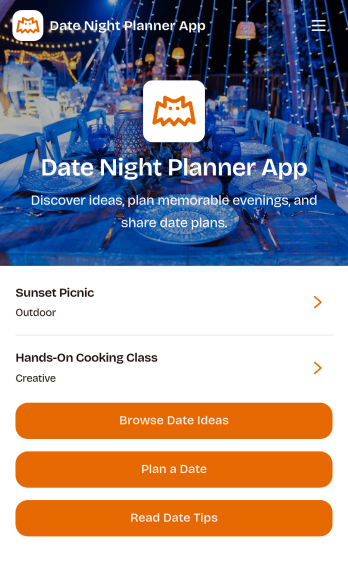
Date Night Planner App
Date Night Planner App helps couples and busy partners plan thoughtful evenings without losing track of ideas, timing, and shared preferences. Use it to keep date inspiration in one place, map out a simple plan for the week, and coordinate details when schedules are tight. It works well for newly dating couples, long-term partners, parents planning kid-free time, or anyone who wants more consistency and less last-minute scrambling.With Jotform, you can turn this app template into a personalized planning experience using a no-code app builder and a drag-and-drop interface. Customize the look, add the key steps you want to follow, and connect it to your data collection and workflow needs as your routine evolves. Share the app for easy self-service access so both people can stay aligned from one link.
Go to Category:Planner Apps