Whiskey Inventory App helps bars, restaurants, bottle shops, and private collectors keep a clear record of what whiskey is on hand, what just arrived, and what needs attention before it runs out. With dedicated areas to receive bottles, browse a bottle catalog, and review stock levels, teams can log new deliveries, look up product details, and check inventory status without hunting through spreadsheets or scattered notes.
Built with Jotform, this app template turns your inventory workflow into a simple self-service experience you can share with staff. Use Jotform’s no-code app builder and drag-and-drop interface to tailor pages, connect the app to your existing data collection form, and keep records organized in one place. As your operation grows, you can update the catalog, track changes over time, and collaborate on stock reviews with a consistent workflow.
Related templates
Pantry Tracking App
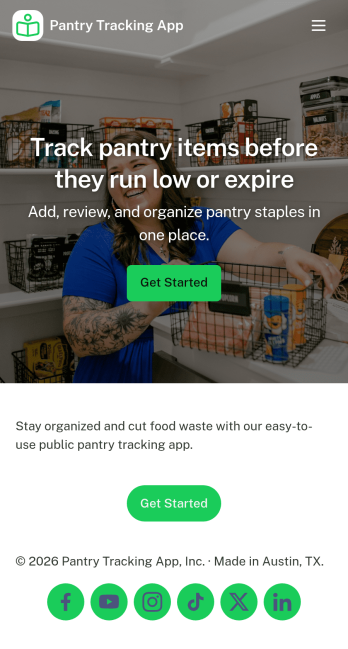
Pantry Tracking App helps households, roommates, and small food operations keep a clear view of what’s on hand so you can plan meals, avoid duplicate purchases, and reduce food waste. Use it to browse your inventory list, add new pantry items as you shop, and review what’s expiring soon so nothing gets forgotten in the back of a cabinet. With simple category navigation for staples like grains, canned goods, and spices, it’s easy to find what you need and keep day-to-day stocking organized.Jotform makes it simple to turn this kind of inventory workflow into a shareable, mobile-friendly experience using its no-code app builder and drag-and-drop interface. Connect your app to forms and tables for reliable data collection, keep updates consistent for everyone who uses the pantry, and adjust pages, labels, and navigation as your workflow evolves. Whether you’re managing a home pantry or tracking supplies for a small team, Jotform helps you centralize info and support quick self-service updates.
Go to Category:Inventory Apps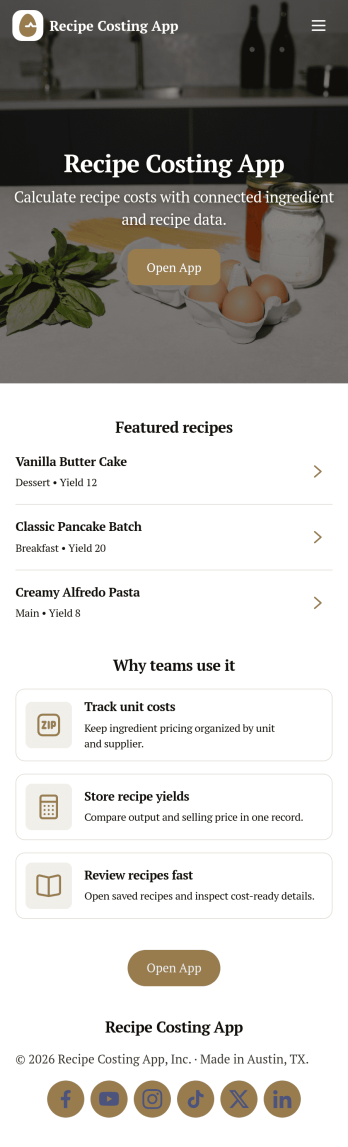
Recipe Costing App
Recipe Costing App helps food businesses calculate recipe costs using a simple, repeatable workflow. Use it to store ingredients with current prices, build recipes from those ingredients, and review costing details when menu planning or updating pricing. It’s a practical fit for restaurants, caterers, food trucks, bakeries, meal-prep brands, and culinary teams that need consistent numbers across locations or shifts without relying on scattered spreadsheets.With Jotform, you can turn this app template into a branded, shareable tool using a no-code app builder and a drag-and-drop interface. Connect forms to capture ingredient and recipe data collection, keep information organized for quick self-service browsing, and update costs as pricing changes. Publish your app in minutes, share it with your team, and keep your costing workflow moving with less manual follow-up.
Go to Category:Restaurant Inventory Apps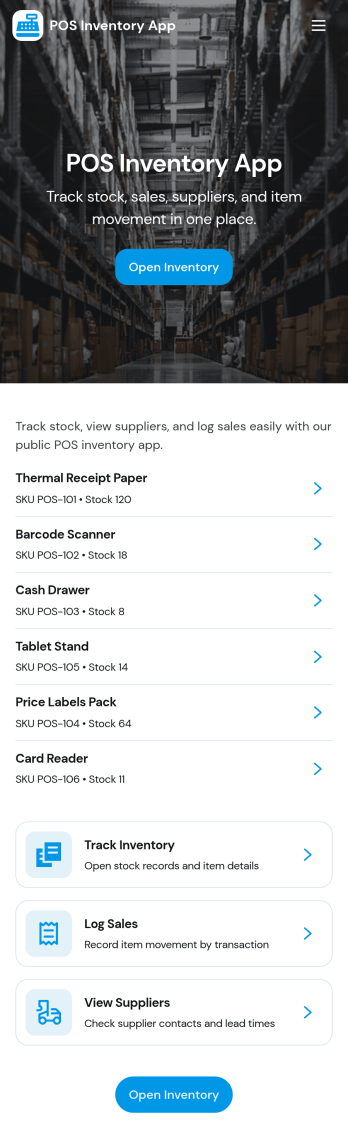
Pos Inventory App
Pos Inventory App helps retail and food service teams keep inventory control close to the register, so staff can quickly find items, review stock position, and spot what needs reordering. With an inventory list and item detail views, it’s useful for tracking inventory items, monitoring stock movement, and keeping a low stock watchlist visible for day-to-day operations. Store owners, shift leads, and back-of-house teams can use it to reduce missed restocks, avoid selling unavailable items, and maintain cleaner records across locations or departments.Built with Jotform App Templates, this app template can be customized in minutes using Jotform’s no-code app builder and drag-and-drop interface. Connect your inventory forms and data collection to keep records updated, then share the app through a link or QR code for fast staff access on mobile devices. As your workflow evolves, you can adjust pages, add steps for internal reviews, and keep sales and inventory logs organized in one place.
Go to Category:Inventory Apps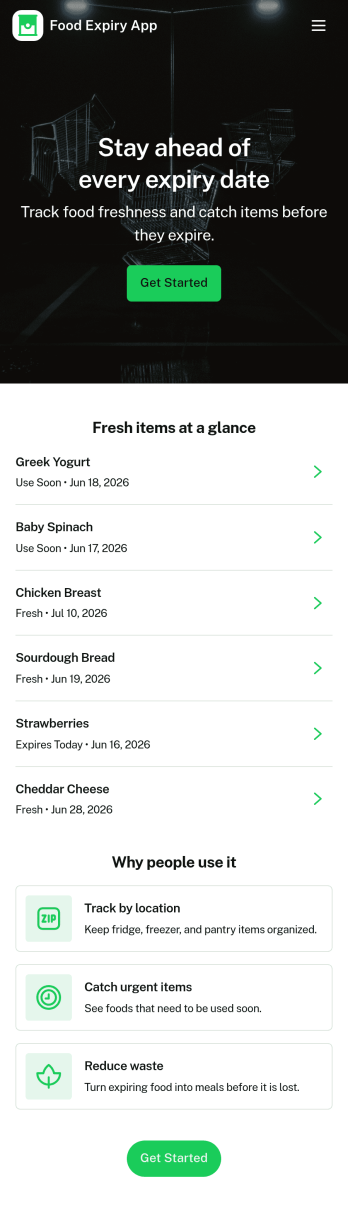
Food Expiry App
Food Expiry App helps you track what food you have on hand, what’s expiring soon, and what ends up being thrown away. It’s a practical fit for home kitchens, office break rooms, small cafés, and pantry teams that want a simple way to add food items, browse an up-to-date inventory list, and review an expiring-soon view before products go past their date. With a built-in waste log, it also supports basic waste tracking so you can spot patterns like over-ordering, poor rotation, or items that regularly expire unused.Built with Jotform, this app template turns everyday food tracking into a shareable, self-service experience that works on any device. Use Jotform’s no-code app builder and drag-and-drop interface to tailor fields, adjust the layout, and connect the app to your data collection workflow so updates stay organized in one place. From restocking routines to daily checks, Jotform makes it easy to keep inventory visible, reduce avoidable waste, and stay consistent without adding extra tools.
Go to Category:Restaurant Inventory Apps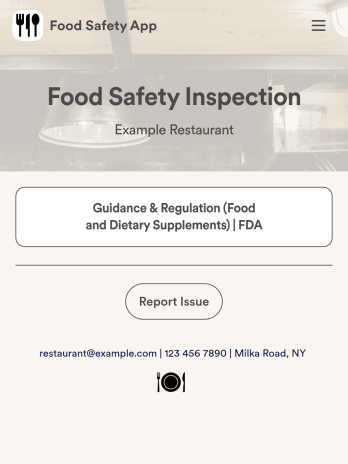
Food Safety App
A food safety app is used by restaurant managers and health inspectors to document food storage and preparation conditions of a restaurant kitchen. With this free Food Safety App from Jotform, you can fill out health and safety checklists for food preparation and contamination, as well as heated and frozen foods. Inspectors can date and sign their reports using a digital signature box at the bottom of the form. For convenience, a link to the FDA’s Guidance & Regulation web page is available on the main page of your app. Inspection reports are instantly synced to your secure Jotform account and can be accessed from any device.Customize this app template without any coding using our drag-and-drop interface. With a few clicks, you can swap out form elements, add checklists, upload images, choose fonts and colors, personalize your splash screen, and more. After you’re done, your app can be downloaded on any smartphone, tablet, or desktop with a shareable link. Make sure your restaurant is safe and hygienic with this Food Safety App from Jotform.
Go to Category:Inspection Apps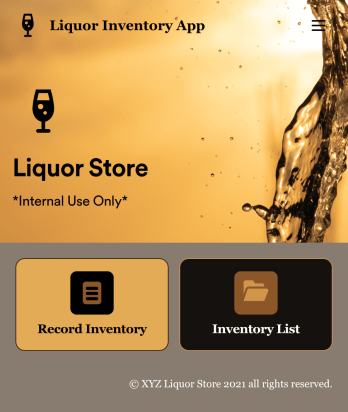
Liquor Inventory App
Whether you own a bar, restaurant, grocery store, or liquor store, keeping an accurate count of your inventory is essential. With this free Liquor Inventory App, you and your employees can easily record and track liquor supplies by type, quantity, price, and proof. Your inventory is then stored in an easy-to-read Liquor Inventory Spreadsheet in your Jotform account.Want to customize your Liquor Inventory App? No problem! Our drag-and-drop interface makes it simple to add or change forms, choose fonts and colors, upload your company’s logo, update the app name or text, and more — no coding necessary. Afterwards, simply download the app onto your device or share the link with your employees and you’re ready to go. Keep every bottle accounted for with this free and fully customizable Liquor Inventory App!
Go to Category:Inventory Apps