
Creating forms in Slack is a huge time-saver. It has a few built-in tools to draft basic polls and get the feedback you need, all without switching software. But if this is your first time using the feature, you may be wondering how to create a form in Slack. If so, this guide is for you.
Slack offers built-in native forms that support basic data collection. There’s also a marketplace app integration that offers extra input types, form previews, and improved searchability. But for complex forms, you’ll want an external builder (like Jotform) that offers advanced customizations and capabilities — they have fewer design constraints, giving you full control over the data you collect and how it’s stored.
Let’s look at two common ways to create forms for Slack, plus Slack alternatives that provide more customization options.
How to create a simple form in Slack
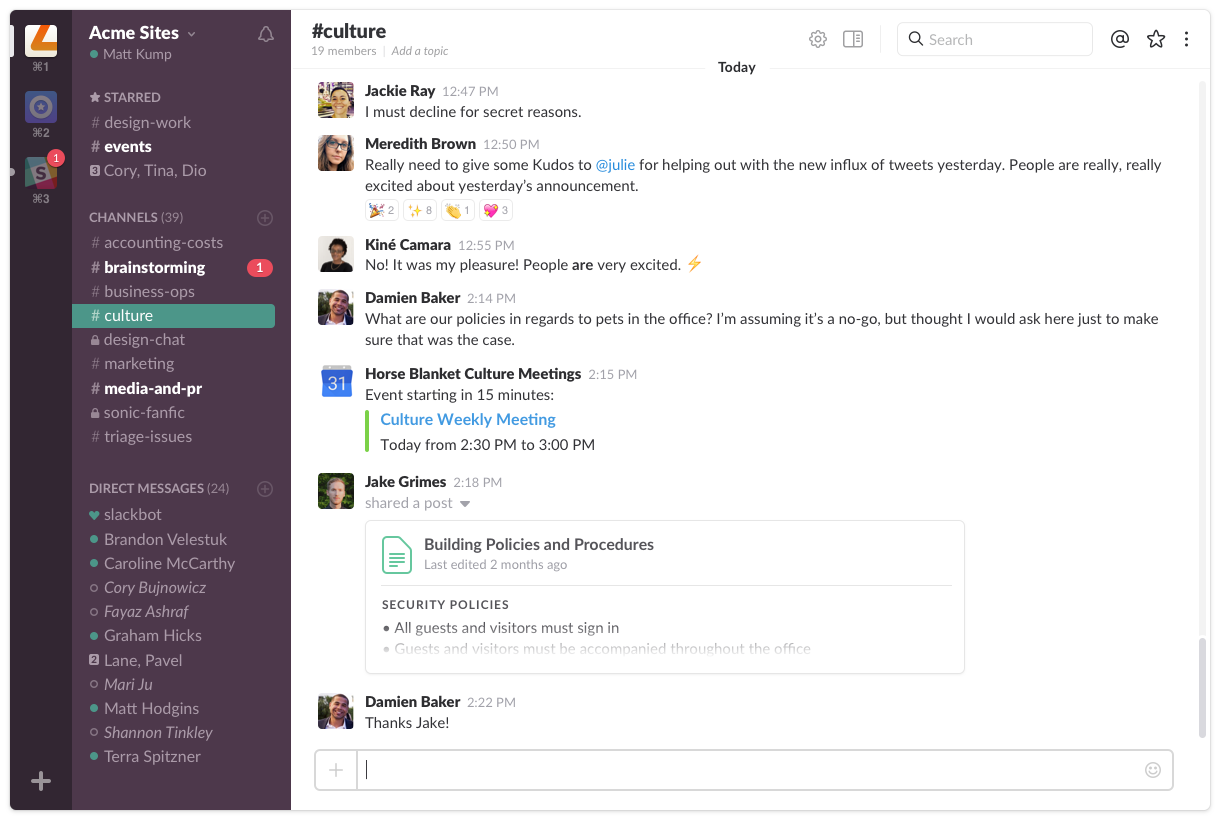
You have a few burning questions you need feedback on. Your means of data collection: a Slack survey. But you’re not sure how to use Slack and its form builder.
There are two general methods that work: Slack workflows with automation or a Slack marketplace add-on. Both require access to a paid Slack plan or trial. You don’t need to be a tech whiz to use them, although it’s a good idea to preview and test your work before sending it to a wider audience.
Slack workflow automation method
Slack workflows let you automate basic tasks in the app, like collecting information and sending recurring reminders. Slack offers a library of workflow automation templates you can explore, or you can create your own workflow from scratch.
One of the most popular Slack automations is form design and collection. It lets you create a basic, question-driven form and share it with a group. It can even transfer the responses to a designated Google Sheet if you want it to.
To create a form using the built-in Slack form builder, take these steps.
1. Open the workflow template
- Check that Slack is active. Click Tools in the sidebar.
- Find Workflows and click Templates. It’s at the top of the page.
- Choose the Feedback report template.
- Click Set up.
2. Design your form
- Name your Slack poll, survey, or form.
- Click Add question to insert a new query. Click the pencil icon to edit or delete the queries you create.
- Use the up and down arrows to adjust the order of your questions.
- Click Preview form to see how it’ll appear to others.
- Click Save when you’re satisfied with the form.
3. Set up automatic sharing
The Slack workflow template sends an automated message whenever someone completes the form. By design, the message includes the person’s name and response. As you might imagine, this isn’t ideal when you want to collect anonymous feedback or restrict who sees the replies, since anybody included in the channel can view them. However, there is a workaround that lets you change the response channel and customize reply messages. Take these steps to implement it:
- Customize the message by clicking the pencil icon that’s next to Send a message to…
- Click the dropdown menu to send response messages to a different channel. Select the channel from the available options in the menu.
- Click the message field to update the message content.
- Click Save.
4. Redirect responses to a designated Google Sheet
Not sure how to collect feedback that comes in via Slack? For improved data organization, you can automate response collection to a Google Sheet. This optional step can save time and prevent information loss. Here’s how to set it up:
- Click Add step to open the step library of your template.
- Choose Google Sheets from the available options.
- Click Add to spreadsheet. If you haven’t yet integrated your Google account with Slack, follow the prompts to create a connection.
- Click the dropdown to choose an existing Google Sheet or set up a new one. Map the values of your form to the sheet’s columns, then click Save.
5. Finalize the workflow
This step saves your new form so you can share it with others:
- Click Finish up.
- Name your workflow and click Next. Add any other people you’d like to have access to the workflow permissions, if necessary.
- Click Copy link.
After copying the link, you can share it through Slack and collect responses from your form.
Limitations of the Slack workflow automation method
Slack’s form workflow automations are useful for basic surveys and polls created directly within the app. However, it’s not a great option for collecting feedback from people who don’t have a Slack account, since the workflows are built for Slack users.
Another drawback is the privacy aspect. Responses generated through workflow automation are shared with everyone who has access to the Slack channel. The name of the responder is also included. If you want truly anonymous feedback, there are other solutions that are a better fit.
Slack Marketplace method

Slack Marketplace is similar to the Apple App Store or Google Play Store, but rather than downloading apps to a smartphone or tablet, you’ll use them exclusively with Slack. Some of the available agent integrations to Slack include form creators, which allow you to design surveys and polls that are useful for collecting data.
Limitations of the Slack Marketplace method
You can find a form tool that suits your purposes by perusing the Slack Marketplace. Keep in mind, though, that apps have limitations. Some will work only with specific software, such as WordPress or Google Forms. Customization options may be lacking, too, which can prevent you from designing more complex forms. Most also charge a fee, adding to your subscription costs.
Apps found through Slack Marketplace are helpful for users who work with unique software programs. It’s a good option for those with basic needs who don’t collect much data using forms.
An advanced method to create a form for Slack
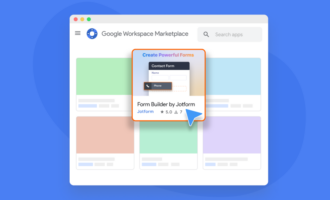
What if your team needs a powerful form solution that isn’t constrained by design and integration limitations? And what if you want to use Slack as your primary notification and collaboration hub? Jotform is the solution you’re looking for.
Jotform allows you to create forms outside Slack using over 20,000 templates with unlimited customizations. You can build forms that include conditional logic, perform calculations, collect payment details and signatures, and allow file uploads. You can distribute forms internally and externally, and you get a native Slack notification every time someone responds.
There’s no requirement for respondents to have a Slack account, either. You can share your form with anyone, including customers, vendors, and candidates. Form submissions are shared directly to your preferred Slack channel using Jotform’s native integration. It’s a great option for people who use Slack to communicate but prefer a more robust solution for data collection.
With Jotform, you get improved data organization and storage capabilities. This makes it easier to analyze data and create informative reports. Plus, Jotform is infinitely scalable — you can start with simple requests and move up to highly complex workflows.
What’s more, Jotform offers multi-channel notifications through Slack, SMS, Microsoft Teams, email, and WhatsApp. So, if you or a teammate want to receive alerts through another platform, you can set your preferences according to the channels you use the most. It’s an easy way to make sure everyone gets real-time updates on time-sensitive matters.
For truly customizable forms, choose Jotform
When you want fast feedback through a simple poll, Slack’s built-in form tools will do the trick. But for organizations that require more advanced features and scalability for distributed teams, consider a Slack form alternative. Tools like Jotform offer capabilities well beyond Slack-native forms, including advanced logic, external sharing, and structured data management.
With Jotform, you get a scalable alternative that supports complex form creation. It integrates with Slack, so you’ll get native Slack form notifications whenever there’s a submission.
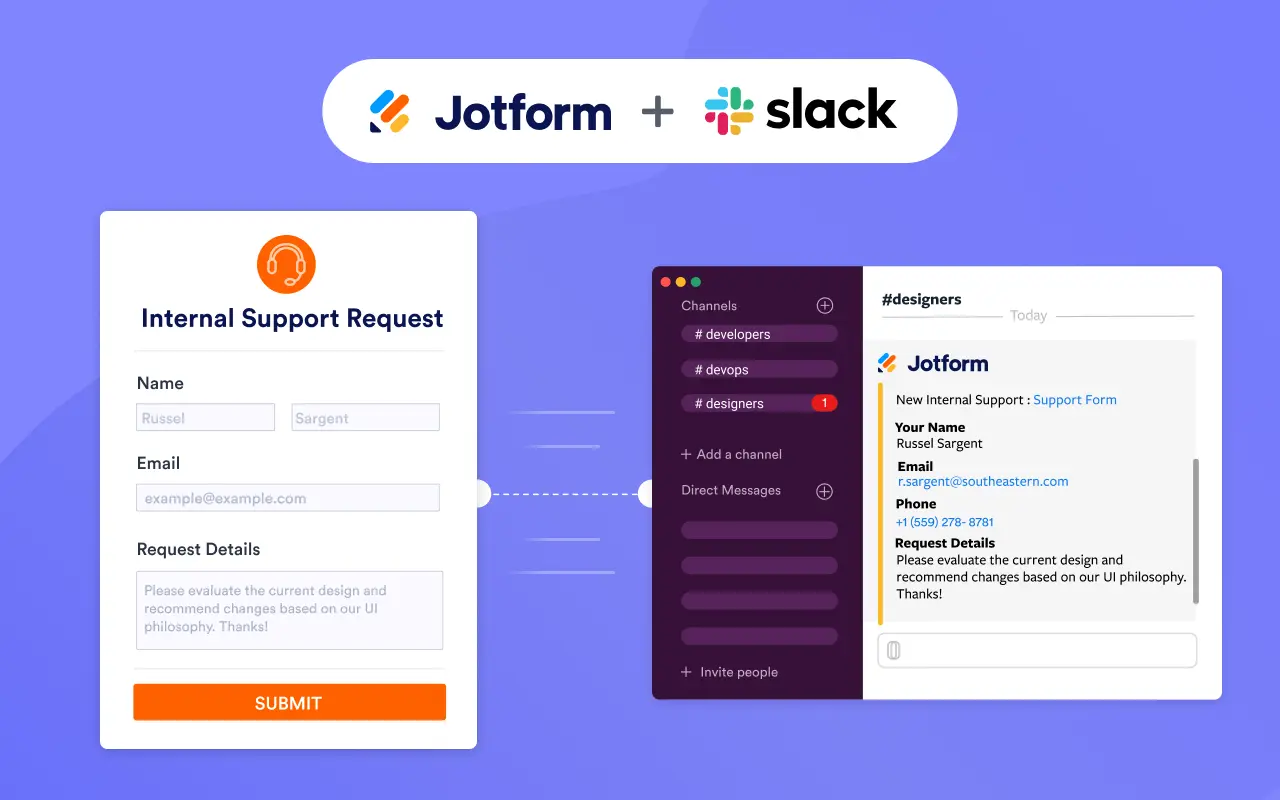
If you’re looking for a flexible form solution that won’t sacrifice Slack visibility, Jotform is for you. Get started today.
This article is for Slack users, team leads, IT administrators, and anyone who wants to simplify data collection, feedback gathering, and internal requests by creating forms directly in Slack or integrating advanced forms with real-time notifications.






























































Send Comment: