Jotform makes it easy to collect accurate location details with the Provinces of Philippines widget. Instead of asking users to manually type their province, this widget provides a complete dropdown list of all Philippine provinces, making the selection quick and hassle-free. It’s a simple way to gather consistent geographic information for surveys, contact forms, bookings, registrations, and more. With a clean, easy-to-scroll list, users can quickly find their province and submit their response with confidence.
Here are a few ways to use it:
- Let your users select their province quickly without typing.
- Help your users provide accurate location information in the Philippines.
- Let your surveys, registrations, and research forms collect consistent geographic data.
- Make your contact forms faster and easier for Filipino users to complete.
- Help users give regional information for bookings, applications, or service requests.
- Let your forms simplify address or location questions.
- Help you organize responses by province for outreach or local programs.
Whether you’re creating a new form or updating an existing one, you can add the Provinces of Philippines widget in a few easy steps. Here’s how to do it:
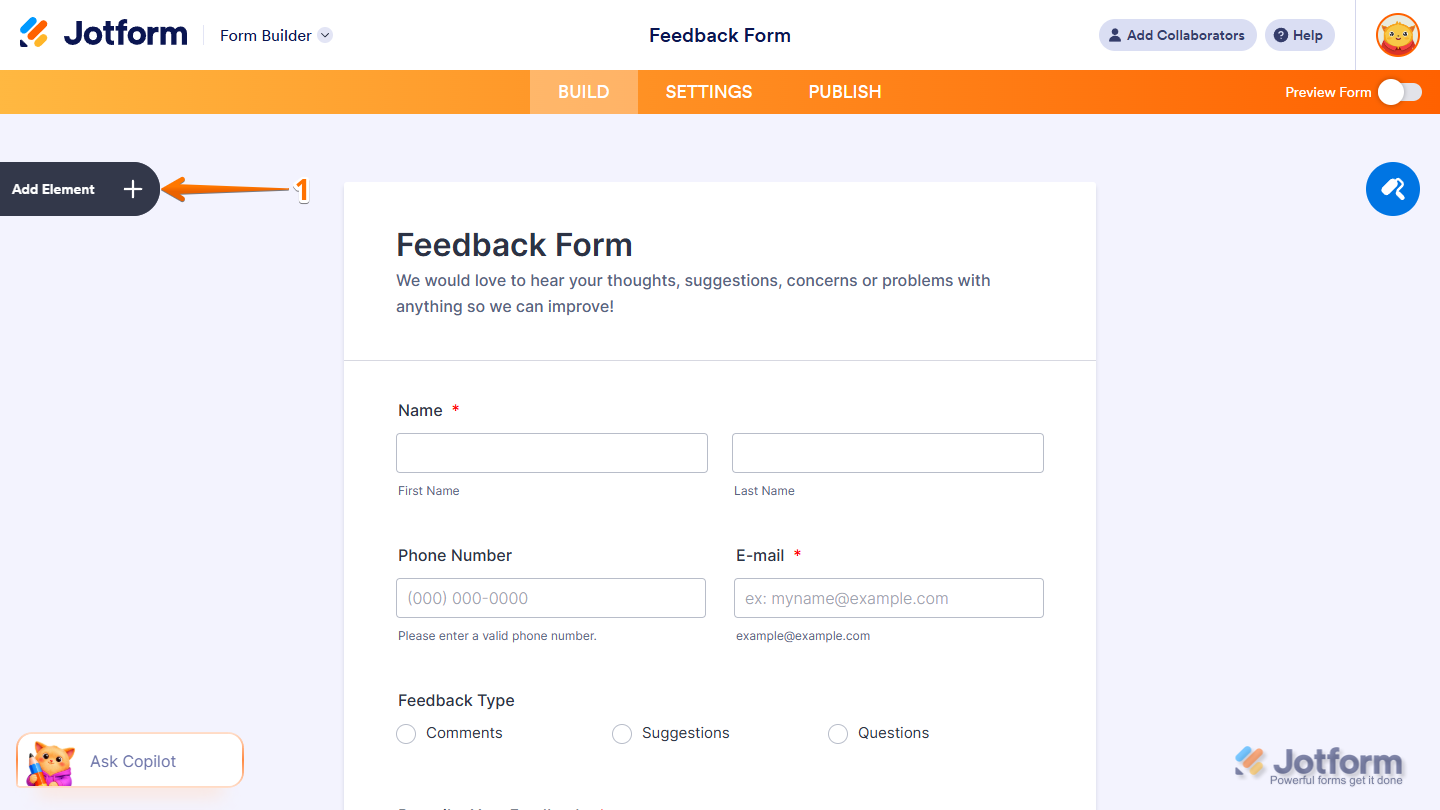
- In Form Builder, click on Add Element on the left side of the page.
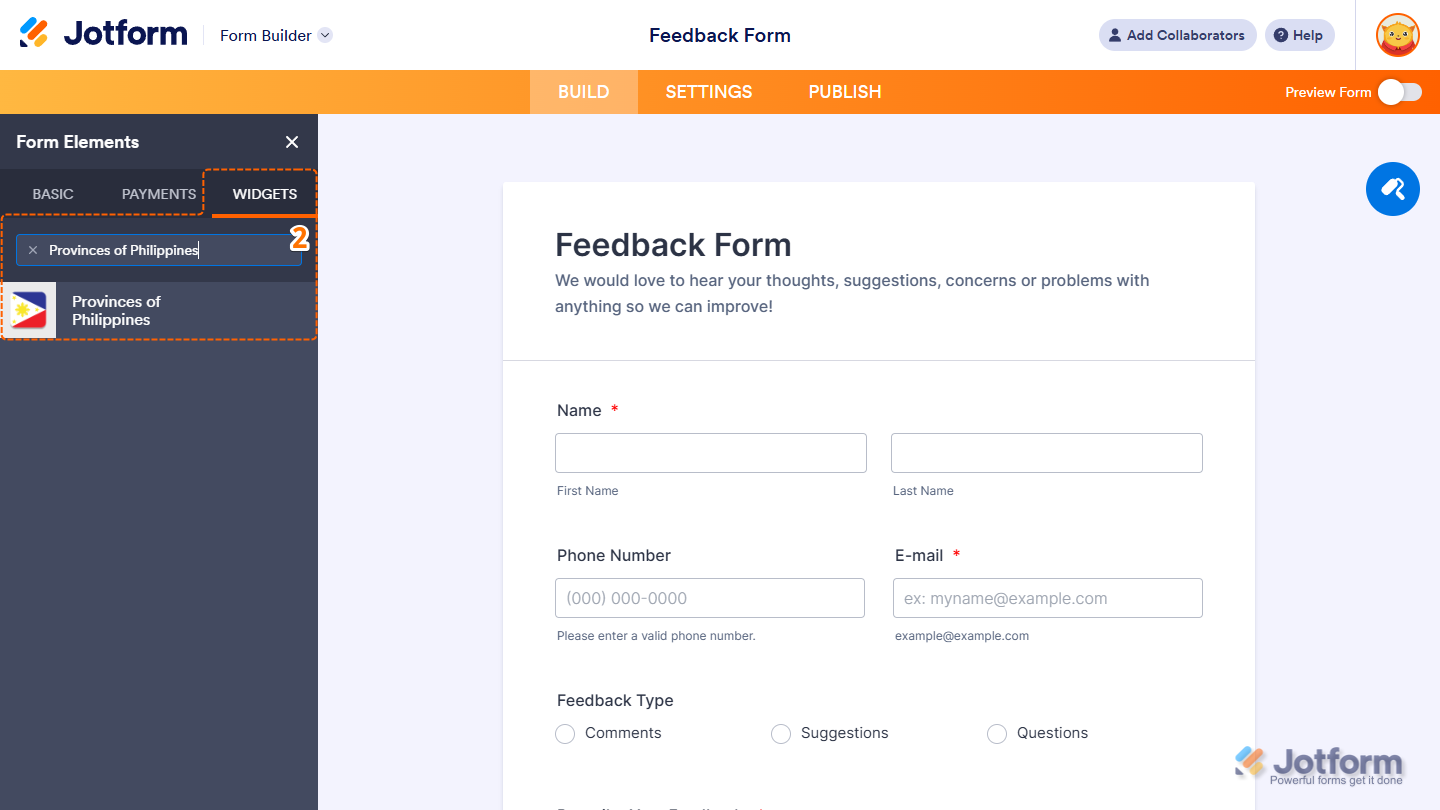
- Now, in the Form Elements menu, under the Widgets tab, search for Provinces of Philippines and click on it. Or, just drag and drop it to where you want it to be on your form.
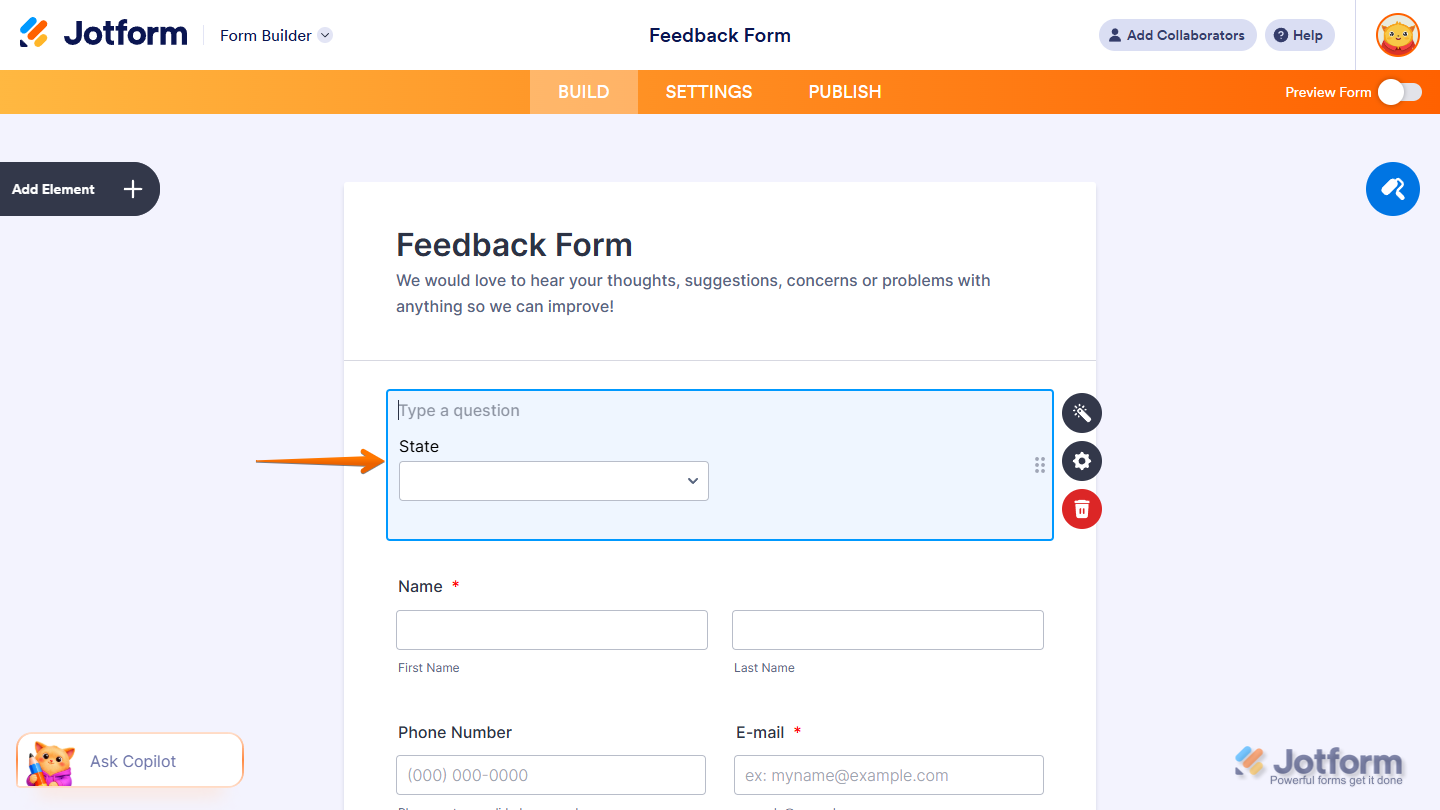
That’s it! You’ve successfully added the Provinces of Philippines widget to your form.
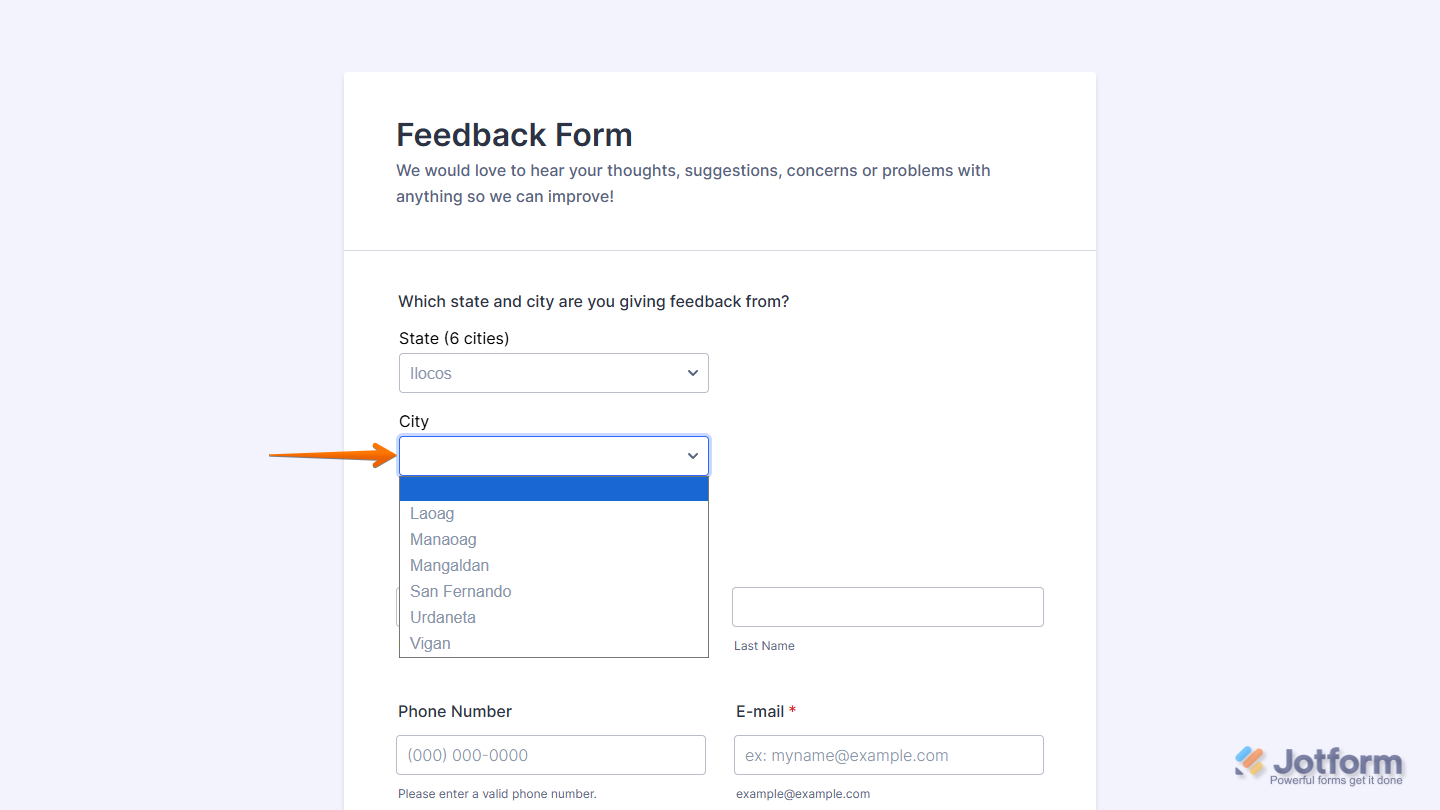
Now users can simply scroll through the dropdown list and select their province in just one click, making it easier to provide accurate location details without typing. It’s a quick and convenient way to collect province-level information for surveys, registrations, bookings, and more. Want to see it in action? Check out this live demo form.
Notes
- For advanced styling of the Provinces of Philippines widget, you can add your own custom CSS code under the Custom CSS tab in the Widget Settings. Our guide on How to Inject CSS Codes to Widgets walks you through everything.
- You can also configure the widget properties, like alignment, labels, size, visibility, and more, to control how it looks and behaves on your form. Check out our guide on How to Access and Configure the Question Properties of a Widget to learn more.

Send Comment: