150+ Free Website Widgets
Easily enhance your website without writing a single line of code. Add powerful widgets in seconds to boost engagement, collect leads, and build trust using a simple, no-code builder.
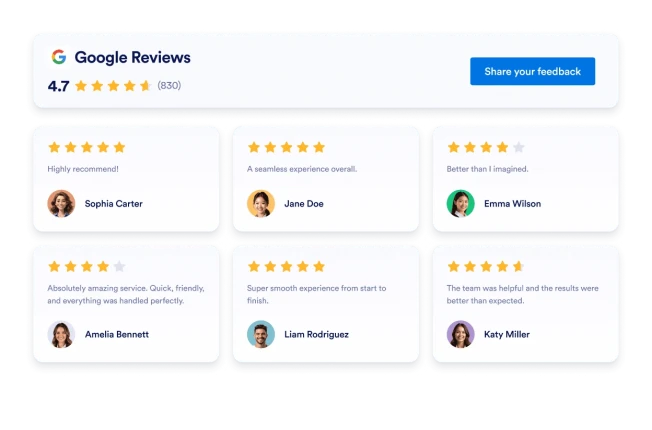
Google Reviews
Add a Google Reviews widget to your website in seconds. Showcase customer feedback, build trust, and grow conversions - no coding required.
Go to Category:ReviewsUse Widget
Instagram Feed
Embed Instagram account posts on your website with responsive layouts, post popups, source styling, and no custom code.
Go to Category:SocialUse Widget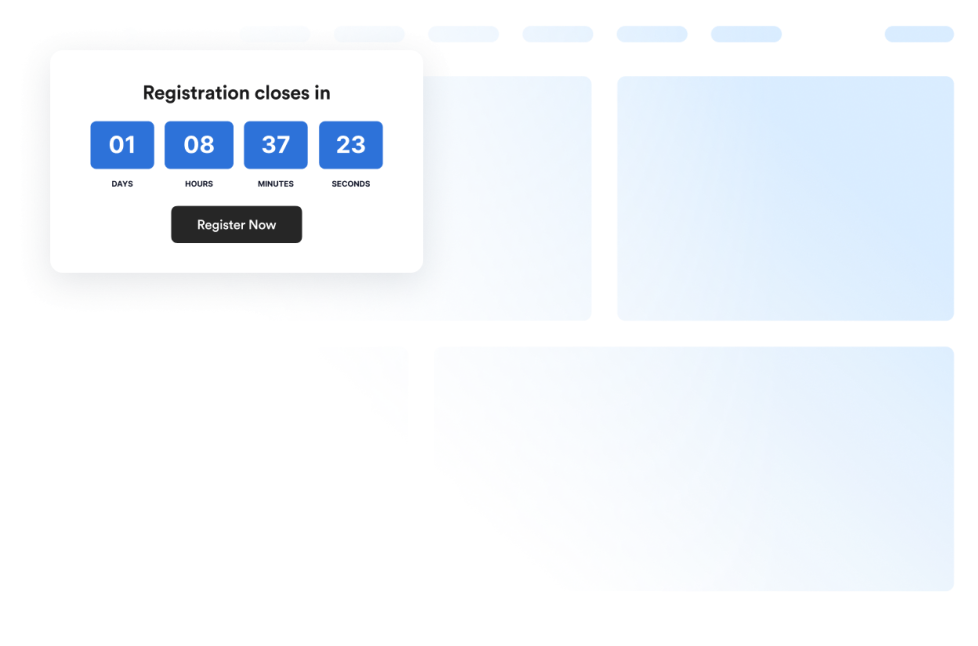
Countdown Timer
Add a countdown widget for website pages in seconds. Customize the design and embed a free countdown timer widget for website with Jotform's no-code widget builder.
Go to Category:CounterUse Widget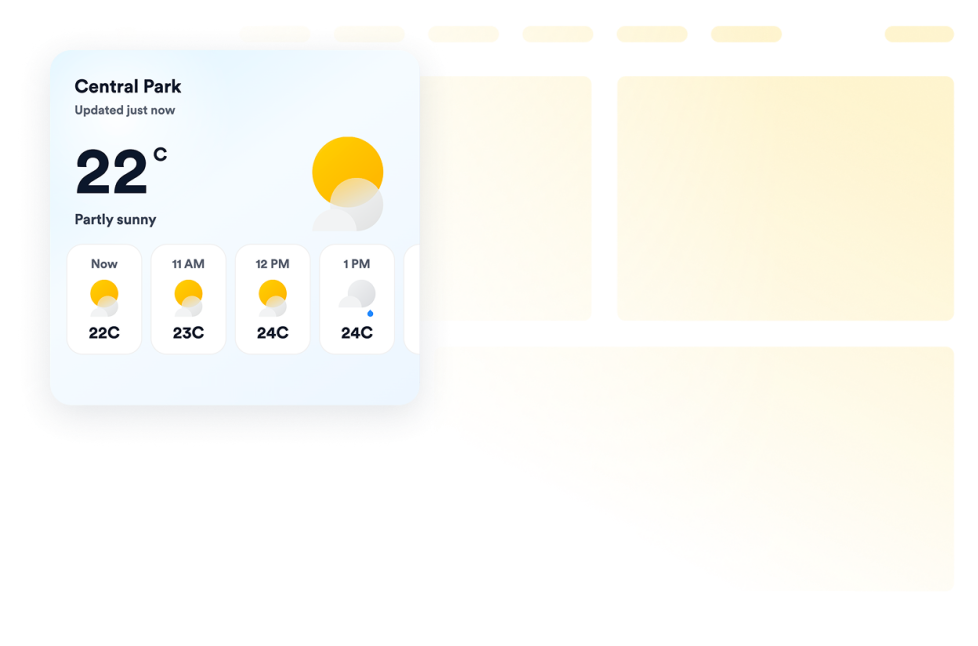
Weather
Add weather widgets for websites to display current conditions, hourly or daily forecasts, customize the design, and embed them without coding.
Go to Category:Data DisplayUse Widget
Visitor Counter
Add a Visitor Counter widget to your website to show a customizable no-code counter for page activity-style social proof.
Go to Category:CounterUse Widget
Social Feed
Add a Social Feed widget to your website. Connect public social sources, fetch posts automatically, and display them in a responsive feed without coding.
Go to Category:SocialUse Widget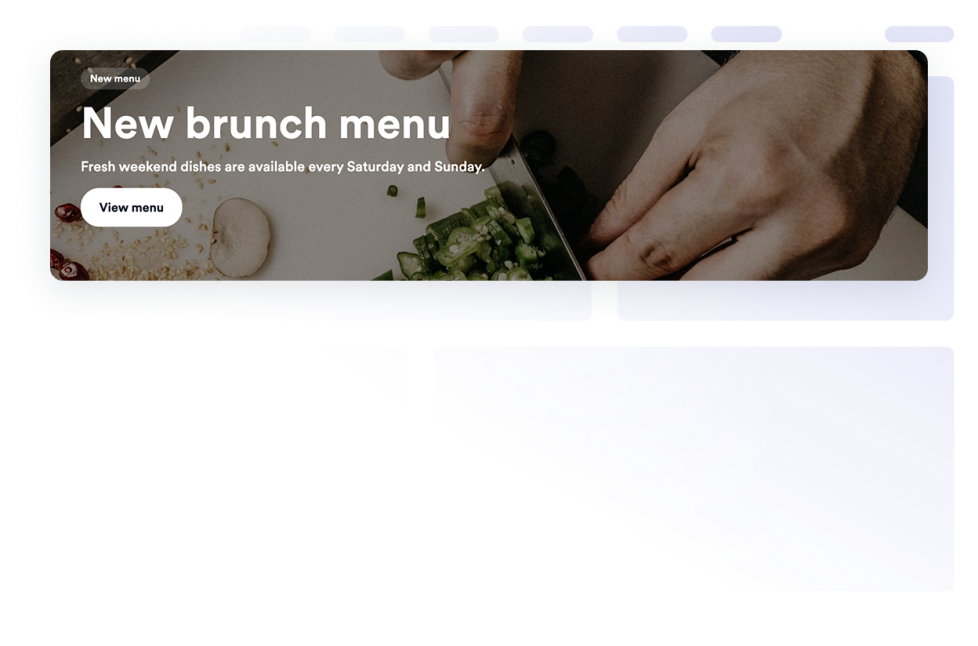
Banner
Add a Banner widget to your website for promotions, announcements, sales, events, coupons, countdowns, forms, images, videos, buttons, and clickable campaign banners.
Go to Category:E-commerceUse Widget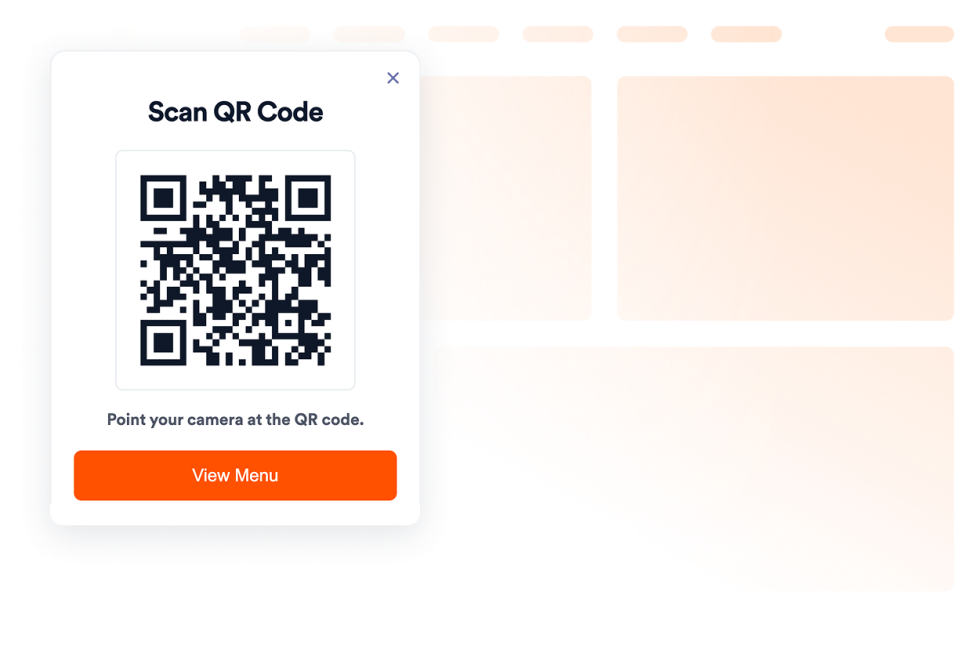
QR Code
Add a QR Code to your website in seconds. Help visitors scan menus, forms, downloads, offers, and event links. No coding required.
Go to Category:Image & MediaUse Widget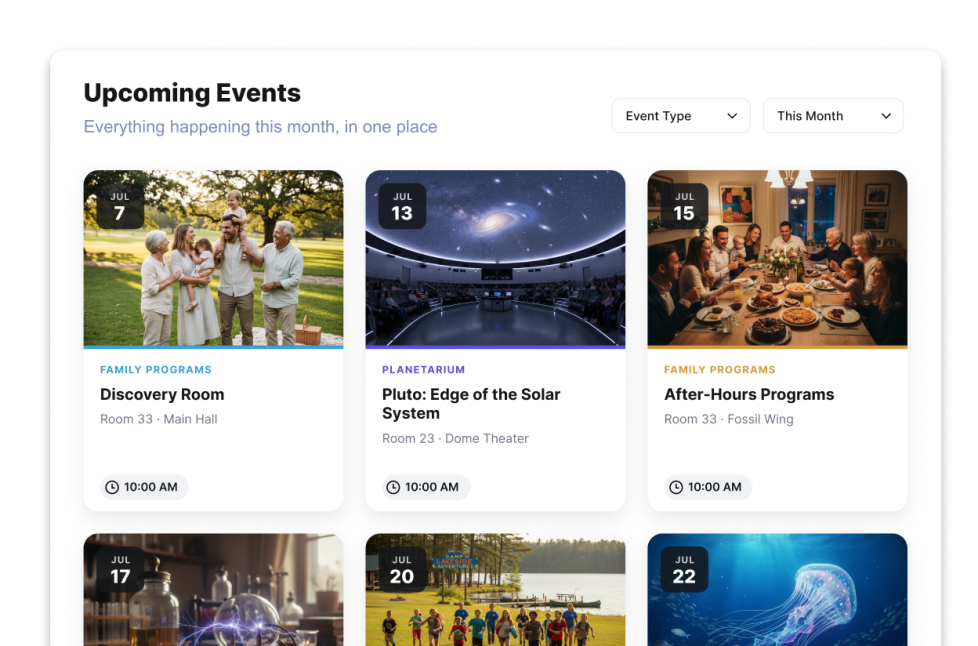
Event Calendar Widget
Add an Event Calendar widget to your website. Share events, filters, calendar layouts, popup details, and registration links without code.
Go to Category:SocialUse Widget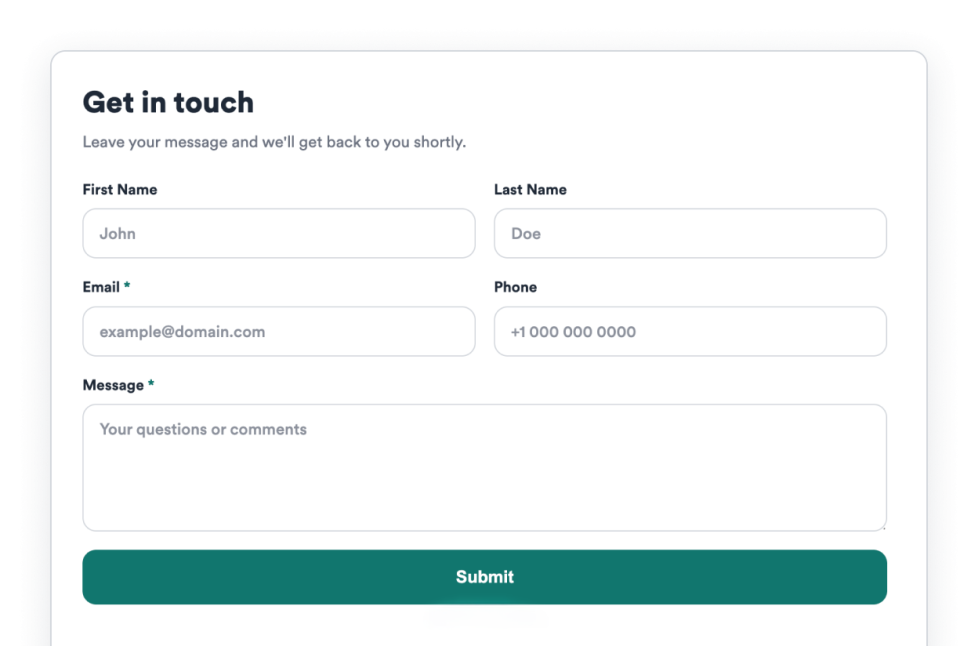
Contact Us
Add a Contact Us widget to your website to collect visitor messages, contact details, support requests, and callback inquiries without code.
Go to Category:FormUse Widget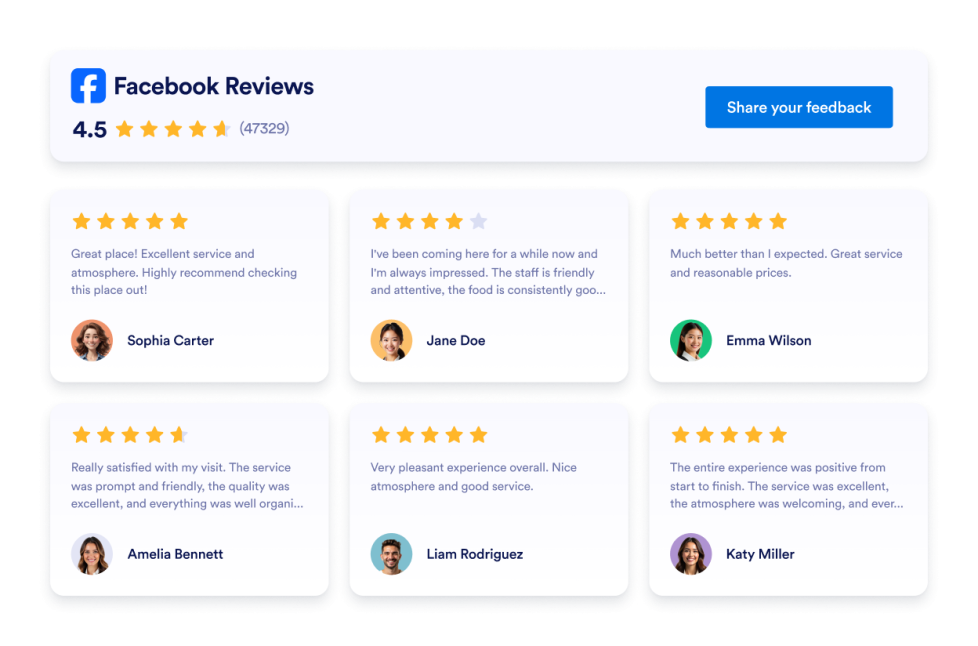
Facebook Reviews
Add a customizable Facebook Reviews widget to display customer ratings and reviews. Choose from multiple layouts, customize colors and CTA buttons, and embed it on your website without coding.
Go to Category:ReviewsUse Widget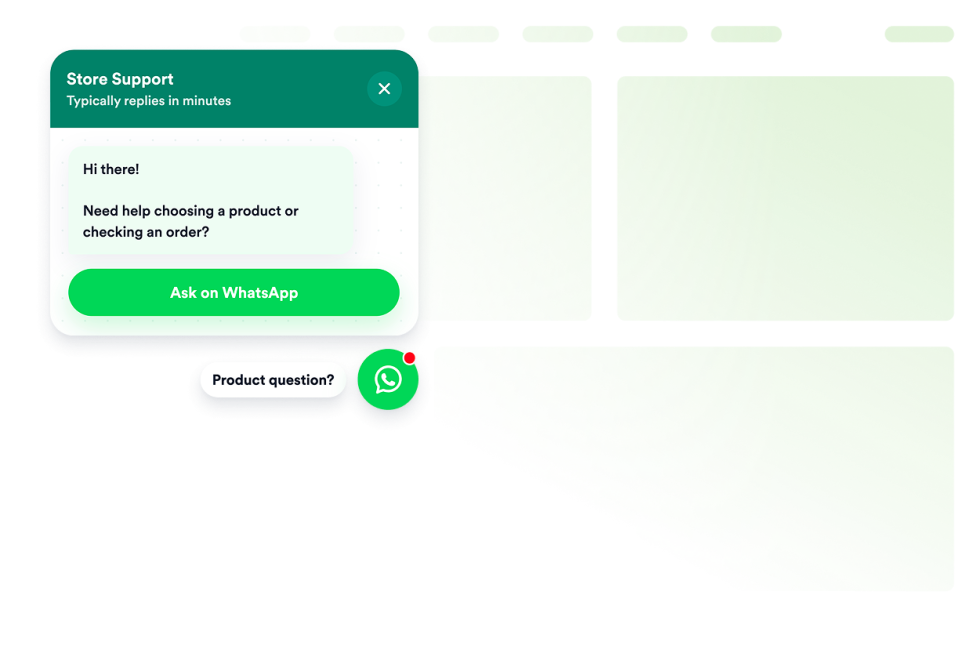
Whatsapp Chat
Add a WhatsApp chat to your website in seconds. Customize the design and embed it with Jotform's no-code website widget builder.
Go to Category:ChatsUse Widget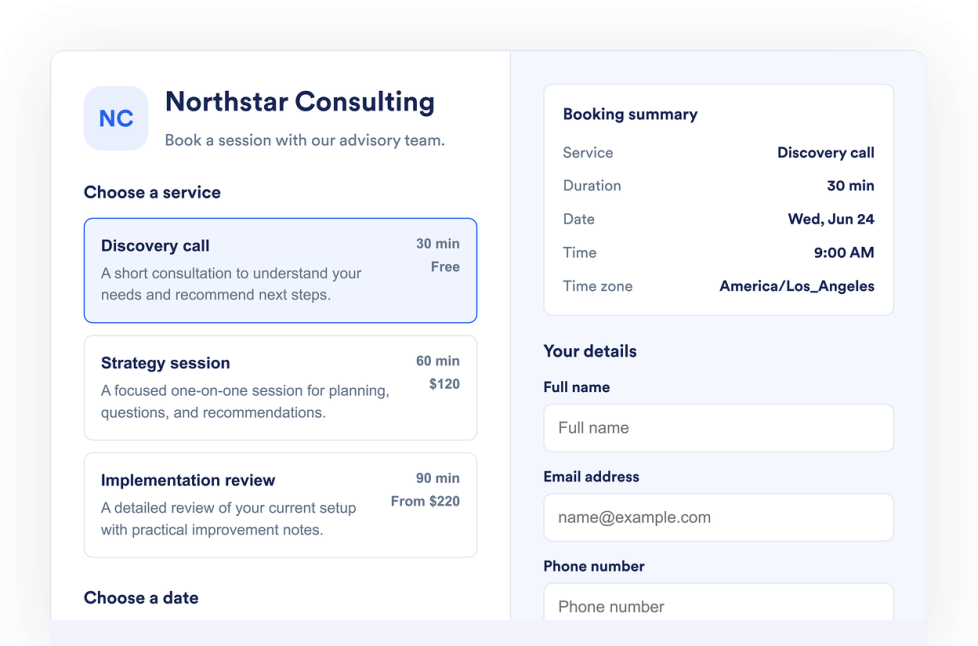
Appointment Booking
Add an Appointment Booking Widget to your website. List services, control availability, collect customer details, and accept booking requests without code.
Go to Category:FormUse Widget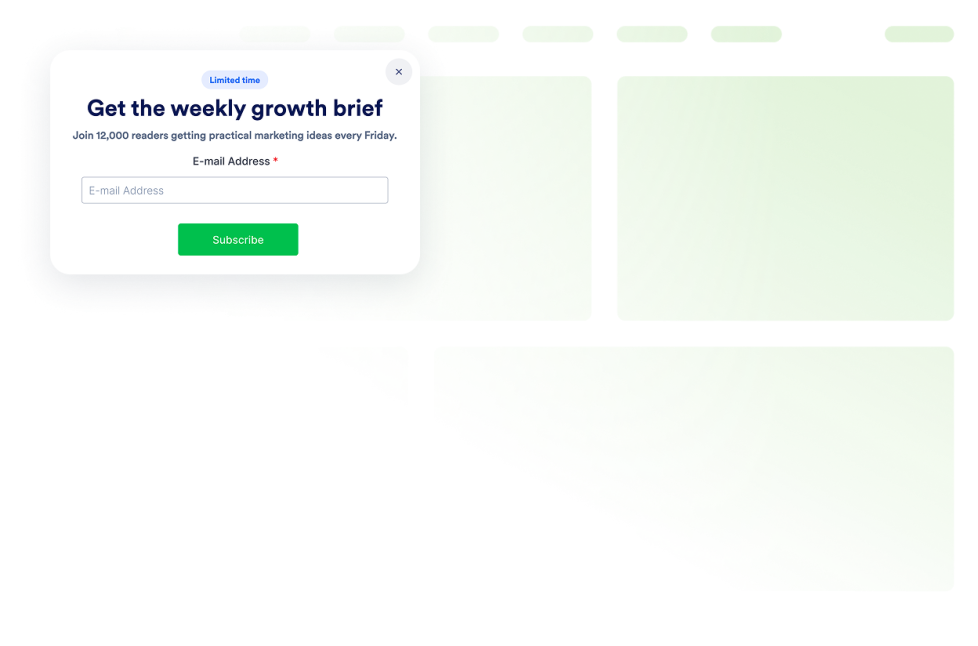
Popup
Add a Popup widget to your website for lead capture, announcements, discounts, newsletter signups, exit offers, and fixed bars. Build and embed it with Jotform.
Go to Category:E-commerceUse Widget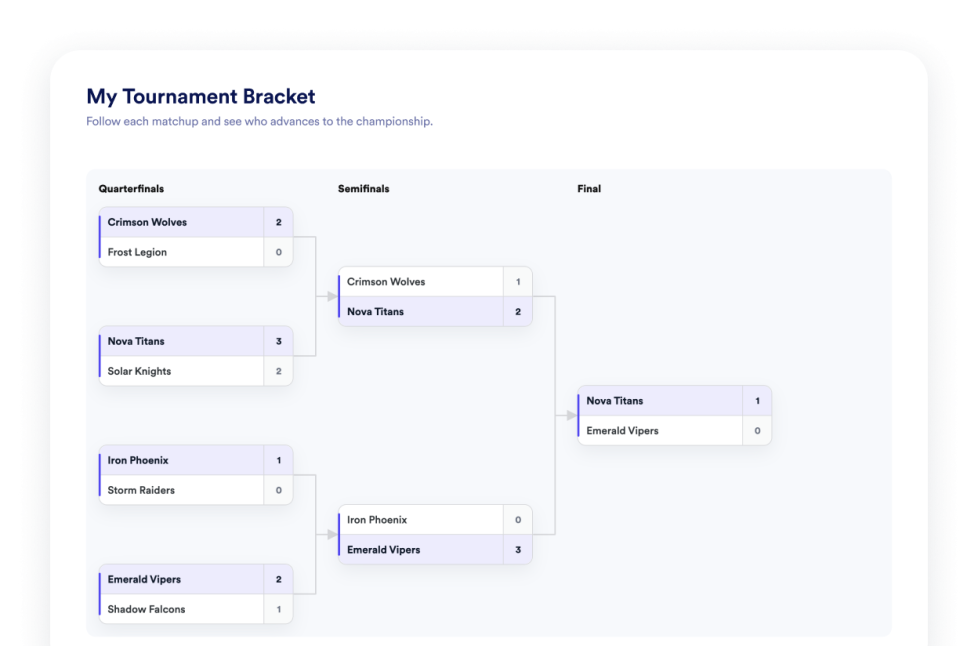
Tournament Bracket
Create a no-code bracket maker widget for your website. Add teams or players, set seeds, display match results, and customize the bracket design.
Go to Category:SportsUse Widget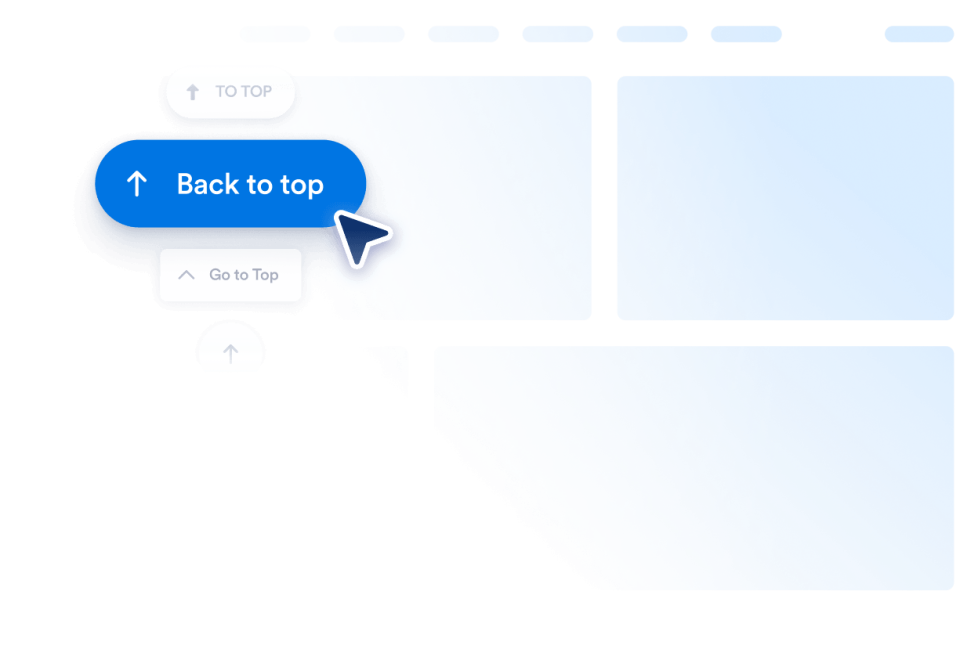
Back to Top
Add a Back to Top widget to your website in seconds. Let visitors jump to the top smoothly with a customizable, no-code button you can embed anywhere.
Go to Category:Website ExperienceUse Widget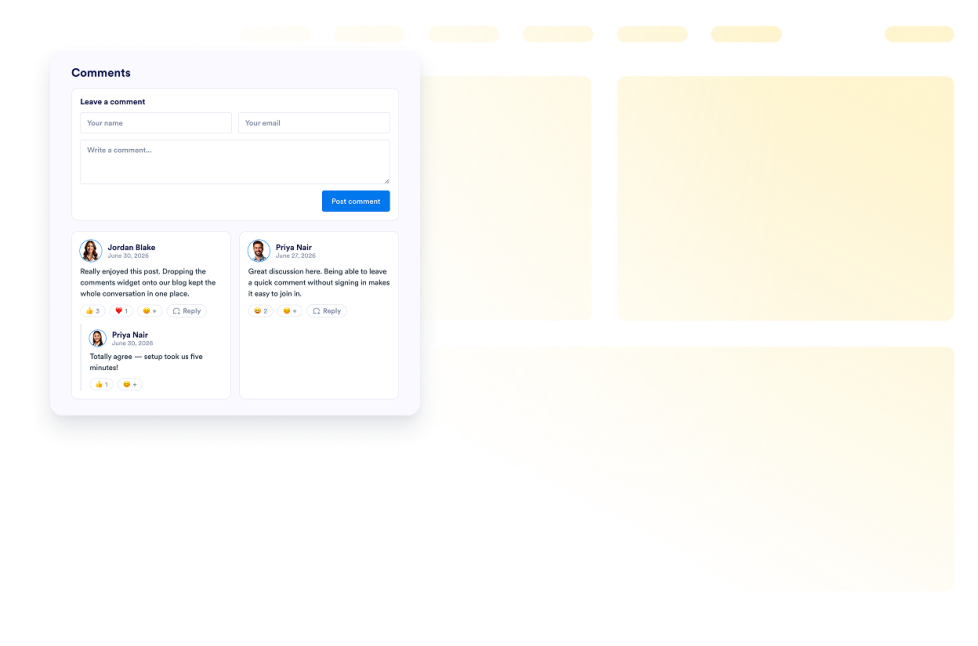
Comments
Add a Comments widget to your website. Display commenter names, avatars, roles, dates, and messages in customizable no-code list, grid, masonry, and carousel layouts.
Go to Category:ReviewsUse Widget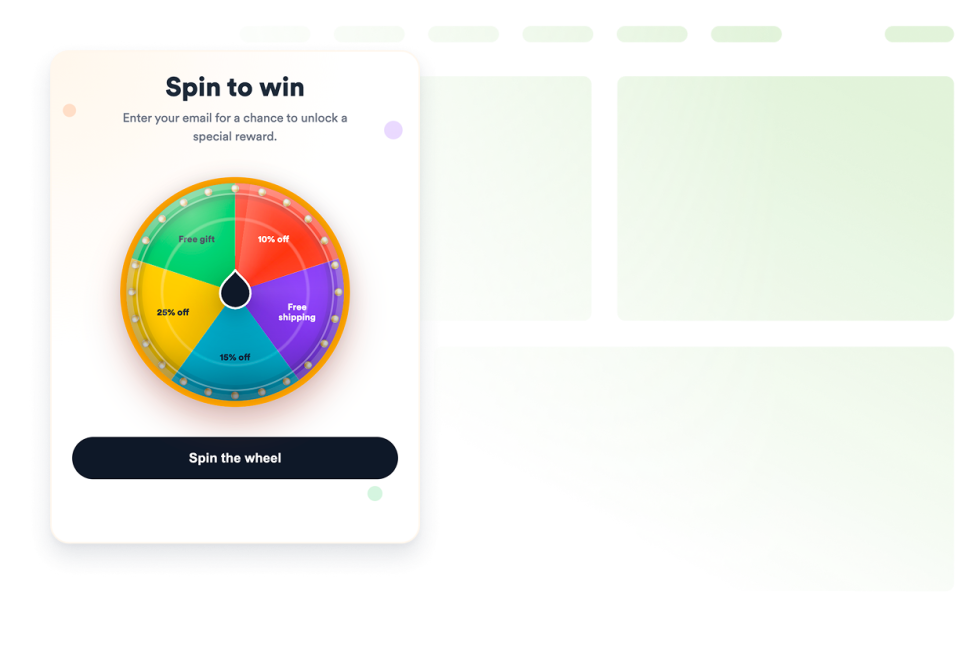
Spinning Wheel
Add a customizable spinning wheel widget to your website to run giveaways, collect leads, promote offers, and boost engagement without code.
Go to Category:E-commerceUse Widget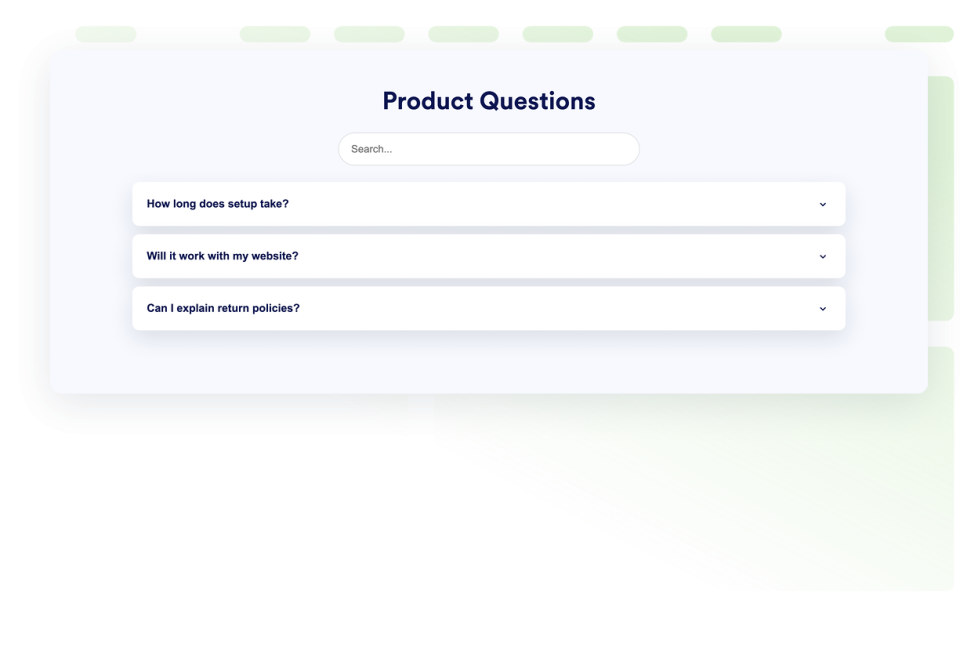
FAQ
Add a searchable FAQ widget to your website. Create accordion FAQs with custom styling, media-rich answers, and flexible layouts.
Go to Category:Content DisplayUse Widget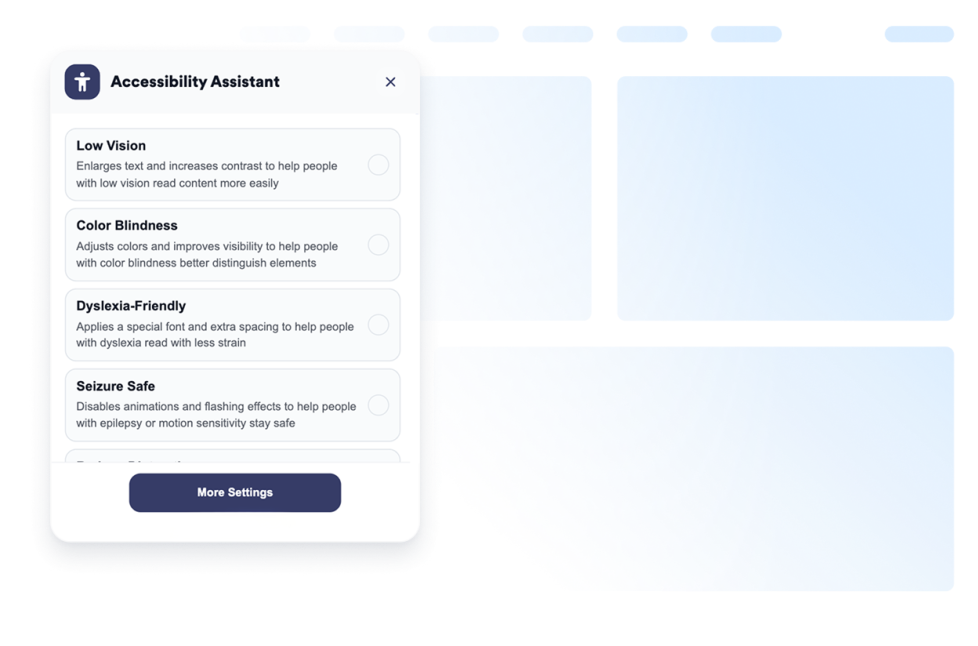
Accessibility
Add a customizable Accessibility widget to help visitors adjust contrast, text size, spacing, and motion. Offer preset accessibility modes and remember user preferences without code.
Go to Category:Website ExperienceUse Widget
Facebook Feed
Embed Facebook Page updates on your website with responsive layouts, post popups, source styling, and no custom code.
Go to Category:SocialUse Widget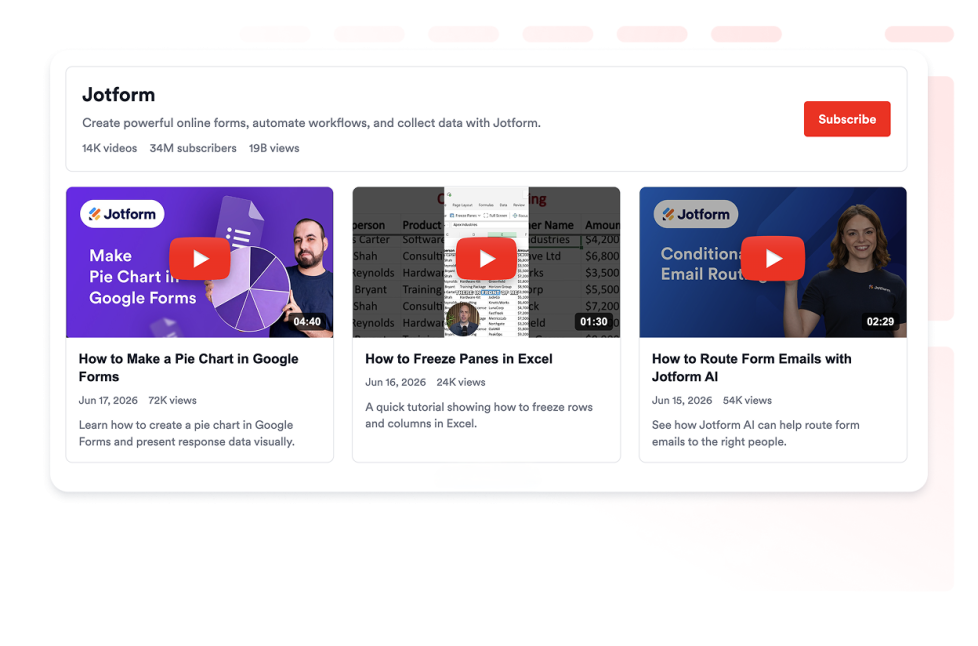
YouTube Gallery
Add a YouTube Gallery widget to your website. Display channels, playlists, and videos in a customizable responsive gallery without coding.
Go to Category:VideoUse Widget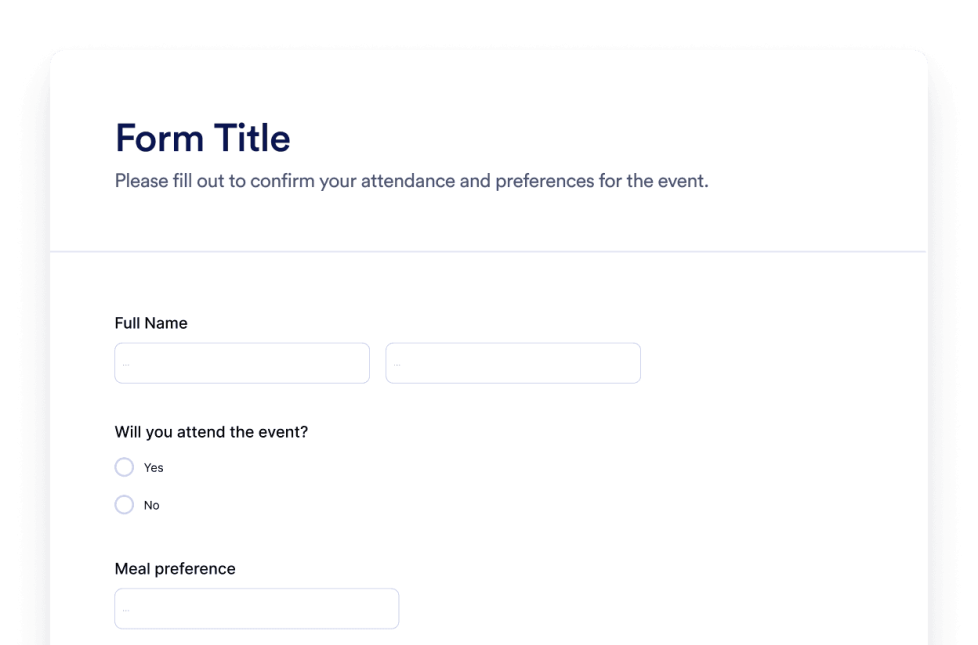
Form
Create custom forms with the Jotform AI Form Generator. No coding, no templates, and no hassle. Just tell our AI chatbot what kind of form you want to create.
Go to Category:FormUse Widget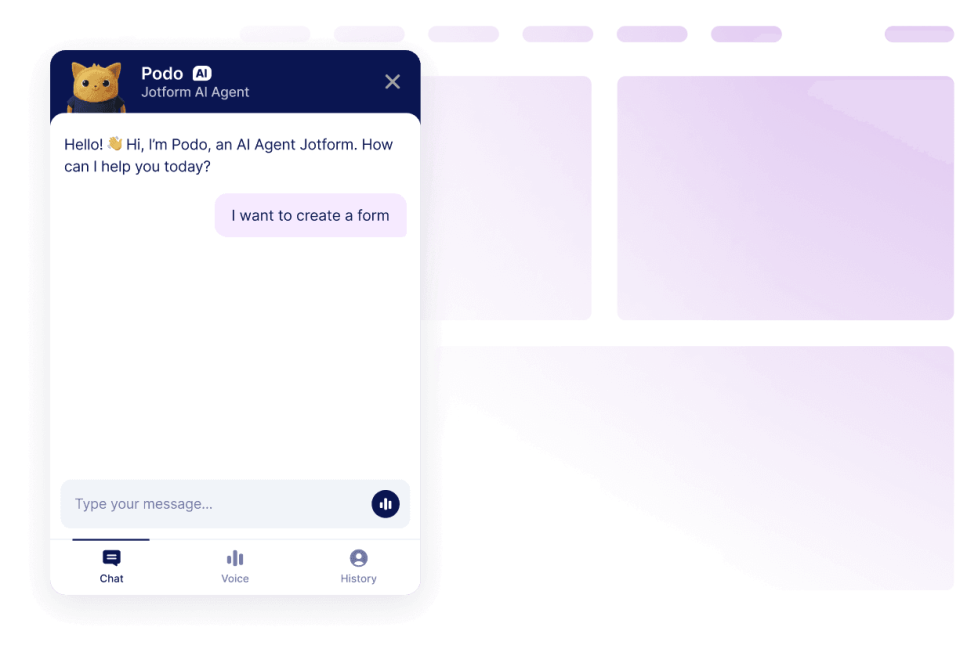
Chatbot
Turn your website into an interactive experience with the Jotform AI Chatbot Builder. Give users real-time answers and smooth form-filling help that matches your brand.
Go to Category:ChatsUse Widget
Oops, No Result Found
No results match your search. Please try another keyword.
Why choose Jotform for website widgets?
Built to grow with you
You can begin with a single widget and keep things simple. When you are ready, add more widgets for new pages, campaigns, or goals, all from the same Jotform account, without moving to a different tool or starting from scratch
Easy to set up and customize
Every widget is built with Jotform’s familiar no-code editor, so customizing layouts and styles feels simple and intuitive. You can adjust colors, spacing, and design details on your own, without needing a developer or technical support.

Works on most websites and platforms
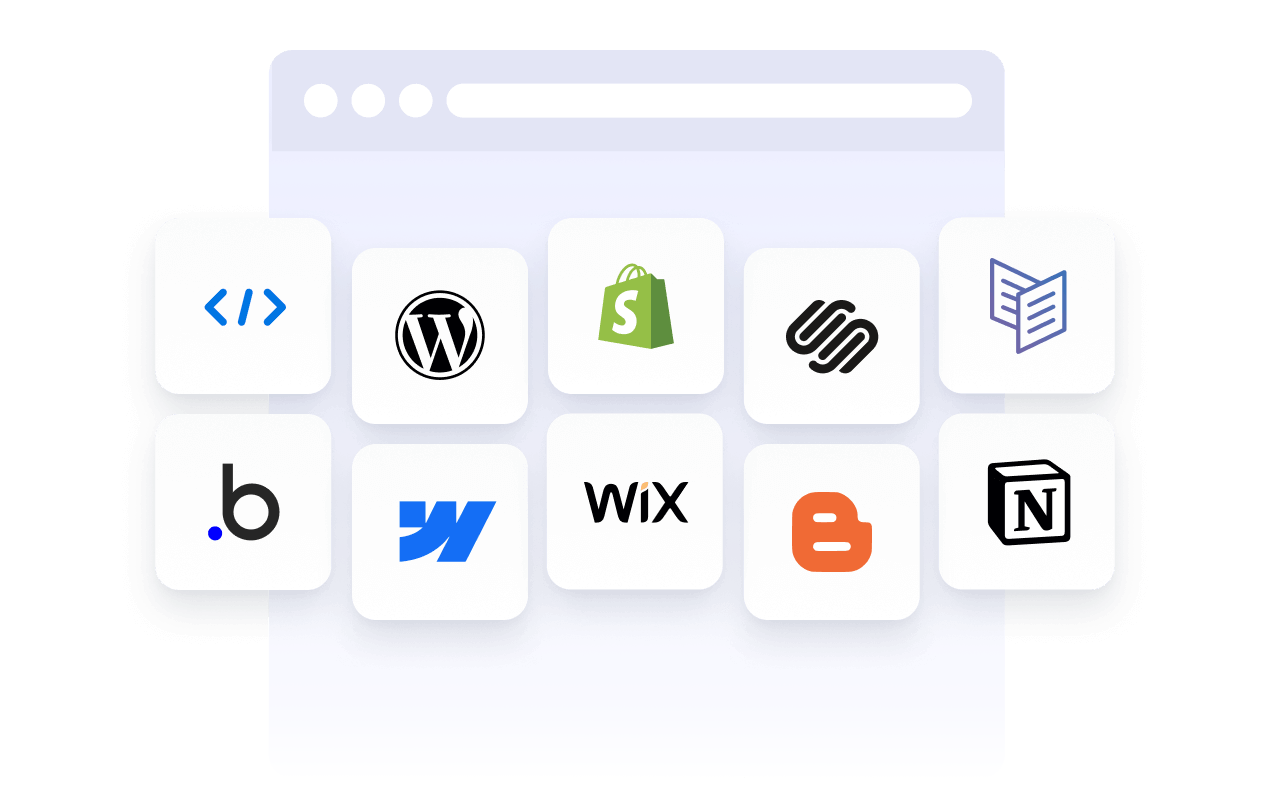
Embed Jotform widgets on many website platforms and custom sites using standard embed options. Keep the same widget working across different pages and environments.
Convert leads into paying customers with Jotform Form Builder
Turn engagement into action with Jotform. Create powerful forms that capture leads, collect payments, and automate responses, all in one place. Every submission lands in your Jotform Inbox, ready to follow up or connect to your favorite apps.
Get Started — It’s Free!
Trusted by millions
Jotform is used by businesses around the world, from small teams to large organizations.





FAQ
How do widgets fit into a website?
Website widgets are usually embedded using a short code snippet and load within a defined area of a webpage. They can be placed alongside existing content and updated without changing the page structure.
What are the common types of website widgets?
How can website widgets affect SEO?
Can I embed website widgets on any website?
How do website widgets differ from plugins or extensions?
How do I choose the right website widget?
Can website widgets be updated after embedding?
Are website widgets mobile-friendly?