
Video creation has never been more accessible than with the help of ChatGPT video tools. ChatGPT-powered video makers use generative video AI to enhance the entire process — making it easier than ever for marketers, content creators, educators, and social media managers to build the video assets they need.
While ChatGPT has built-in video capabilities, there are also plenty of third-party apps that can help you with specific parts of the video generation puzzle. From storyboarding and scripting to editing suggestions, voiceovers, and more, these tools make it simple to create polished video content from start to finish.
Of course, the features you get will ultimately depend on which AI content tools you choose. And with so many options out there, it can be tough to narrow it down. That’s why we’ve outlined three of the best ChatGPT video creation apps to get you started. Each one offers something a little different, so let’s take a closer look.
Top 3 ChatGPT video creation apps
There are a wide variety of ChatGPT-powered video makers on the market today, but who has the time to test them all? We do. To save you the hassle of sifting through the options, we found the best ChatGPT video creation apps for specific use cases so that you can quickly find the right fit for your workflow.
As you explore, take a look at each app’s pros, cons, and key features to decide which to incorporate in your ChatGPT video creation process.
1. HeyGen
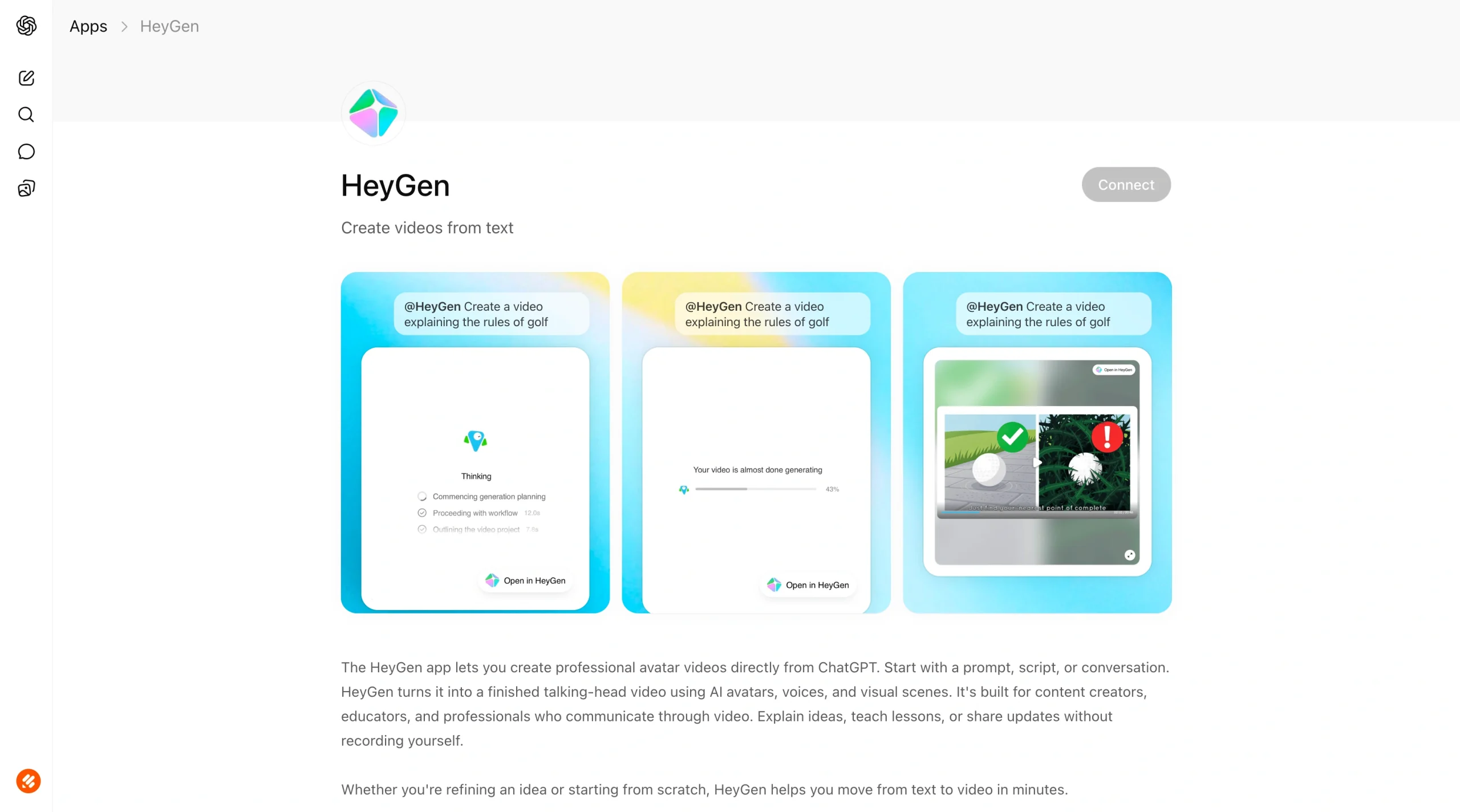
From presentations to online content, AI avatars present a new opportunity for businesses looking to enhance the way they use video in their operations. HeyGen recognizes this growing opportunity and has created a generative video AI solution that’s purpose-built for it.
HeyGen is known for its high-quality visual output, video creation features, and overall ease of use. Its ChatGPT video tools in particular allow you to quickly generate AI video avatars that can act as your digital twin — using prompts from ChatGPT and without leaving the ChatGPT interface.
However, this solution isn’t without its shortcomings. Although HeyGen offers a free version of its program, usage is limited and access to premium features is unavailable. Paid plans can be expensive (from $29 to $149 per month) and may still fall short in areas like realistic voices, which users cite as a big drawback of the platform.
Beyond AI avatar creation, HeyGen also has a wide range of advanced capabilities, including AI dubbing, video generation, video translation, and AI video editors. While avatars may be this program’s core focus, you can certainly handle more across the AI video creation process if you decide that HeyGen is the solution for you.
- Best for: Avatar video creation
- Developer: HeyGen Technology Inc.
- Key features: AI avatar generator, video agent, AI dubbing
- Pros: Easy to use, high quality, realistic avatars
- Cons: Expensive, credit limits, and a lack of natural voices
2. invideo
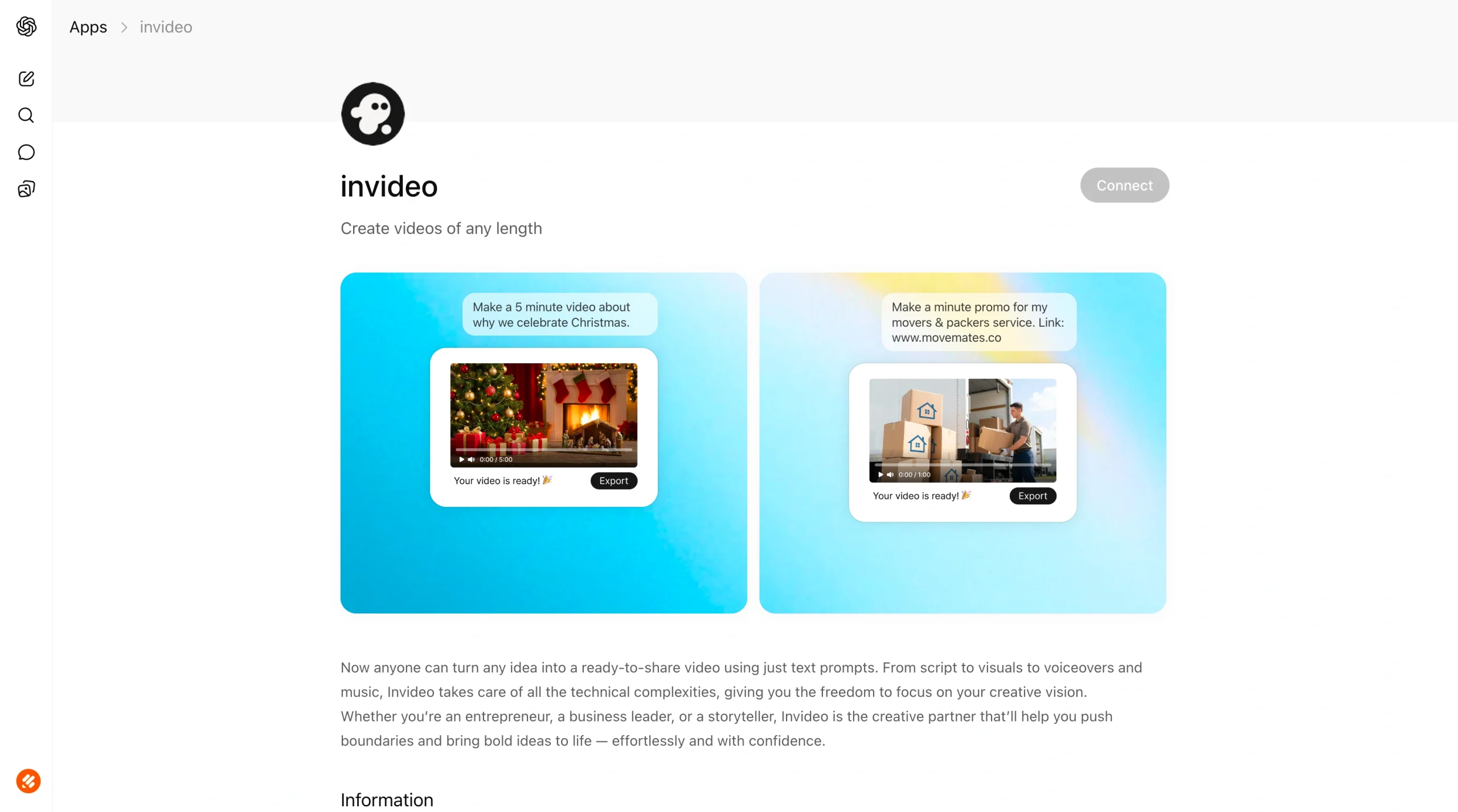
When it comes to video generation, invideo goes all-in on its no-code video AI platform. This solution is best suited for those looking to create fully fleshed-out videos in an instant, without manual intervention.
With invideo’s ChatGPT app, you simply enter the prompt you want created and it takes care of the rest. Using its ChatGPT video tools, invideo will
- Write your video’s script.
- Generate visuals.
- Add voiceovers, subtitles, and music.
Once invideo’s generative video AI has run its course, you’ll receive a share-ready clip that you can easily access inside ChatGPT at any time. Users tend to be impressed by the quality of content produced by invideo’s AI tools, as well as by how easy they are to use.
But, like other AI video creation apps, invideo limits the number of videos you can create depending on your plan. All individual plans have usage caps, and even team plans offer unlimited access for only a short period. Paid plans also center around usage, so the more you use it, the more you’ll pay — and plans can get expensive (up to $2,000 per month).
However, if you’re willing to pay, this solution offers one of the most direct paths from idea to full video using a ChatGPT app. invideo also prides itself on its compatibility with multiple large language models and offers additional features such as voice cloning, translation, and editing.
- Best for: Text-prompt video generation
- Developer: Invideo Inc.
- Key features: Video generator, voice cloning, AI translator
- Pros: Powerful video creation features, user-friendly, high-quality content
- Cons: Limited plans, AI limitations, expensive
3. Manus
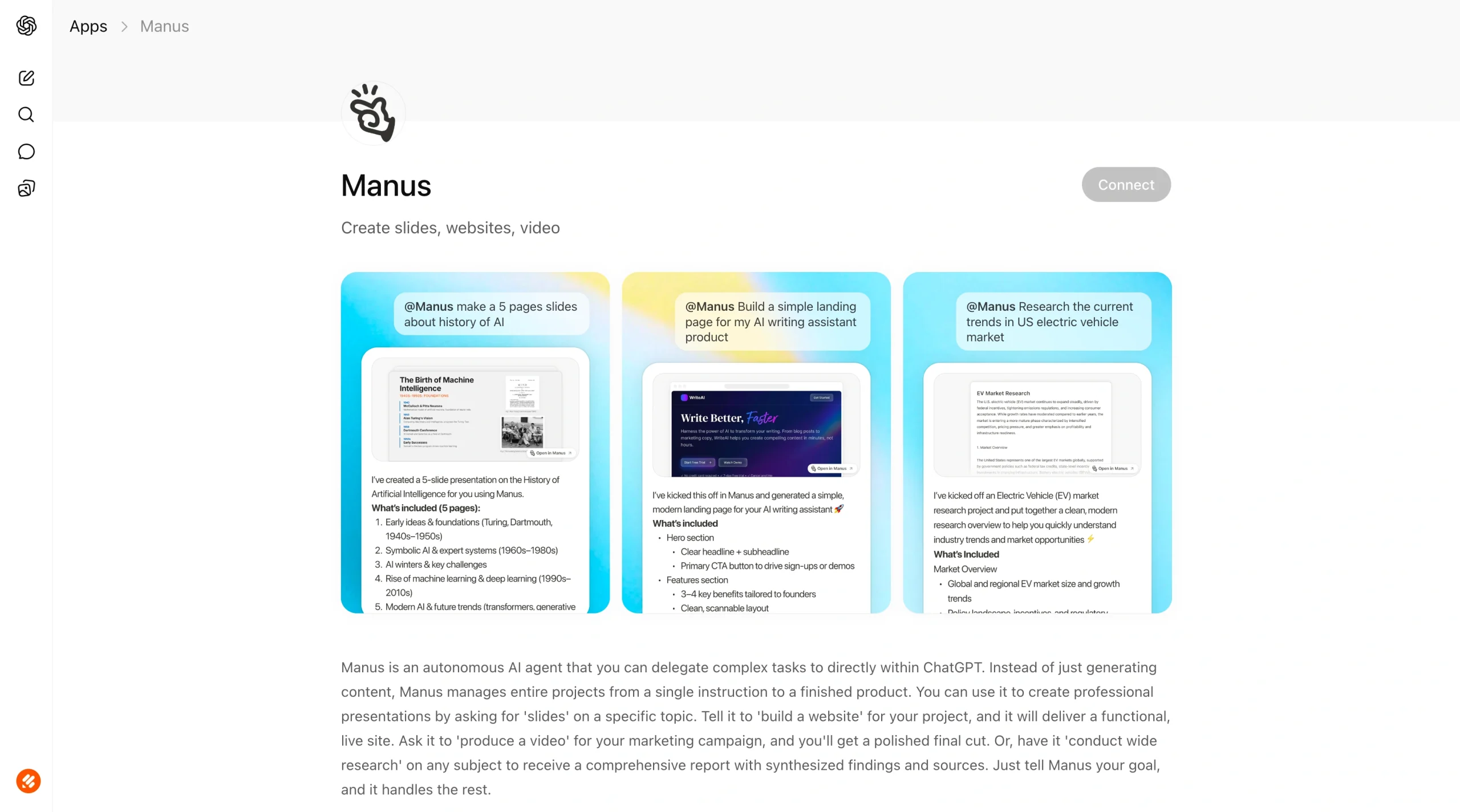
Is video creation only a small part of your ChatGPT workflow? If you’re a user looking for a more robust set of skills from your ChatGPT-powered video makers, Manus offers a wide range of capabilities through its AI agent interface.
But what are AI agents? Think of them as digital assistants that manage processes from end-to-end on your behalf. While Manus AI can create videos through its multimodal generator, it can also handle research, automated workflows, and web design — all within ChatGPT’s interface.
However, with added functionality comes additional challenges and costs. For example, Manus doesn’t offer a free version of the platform, unlike the other solutions on this list. Users also report some difficulty getting up to speed on Manus’s different features.
Paid plans are expensive as well, and include credit limits. Prices range from $20 to $200 per month in pre-set options, and they can skyrocket up to $20,000 on customizable plans based on your preferred credit limits. But if you’re looking for a more well-rounded AI solution, the investment in Manus may be worth it.
- Best for: AI agent project management
- Developer: Butterfly Effect Pte. Ltd.
- Key features: AI design, webpage builder, slide builder
- Pros: Robust AI capability set, browser integration tools, end-to-end functionality
- Cons: Credit limits, learning curve, expensive
How to choose the right ChatGPT video creation app
Choosing the right ChatGPT app for video creation depends on a few factors related to your workflow. From content goals and editing control to integration needs and budget, the way you plan to approach ChatGPT video creation directly impacts which solution is your best fit.
Beyond process-specific features, there are also general considerations to keep in mind when weighing AI video creation apps:
- Output quality and customization: Overall output quality is a key consideration when choosing ChatGPT video tools. Just because a tool can generate a video doesn’t mean it’ll be engaging — and your video’s effectiveness will be directly proportional to its quality. Make sure your solutions deliver high-quality output and customization options that ensure you get exactly what you’re looking for.
- Script generation vs full automation: While some AI content tools are designed to handle specific aspects of the video creation process, such as script generation, others offer full end-to-end automation. Depending on the level of influence you wish to have over your video, you may use this factor to decide between options.
- Voiceover quality: You don’t want a robotic voiceover in your videos. The quality of your voiceover can either make or break your viewer experience, so make sure you check what AI voices and styles are available before settling on a solution.
- Style and template library: What pre-made options do your ChatGPT video tools offer? Templates and preset styles further accelerate your video production process, making a plentiful library of options a major plus for these apps.
Specific types of creators may also have specific features that they need. Marketers might need a solution that can also conduct in-depth research to determine which videos will resonate most with their target audience. Social media managers might need a solution that can specifically generate clips designed for quick viewing on mobile devices.
These criteria can help you narrow down your ideal no-code video AI apps. But it’s important to remember that there are elements outside of your video creation process that you’ll need to consider as well, such as form creation and analysis.
Introducing the Jotform ChatGPT App
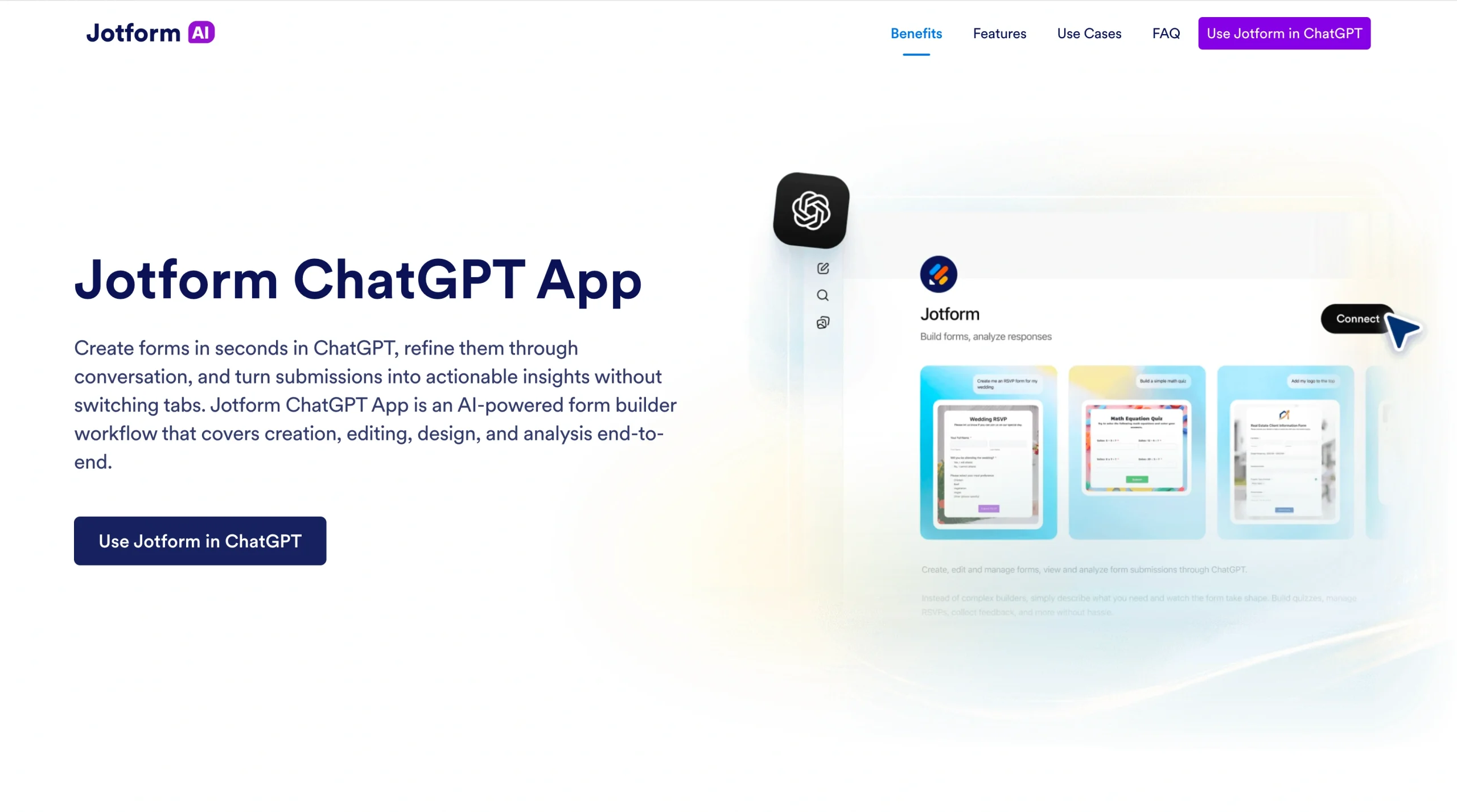
As part of your video creation workflow, you may also need to collect feedback, get client sign-off, provide creative input and options, and send invoices. For this, you’ll need a form-building tool that can keep up with the speed of your ChatGPT workflows.
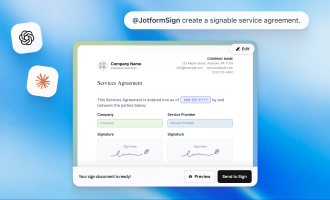
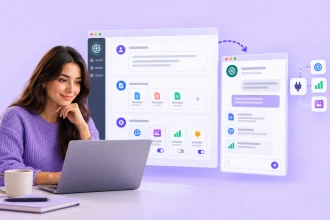
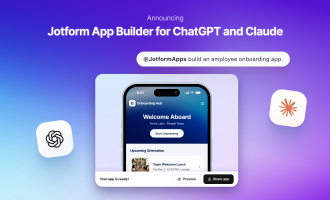
When it comes to automated form creation, the Jotform ChatGPT App has you covered. With its free-to-use, seamless connection with ChatGPT, Jotform can facilitate the creation, editing, design, and analysis of video-related forms from end to end — all without leaving your existing chat.
The Jotform ChatGPT App offers advanced capabilities, including
- Instant form creation with AI prompts
- Form editing inside ChatGPT
- Form management
- Submission viewing, organization, and analysis
Not only is the Jotform ChatGPT App a useful addition to your AI workflows, but it’s also easy to use. Here’s how to get started:
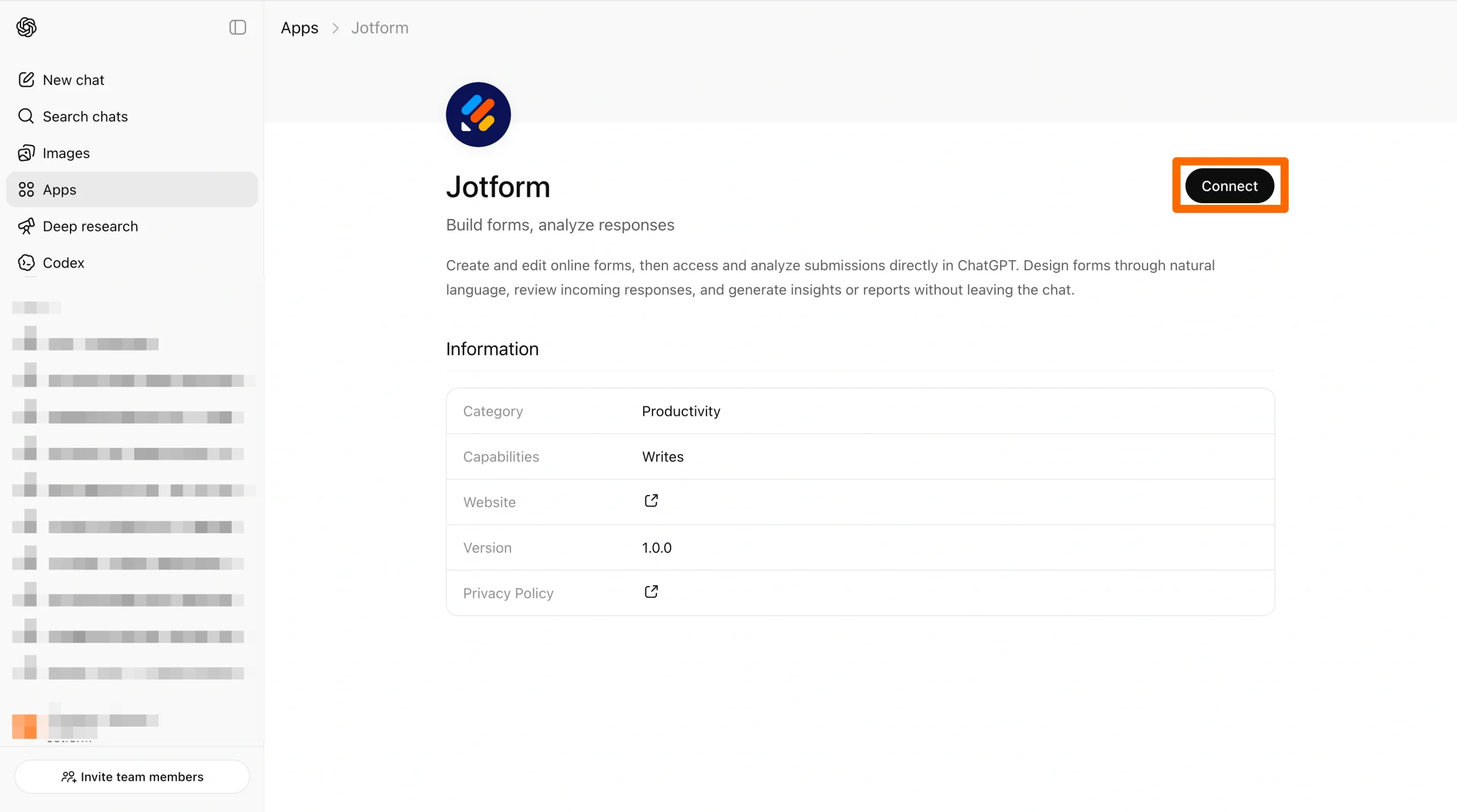
- Log into ChatGPT and mention Jotform in your chat. ChatGPT will prompt you to connect your Jotform account.
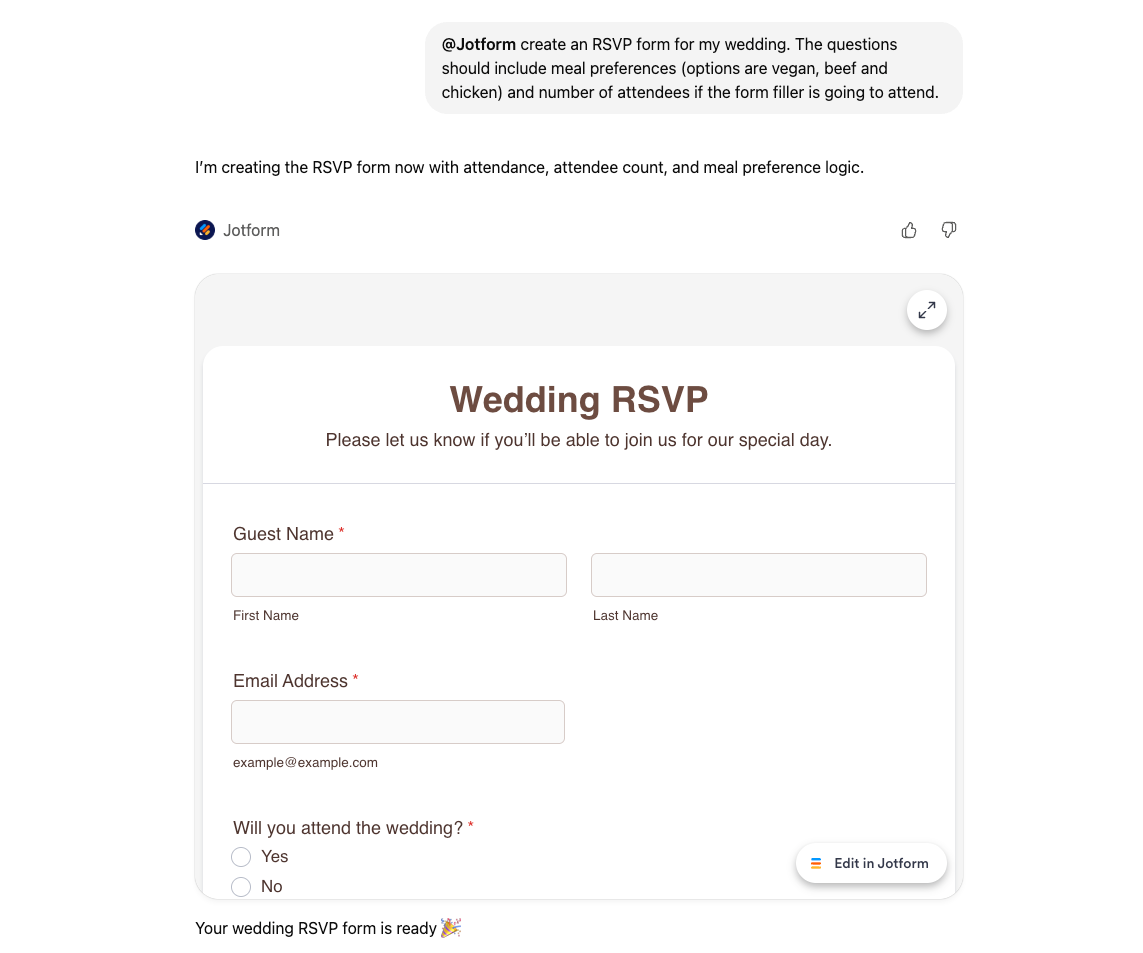
- Enter a prompt to generate your initial form. Continue chatting to adjust as necessary.
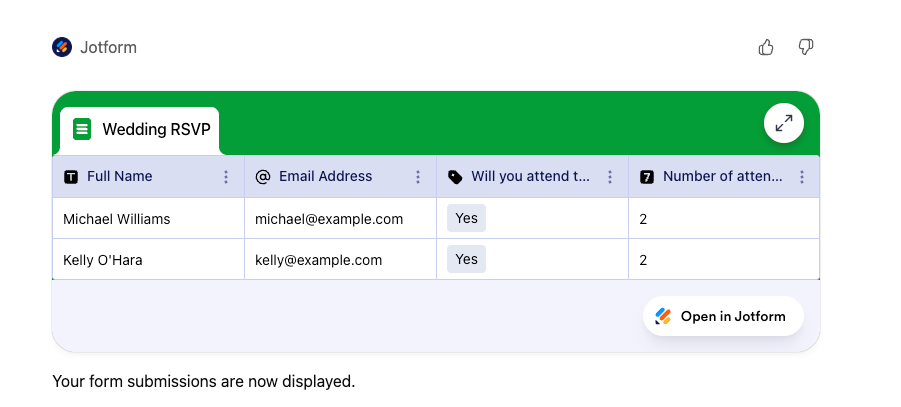
- Use ChatGPT prompts to list forms, organize submissions, and analyze response data.
This user-friendly interface allows you to streamline the administrative process for your video creation, minimizing friction and maximizing results. Adding this app is just one way to enhance your video workflows with ChatGPT.
While the Jotform ChatGPT App makes it easy to create and manage forms directly within ChatGPT, it’s just one part of a broader AI-powered experience. With Jotform AI, you can go beyond prompts to build complete forms, automate workflows, and create powerful no-code solutions — all from a single platform.
Build faster with Jotform AIDescribe what you need, and let Jotform AI build it for you instantly.
Get Started Now
Using ChatGPT for better video workflows
Although there will always be a need for human creativity in video creation, ChatGPT video tools make it easier for your creative team to bring their ideas to life. These solutions are a part of the future of video production as a whole and will likely provide long-term benefits to businesses that get in on the ground floor.
Once you’ve chosen the best ChatGPT video creation apps for your business, don’t forget to optimize the rest of your ChatGPT workflows as well. Solutions like the Jotform ChatGPT App can simplify your administrative tasks, allowing your team to stay focused on producing high-quality content with AI automation. Get started for free today.
This article is for marketers, content creators, educators, social media managers, and business teams exploring AI-powered production tools, as well as anyone who wants to choose the right ChatGPT video app and streamline the broader workflow around creating, reviewing, and managing video content.











































































Send Comment: