

Top 3 Claude form apps
A Claude form app is a tool that connects Claude’s conversational AI to a form or survey platform. Once the tool and Claude are connected, you describe what you need in plain language, and Claude builds or improves a working draft inside the form tool. You never leave Claude’s chat, and you get a form that’s ready to review, share, and (in some cases) publish. In Claude, these apps are called connectors.
Whether you want to draft questions quickly, apply best practices, add logic, or share a live form, there’s a connector that can help. But not all connectors are created equal; what you can do depends on the tool.
Read on for a roundup of three of the best Claude form connectors in 2026.
Top 3 Claude form apps
Each connector plugs Claude into a form or survey platform. I cover what you can do using each connector within Claude and the user it suits best.
1. Jotform
The Jotform Claude Connector lets you create and edit forms and analyze submissions without leaving the chat. Just connect Claude to the Jotform connector, open a chat, and describe the form you need, and Claude builds it in your Jotform account.
Here’s a look at how the Jotform connector works.
First, I asked for an event feedback form using the Jotform connector. After I provided some fields, the Jotform connector brought the form into the Claude interface.
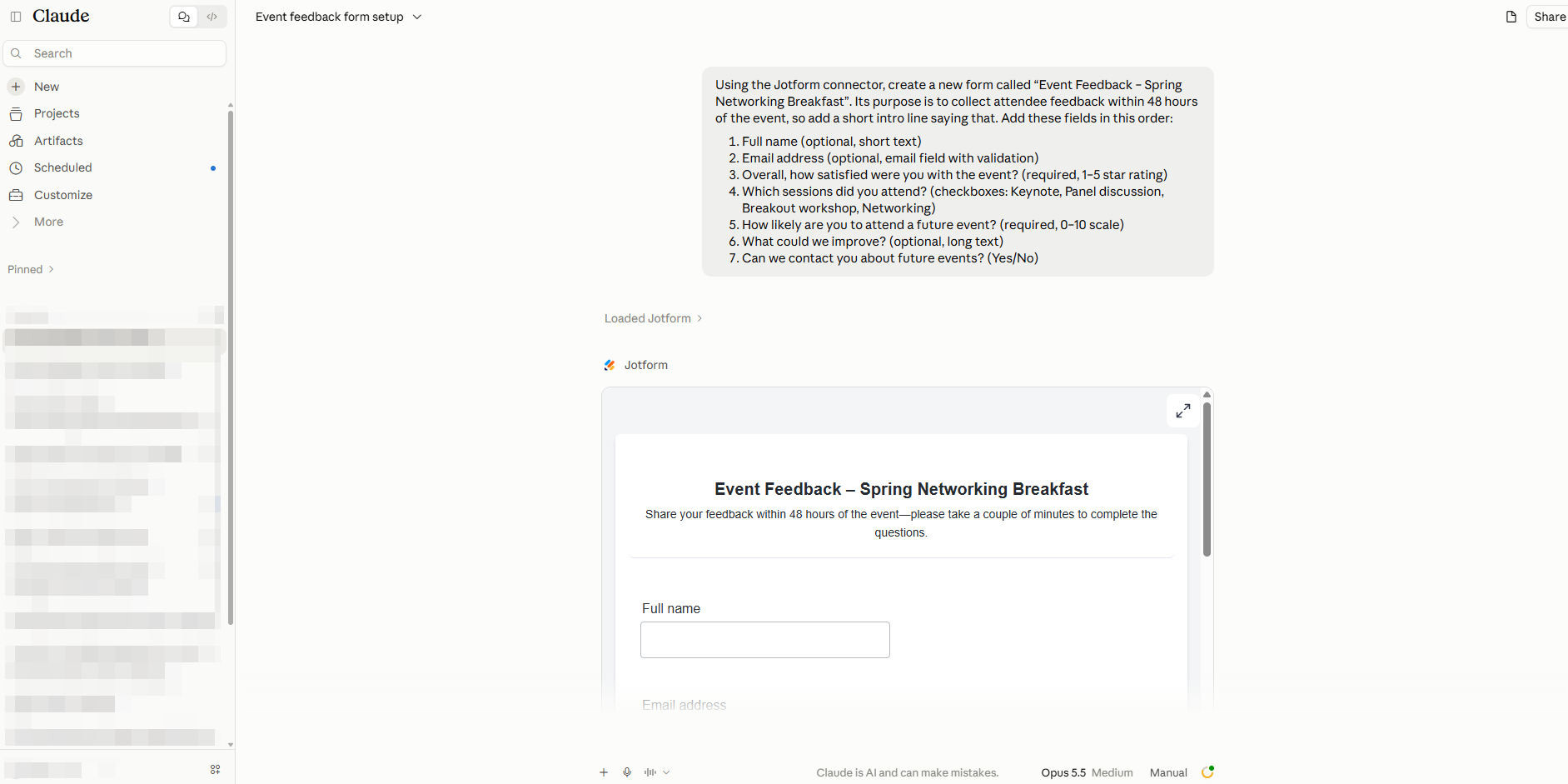
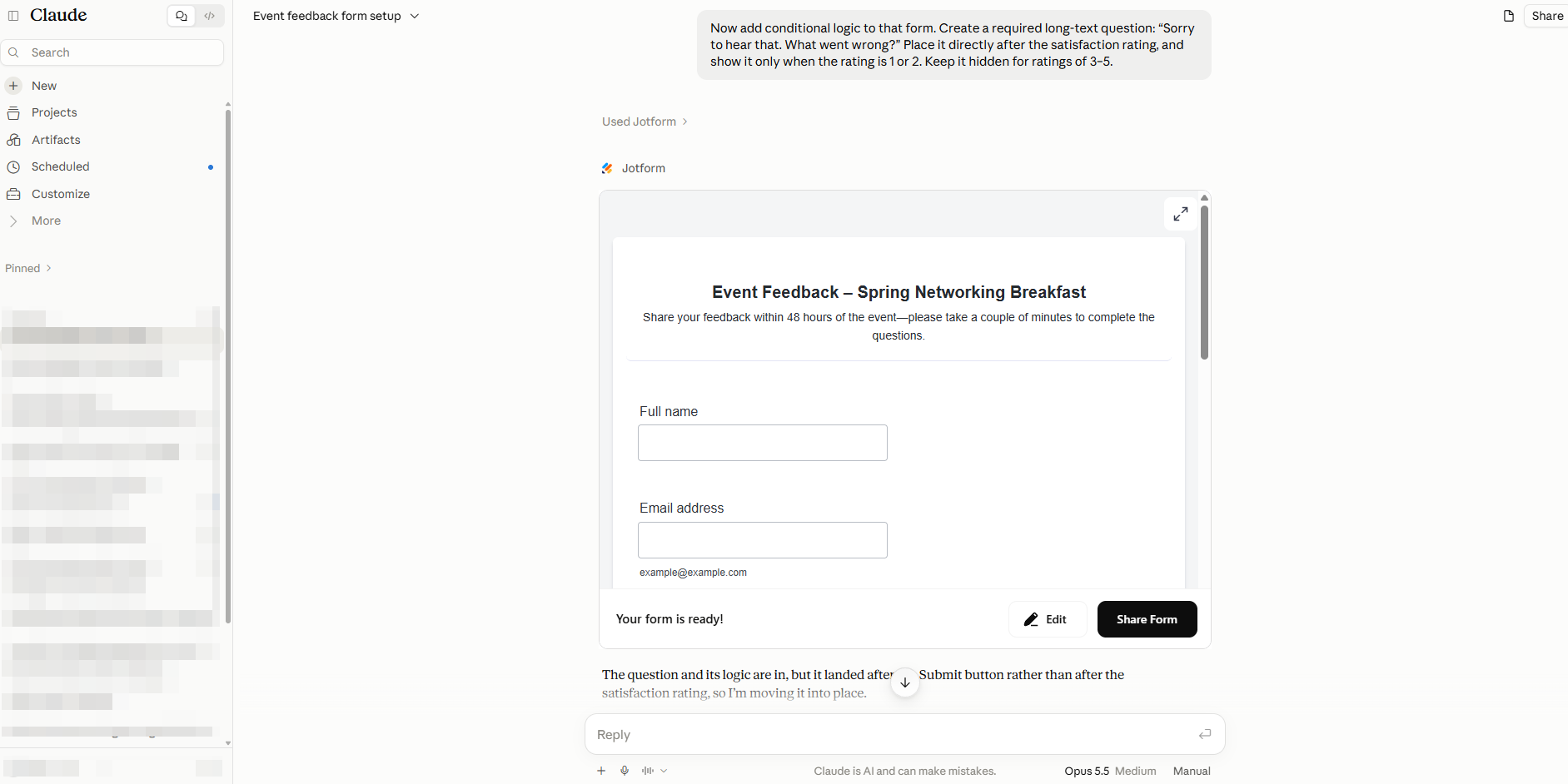
After that, I iterated the form via Claude and the Jotform connector using natural language. I added conditional logic:
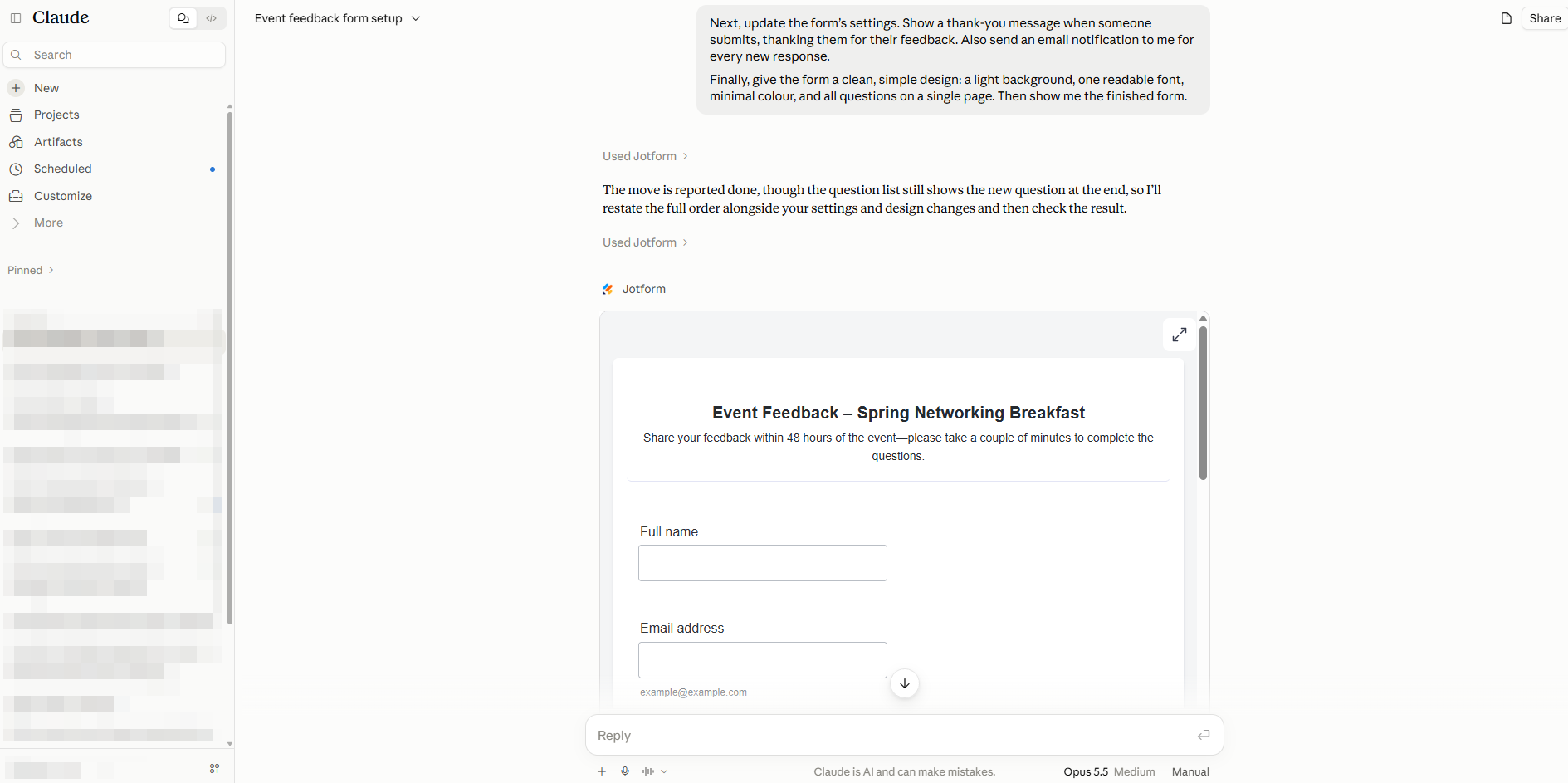
Then I made final amendments to the design and settings:
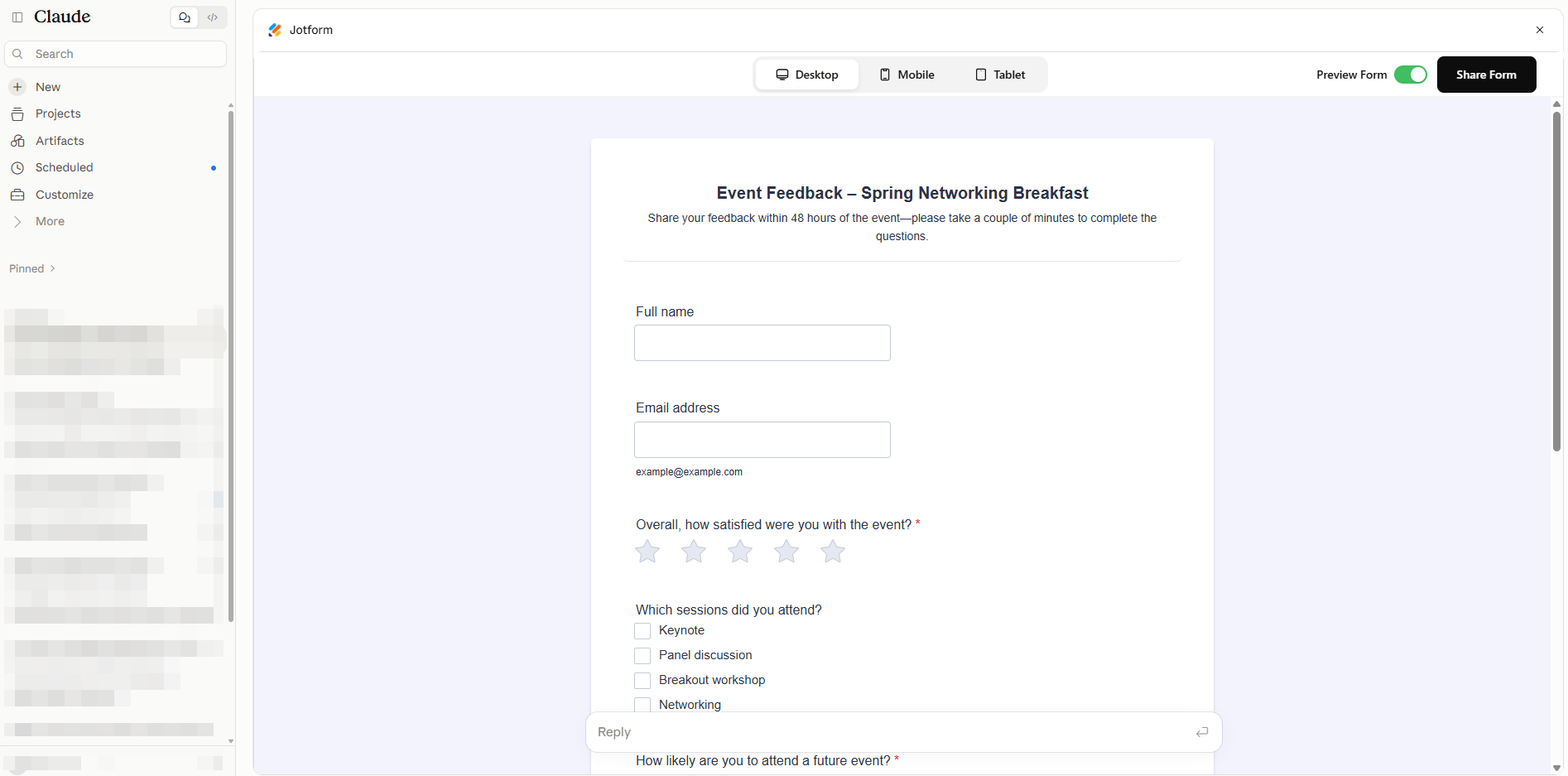
Once you’re ready, you can edit the form directly within the Claude interface or preview the form on desktop, mobile, or tablet:
The connector has read and write access, so Claude can also
- Open forms you’ve already made.
- Edit and improve them.
- Pull in and summarize recent submissions.
This connector works with any Jotform account, including the free Starter plan, which is rare. You can try the connector for free before you upgrade.
- Developer: Jotform
- Key features
- Create forms with natural language: Tell Claude what information you need to collect, and it builds the form, including fields, required questions, and rating scales.
- Edit existing forms in conversation: Ask Claude to open a form by name and add, remove, or change fields.
- Review and analyze submissions: Claude can summarize recent submissions, such as the number of attendees who chose each ticket type.
💡 Did you know?
Jotform Claude connectors go beyond forms. With the Jotform Sign connector, you can create documents, set signers, and track signatures. The Jotform App Builder connector builds no-code apps, such as a client portal, from a simple description. These connectors let teams handle data collection, approvals, and paperwork in one chat. Together, they’re the ultimate productivity connectors for Claude.
2. SurveyMonkey
The SurveyMonkey connector brings survey building and response analysis into Claude. You can create surveys, dig into results, and spot trends in your SurveyMonkey account. Then you can turn that feedback into next steps without switching tools.
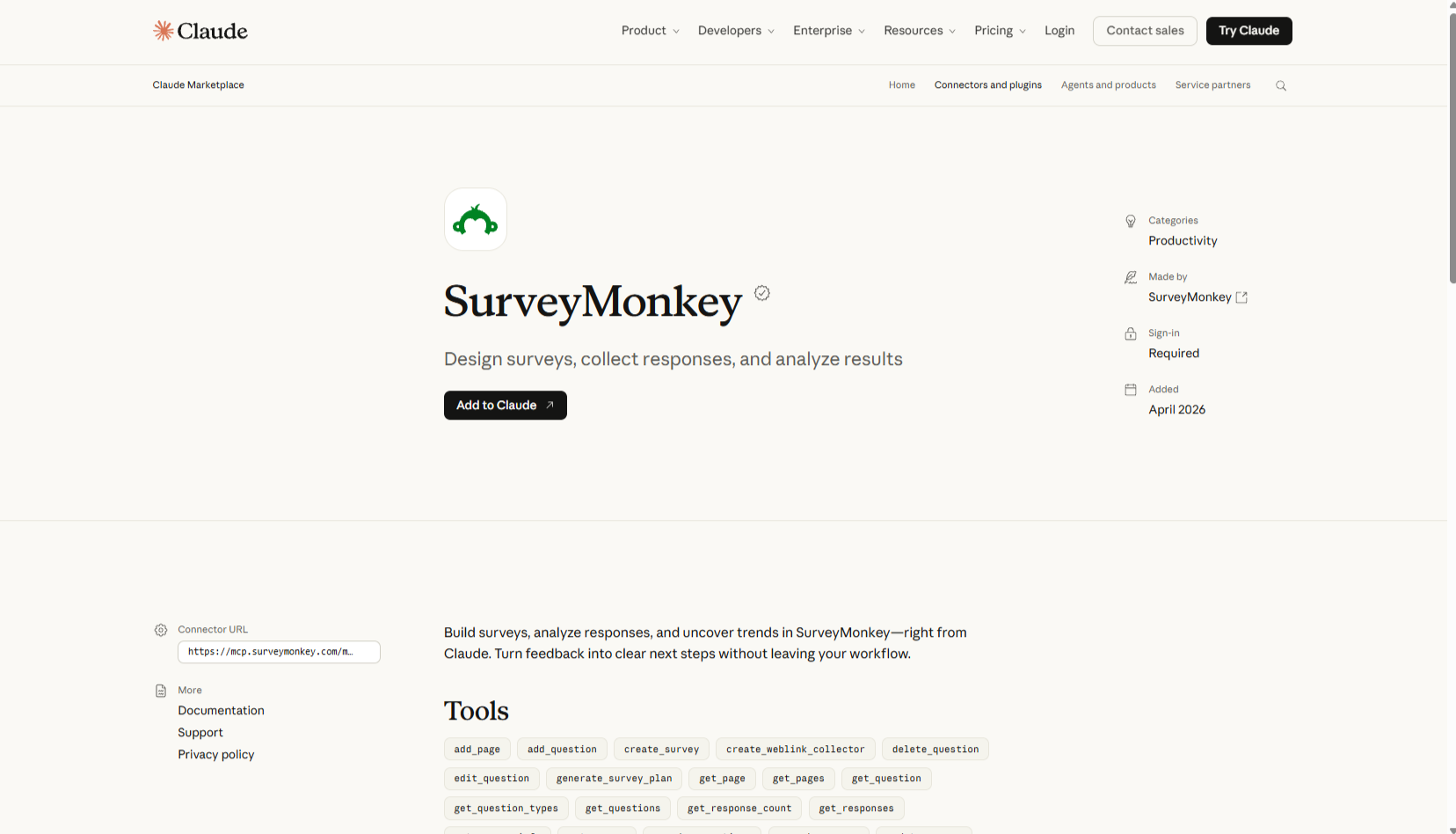
- Developer: SurveyMonkey
- Key features
- Build surveys in conversation: You describe what you want to create, and Claude creates and lets you view the survey in your SurveyMonkey account.
- Analyze responses and uncover trends: You can ask Claude to review your results and cite patterns. Customer experience and product teams can go from raw feedback to next steps without having to review every answer.
- Summarize recent activity: Ask Claude what’s happening across your account and get a recap in the chat.
3. Cognito Forms
The Cognito Forms connector lets you create forms and manage form data from Claude. You describe the form you need, then query submissions, pull files and documents, and update entries as responses come in. The connector is available only on Cognito Forms Pro, Team, and Enterprise plans, and setting it up requires administrator access in your Cognito Forms account.
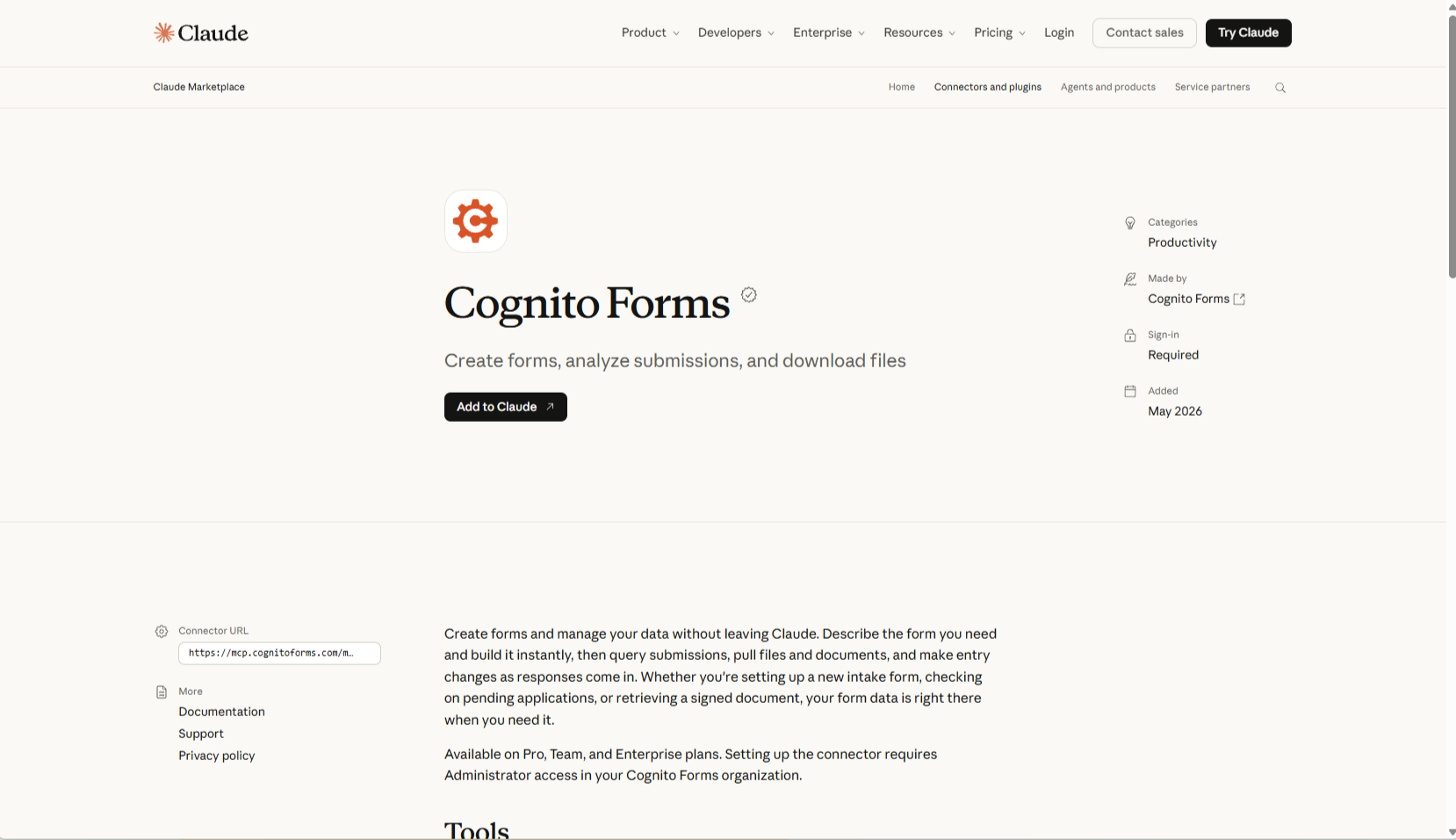
- Developer: Cognito Forms
- Key features
- Query and update entries: Ask Claude to find specific submissions; you can also ask it to change an entry’s details, and it’ll edit the form directly.
- Retrieve files and documents: Claude can pull uploaded files and documents, such as a signed agreement, into the chat. This saves time for teams handling paperwork-heavy processes such as client intake or onboarding.
- Control form availability: Open or close a form from Claude.
Final verdict: The best Claude form app for your workflow
All three connectors let you work on forms or surveys without leaving Claude, but they suit different needs.
The best Claude connectors need to fit your workflows and use cases.
For forms:
- Jotform: Jotform is best for building and managing forms end to end, including collecting signatures with the Jotform Sign for Claude.
- SurveyMonkey: This tool is best for teams already running SurveyMonkey surveys.
- Cognito Forms: This tool is best for document-heavy entry management, but it’s available only on paid plans.
If you’re not sure where to start, try Jotform. It’s the most versatile option in Claude, and you can use it on the free Starter plan. Once you’re comfortable building forms, you can add Jotform Sign to send documents for signature and Jotform Apps to turn your forms into full no-code apps, all from the same chat.
Try it now. It takes less than 10 minutes to test. Build a small pilot form, test it with a few colleagues, and refine it in conversation. Then publish it once it’s ready.
This article is for business owners, marketers, educators, and Claude users who want to create forms and surveys using AI connectors, automate form creation, and compare available tools and features.







































































































Send Comment: