

If you run or work for a business, you likely want to know what customers think about it. Do your products or services align with their expectations? Are there ways you could improve your customer service? Do clients want other products from you? An easy way to get answers is through customer feedback. But analyzing a cascade of data isn’t as simple.
That’s where AI customer feedback analysis tools come in. They sift through comments, surveys, polls, and other sources to derive answers, helping brands identify urgent issues and turn customer input into action.
In this guide, we look at the best AI tools for customer feedback analysis. You’ll learn what each one offers, its best use case, and current pricing. The following is a short look at each tool, followed by an in-depth analysis.
| Tool | Best for | Standout feature |
|---|---|---|
 Jotform AI Data Assistant |
Small and midsize brands that need a customer experience (CX) workflow |
Multi-option outputs, including visualizations and summaries |
 Chattermill |
Enterprises that need a full-scale customer feedback analysis solution |
Critical customer feedback issues in real time |
 Enterpret |
Large companies with multiple feedback sources |
Tracked interactions to help determine what drives a positive outcome, such as a deal or renewal |
 Thematic |
Midsize and large companies that need traceable feedback |
Themed insights separated by role and department |
 Unwrap |
Transfer of customer issues to a team member who can take action |
Summarized weekly insights for executives |
1. Jotform AI Data Assistant
Why it made the list: It’s a great tool for brands that need an all-in-one AI data analysis solution for tables, polls, surveys, customer feedback forms, and more.
Key strengths
- Excellent at visualization: Jotform AI Data Assistant can turn your data into a brand-aligned chart or graph. Organizations that need regular updates can automate their visualization workflow with Jotform Report Builder.
- Customer feedback summarization: After uploading your data, you receive a summary analysis of trends, changes, and outliers. The output is instantaneous, saving your team hours of work.
- Compatibility with other Jotform tools: The AI Data Assistant pairs well with other Jotform tools, enabling a full-scale data collection and analysis pipeline.
Key drawback
- Limited conversations on the Starter plan: You get a maximum of 100 conversations on the free Starter plan. Upgrading is necessary if you use the AI Data Assistant regularly.
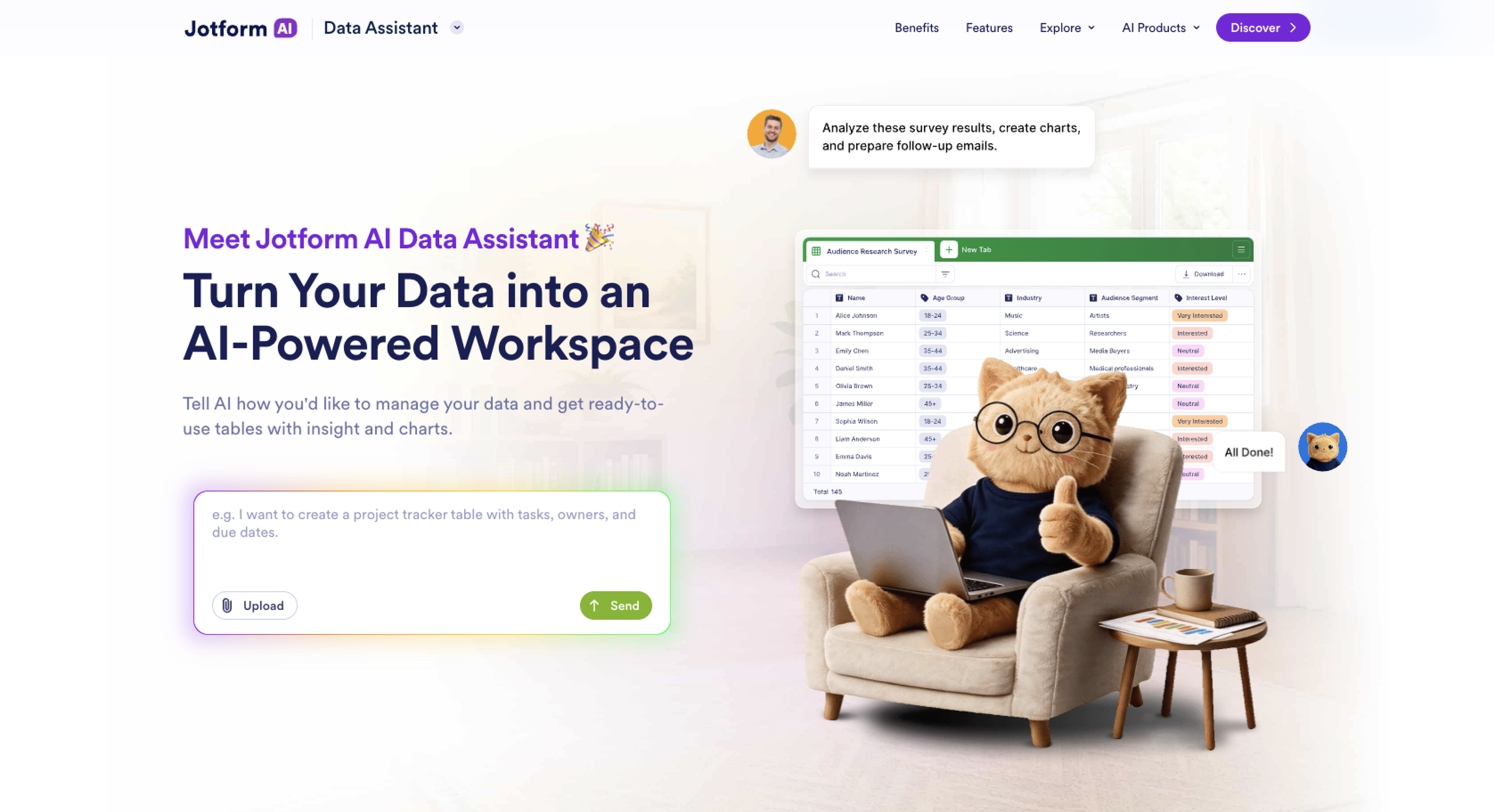
Jotform AI Data Assistant is your all-in-one partner that’s ready to handle any data-oriented task, including customer feedback analytics with AI. With a simple prompt, it can create or customize tables, review and interpret data, and share visualizations through a custom link. Generated graphs and charts are fully customizable, so you can tailor their fonts, styles, and colors to match your branding.
To get started, simply upload your data to the assistant and tell it what you need. You’ll get a response that matches your use requirements, and you can tailor it with further interactions or manual tweaks.
The AI Data Assistant pairs well with other Jotform products, including Jotform Tables, Jotform Form Analytics, and the Jotform’s survey analysis tool. With a single account, you can access all Jotform solutions and bring them into your processes. Integrations are plentiful, with native support for Google Sheets, Dropbox, HubSpot, Airtable, and more.
The product’s main limitation is its low AI conversation limit on the free plan. You’ll need to upgrade to a paid plan if you want to make it a regular part of your data analysis routine.
Pricing
- Starter: Free; 100 monthly conversations
- Bronze: $34 per month; 1,000 monthly conversations
- Silver: $39 per month; 2,500 monthly conversations
- Gold: $99 per month; 10,000 monthly conversations
- Enterprise: Custom pricing; unlimited monthly conversations
2. Chattermill
Why it made the list: This enterprise-level customer feedback tool is ideal for large companies that regularly receive over 5,000 monthly customer data points.
Key strengths
- Data from every touchpoint: Chattermill extracts customer feedback from surveys, reviews, call centers, emails, texts, social media, and other mediums.
- Access to multiple agents: You can connect Chattermill with Claude, ChatGPT, and any other AI agent. Its in-house Lyra AI tool was developed exclusively to interpret data and provide precise CX insights.
- Data in a single place: All customer feedback sources are shared in a single dashboard, rather than siloed across sources.
Key drawback
- Unsuitable for most small and midsize businesses: Chattermill works best when your brand has at least 5,000 monthly data points. Fewer insights can skew results.
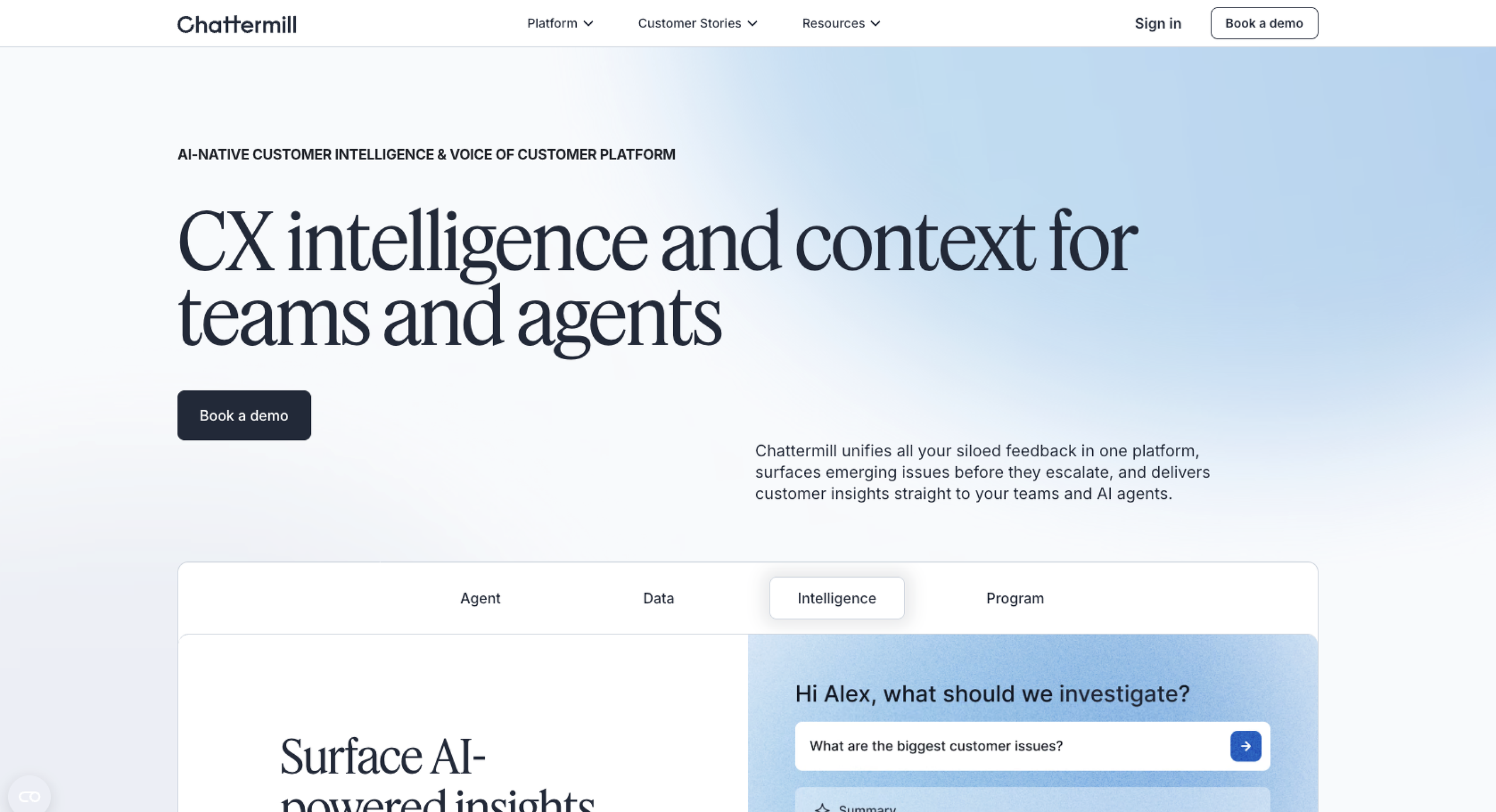
If you’re part of the product or customer service team for a large brand, you’ll want to know about Chattermill. This solution analyzes customer feedback from almost any source, including surveys, social media, online reviews, and phone calls, and turns it into action points.
Chattermill integrates with AI agents you may already use, including Claude and ChatGPT. Lyra AI, an agent custom-built for customer feedback analysis, is also available.
While Chattermill provides end-to-end customer feedback support, its primary audience is large organizations. Small or growing companies likely won’t have enough data to benefit from the tool.
Pricing
No set pricing; reach out to the company for a custom quote.
3. Enterpret
Why it made the list: Enterpret provides cross-channel feedback analysis from over 50 sources. It’s perfect for product and customer service teams seeking in-depth analysis before making high-impact decisions.
Key strengths
- Qualitative data analysis: Enterpret reviews data of all types, including emails, social media comments, online surveys, and text-based communications.
- Identification of blockers: Teams can use Enterpret to predict customer churn and find out what’s stopping them from committing to a purchase.
- Outcome drivers: Enterpret can interpret feedback and interactions to show what causes a customer to stay (or go).
Key drawback
- Setup time: Enterpret isn’t an out-of-the-box solution. Expect to spend hours or days adding integrations and tweaking reports to match your organization’s requirements.
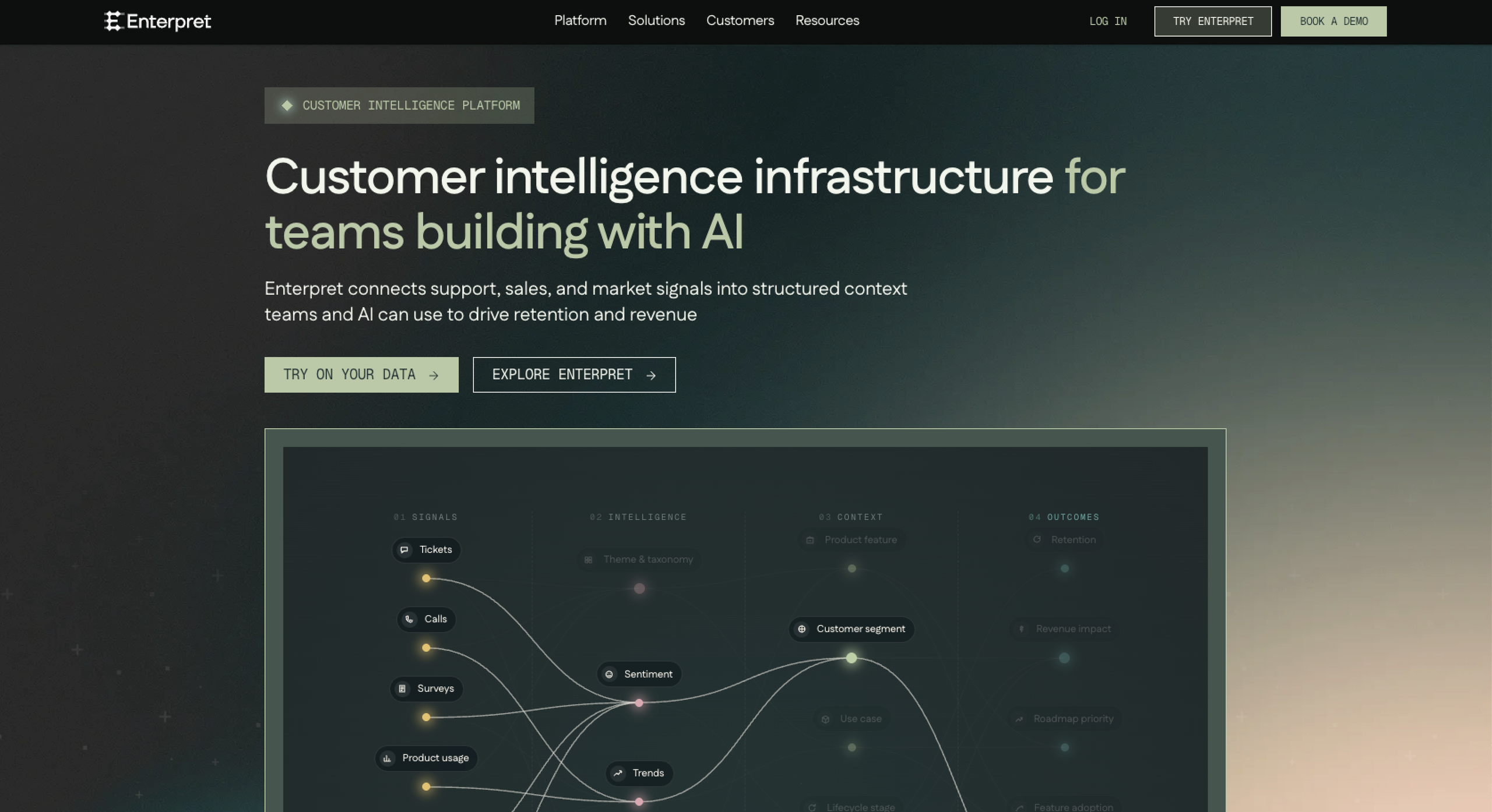
Enterpret is a full-scale, AI-powered product and customer experience analysis tool designed for large businesses. It offers over 50 useful integrations with tools of all types, including AI agents, call recordings, data warehouses, and email. If your preferred integrations aren’t native, chances are you’ll find them through the Zapier connector.
Enterpret’s focus is product management, voice of customer AI tools, and customer experience. It doesn’t offer AI support for non-customer-related data analysis tasks, such as analyzing financials or tracking your monthly budget. However, if you’re solely interested in understanding customer needs, it’s a good fit.
Because Enterpret is meant for large businesses, smaller organizations with limited customer data will find other solutions (like the Jotform AI Data Assistant) a better fit.
Pricing
No set pricing; reach out to the company for a custom quote.
4. Thematic
Why it made the list: A simple setup, comprehensive dashboards, and workflow automations make Thematic a good option for midlevel and enterprise organizations.
Key strengths
- Unified feedback: Thematic gathers data from multiple sources and puts it in one platform. Users can change “lenses” to view insights from different perspectives.
- Calculated metrics and their drivers: With Thematic, you can view standard and unconventional customer feedback metrics. It predicts metrics based on actual interactions instead of relying on surveys and polls.
- Built-in agents: Ask Thematic any question related to your data, and it will share a traceable answer. This is great for one-off inquiries (when you don’t want to run a full analysis).
Key drawback
- Potential for hidden key inputs: Thematic sorts your data into common themes, such as prices, quality, or variety. This can make it harder to identify useful feedback outliers.
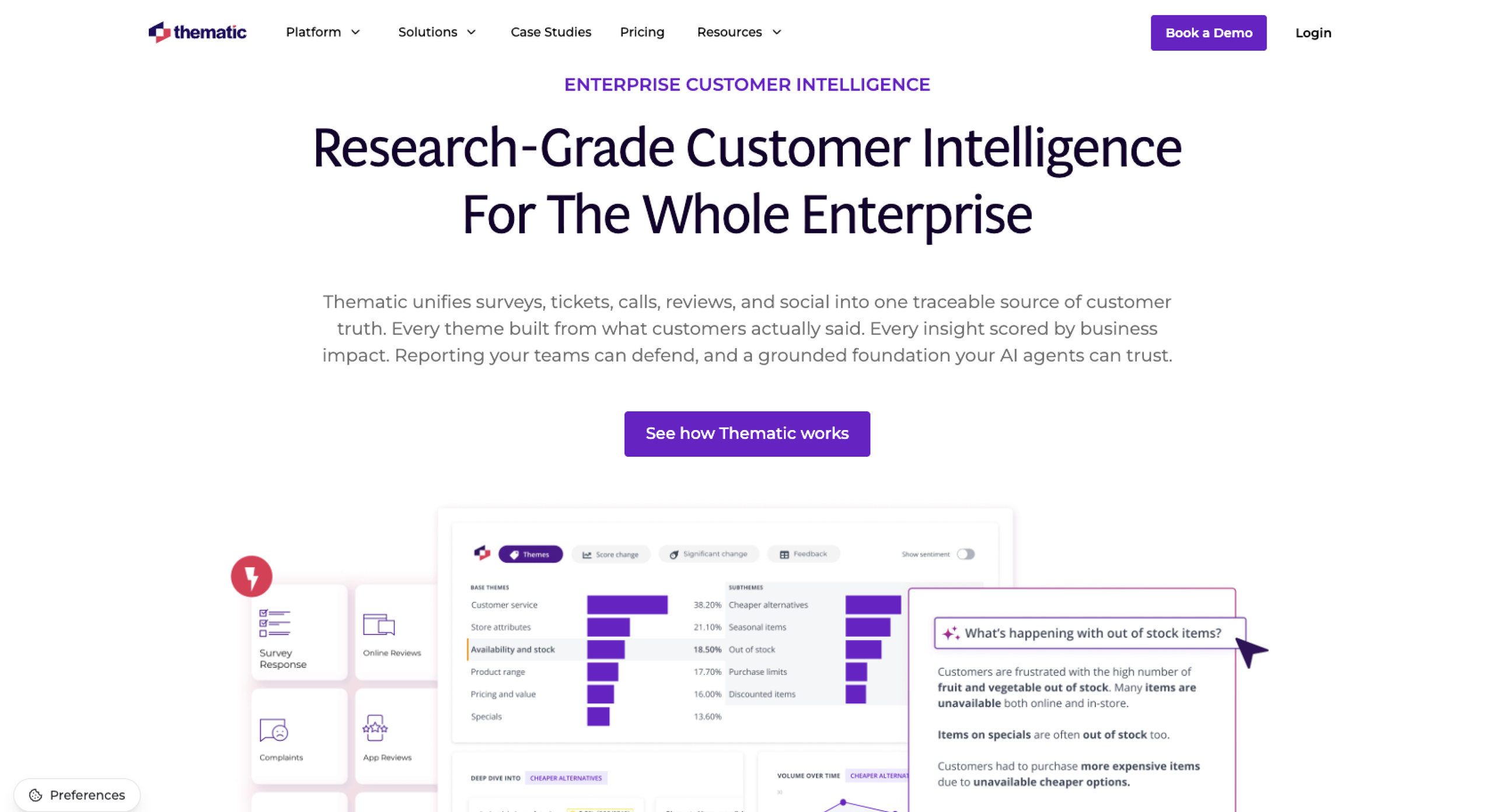
Thematic is geared toward midlevel and enterprise brands focused on improving the customer experience. It integrates with your data sources, including online surveys, emails, text messaging, and recorded phone calls. Using the data, it creates “theme models” that reveal the key drivers that affect the customer experience.
Thematic understands that AI isn’t always accurate, so it traces every output to specific data points or sources. And if you disagree with a result, you can say so. That way, Thematic keeps fine-tuning its responses to fit your organization’s expectations.
Like most other AI customer feedback tools, Thematic is built for companies with large data sets. That, along with its high price point, may discourage smaller companies from choosing Thematic. It also limits users to three data sets on its cheapest plan.
Pricing
- Foundation: $25,000 annually; full platform access, a dedicated Customer Success Manager, and support for three data sets
- Enterprise: Custom pricing; tailored onboarding, volume discounts, security support, and a custom number of data sets
5. Unwrap
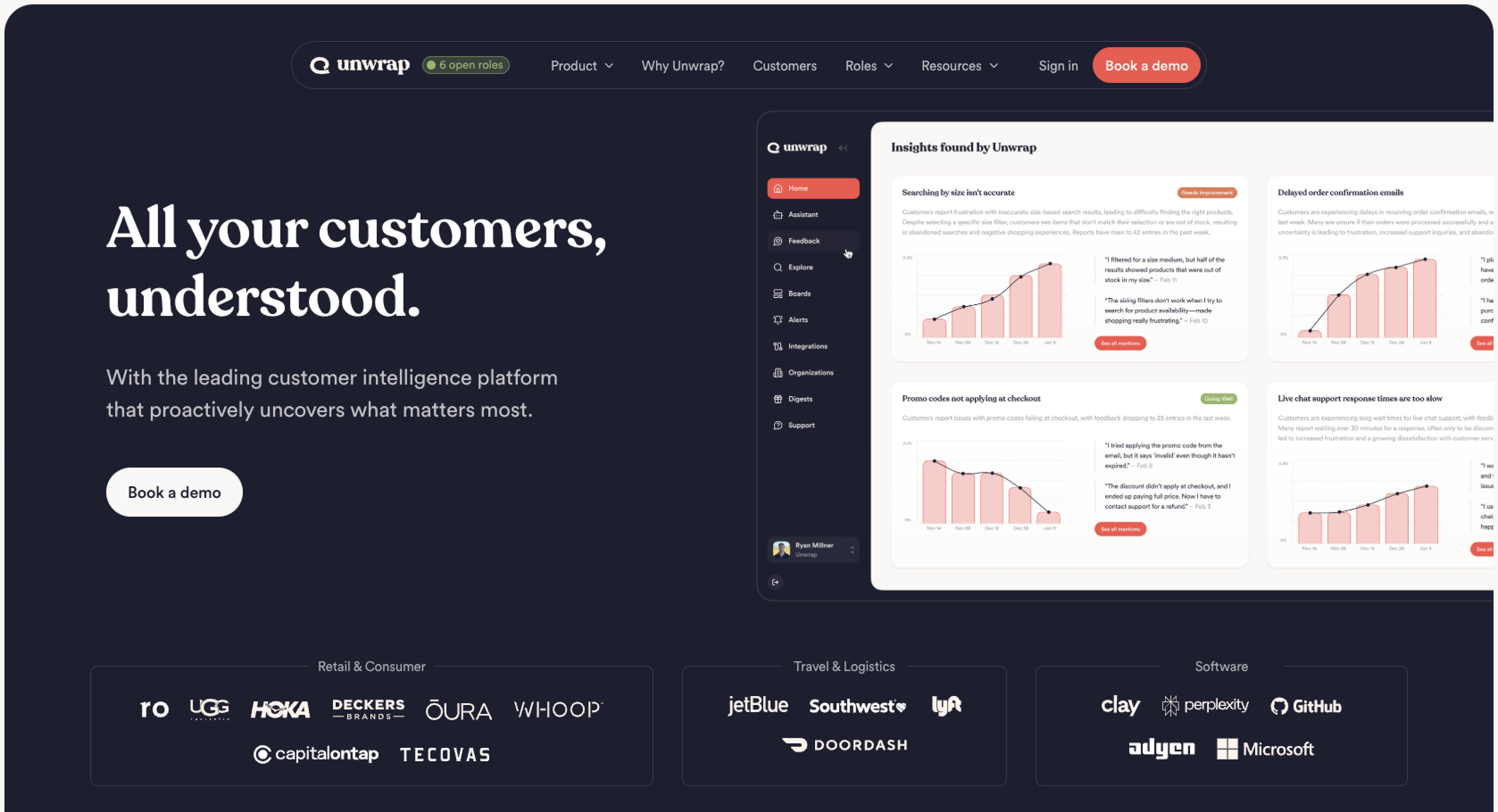
Why it made the list: Unwrap excels in summarizing key insights, delivered weekly. They’re useful for executives, directors, and high-level managers charged with product and customer service decisions.
Key strengths
- Summary of key insights: Unwrap can track specific metrics and deliver them weekly through a preferred channel, such as Slack or email. This is perfect for executives who “just want the facts.”
- Full role and industry customization: Reports and charts are tailored to your industry, team, and role. You don’t have to search irrelevant data to find the most meaningful (and actionable) points.
- Quick onboarding and setup: A dedicated account adviser and tailored onboarding process get most teams fully set up with Unwrap within three weeks.
Key drawback
- Limited visualization customizations: Charts and graphs follow a standard structure, with few options to use your brand’s fonts, colors, or styles.
Whether your app isn’t working or your e-commerce site isn’t recognizing coupon codes, problems can compound fast, introducing friction for customers. Unwrap delivers customer pain points in real time to the team members who can fix them, shortening resolution times and helping to retain customer satisfaction.
Unique to Unwrap is its integration support. Its 3,000 integrations can pull in customer feedback from nearly every available source.
Unwrap’s main drawback is its cost, which can be a major deterrent for startups and growing companies.
Pricing
- Free 30-day trial
- Custom: From $24,000 annually for whole-company access
Turn customer feedback analysis into a repeatable workflow
Before AI, analyzing customer feedback required a lot of hands-on work. Newer solutions, like the Jotform AI Data Assistant, do the work instantaneously. Teams can deploy entire automated workflows that handle data collection, organization, analysis, and reporting, supporting the entire customer feedback loop.
The feedback intelligence tool that’s right for your business will integrate with your primary data collection tools, saving you from manually uploading or copying data.
Also, consider the type of data you have. If it’s mainly open-ended comments, you’ll want a tool that can handle unstructured data and divide it into themes or perform sentiment analysis. AI feedback analysis tools focused on quantitative data will lack what you need.
If high-level employees (executives, directors, and other leaders) are reviewing your data, opt for an AI sentiment analysis tool with a dashboard, which will highlight the data and metrics they need for decision-making. Some tools include a reporting tool or weekly review you can customize with your brand’s most-used measurements.
For many brands, routing customer issues is time-consuming. Automated workflows can assign tickets, follow-ups, or escalations to the right team. Clear ownership and direction eliminate the need for manual reviews, allowing teams to take action quickly.
With Jotform, you have the tools to analyze customer feedback from nearly any source. Our AI Data Assistant can review data, provide instant summaries, and transform issues into a branded chart or graph that supports your workflows. To get started, create a Jotform account today. Our solution is affordable, customizable, and easy to automate.
FAQs about AI customer feedback analysis tools
The best AI tool for customer feedback analysis supports your data sources and delivers the insights you need. For example, if most of your feedback comes from app stores and social media, you’ll want something that integrates with them. And if you’re looking for a tool that executives and teams can share, you’ll need a solution with a dashboard.
AI tools collect data from a variety of unstructured sources. They categorize data points and organize them into themes. Many tools support natural language prompts, which allow team members to ask specific questions to obtain insights. Some also automate workflows, replacing manual work.
Yes, AI can analyze open-ended feedback, interpreting the sentiment behind customer comments and sharing results in a structured output, such as a summary or visualization. That’s why AI tools are ideal for analyzing customer reviews, social media comments, and phone recordings.
Integrations, price, and features are all key in comparing AI customer feedback tools. Integrations matter because they affect which data sources your tool can pull from. Features such as a dashboard or automated routing support team workflows. Price can also be a deciding factor.
Jotform’s AI Data Assistant can analyze customer feedback from multiple sources, including surveys, polls, and social media. You start with an upload and describe what you’re looking for, which can be expressed in a summary, chart, or specific insight. You can also build automations to pull data from a Jotform Table or create a weekly report.
This article is for CX teams, product managers, marketers, support leaders, founders, and operations teams that collect customer feedback from surveys, forms, reviews, support tickets, or product requests and need AI to summarize comments, identify recurring themes, spot sentiment shifts, and turn feedback into clearer next steps.































































































Send Comment: