
Top ChatGPT apps to build apps
Even with no-code platforms, creating a new app can take a big chunk of your time. You still have to plan your data, experiment with different layouts, and test and refine your app logic to eliminate bugs. That’s where tools like ChatGPT come in. If you want to simplify app development, the best ChatGPT apps to build an app let you create and manage applications simply by chatting with AI.
ChatGPT app builders come in one of two forms:
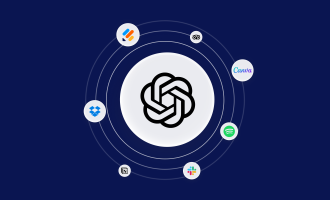
- Plug-ins in ChatGPT’s Apps directory that connect ChatGPT to third-party app builders
- Standalone AI app builders that use ChatGPT-style AI to help you with app development
To help you quickly create minimum viable products (MVPs), internal tools, client portals, and other business apps on a platform you’re already familiar with, we focused on the first group. While this list includes no-code builders and AI-assisted coding environments, you’ll still need to define your requirements and data before you build an app with ChatGPT plug-ins.
Want to build an app? These are the 4 best ChatGPT apps
ChatGPT now allows integration with a set of AI app builders to help you develop apps within the chat interface. We explored some of the best ChatGPT apps based on their ability to create a new app from scratch, build different types of business apps, generate backend infrastructure, or manage an existing app.
1. Jotform Apps
Like most business owners, you probably have an idea for an app to handle repetitive tasks such as tracking requests, onboarding new hires, or managing customer lists. But building the app would either mean hiring a developer or eating into your own valuable time — time you could spend running your business.
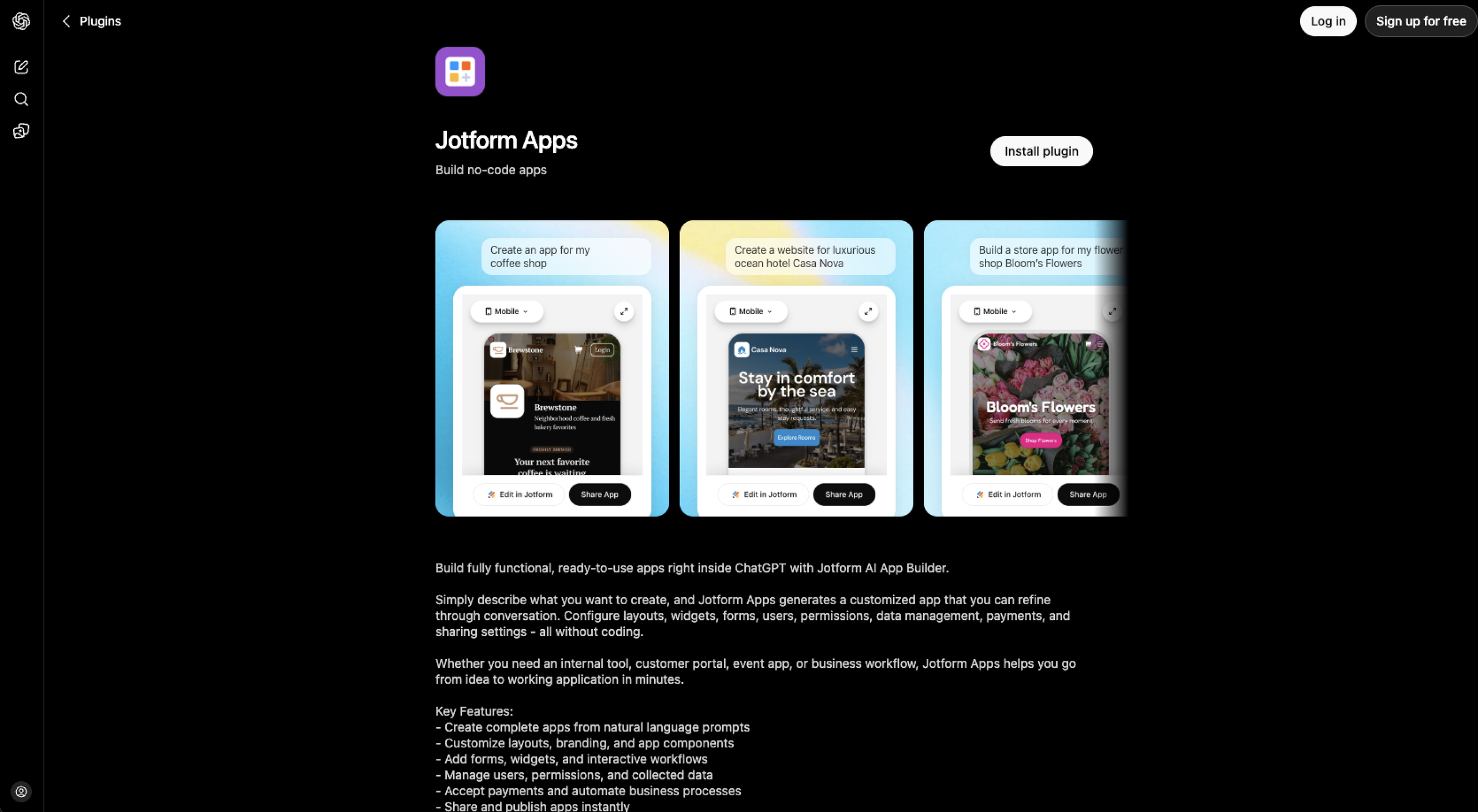
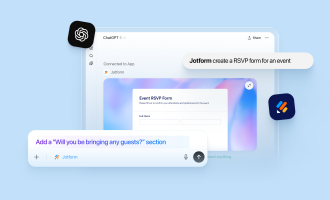
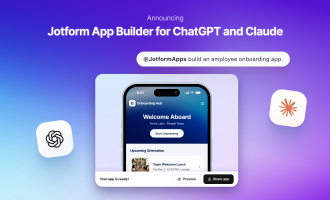
With Jotform AI App Builder on ChatGPT, you can turn your idea into a working app in minutes. You can build
- Internal tools
- Workspaces
- Client and customer portals
- Event registrations
- Attendance apps
- Service directories
- Resource hubs
- Ordering, booking, and request workflows
- Employee onboarding apps
- Business dashboards
- Data collection apps
- Membership and community applications
The ChatGPT integration is one of the latest additions to Jotform AI, part of Jotform’s broader push to bring AI into every stage of building and managing forms and apps.
Once you’ve enabled the plug-in in ChatGPT, you simply describe the app you want and Jotform Apps will generate a customized app you can refine through conversation. You can set up layouts, widgets, forms, users, permissions, data management, payment, and sharing settings — all without writing a single line of code.
- Best for: No-code business app and workflow development in ChatGPT
- Developer: Jotform Inc.
- Key features:
- Natural language app generation: Build complete, multiscreen mobile and web applications by describing your business goals
- Layout and branding customization: Personalize the look, widgets, and other branding elements of your app without coding
- Built-in payment gateways: Connect popular payment processors to accept secure transactions directly inside your app
- Workflow automation: Link Jotform forms and interactive workflows to your app using natural language
- Instant cross-platform publishing: Generate shareable web links and QR codes to instantly launch your app across iOS, Android, and web browsers
- User and permission management: Configure user roles and control access while managing the data you collect from users — all without leaving the chat
- Pros: Zero-code app development in minutes, fully custom app development without leaving the ChatGPT window, wide range of development options
- Cons: Jotform branding in the free tier, subscription requirement for payment processing
2. Adalo
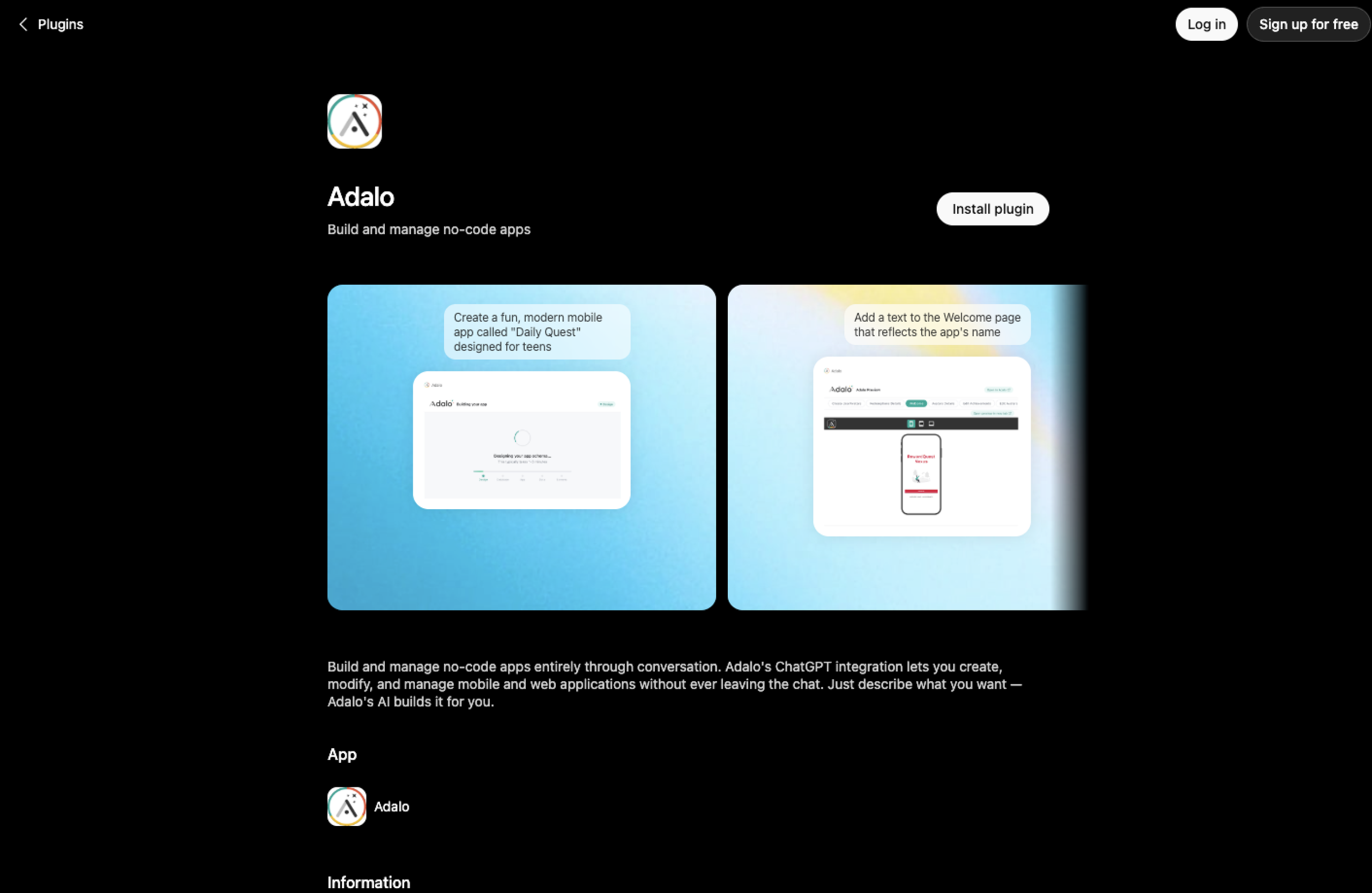
Adalo is a no-code platform for building native iOS, Android, and web apps from a single canvas, and now it has an official ChatGPT app. If your goal is to publish an app on the Apple App Store or Google Play, you’ll love that Adalo’s ChatGPT app builds true native apps instead of focusing primarily on web applications.
After connecting your Adalo account with ChatGPT, you can describe the app you want to build, and ChatGPT builds it directly into your Adalo project. From there, you can continue refining your app through natural language prompts or switch to Adalo’s visual editor for more precise design and workflow customization. The platform also lets you connect to AI models, such as OpenAI’s APIs, through Custom Actions or conversation, so you can build AI-powered features without writing code.
- Best for: Native iOS and Android app development in ChatGPT chat
- Developer: Adalo
- Key features:
- Prompt-to-app generation: Describe your app ideas in ChatGPT and generate the app directly in your connected Adalo project
- Ongoing edits through conversation: Customize your app by describing changes without leaving the chat
- Cross-platform development: Build one app for iOS, Android, and web from a single project
- Full lifecycle management: Create, modify, and manage your app entirely on the ChatGPT platform
- Pros: Best ChatGPT app for Android development, best ChatGPT app for iPhone development, free plan for building and testing before committing to a published app
- Cons: Publishing apps on native app stores requires a paid plan, payment processing requires a paid plan
3. Base44
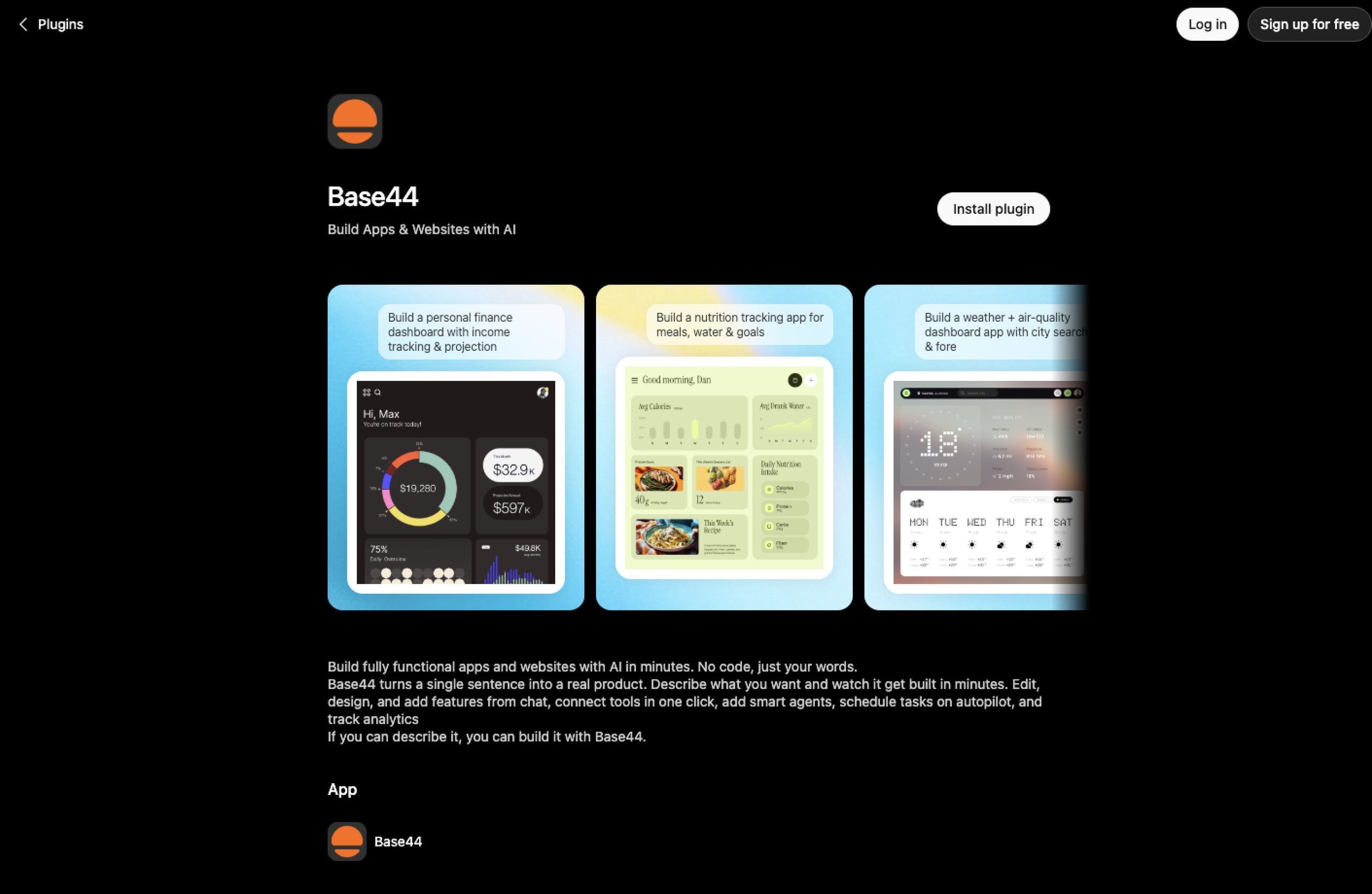
The Base44 ChatGPT app, now part of Wix, is an AI-powered app builder that lets you create production-ready apps directly in the ChatGPT interface. Instead of assembling pages with a drag-and-drop editor, you describe what you want in plain language to ChatGPT, and Base44 generates the interface, database, workflows, and hosting for you.
With the app, you can create internal tools, workflow automation, CRM systems, and reporting dashboards, and continue editing your app using conversations. But you’ll appreciate the Base44 ChatGPT app even more if you’re unfamiliar with backend development — it shoulders much of the heavy lifting by automatically configuring databases, APIs, authentication, and other infrastructure.
- Best for: Backend automation and full-stack app development in ChatGPT chat
- Developer: Base44 (a Wix company)
- Key features:
- Natural language app generation: Describe what you want, and Base44 builds a fully functional app in minutes with no code
- AI agents: Add intelligent agents that can answer questions, perform tasks, and automate business processes
- Scheduled automations: Trigger workflows and automate routine operations with external services
- In-chat editing: Customize your app and add features through conversations
- Built-in analytics: Monitor app activity, usage trends, and performance from a centralized dashboard
- One-click integration: Connect third-party services and AI models without manually configuring APIs
- Pros: Full-stack app building, code access and export capabilities, free plan for testing before you commit to a paid tier
- Cons: Unpredictable credit-based pricing on heavy builds; fast-depleting free plan, with 25 monthly message credits capped at five a day
4. Buildfire
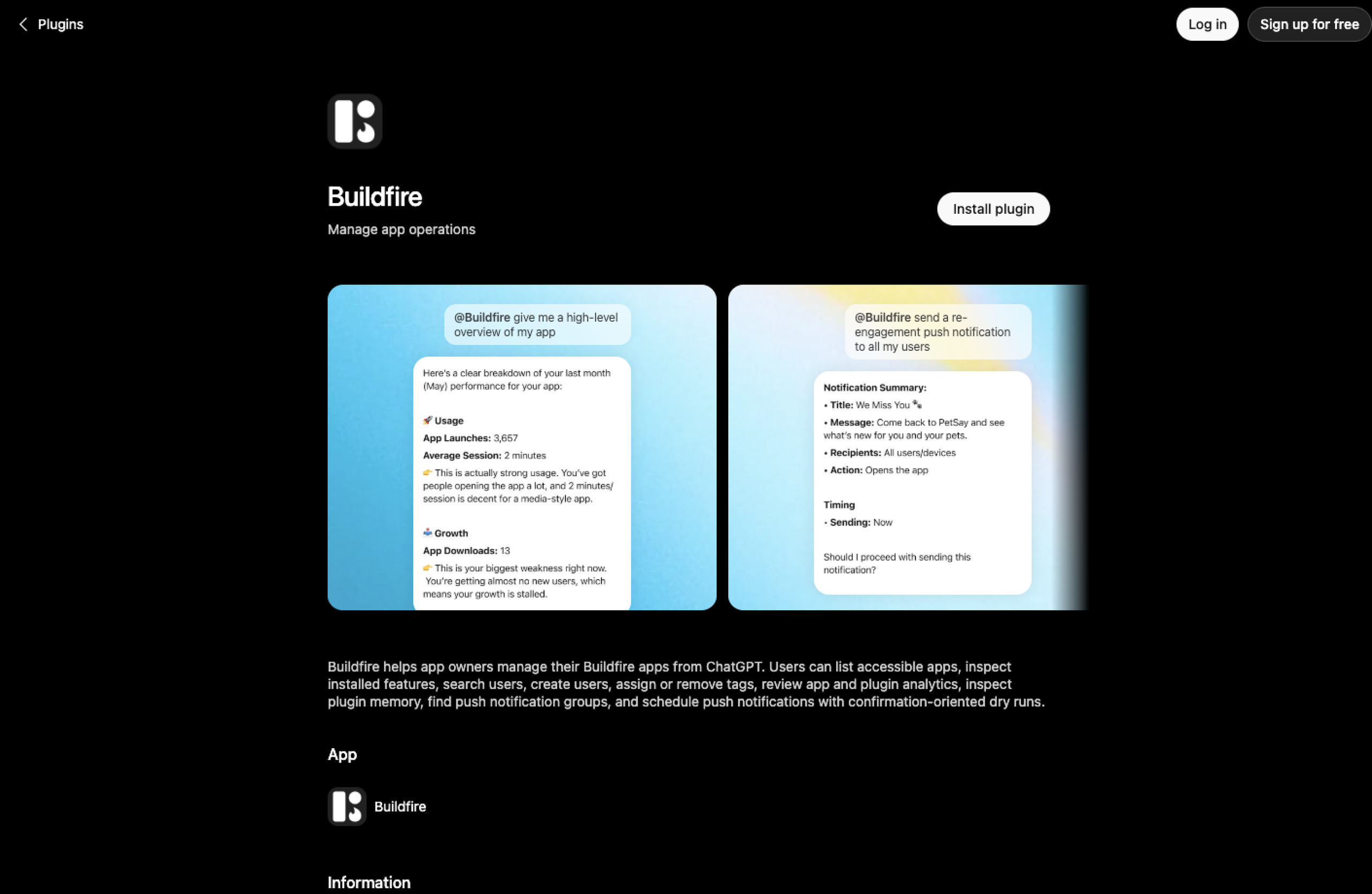
Unlike the first three ChatGPT app development tools on this list, Buildfire won’t help you build an app from scratch. Instead, it’s a tool for managing an already-existing Buildfire mobile app without opening the platform’s dashboard. The Buildfire ChatGPT app connects to your Buildfire account so you can inspect your app’s configuration, update content, manage users, and send push notifications through the ChatGPT interface. In the chat, you can also ask questions about your app.
This ChatGPT integration is useful if your business maintains one or more production apps and wants to perform day-to-day management tasks from a single ChatGPT conversation.
- Best for: Buildfire app management and administration through ChatGPT
- Developer: Buildfire
- Key features:
- App management through ChatGPT: Query your app’s configuration, installed plug-ins, and content without opening the Buildfire dashboard
- Push notification scheduling: Find push notification groups and preview them before sending
- User administration: Search and manage app users directly from ChatGPT
- App and plug-in insights: Inspect your plug-ins to troubleshoot or review app performance
- Multiapp management: Access and manage multiple Buildfire apps from a single ChatGPT chat
- Context-aware support: Ask questions about your app’s setup and receive answers based on its actual configuration
- Pros: Conversational app management via ChatGPT chat instead of Buildfire dashboard, update app content and notifications from one interface, retrieve app information and configuration details by asking ChatGPT questions about your project
- Cons: Limited to managing existing Buildfire apps, you can’t design or construct a complex custom screen from chat
How to choose the best ChatGPT app-building tool for your project
The best ChatGPT app to build your app will depend on the type of application you need and how hands-on you want to be. Some tools are suitable for creating complete web apps from scratch, while others focus on native mobile development, backend automation, or managing already-existing apps.
If you’re looking for the best ChatGPT apps to build an app for free, Jotform Apps, Adalo, and Base44 all offer a free plan that you can test before committing to a paid tier. Otherwise, to help you match the right tool to your project, here’s a closer look at which app builder comes out on top for various use cases.
Best ChatGPT app builder for a no-code internal app in a day
For a no-code internal app you want running in a day, pick the Jotform Apps ChatGPT app. With this integration, you can build operational business apps and workflows in minutes, entirely through conversation.
Best ChatGPT AI app builder for SaaS MVP with more logic
If you want a SaaS minimum viable product with more logic, you’ll appreciate Base44. It’ll automatically generate much of the backend infrastructure so that you can focus on refining your product instead of configuring the underlying technology.
Best ChatGPT app for mobile-first development with app store publishing
When your priority is mobile-first development with App Store or Google Play publishing, Adalo’s ChatGPT app is a better fit. The platform specializes in creating true native iOS and Android apps and provides a visual editor to customize the user experience before publishing.
Best ChatGPT app for managing an app you’ve already built
If you’re already on the Buildfire platform and want to manage your app through ChatGPT, Buildfire’s ChatGPT app fits the bill. From a ChatGPT chat, you can carry out day-to-day administrative tasks such as updating content, managing users, and inspecting app configuration without opening the Buildfire dashboard.
Best AI app builder for code-first development
When you prefer to write code and simply want AI to accelerate development, consider code-first assistants such as Cursor or GitHub Copilot. These tools will help you generate, edit, debug, and deploy code more efficiently while you stay in control of the development process.
Pro Tip
If what you’re really after is a broader productivity boost using ChatGPT instead of an app builder, browse ChatGPT productivity apps to see what tools can help you save time. And if your end goal is a business site rather than an app, consider the best ChatGPT website builder apps, which can get a site live in minutes.
The fastest way to go from an idea to a working app
To go from an idea to a working app fast, identify a workflow you want to automate in your business. Then define users and the data you need to collect and manage before you consider ChatGPT for app development.
With a clear plan, you can start shopping for the best AI for building an app and pick an option that fits your building style. If you have a non-technical team, the lower-risk path is to create your first app using a no-code app builder with AI and upgrade to a code-first tool only when you hit a real limitation.
Ultimately, though, if your app idea is a workflow, an intake form, a request queue, or an approval chain, Jotform Apps can get you a working version up and running today. Describe what you need in the Jotform AI App Builder with ChatGPT, and the integration will generate a ready-to-use app inside the chatbot.
This article is for founders, solo entrepreneurs, product managers, operations leads, and nontechnical builders who want to turn an idea into a working MVP using ChatGPT-style AI, no-code builders, and lightweight developer tools.










































































Send Comment: