Asset Management App helps teams keep track of company assets, assign equipment to people, and maintain a clear history of service and issues in one place. It’s useful for IT teams managing laptops and peripherals, operations teams tracking tools and shared gear, schools lending devices, and growing businesses that need a simple way to see what’s available and what’s in use. With guided navigation and quick actions, staff can add new assets, record checkouts, log service activity, and report issues as they happen.
Built with Jotform, this app template turns everyday asset processes into a mobile-friendly self-service experience without code. Use the drag-and-drop interface to adjust pages, update branding, and connect your data collection forms to keep records organized and searchable. Share the app by link or QR code so employees can complete workflows in the moment, while your team stays on top of requests, maintenance history, and asset accountability.
Related templates
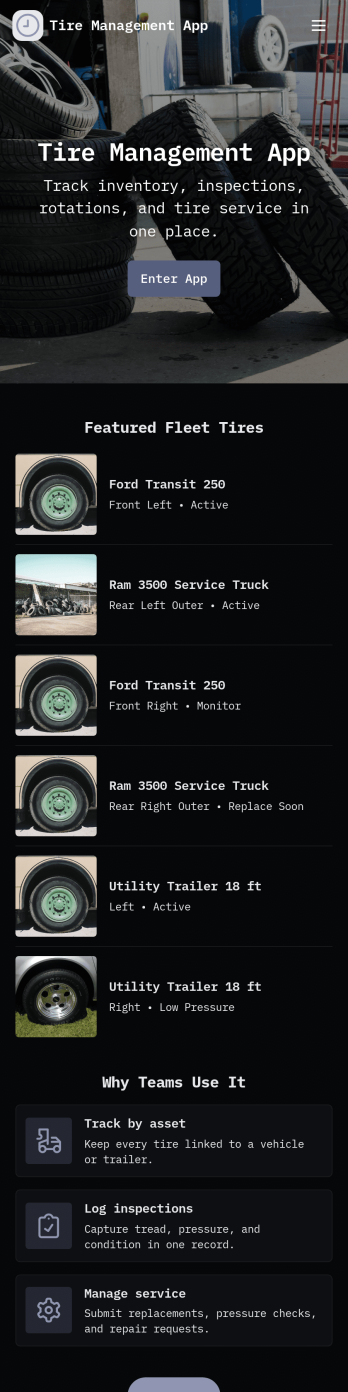
Tire Management App
Tire Management App helps teams track tire inventory, document service history, and spot maintenance needs before they turn into costly downtime. It’s a practical fit for fleet operators, logistics teams, rental businesses, tire shops, and service departments that need a clear view of what tires are in use, where they are, and what condition they’re in. With sections for Inventory and a Service Log, plus quick actions to add a tire or add a service record, staff can keep records consistent and easy to find. Built-in cues like a low tread alert view and a service queue help prioritize what needs attention next, while insights support better planning across multiple vehicles or locations.Jotform makes it easy to turn this Tire Management App into a working, shareable experience without coding. Using Jotform’s no-code app builder and drag-and-drop interface, you can adjust pages, navigation cards, and the details captured in connected forms to match your process. Connect the app to tables for organized data collection, route updates through approvals when needed, and share the finished app with your team through a link or QR code for faster self-service updates in the field.
Go to Category:Automotive Apps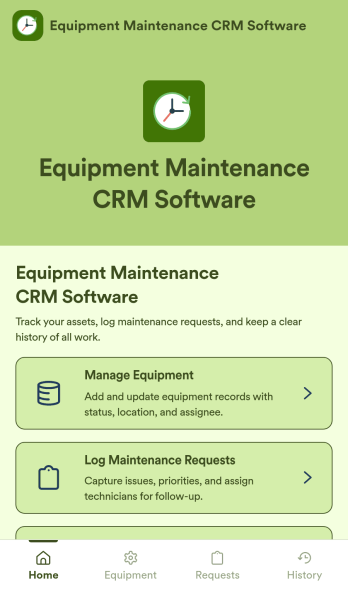
Equipment Maintenance CRM Software
Equipment Maintenance CRM Software is an app template designed to streamline the management of customer data, service histories, and maintenance activities. This robust template is intended for maintenance service companies, field service teams, asset managers, and operations departments who are keen on enhancing their service delivery. It centralizes customer data and service history, significantly reducing downtime and boosting operational efficiency. This template is particularly beneficial in scenarios of regular equipment maintenance checks, enabling a smoother scheduling process and better coordination of service delivery. What's more, it's ready to use right out of the box, making data collection a breeze for teams, whether they're in the field or at the office. This template is best suited for organizations seeking to maintain a comprehensive record of equipment maintenance activities in one accessible system.With Jotform, the Equipment Maintenance CRM Software template becomes an operational powerhouse. Jotform's ease of use and customization abilities allow you to tailor the template to your specific needs without requiring any technical skills. The ability to collect electronic signatures simplifies the verification process of maintenance activities, making it an extremely convenient feature for field service teams. Furthermore, you can generate easily digestible reports and sheets from collected data for an overview of maintenance activities. With Jotform, keeping up with maintenance schedules and coordinating service delivery has never been easier. Collect, track, and manage your maintenance data with precision using the Equipment Maintenance CRM Software from Jotform.
Go to Category:CRM Apps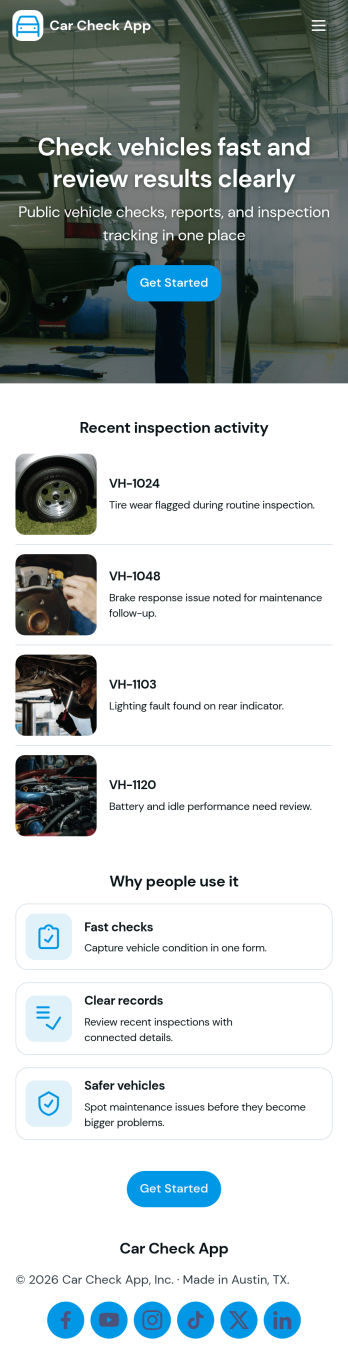
Car Check App
Car Check App helps teams capture vehicle inspection details, flag problems fast, and keep service activity organized in one place. It’s a practical fit for fleet managers, rental operators, delivery businesses, auto service teams, and anyone responsible for routine vehicle checks across multiple cars or locations. With quick actions to start an inspection, report an issue, and review records, the app supports day-to-day operations like pre-trip checks, return inspections, and documenting damage or maintenance needs without relying on scattered paperwork.Built with Jotform App Templates, Car Check App turns your inspection workflow into a mobile-friendly self-service experience that’s easy to share and update. Use Jotform’s no-code app builder and drag-and-drop interface to tailor the pages to your process, connect inspection and issue forms for consistent data collection, and keep records accessible for your team. As your workflow grows, you can expand the app into a central hub for tracking inspections, monitoring open issues, and staying on top of the service queue.
Go to Category:Vehicle Inspection Apps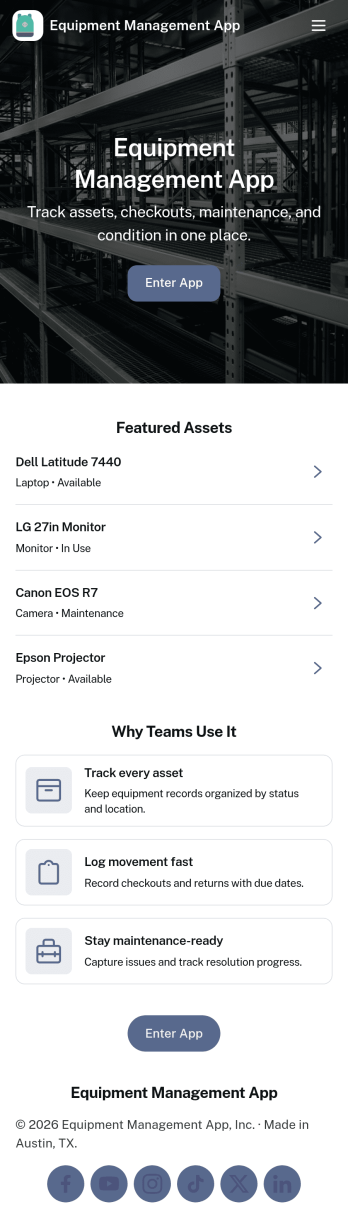
Equipment Management App
Equipment Management App helps teams track company assets from one central place, so tools and devices don’t disappear between jobs, departments, or locations. Use it to browse your inventory, check equipment out to staff, log maintenance activity, and route equipment requests without relying on scattered spreadsheets or long email threads. It’s a great fit for operations teams, IT, facilities, construction crews, schools, and rental-style environments that need clear ownership, due dates, and visibility into what’s available.With Jotform, you can turn this app template into a branded, mobile-friendly self-service experience using a no-code app builder and a drag-and-drop interface. Connect your equipment records to forms and tables for consistent data collection, set up notifications to keep workflows moving, and adjust pages and buttons to match how your organization manages assets. Share the app with a link or QR code so staff can quickly find inventory details, submit requests, and keep maintenance history up to date.
Go to Category:Equipment Maintenance Software
TV Repair Tracking App
The TV Repair Tracking App gives television repair shops, independent technicians, electronics service teams, and field service managers a central place to manage repair work from intake through completion. Staff can log a repair, review open jobs, and generate repair reports without relying on scattered notes or spreadsheets. Each request can preserve essential service context such as the television model, customer details, preferred contact method, reported issue, diagnosis, required parts, estimated cost, and completion notes. This clearer view of repair progress helps teams prioritize active work, prepare customer updates, coordinate parts, and maintain consistent service records across workshop and on-site jobs.Jotform makes this app template easy to adapt with a no-code app builder and drag-and-drop interface. Teams can adjust pages, navigation, branding, and connected workflows to reflect their repair process, then organize data collection and self-service access in one mobile-friendly experience. The app can connect with forms, tables, notifications, approvals, and other operational tools so repair information stays accessible as work advances. Publish it with a shareable link or QR code to give authorized technicians and service staff convenient access from a phone, tablet, or computer.
Go to Category:Equipment Maintenance Software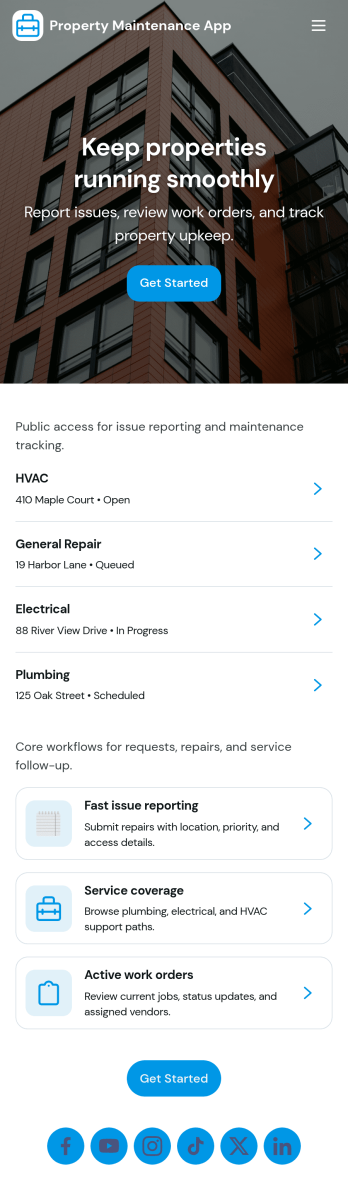
Property Maintenance App
Property Maintenance App gives teams a clear place to log maintenance issues, route them to the right property, and keep work moving without losing context. It’s a practical fit for property managers, landlords, HOAs, and service coordinators who handle recurring repairs across multiple locations and need an easy way to capture new requests, review properties, and follow what’s already been reported.Built with Jotform, this app template brings together self-service request intake and ongoing request visibility in one mobile-friendly experience. Using Jotform’s no-code app builder and drag-and-drop interface, you can tailor pages for your process, connect requests to your data collection, and centralize updates so your maintenance workflow stays organized as volume grows.
Go to Category:Equipment Maintenance Software