
The Cancer Recovery Tracker App is a personal health tracking app template for people navigating recovery after cancer treatment, as well as caregivers and support teams helping them stay organized. It brings routine check-ins, symptom records, appointment details, and recovery resources into one accessible place. Users can document pain and energy levels, record symptom severity and duration, save recovery notes, and prepare questions for upcoming appointments. By keeping these updates together, the app can make it easier to recall changes over time, discuss concerns with care teams, and manage day-to-day recovery without relying on scattered notes.
Jotform App Templates help individuals and organizations create mobile-friendly experiences with a no-code app builder. Customize the Cancer Recovery Tracker App through a drag-and-drop interface, adjust the branding and navigation, and connect forms to organized data collection workflows. The app can be shared through a direct link or QR code, giving users convenient self-service access from a phone, tablet, or computer. No programming is required, so the template can be adapted and published quickly while preserving a clear, supportive experience.
Related templates
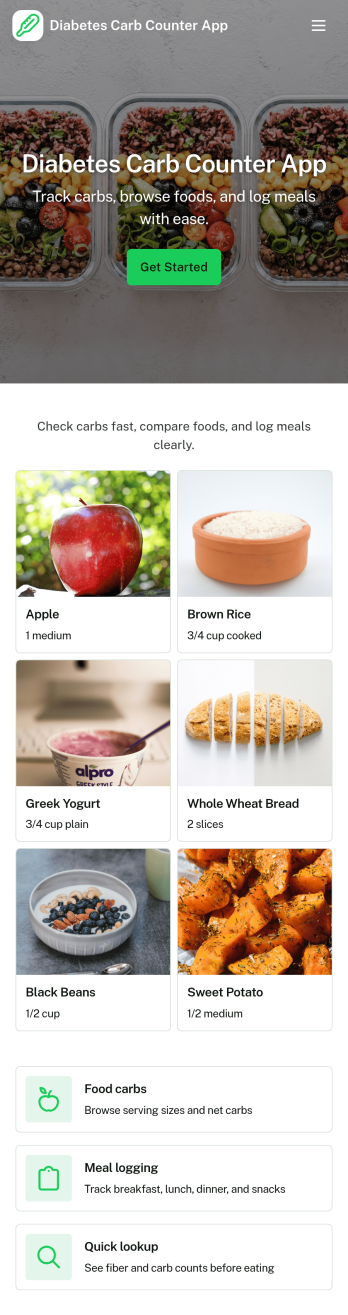
Diabetes Carb Counter App
Diabetes Carb Counter App helps people with diabetes and caregivers track carbohydrate intake by logging meals and reviewing what was eaten over time. It supports everyday routines like planning breakfast, lunch, dinner, and snacks, checking carb totals when dining out, and keeping a simple record to discuss during coaching or check-ins. With built-in meal history and a meal detail view, it’s easy to revisit past entries, spot patterns, and stay more consistent without relying on scattered notes.Jotform makes it simple to turn this experience into a shareable, mobile-friendly tool using customizable app templates and a no-code app builder. With a drag-and-drop interface, you can tailor pages, buttons, and lists to match your workflow, connect forms for data collection, and organize entries so users can navigate quickly between logging and history. Publish with a link and keep information in one place for convenient self-service tracking.
Go to Category:Healthcare Apps
Exercise Tracker App
An exercise tracker app brings your workouts, goals, and progress into one place so it’s easier to stay consistent and see what’s working. This template fits personal trainers, fitness coaches, gym members, and anyone building a steady routine who wants a simple way to log workouts, review recent sessions, and check insights without digging through notes. Use it to track workout types, capture quick session summaries, and keep a clear workout history you can revisit anytime.With Jotform App Templates, you can turn your fitness tracking workflow into a branded self-service experience and keep everything organized as you go. Use Jotform’s no-code app builder and drag-and-drop interface to adjust pages, update navigation, and connect the app to a form for reliable data collection. As your routine evolves, you can refine the workflow, share the app by link, and keep workout logging and progress viewing simple on any device.
Go to Category:Activity Tracking Apps
Period Tracking App
Period Tracking App gives individuals a simple place to log cycle start dates, keep a clear cycle history, and capture symptom notes for better personal awareness over time. It works well for anyone who wants an organized record to reference during everyday planning, routine check-ins, or conversations about patterns they notice, without relying on scattered notes or multiple tools. With guided navigation like Log Cycle, Cycle History, and Symptom Insights, it keeps tracking tasks easy to find and repeat.Jotform makes it easy to turn this app template into a personalized self-service experience using a no-code app builder and a drag-and-drop interface. Connect the app to your form and linked record views so entries can be collected and revisited in one place, then adjust the layout, buttons, and pages to match how you prefer to track. Share your Jotform app on any device and keep your data collection and workflow organized as your tracking needs evolve.
Go to Category:Self Care Apps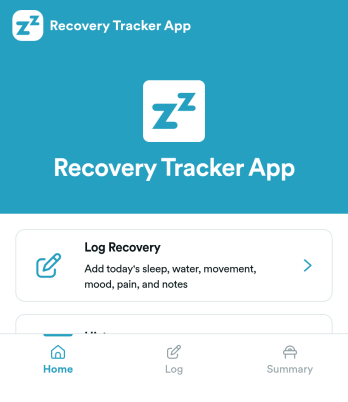
Recovery Tracker App
Recovery Tracker App helps individuals and care teams record recovery check-ins, review progress over time, and keep a clear history of what’s working. Use it to log recovery details in one place, then return later to view dated entries and follow trends without digging through notes. It’s a practical fit for wellness programs, personal recovery routines, coaching relationships, and support organizations that want a simple way to capture updates and make them easy to revisit.Built with Jotform App Templates, this experience brings your key actions into a mobile-friendly self-service layout, including a guided recovery log, a progress view, and a history list for quick lookbacks. With Jotform’s no-code app builder and drag-and-drop interface, you can tailor pages to match your process, connect the log to data collection, and keep your workflow organized as entries grow. Share the app with the right audience, update it anytime, and keep recovery tracking consistent across days and weeks.
Go to Category:Self Care Apps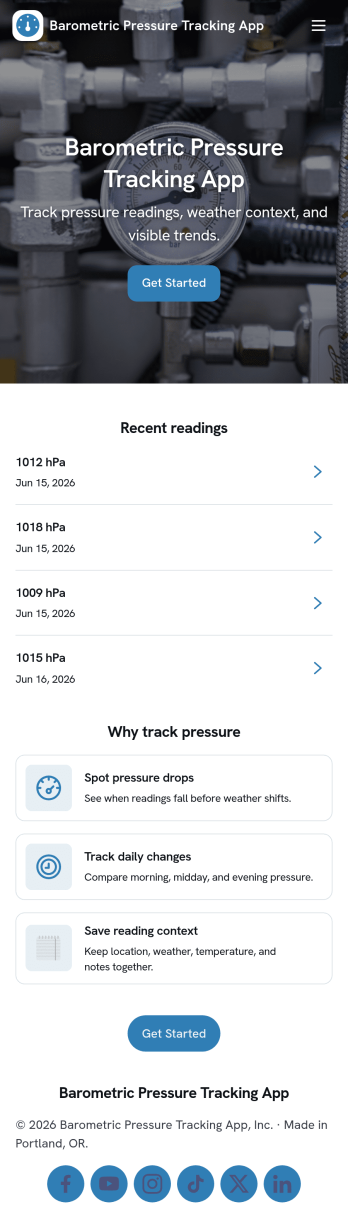
Barometric Pressure Tracking App
Barometric Pressure Tracking App helps you log and review barometric pressure readings over time so patterns are easier to spot and daily conditions are easier to compare. It’s a practical fit for weather enthusiasts, outdoor teams, pilots in training, facility managers monitoring building conditions, and anyone who wants a simple place to record measurements by date. With an in-app button to add a reading and list views for all readings and your own entries, this app keeps tracking consistent without relying on scattered notes or multiple tools.Jotform makes it easy to publish and share app templates like this using a no-code app builder with a drag-and-drop interface. Connect the app to a form and organize entries in one place, then share a link so others can contribute readings or check recent history. As your workflow evolves, you can tailor pages, update the layout, and control who can access the data collection experience, all without writing code.
Go to Category:Activity Tracking Apps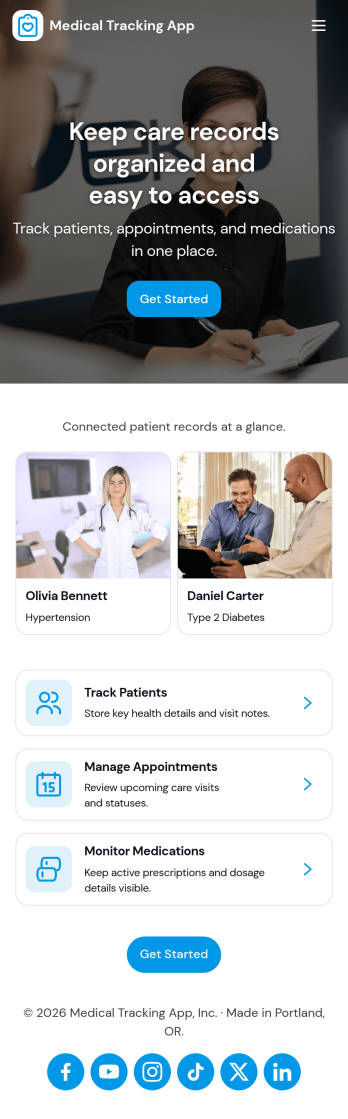
Medical Tracking App
Medical Tracking App gives individuals and caregivers a simple place to track day-to-day health details and stay organized between visits. Use it to record vital logs over time, keep a medication schedule with dose notes, and maintain a list of upcoming appointments so nothing gets missed. It works well for people managing chronic conditions, families supporting older relatives, and anyone who wants a clearer picture of patterns like weight changes or symptom shifts. Because entries are easy to add and browse, it also fits routines where multiple updates happen throughout the week.Jotform makes it easy to turn this medical tracking workflow into a shareable self-service experience with App Templates built using a no-code app builder. Customize pages with a drag-and-drop interface, connect forms for consistent data collection, and organize records so you can review updates in one place. As your needs evolve, you can refine the layout, adjust what you collect, and keep your tracking workflow aligned with how you actually manage health information.
Go to Category:Activity Tracking Apps