
The Cast Availability Scheduling App gives casting coordinators, production managers, directors, and creative teams one place to collect cast availability and organize upcoming call times. Cast members can submit available dates, time windows, contact details, and relevant notes, while authorized team members can review submissions and record scheduled dates, call windows, and production notes. It is well suited to film, theater, advertising, live performance, and other productions that need a clear view of who is available and when. By replacing scattered messages and spreadsheets with a shared scheduling resource, the app helps reduce conflicts, clarify assignments, and keep production planning moving.
Jotform App Templates make it easy to adapt the Cast Availability Scheduling App without writing code. Use the drag-and-drop app builder to update pages, navigation, colors, fonts, and branding, then connect forms and tables to support data collection and scheduling workflows. Teams can publish the finished app with a shareable link or QR code, giving cast members mobile-friendly self-service access from nearly any device. Jotform also supports notifications and connected processes, helping coordinators follow new availability submissions and maintain current scheduling information as production plans change.
Related templates
Employee Scheduling App
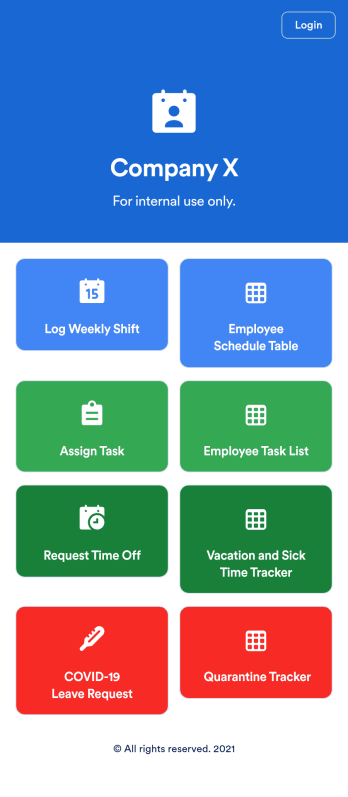
An employee scheduling app is used by company HR, department managers, and employees for keeping track of employee data. This Employee Scheduling App from Jotform comes bundled with four useful forms, allowing employees to log weekly shifts, view assigned tasks, manage leave requests easily with Leave Request Form, and take time off to quarantine from COVID-19 exposures. Each form includes a companion spreadsheet where employee data is stored — allowing managers to easily sort, filter, and search through entries from any smartphone, tablet, or desktop.Make this app template your own with Jotform’s intuitive app builder. Just drag and drop to add or change form elements, edit the content of individual forms, upload your company’s logo, and more — all without any coding. You can also use your app’s splash screen for things like company-wide announcements or listing HR contact information. Once you’re finished, share your app with employees by attaching a link to an onboarding email or embedding it in an employee portal. Streamline scheduling and time-off requests with this fully-customizable Employee Scheduling app that can be downloaded on any device.
Go to Category:Human Resources Apps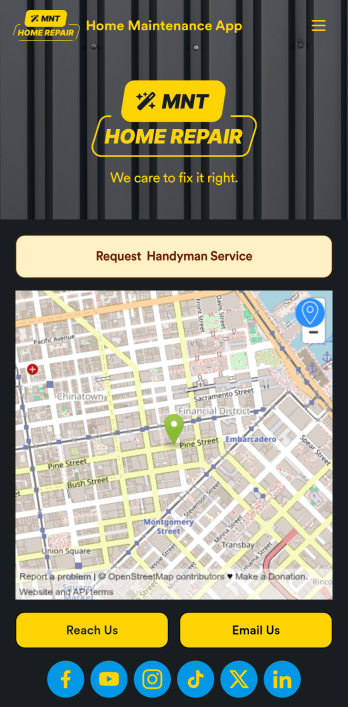
Home Maintenance App
A home maintenance app is used by construction companies and contractors to collect handyman service requests from customers. With this free Home Maintenance App from Jotform, customers can fill out a Handyman Service Request Form with their availability and general contact information, as well as the type of work they need performed. Customer requests are compiled and stored in your online account for ease of access, and can be sorted, filtered, and searched from any device.Make this app your own with Jotform’s drag-and-drop form builder. You can add or swap out form elements, choose fonts and colors, upload your logo, customize the splash page with your business address and phone number, and more — no coding necessary. Once you’re satisfied with the look and feel of your app, you can embed it in your website or share it with a link so customers can download it on any smartphone, tablet, or desktop. Make scheduling handyman service requests simple and easy with this Home Maintenance App.
Go to Category:Booking Apps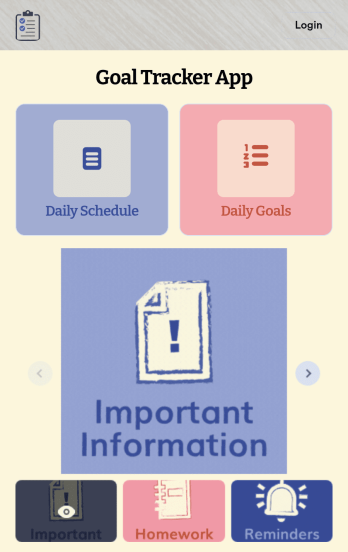
Customizable Goal Tracker App
Need an easier way for your clients to track their goals? With Jotform’s Goal Tracker App, you can build an online goal tracking app in minutes. Start creating your app from scratch or choose one of our ready-made app templates to get your creativity flowing. Add a contact form, let your customers create a schedule that works for them, showcase past client reviews, and more. Once you’ve customized your app to your liking, share with clients — downloadable onto any computer or iOS or Android device.Personalize your Goal Tracker App with Jotform’s easy-to-use app builder. Just drag and drop to change the look and feel of your app, add powerful app elements, install helpful app widgets, and integrate with one of our 25+ payment processors, including Stripe and Square. Share your customized app via email or embed it directly into your own website for easy access. Help your clients reach their goals with your very own Goal Tracker App — free on Jotform.
Go to Category:Activity Tracking Apps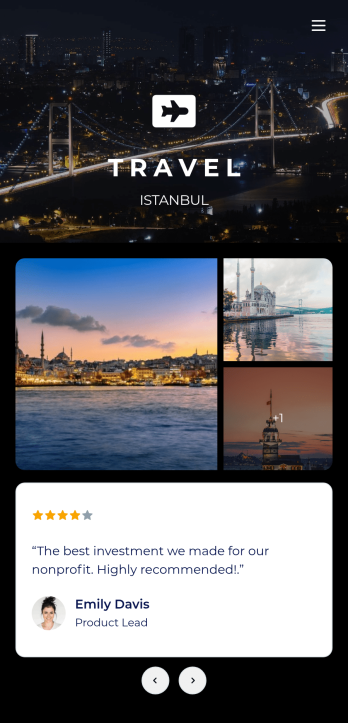
Tour Guide App
A tour guide app makes travelling easier for tourists no matter where they are or what device they use. Whether you manage a tourism agency or give guided local tours, create your own mobile app in just a few clicks with Jotform’s free Tour Guide App Template. Travellers can download your app onto their smartphone, tablet, or laptop and fill out your app’s forms with ease. Submissions will be synced to your secure Jotform account in an easy-to-view spreadsheet, calendar, or cards.Customize this Tour Guide App without any coding using our drag-and-drop interface. It’s easy to add forms, pages, links, documents, images, videos, buttons, and other elements to your app. Showcase must-see travel hot-spots on your app with pages for restaurants, culture, and entertainment, or create your own pages for other activities. When your app is ready to be published, post the app link on your website or social accounts. Make travelling a breeze with a fully customizable and easy-to-navigate Tour Guide App!
Go to Category:Booking Apps
Work Schedule App
A work schedule app is used by employees for logging work shifts and completed tasks. With this Work Schedule App, employees can log their shifts by filling out a form with their name, scheduled hours, and hourly wage. A separate task tracking form allows employees to log individual tasks they’ve completed throughout the week. Submissions are stored in two easy-to-read spreadsheets in your Jotform account, which you can sort, filter, and search from any smartphone, tablet, or computer.Want to customize this app template to match your company’s branding? No problem — just use our drag-and-drop builder to add or change form elements, choose fonts and colors, change your app icon or splash screen, and more. Once you’re finished, share your app by sending email invites to employees, or by embedding a link in your company’s HR portal. Employees will be able to access and download your app on any device, making it easy to log shifts and tasks from anywhere. Streamline employee scheduling with this Work Schedule App from Jotform.
Go to Category:Human Resources Apps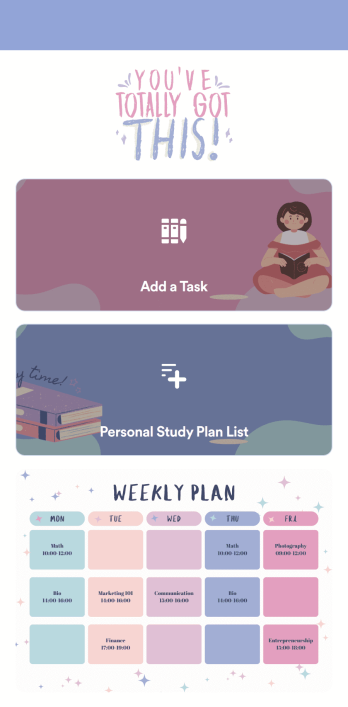
Customizable Study Planning App
A study planning app lets students create a student plan and track it on their mobile device. With this ready-made Study Planning App from Jotform, you can quickly and efficiently start tracking tasks, schedules, and study plans no matter where you are. Just customize the app to meet your study needs and download it for iOS, Android, or onto your computer for easy access.Need to make changes to this Study Planning App template? No problem — just drag and drop to get the design you want. Split your app into multiple pages, add more forms or tables, and make other changes in seconds with no coding knowledge required. You can even connect your app to 250+ other platforms like Trello, Asana, and more to monitor your study plans in your other accounts!
Go to Category:Organization Apps