
Child Custody Coordination App is an app template for parents, guardians, mediators, and family support professionals who need a shared place to organize child-related arrangements. It brings schedule access, arrangement locations, and coordination note submission into one clear experience. Users can review upcoming plans, open the full schedule, and record topics, details, requested actions, and contact information when follow-up is needed. This helps reduce missed updates, scattered messages, and uncertainty around routine transitions, appointments, school activities, and other shared responsibilities.
Jotform App Templates make it easier to turn recurring coordination tasks into an accessible digital workflow. With Jotform’s no-code app builder and drag-and-drop interface, users can customize this app template with relevant pages, navigation, forms, and visual elements without programming. Connected forms and tables can support data collection and organized recordkeeping, while direct links and QR codes simplify sharing. The result is a mobile-friendly self-service resource that can be updated as schedules, communication needs, or family arrangements change.
Related templates
Moot Court Memorial App
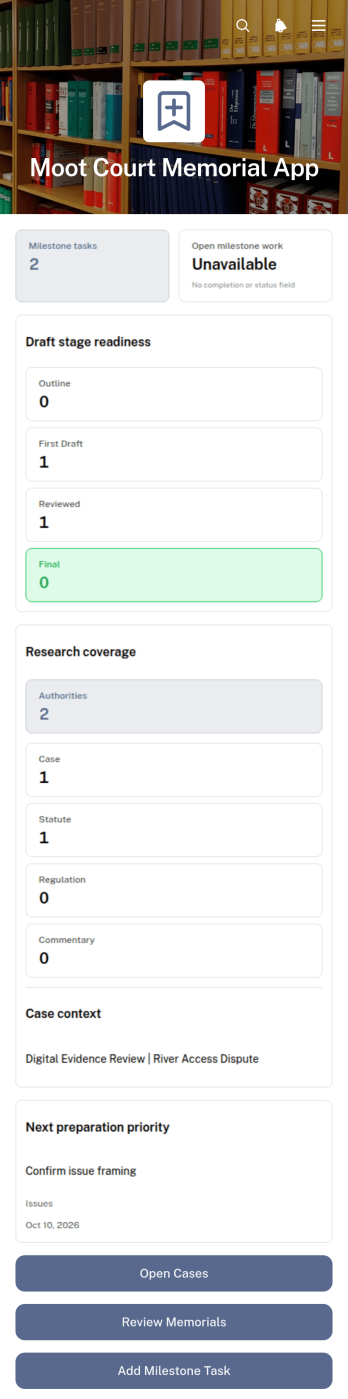
The Moot Court Memorial App is an organized workspace for law students, moot court teams, coaches, and faculty advisers preparing written memorials for competitions or classroom exercises. Teams can maintain case records and legal authorities, assign milestone tasks with due dates, and review memorial drafts by stage from one accessible location. This structure helps participants connect research with written arguments, monitor drafting progress, and keep essential competition context visible throughout the preparation period. It is especially useful for teams handling several issues, authorities, deadlines, or draft versions while working toward a complete memorial.Jotform Apps makes this app template easy to adapt without coding. Using the drag-and-drop app builder, organizers can adjust pages, navigation, cards, buttons, colors, and typography to suit a course or competition workflow. Connected forms support data collection for new cases, authorities, tasks, and drafts, while organized records give team members a consistent self-service resource. Once ready, the app can be shared through a direct link or QR code for convenient access on phones, tablets, and computers.
Go to Category:Legal Apps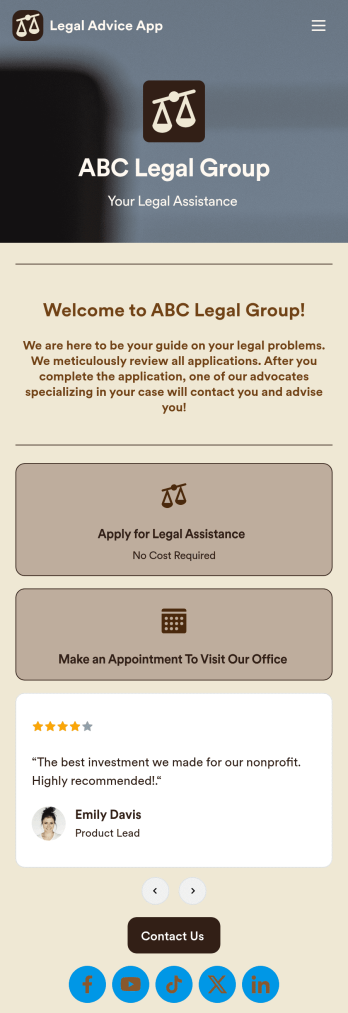
Legal Advice App
A legal advice app provides quality guidance to people dealing with legal issues. With this free Legal Advice App, users can apply for legal aid hassle-free and get connected with specialized advocates who provide assistance either virtually or in-person. All submissions are automatically downloaded into PDFs from your Jotform account so that you can easily review cases and consult with respondents.Feel free to use our pre-made template, or use our drag-and-drop interface to customize the app to your individual needs. Without prior coding knowledge, you can edit or add new forms, integrate with scheduling widgets, update your text and logo, and more. Legal issues are already stressful enough on people — a custom Legal Advice App will smooth out the case-by-case consultation process and let you focus on finding solutions.
Go to Category:Consulting Apps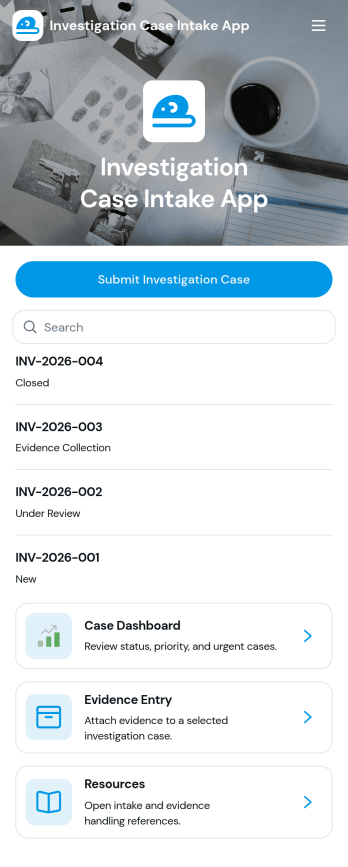
Investigation Case Intake App
Investigation Case Intake App helps teams capture new investigation reports and keep case information organized from the first intake through ongoing follow-ups. It’s a practical fit for HR teams, internal audit groups, compliance and risk teams, security operations, and legal departments that need a consistent way to log incidents, assign urgency, and reference cases without losing critical details. With quick access to case records and a guided path to submit follow-ups, the app supports clearer handoffs, better documentation, and faster internal response when multiple stakeholders are involved.Built with Jotform, this app template can be customized in a no-code app builder using a drag-and-drop interface, so you can match your internal workflow and terminology. Connect intake and follow-up forms to keep data collection consistent, centralize records for easy review, and share the app with the right people through a link or QR code for secure self-service reporting. As your process evolves, you can update pages, add steps, and keep your investigation workflow running smoothly without writing code.
Go to Category:Legal Apps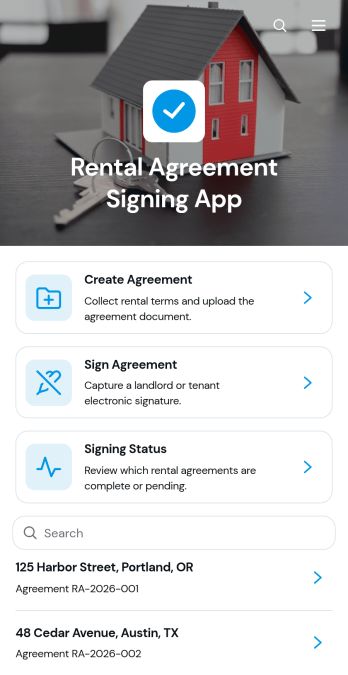
Rental Agreement Signing App
Rental Agreement Signing App is a ready-to-use app template for landlords, property managers, leasing teams, and rental businesses that need one place to prepare and sign rental agreements. Users can create a new agreement, review key rental information, collect signatures, and check signing status without relying on scattered documents or lengthy email exchanges. It supports residential and commercial rental scenarios by keeping agreement details such as the property, parties, lease term, and security deposit easy to review. This organized experience helps teams reduce administrative work, give tenants convenient self-service access, and move each rental toward completion.Jotform Apps makes it easy to adapt the Rental Agreement Signing App with a no-code app builder and an intuitive drag-and-drop interface. Start with one of Jotform’s App Templates, update the branding and navigation, and connect forms, tables, approvals, or notifications to your workflow. You can publish the finished app through a direct link or QR code, providing mobile-friendly access for tenants and staff. As rental needs change, edit content and connected processes without rebuilding the entire experience or writing code.
Go to Category:Rental Apps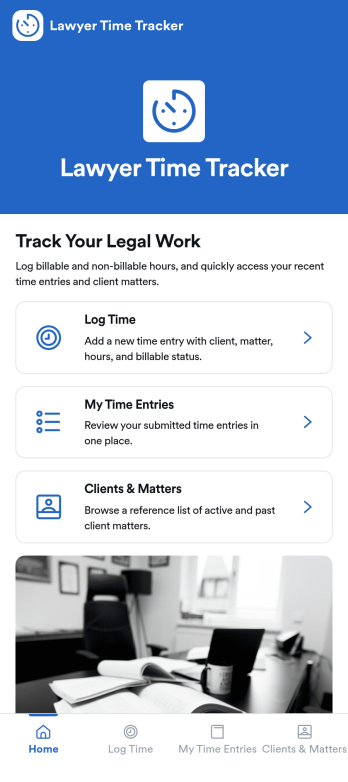
Lawyer Time Tracking App
Lawyer Time Tracking App helps attorneys and legal teams capture billable time in a consistent, matter-based workflow. From a central home screen, team members can log time as they work, review their own time entries, and reference clients and matters so hours are attributed correctly before invoicing. It’s a practical fit for solo practices, boutique firms, and in-house legal departments that need clearer visibility into workload, faster month-end close, and fewer missed billables across calls, research, drafting, and court prep.Jotform makes it easy to turn this experience into a branded, client-ready tool using App Templates and a no-code app builder. With a drag-and-drop interface, you can tailor pages, connect a form for data collection, and keep time records organized in one workflow for self-service entry and review. Share the app via link or QR code, collaborate with your team, and update the layout anytime as your processes evolve.
Go to Category:Activity Tracking Apps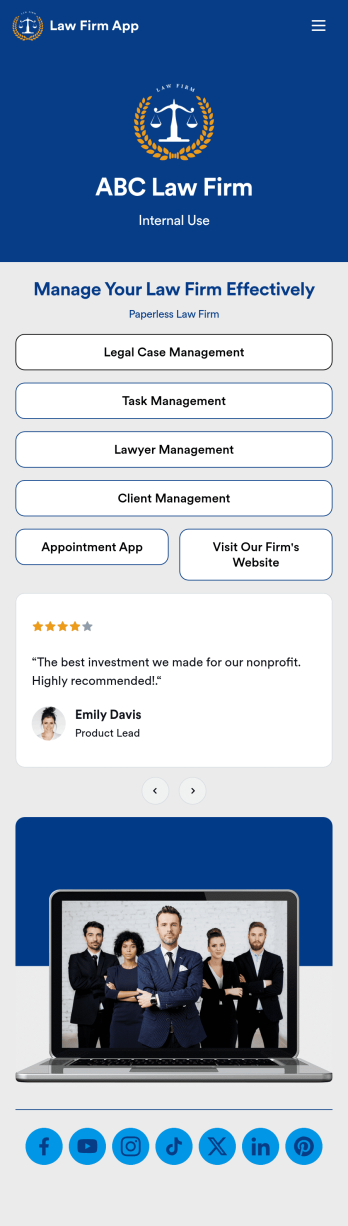
Law Firm App
Need an efficient way to manage your law firm? Keep track of your associates and fellows, manage your case documents, review client forms, and more with our Law Firm App – free from Jotform. With your custom app, you’ll be able to receive and manage all types of internal information. All your data will be stored on your Jotform account in one accessible place – go paperless and manage your firm in a centralized place.Want to give your Law Firm App a professional, polished touch? Jotform’s no-code drag-and-drop app builder allows you to customize your app just the way you want. Use your logo or pick an app icon and background image that represents your firm the best. Your lawyers can access the app through direct messaging, email, or via a scannable QR code. Relieve some of your daily stress and try Jotform’s free Law Firm App today.
Go to Category:Legal Apps