
Church Project Operations App is a centralized workspace for coordinating projects across congregations, ministries, and church facilities. Church leaders, ministry teams, administrators, facilities coordinators, and volunteers can submit project requests, add project tasks, and share progress updates from one accessible location. It supports facility improvements, maintenance work, outreach initiatives, seasonal programs, technology upgrades, and other projects that involve multiple contributors. By keeping responsibilities, status details, requested start dates, and budget estimates visible, the app helps teams prioritize work, clarify ownership, monitor progress, and reduce missed updates.
Built with Jotform Apps, this app template can be adapted to match a church’s processes and visual identity using a no-code app builder and drag-and-drop interface. Teams can connect forms and organized data to create a consistent workflow for project intake and follow-up. Pages, cards, buttons, and navigation can be updated without coding, while direct links and QR codes make the app easy to share with staff members and volunteers. Jotform App Templates also support mobile-friendly self-service, helping contributors submit information and review project activity wherever they are.
Related templates
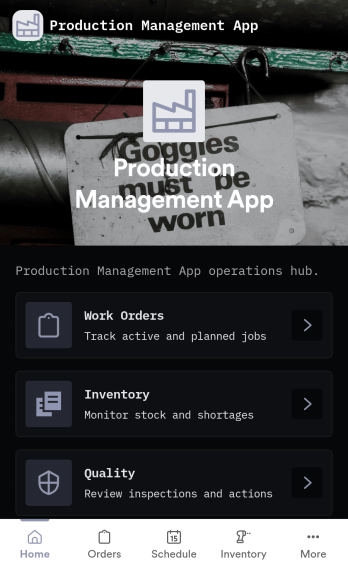
Production Management App
Production Management App brings day-to-day shop floor coordination into one place so teams can keep orders moving, materials available, and quality checks visible. Use it to create new orders, review work orders, and follow progress across production without chasing updates across spreadsheets or messages. It fits manufacturers, job shops, fabrication teams, print and packaging operations, and operations leads who need a simple way to keep work organized while staying on top of low stock and QC holds.Built with Jotform App Templates, this app template can be tailored to your process with a no-code app builder and a drag-and-drop interface. Connect order intake, inventory updates, and QC check logging to the same workflow, route information to the right people, and support self-service access for operators and supervisors. With Jotform, you can publish a mobile-friendly experience, keep records in sync with connected data collection, and iterate quickly as production requirements change.
Go to Category:Inventory Apps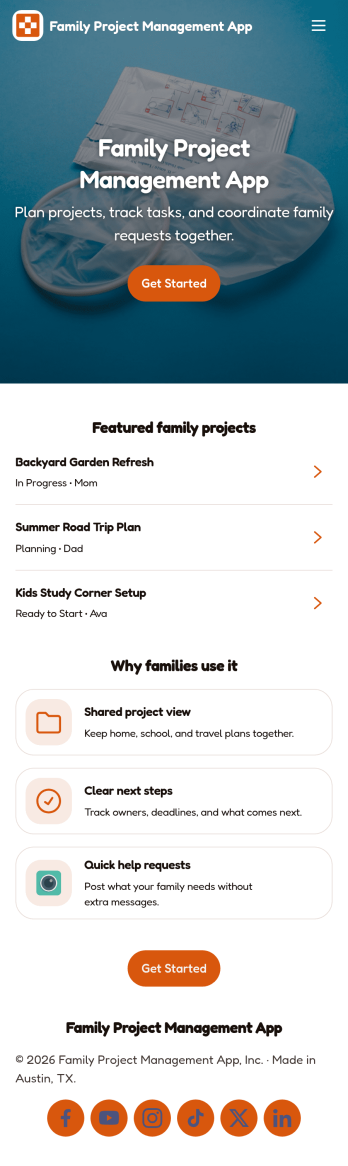
Family Project Management App
Family Project Management App helps households organize shared projects, coordinate tasks, and keep everyone aligned on what needs to happen next. Use it to manage everything from home improvement plans and holiday prep to school activities and recurring routines, with a simple way to browse projects, review open tasks, and maintain a quick family directory for who is involved. Built-in update forms make it easy for anyone to post progress notes as things change, so busy parents, caregivers, teens, and multi-home families can stay on the same page without long message threads.Jotform makes it easy to tailor this app template to your family’s workflow with a no-code app builder and a drag-and-drop interface. Connect the app to forms and tables for ongoing data collection, set up simple workflow steps for updates and follow-ups, and share access with a link so everyone can use it on the go. With Jotform App Templates, you can adjust pages, labels, and structure in minutes to fit how your household plans, tracks, and completes projects through self-service.
Go to Category:Organization Apps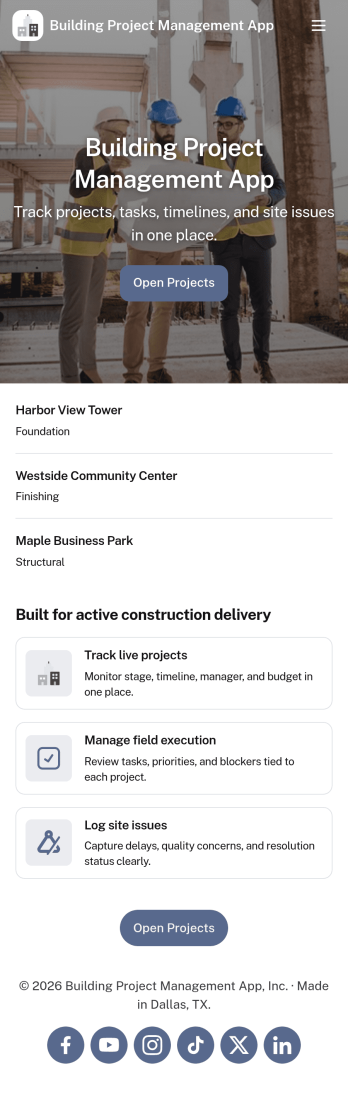
Building Project Management App
Building Project Management App helps teams organize active builds by keeping project records and day-to-day work in one place. It’s a practical fit for construction managers, general contractors, engineering teams, and operations leads who need a clear view of projects, open tasks, and what needs attention next. With dedicated areas to view projects, review open tasks, and add a task directly from a specific project, the app supports smoother handoffs and fewer missed action items as work moves from planning to execution.Jotform makes it simple to publish this kind of workflow as a polished, shareable experience using App Templates and a no-code app builder. Customize pages with a drag-and-drop interface, connect your app to forms and tables for reliable data collection, and keep work moving with a workflow that your team can access from a single link. Whether you’re coordinating multiple job sites or managing internal build initiatives, Jotform helps you turn project updates into a self-service hub your team will actually use.
Go to Category:Construction Apps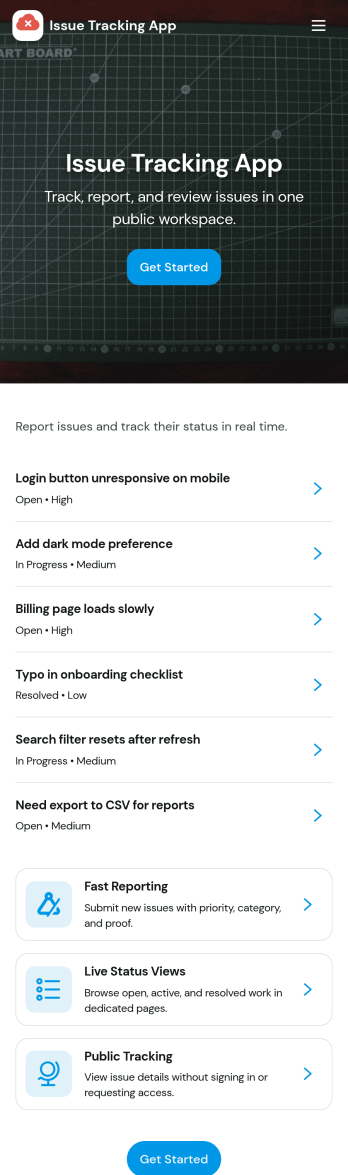
Issue Tracking App
Issue Tracking App helps teams capture, organize, and follow up on problems without losing context. Use it to report new issues as they come up, submit a new ticket in seconds, and keep a personal view of what you’ve raised through My Issues and My Submissions. It fits IT support, engineering, operations, and internal service teams that need a clear place for employees or customers to flag bugs, service interruptions, and process blockers, then monitor what’s still pending review.Built with Jotform App Templates, this app template turns everyday issue reporting into a simple self-service experience you can share as a link or QR code. Customize pages with a drag-and-drop interface, connect the report form to your data collection workflow in Jotform, and keep issue records organized for faster triage and better visibility across the team.
Go to Category:Information Technology Apps
Map Design App
Map Design App is a centralized workspace for organizing map concepts, gathering project requirements, and reviewing location-based design references. It suits cartographers, geographic information teams, urban planners, designers, engineers, agencies, educators, and organizations that commission custom maps. Users can browse a map library, open entries with location details and coordinates, submit a design brief, and revisit submitted briefs. Keeping audience needs, visual preferences, project notes, and geographic information together gives creative and technical teams clearer direction. This app template is useful for planning illustrated maps, visitor guides, event maps, campus resources, development proposals, and other projects that need a consistent briefing process.Jotform makes the Map Design App easy to adapt with a no-code app builder and an intuitive drag-and-drop interface. Teams can update pages, cards, buttons, images, and branding to match their services or internal workflow. Connected forms support data collection, while organized navigation gives clients and team members convenient self-service access to references and brief submission. Publish the finished app with a shareable link or QR code so contributors can use it on phones, tablets, or computers. Jotform App Templates also connect with tables, approvals, notifications, and related workflows, helping teams turn map requests into an accessible and collaborative project experience.
Go to Category:Engineering Apps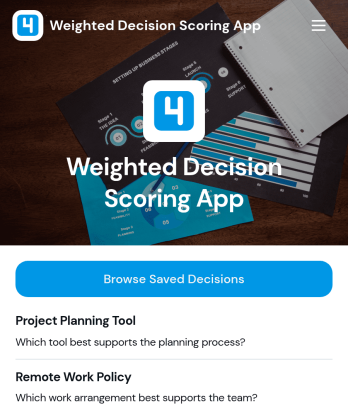
Weighted Decision Scoring App
Weighted Decision Scoring App provides a consistent way to evaluate choices against weighted criteria and compare their results. Managers, project teams, consultants, procurement groups, and business owners can use it when selecting vendors, prioritizing initiatives, reviewing proposals, or choosing between strategic options. Users can begin a weighted scoring exercise in a dedicated workspace and browse saved decisions for later reference. This shared approach reduces reliance on instinct alone, clarifies why one option ranks above another, and helps teams document repeatable decision-making processes.With Jotform Apps, this app template can be adapted to match an organization’s evaluation workflow without coding. The drag-and-drop interface makes it easy to update pages, navigation, visual branding, and supporting resources, while connected forms and tables can extend data collection and record management. Jotform’s no-code app builder also supports links to approvals and other processes, helping teams create a centralized self-service experience. Start with one of Jotform’s App Templates, tailor the scoring journey, and share the finished app through a direct link or QR code.
Go to Category:Management Apps