
The Commercial Gas Service App is a central service hub for contractors, field technicians, facilities teams, property managers, and businesses coordinating gas-related work at commercial sites. It supports service request intake, request tracking, and documentation of completed work while giving users convenient access to relevant safety guidance. Teams can capture urgency, site details, preferred dates, service scope, and contact information in one consistent process. This reduces scattered messages, keeps request details visible, and helps office and field staff coordinate maintenance, repairs, inspections, and other site visits more effectively.
Jotform provides customizable App Templates for turning service processes into accessible digital experiences without writing code. Start with this app template, then use the no-code app builder and drag-and-drop interface to adjust pages, branding, navigation, and connected workflows. Forms and tables can support organized data collection, while notifications help teams respond to new activity. Publish the finished app with a direct link or QR code so customers and staff can submit requests, review information, and use self-service resources from a phone, tablet, or computer.
Related templates
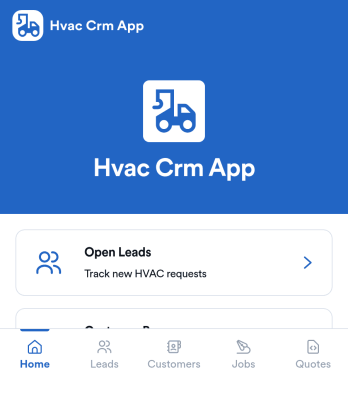
Hvac Crm App
HVAC Crm App helps heating and cooling businesses manage sales and customer relationships in one place, from capturing new inquiries to tracking active jobs and keeping customer histories organized. Use it to review open leads, browse your customer base, create jobs from qualified opportunities, and add customer notes so your team always has the latest context before a call, site visit, or follow-up.Built with Jotform App Templates, this app template can be tailored in a no-code app builder with a drag-and-drop interface, so you can match your workflow without technical overhead. Connect the app to forms and tables for consistent data collection, route updates to the right people, and share a self-service experience with your office staff or field team using a simple link or QR code.
Go to Category:CRM Apps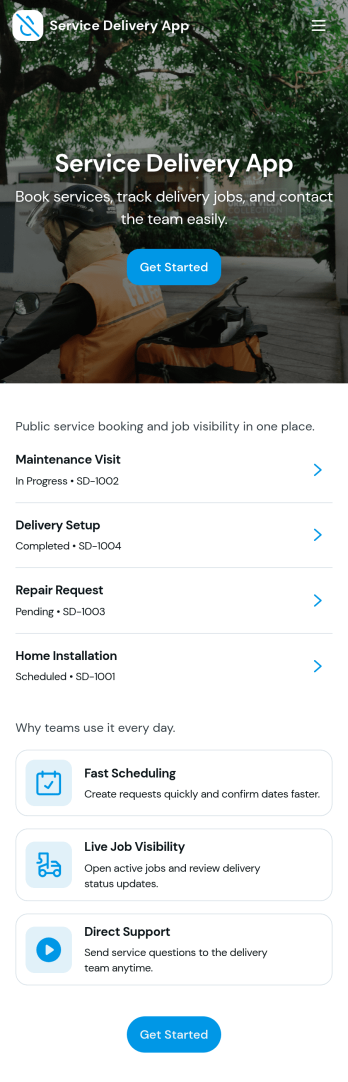
Service Delivery App
Service Delivery App helps service teams capture new requests, keep active jobs organized, and close out completed work without losing track of details. It fits field service providers, internal operations teams, and managed service groups that need one place to collect incoming work and monitor progress from start to finish. With quick navigation to a new request flow and clear sections for active and completed jobs, it supports everyday service delivery when volume is high and turnaround time matters.Jotform makes it easy to turn service workflows into a mobile-friendly self-service experience using App Templates and a no-code app builder. With a drag-and-drop interface, you can tailor pages, buttons, and lists to match how your team works, then connect the app to Jotform forms and tables for consistent data collection and smoother workflow handoffs. Share the app with a link or QR code so customers or staff can submit requests and review updates in one streamlined space.
Go to Category:Online Service Apps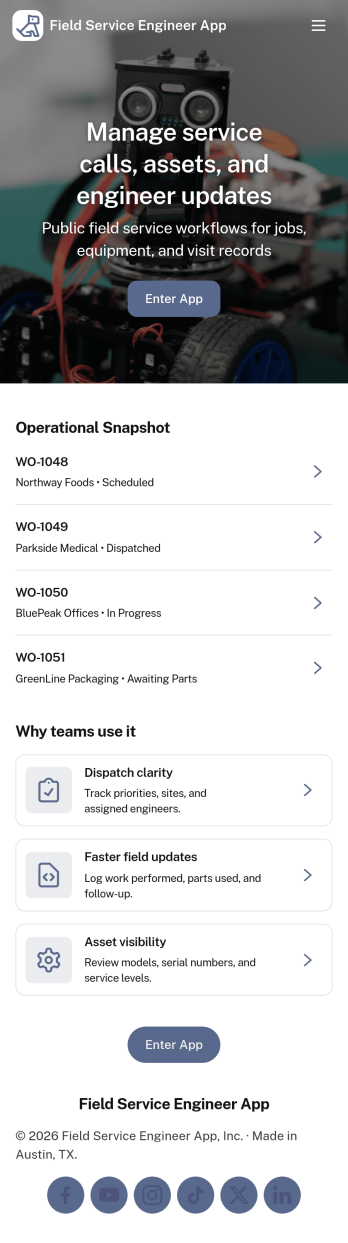
Field Service Engineer App
Field Service Engineer App helps field engineers manage daily site work by organizing today’s jobs, keeping work orders easy to browse, and providing a clear path to close out completed jobs. It’s a practical fit for service and maintenance teams, engineering contractors, and operations groups that need a simple way for technicians to check what’s next, open a job to review details, and finish work in the field without digging through messages or paperwork.With Jotform, you can turn this app template into a branded, self-service experience for your team using a no-code app builder and a drag-and-drop interface. Connect job closeout to a form for consistent data collection, keep work order records organized, and refine the workflow as your processes evolve, then share the app with a link or QR code so engineers can access it on any device.
Go to Category:Engineering Apps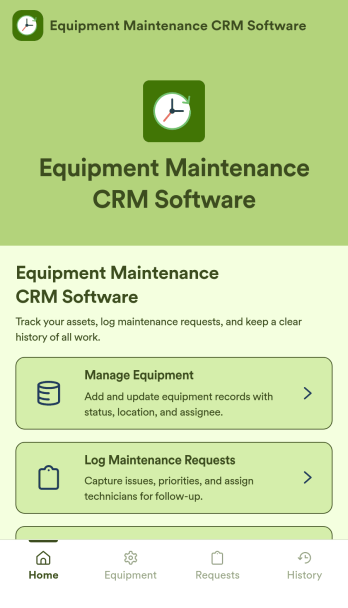
Equipment Maintenance CRM Software
Equipment Maintenance CRM Software is an app template designed to streamline the management of customer data, service histories, and maintenance activities. This robust template is intended for maintenance service companies, field service teams, asset managers, and operations departments who are keen on enhancing their service delivery. It centralizes customer data and service history, significantly reducing downtime and boosting operational efficiency. This template is particularly beneficial in scenarios of regular equipment maintenance checks, enabling a smoother scheduling process and better coordination of service delivery. What's more, it's ready to use right out of the box, making data collection a breeze for teams, whether they're in the field or at the office. This template is best suited for organizations seeking to maintain a comprehensive record of equipment maintenance activities in one accessible system.With Jotform, the Equipment Maintenance CRM Software template becomes an operational powerhouse. Jotform's ease of use and customization abilities allow you to tailor the template to your specific needs without requiring any technical skills. The ability to collect electronic signatures simplifies the verification process of maintenance activities, making it an extremely convenient feature for field service teams. Furthermore, you can generate easily digestible reports and sheets from collected data for an overview of maintenance activities. With Jotform, keeping up with maintenance schedules and coordinating service delivery has never been easier. Collect, track, and manage your maintenance data with precision using the Equipment Maintenance CRM Software from Jotform.
Go to Category:CRM Apps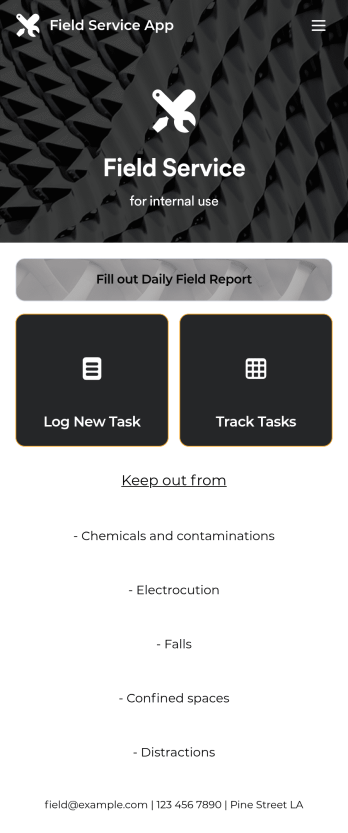
Custom Field Service App
A field service app makes it easier for technicians and other employees who work offsite to submit reports while in the field. Instead of using paper forms or waiting until you’re back at your office computer to submit reports, use this free Field Service App powered by Jotform to work anywhere, anytime. This customizable app template includes forms for submitting daily reports, logging new tasks, and tracking completed tasks. All submissions are instantly synced to your secure Jotform account.Need to modify this Field Service App to meet your needs? Just use our drag-and-drop builder to add forms, links, documents, buttons, pages, text, images, videos, tables, data grids, and much more. When it’s ready to use, download your app onto your smartphone, tablet, laptop, or computer for easy access. You can also share it with others via the app link or email invites. Get work done wherever you are with a custom, easy-to-use Field Service App.
Go to Category:Company Portal Apps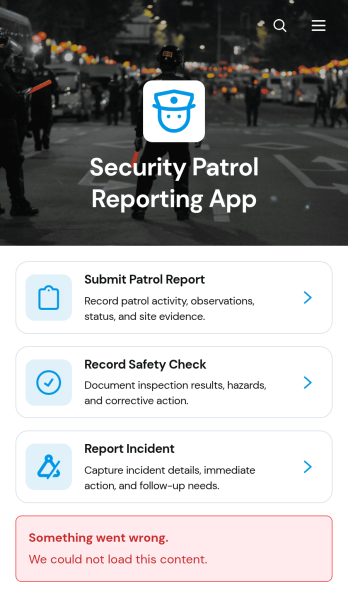
Security Patrol Reporting App
The Security Patrol Reporting App is an app template for documenting patrol activity, safety checks, and incidents across offices, residential properties, construction sites, warehouses, campuses, and other monitored locations. Security officers can submit patrol reports from the field, record inspection findings, and report incidents while details are still current. Supervisors, property managers, facility teams, and security service providers can review records by date, officer, location, status, severity, and follow-up needs. Bringing these activities into one accessible reporting experience reduces missing information, improves visibility across shifts, and helps teams respond to identified concerns.Jotform App Templates make it easy to adapt this reporting experience to an organization’s procedures without writing code. With Jotform’s no-code app builder and drag-and-drop interface, teams can update pages, branding, navigation, and connected forms to suit different properties or patrol assignments. Collected data can feed into tables, notifications, approvals, and related workflows, giving managers a central place to organize reports and monitor next steps. Once ready, the app can be shared with officers through a direct link or QR code for convenient mobile access and field-based self-service.
Go to Category:Report Apps