
The Contact Group Management App is a ready-to-use workspace for organizing people into searchable groups and keeping essential contact details easy to find. Sales teams, community coordinators, membership managers, nonprofit staff, event organizers, and small businesses can use it to add groups, browse grouped records, review individual contacts, and monitor useful insights. It replaces scattered spreadsheets and disconnected lists with a central location for names, email addresses, phone numbers, categories, and notes. Teams gain a clearer view of their networks, spend less time searching for information, and can maintain more consistent records for outreach, relationship management, event coordination, or internal communication.
Jotform makes this app template easy to adapt with a no-code app builder and an intuitive drag-and-drop interface. Customize pages, navigation, cards, buttons, colors, and fonts to match the way your team works, then connect forms and tables to support data collection and related workflows. The finished app can be shared through a direct link, QR code, or embedded experience, giving authorized users mobile-friendly access from nearly any device. Starting with Jotform App Templates also reduces setup time while leaving room to create a branded contact management and self-service experience that fits changing operational needs.
Related templates
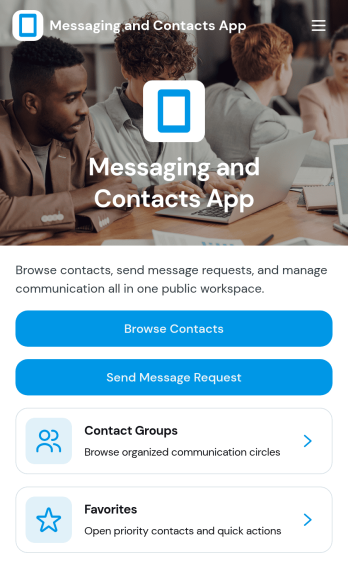
Messaging and Contacts App
Messaging and Contacts App helps teams organize contact details and send message requests from one central, easy-to-share workspace. It’s a practical fit for customer support, sales, community managers, and internal departments that need a simple way to browse contacts, group people by purpose, and quickly reach out when a follow-up is needed. With built-in navigation for browsing contacts, viewing favorites, and working with contact groups, this app keeps communication tasks moving without digging through spreadsheets or scattered tools.Jotform makes it easy to build and publish app templates like Messaging and Contacts App using a no-code app builder with a drag-and-drop interface. Connect buttons to forms for data collection, keep contact records organized, and support a smoother workflow for self-service updates and requests. Share your app through a link or QR code, tailor the branding to match your organization, and update the experience as your contact list and communication needs grow.
Go to Category:CRM Apps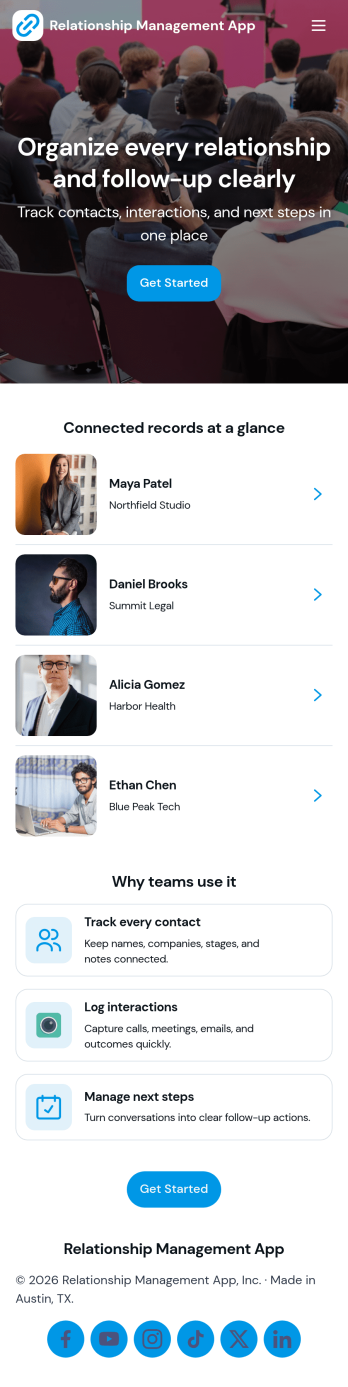
Relationship Management App
Relationship Management App helps teams keep important connections organized and easy to follow up on, whether you’re managing customers, leads, partners, donors, or community members. It brings key contact details into a simple contacts view and supports consistent outreach with interaction logging and reminders, so nothing gets missed after a call, meeting, or email. This works well for small businesses, sales and marketing teams, agencies, consultants, and nonprofits that need a lightweight way to track relationship history without juggling scattered notes or separate spreadsheets.With Jotform, you can turn relationship tracking into a shareable self-service experience using app templates and a no-code app builder. Customize pages with a drag-and-drop interface, connect your app to forms and tables for reliable data collection, and keep your workflow moving with quick updates and centralized records. Publish the app for your team, align on the same source of truth, and expand it as your process evolves.
Go to Category:Customer Engagement Apps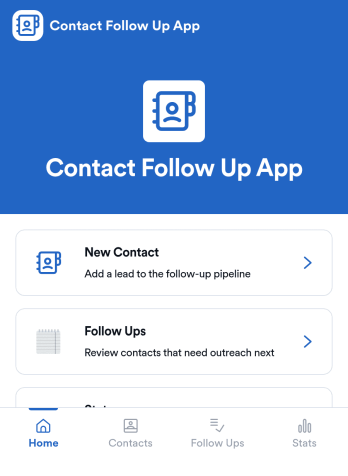
Contact Follow Up App
Contact Follow Up App helps you capture new leads and keep every conversation moving forward without losing track of who needs a reply. It’s built for sales reps, small business owners, agencies, and client-facing teams who juggle outreach across events, referrals, inbound inquiries, and repeat customers. With a simple New Contact entry point and a dedicated Follow Ups area, you can quickly log contact details, review people who need attention, and open an individual contact view when it’s time to act.Jotform makes it easy to turn this kind of follow-up workflow into a shareable, branded experience using a no-code app builder and a drag-and-drop interface. Connect your app to forms and tables for consistent data collection, keep information organized in one place, and publish updates fast as your workflow evolves. Whether you’re tracking lead status, prioritizing outreach, or reviewing simple stats, Jotform app templates help you deliver reliable self-service and internal processes without extra tools.
Go to Category:Customer Engagement Apps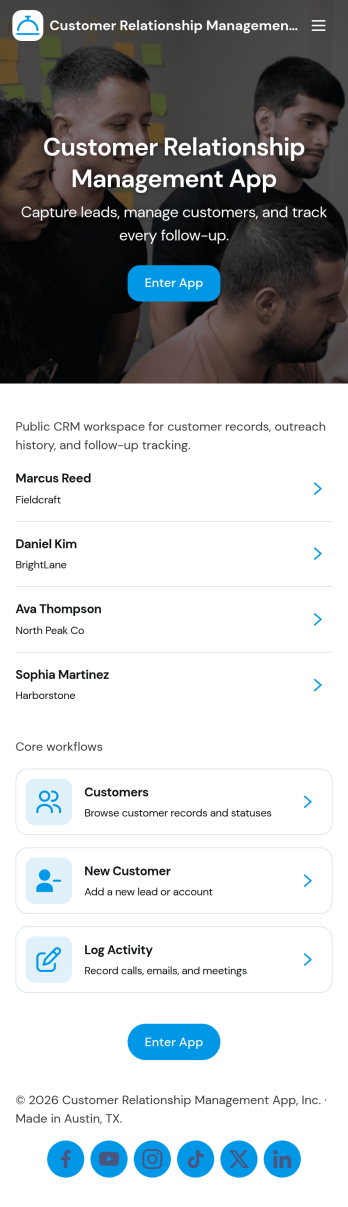
Customer Relationship Management App
Customer Relationship Management App brings your relationships, pipeline, and follow-ups into one place so teams can stay on top of every interaction. Use it to capture and update contacts, review deal progress, and keep daily work moving with task tracking. It fits sales teams, account managers, consultants, and service businesses that need a simple way to organize customer details, monitor opportunities, and avoid missed next steps as leads move from first touch to closed deal.With Jotform, you can tailor this app template to match how your team works using a no-code app builder and a drag-and-drop interface. Connect your contact, deal, and task forms to your workflow, keep data collection consistent across pages, and share a self-service experience with teammates from a single link. As your process grows, you can adjust fields, add steps, and organize records so everyone has clear visibility into customer activity.
Go to Category:Customer Portal Apps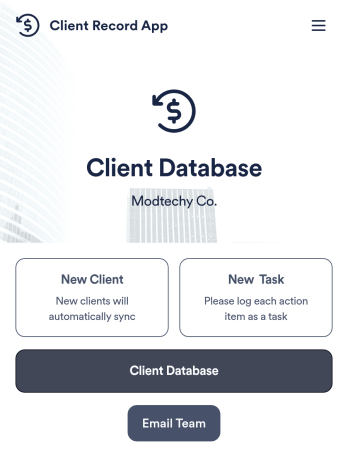
Client Record App
A client record app is used by companies to keep track of clients in a Jotform Tables database. With our Client Record App, you can add general contact information for new clients and view a list of existing clients. There is also a separate task form for employees to log projects. Submissions are stored securely in your online account and can be accessed directly through your app from any smartphone, tablet or computer.This Client Record App can be easily customized without any coding. Our drag-and-drop builder allows you to add and change forms, upload your logo, choose fonts and colors, create a custom app icon and splash screen, and more. When you’re finished, your team can access and download your app on any device with a share link. Keep all your business contacts in one convenient location with this Client Record App!
Go to Category:Freelancer Apps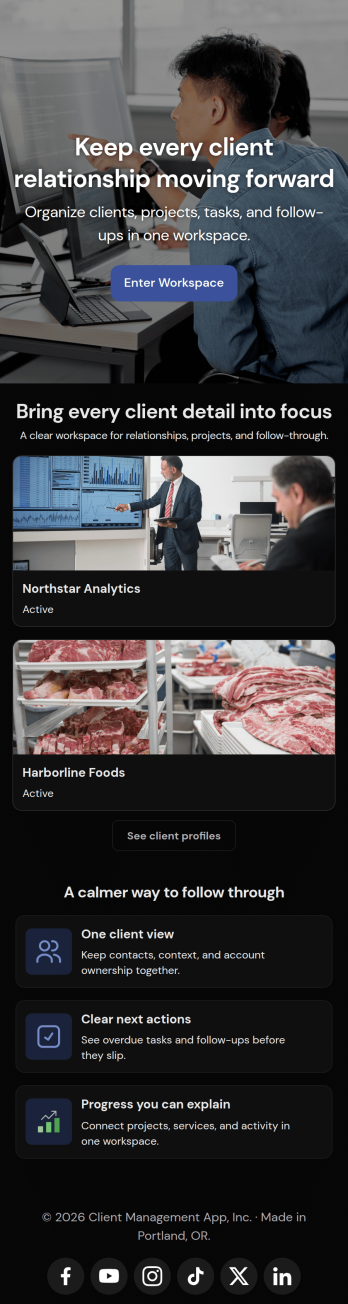
Client Management App
Looking for a way to manage clients without relying on expensive CRM software? Our free Client Management App is just the tool your team needs for tracking all your company’s relationships and interactions with clients. This customizable app shares all your forms at once, so you can register new clients, access your CRM database, log tasks, generate reports, and collect feedback all in one place.Customize your Client Management App to meet your company requirements. No coding necessary—just drag and drop to add or delete forms, embed links to your spreadsheets or other sites, change text and images, and even update your app icon and name to match your branding. Jotform’s List Element feature lets you connect Tables and Role-based features; you can control access so admins and other users see only the parts of the app relevant to them. When your app is ready to use, send the link to teammates to open and download on any smartphone, tablet, or computer. Increase customer loyalty and retention for your company with a custom Client Management App as your go-to CRM tool!
Go to Category:Management Apps