
The Continuous Improvement App is an app template for collecting, reviewing, and monitoring ideas that improve processes, services, and workplace practices. Operations managers, quality teams, department leaders, consultants, and employees can use it to document a problem or opportunity, propose a change, and explain the expected benefit. Users can submit improvement ideas from one central location, browse detailed proposals, and view progress through status-based reporting. This shared experience gives decision-makers clearer visibility into suggestions while helping teams preserve valuable ideas, compare priorities, and build a culture of ongoing participation.
Jotform App Templates make it easy to turn this process into an accessible digital workflow without coding. With Jotform’s no-code app builder and drag-and-drop interface, organizations can customize pages, branding, navigation, and connected data collection forms to match their internal procedures. Submissions can be organized in tables, connected with approval steps, and supported by automatic notifications for timely follow-up. Once published, the app can be shared through a direct link or QR code, giving employees and reviewers convenient self-service access from desktop and mobile devices.
Related templates
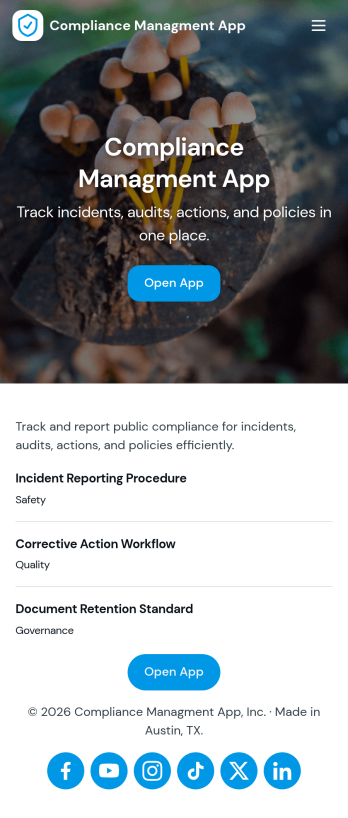
Compliance Managment App
Compliance Managment App brings your day-to-day compliance work into one place so teams can keep controls visible, document what happened, and stay ready for reviews. It’s built for operations leaders, IT and security teams, HR, and managers who need a practical way to organize controls, report incidents as they occur, log audits, and maintain supporting documents without hunting across folders or email threads.With Jotform you can turn this app template into a branded self-service workspace using a drag-and-drop interface and a no-code app builder. Connect the app to forms and tables to support ongoing data collection, route key steps through a workflow, and keep updates consistent across controls, incidents, audits, and documents. Share it with internal stakeholders through a link, tailor pages to your process, and keep information easy to access on any device.
Go to Category:Information Technology Apps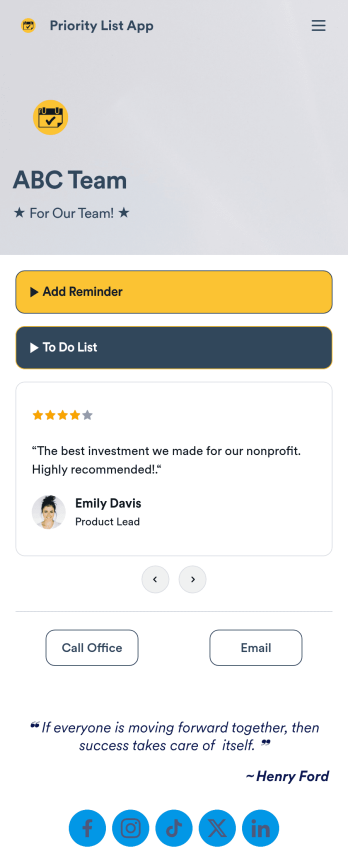
Priority List App
A priority list app is used by employees who work in a team to prioritize tasks. With Jotform’s free Priority List App, team members can easily add tasks with priority levels and deadlines, as well as set reminders. Tasks are compiled in a searchable and easy-to-understand task list table, which can be accessed by team members on any device.Customizing this Priority List App is easy. With our drag-and-drop form builder, you can add new forms, upload images, change fonts and colors, and more — all with no coding. After you’re done, you can share your app with other team members via link, or even embed it in an internal website. Your app can be downloaded on any smartphone, tablet, or desktop for future use. Keep your team on track with this fully customizable Priority List App!
Go to Category:Management Apps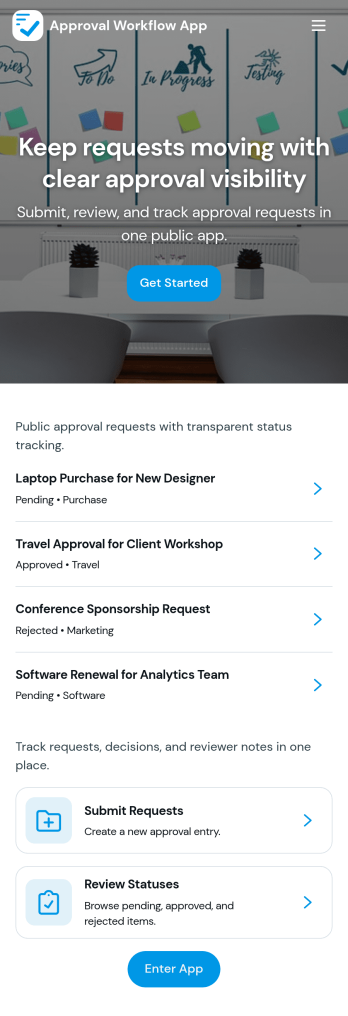
Approval Workflow App
An Approval Workflow App helps teams route requests to the right reviewers, track decisions, and keep work moving without losing context in email threads. Use it for purchase requests, policy exceptions, creative reviews, time-off approvals, access requests, vendor onboarding steps, and any situation where a requester needs a clear outcome from an approver. With entry points for New Request and a centralized Review Queue, reviewers can quickly open items, check key details, and move each request from submit to review to decide while maintaining consistency across departments.Jotform makes it easy to publish this type of self-service experience using App Templates built with a no-code app builder. With a drag-and-drop interface, you can tailor the app’s pages, connect the request form to your workflow, and keep a searchable Decision History for visibility. Share the app with a link or QR code, control who can access the queue, and connect the process to the rest of your operations so request handling stays organized from start to finish.
Go to Category:Company Portal Apps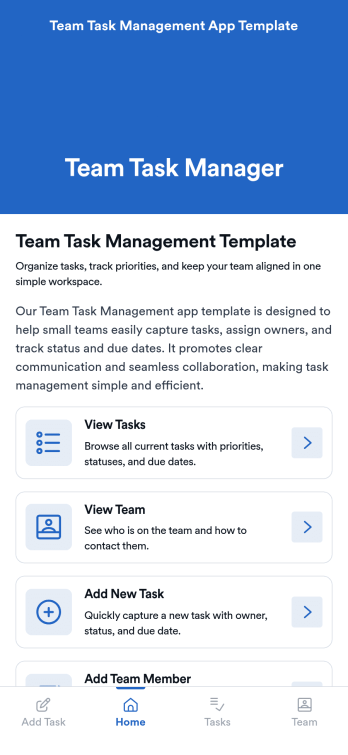
Team Task Management App Template
Team Task Management App Template is an app template designed to streamline the process of collecting and organizing patient appointment requests. It is perfect for healthcare providers, clinics, medical offices, and healthcare organizations seeking a reliable and efficient system for managing their scheduling requests. This template optimizes data collection, providing clarity and consistency in capturing essential details such as patient name, contact information, preferred appointment dates, and reasons for the visit. Notably, it excels in settings where efficient scheduling and coordination of healthcare services are paramount. The Team Task Management App Template is commonly used for handling a high volume of appointment requests and is best suited for service providers and administrators that need a unified system for managing patient scheduling requests.With Jotform's intuitive interface, customizing the Team Task Management App Template is as easy as a few clicks. You can adapt it to your unique operational needs, reflecting your brand's specific aesthetic and functional requirements. Through Jotform, you can effortlessly collect e-signatures from patients, providing a seamless and straightforward way for them to confirm their appointment requests digitally. Whether you're generating reports, creating custom sheets for data tracking, or managing your overall appointment requests, Jotform's Team Task Management App Template brings a level of simplicity and ease of use to your operations, making the often daunting task of managing high volumes of appointment requests manageable and efficient.
Go to Category:Task Management Apps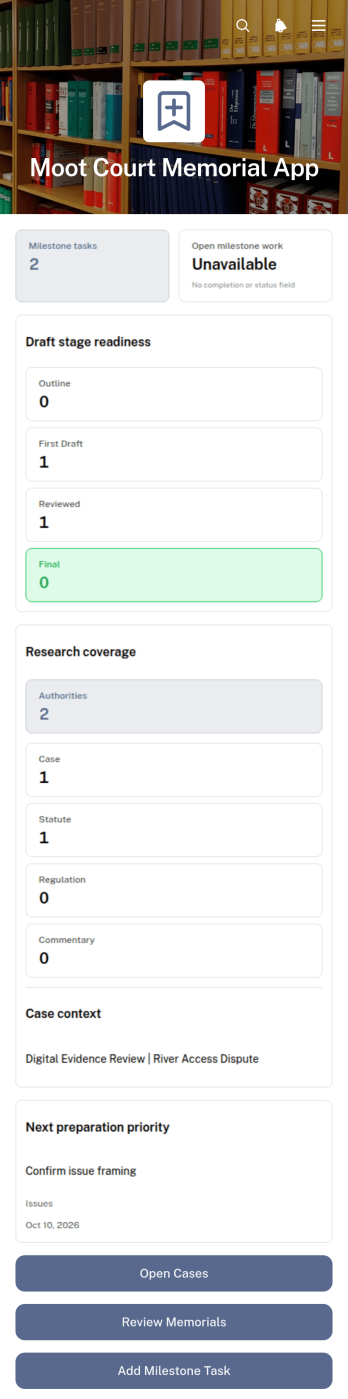
Moot Court Memorial App
The Moot Court Memorial App is an organized workspace for law students, moot court teams, coaches, and faculty advisers preparing written memorials for competitions or classroom exercises. Teams can maintain case records and legal authorities, assign milestone tasks with due dates, and review memorial drafts by stage from one accessible location. This structure helps participants connect research with written arguments, monitor drafting progress, and keep essential competition context visible throughout the preparation period. It is especially useful for teams handling several issues, authorities, deadlines, or draft versions while working toward a complete memorial.Jotform Apps makes this app template easy to adapt without coding. Using the drag-and-drop app builder, organizers can adjust pages, navigation, cards, buttons, colors, and typography to suit a course or competition workflow. Connected forms support data collection for new cases, authorities, tasks, and drafts, while organized records give team members a consistent self-service resource. Once ready, the app can be shared through a direct link or QR code for convenient access on phones, tablets, and computers.
Go to Category:Legal Apps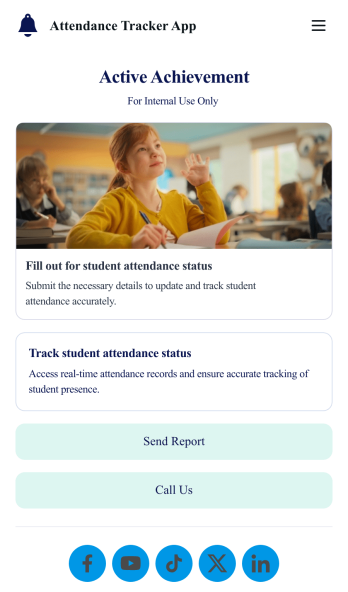
Custom Attendance Tracker App
An attendance tracker app is used by teachers or managers to track attendance for their classroom or company. With Jotform’s free Attendance Tracker App, you can download the app onto your computer, smartphone, or tablet to easily track attendance online. Just fill out the forms to log attendance details, and access your records in a spreadsheet or calendar using Jotform Tables.Need to change elements of this app template? Upload your logo, add or remove forms, include helpful links, and change the app background or icon to get the exact design you need — with no coding knowledge required. Once you’ve used our drag-and-drop builder to customize your app, share it with a link to be downloaded onto any device. Track attendance more efficiently with a free Attendance Tracker App!
Go to Category:Classroom Management Apps